


Paint.book - colora per numero
Gioca su PC con BlueStacks: la piattaforma di gioco Android, considerata affidabile da oltre 500 milioni di giocatori.

Pagina modificata il: Nov 4, 2025
Run Paint.Book : Color by number on PC or Mac
Why limit yourself to your small screen on the phone? Run Paint.Book : Color by number, an app by ideaFun – Pixel Art Coloring Games Color by Number, best experienced on your PC or Mac with BlueStacks, the world’s #1 Android emulator.
About the App
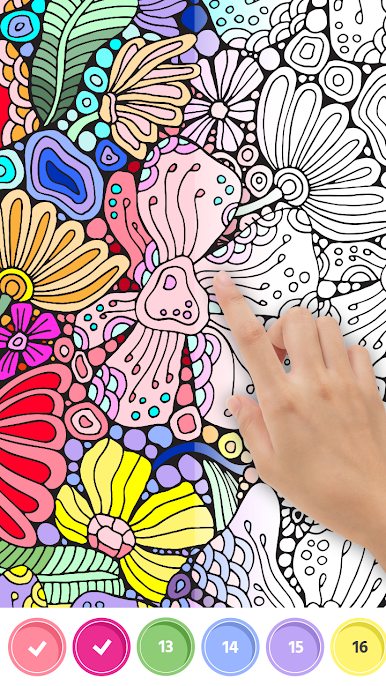
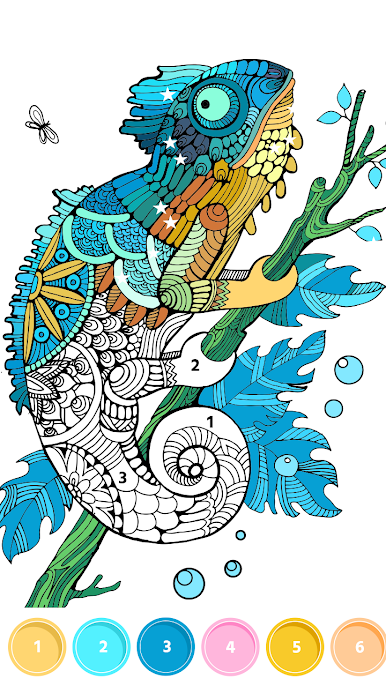
Paint.Book : Color by number makes it easy to unwind and get creative whenever you’ve got a minute. Pick a picture, tap the numbers, and watch your artwork come together one tile at a time—no pressure, just relaxing color by number fun. From ideaFun – Pixel Art Coloring Games Color by Number, this Entertainment app turns blank moments into mini art sessions you’ll actually look forward to.
App Features
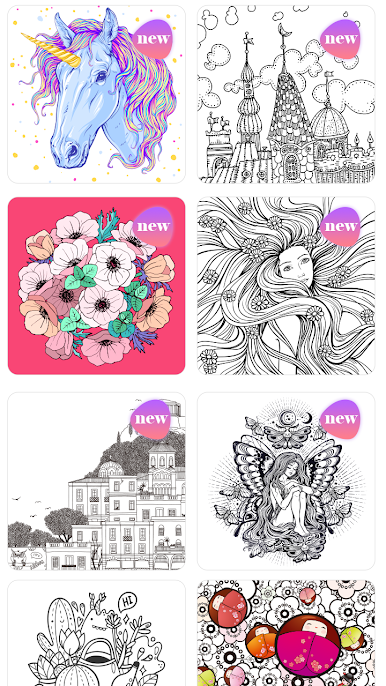
- Big range of pictures: People, animals, cartoons, mandalas, flowers, famous places, fun slogans, “world in a bottle,” fashion looks, unicorns—you’ll always find something that fits your mood.
- Chill soundscapes: Gentle background music and subtle effects help you settle in and focus while you color.
- Smooth, simple controls: Long-press to fill a bunch of cells at once, so larger areas don’t take forever.
- Pinch-to-zoom precision: Use two fingers to zoom in or out and nail those tiny details without squinting.
- Smart hint tool: Can’t spot that last number? The tip feature quickly points out what’s left to finish.
- Time-lapse video: Turn your finished piece into a short coloring video and share it with friends or on social apps.
- Fresh art daily: New coloring pages show up every day, keeping your gallery stocked and inspiring.
- Works offline: Color by number anywhere—no connection needed once your pages are loaded.
- Relax for everyone: Simple to learn, satisfying to complete, and great for stress relief solo or with family.
- Bigger canvas option: Prefer a larger screen? You can run it on BlueStacks to color comfortably on your PC.
Switch to BlueStacks and make the most of your apps on your PC or Mac.






Gioca Paint.book - colora per numero su PC. È facile iniziare.
-
Scarica e installa BlueStacks sul tuo PC
-
Completa l'accesso a Google per accedere al Play Store o eseguilo in un secondo momento
-
Cerca Paint.book - colora per numero nella barra di ricerca nell'angolo in alto a destra
-
Fai clic per installare Paint.book - colora per numero dai risultati della ricerca
-
Completa l'accesso a Google (se hai saltato il passaggio 2) per installare Paint.book - colora per numero
-
Fai clic sull'icona Paint.book - colora per numero nella schermata principale per iniziare a giocare

