


手電筒
在電腦上使用BlueStacks –受到5億以上的遊戲玩家所信任的Android遊戲平台。

Run High-Powered Flashlight on PC or Mac
Let BlueStacks turn your PC, Mac, or laptop into the perfect home for High-Powered Flashlight, a fun Tools app from iHandy Ltd..
High-Powered Flashlight keeps things simple in a good way. It opens fast and flips the light on right away, so there is no hunting through menus when the room is pitch dark. The main screen is a big, clear switch with an easy slider for modes. There are three ways to use it: a steady bright beam for normal stuff, a strobe with ten speed levels if someone needs attention, and an SOS pattern that follows the classic signal. A small compass stays visible so direction is always handy without swapping apps. The design looks clean, no clutter, and everything is readable even when tired eyes are squinting at night.
Running it on a PC with BlueStacks changes it a bit. There is no phone LED, so the app uses the screen as a bright panel, and the strobe and SOS show up as clear on-screen flashes. Still useful at a desk or in a dark room. It is the kind of tool that helps with quick tasks like finding keys, checking a breaker during a blackout, walking the dog, reading a few pages before sleep, or peeking under the sink while fixing a leak. No complicated settings, no learning curve, just a bright light and a couple practical extras that do what they say.
BlueStacks gives you the much-needed freedom to experience your favorite apps on a bigger screen. Get it now.
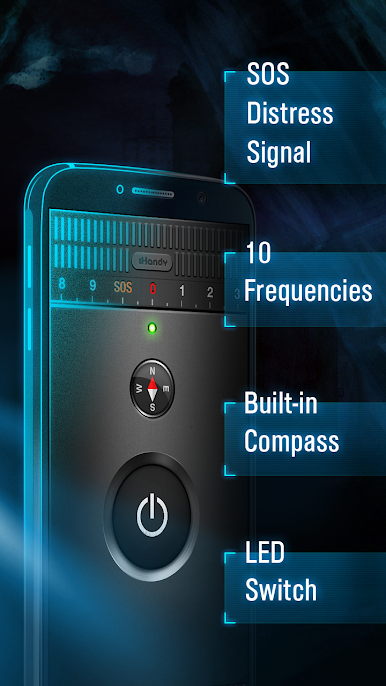
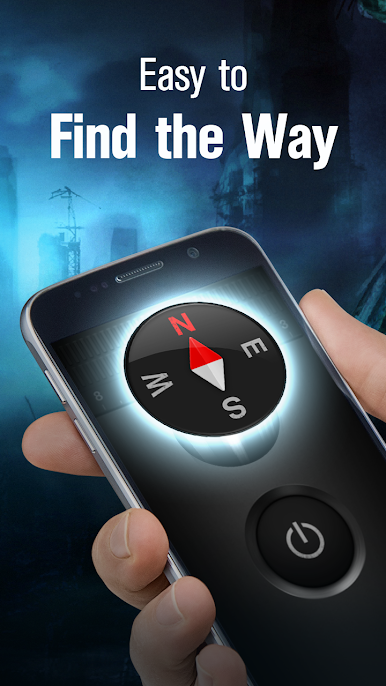
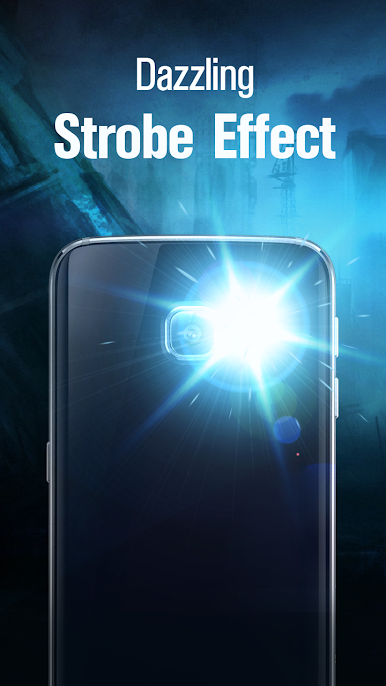
在電腦上遊玩手電筒 . 輕易上手.
-
在您的電腦上下載並安裝BlueStacks
-
完成Google登入後即可訪問Play商店,或等你需要訪問Play商店十再登入
-
在右上角的搜索欄中尋找 手電筒
-
點擊以從搜索結果中安裝 手電筒
-
完成Google登入(如果您跳過了步驟2),以安裝 手電筒
-
在首頁畫面中點擊 手電筒 圖標來啟動遊戲

