


Математика и логика
Играйте на ПК с BlueStacks – игровой платформе для приложений на Android. Нас выбирают более 500 млн. игроков.

Страница изменена: Oct 1, 2024
Run Math & Logic - Brain Games: Preschoolers to Age 10 on PC or Mac
Upgrade your experience. Try Math & Logic – Brain Games: Preschoolers to Age 10, the fantastic Education app from ImagiRation LLC, from the comfort of your laptop, PC, or Mac, only on BlueStacks.
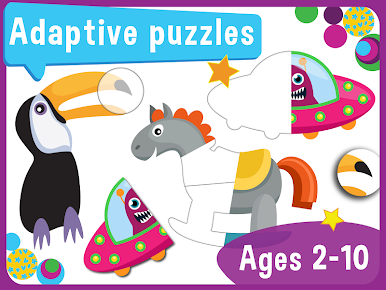
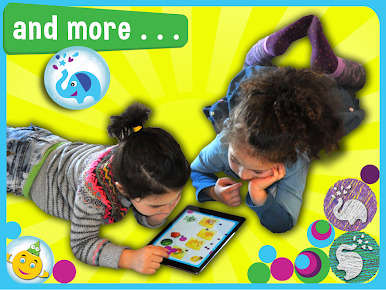
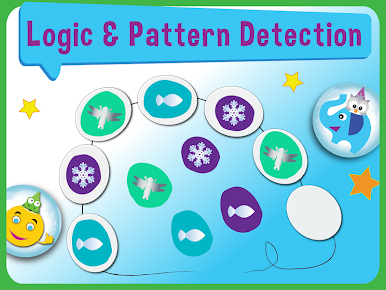
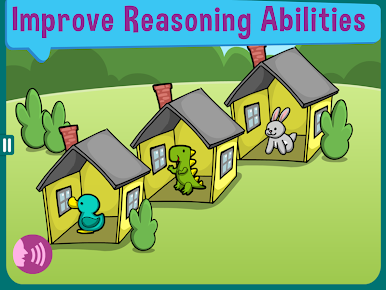
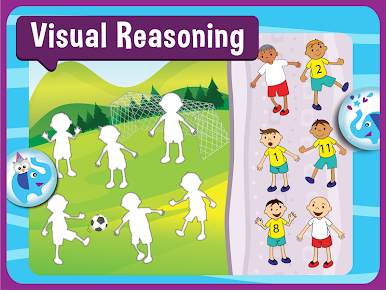
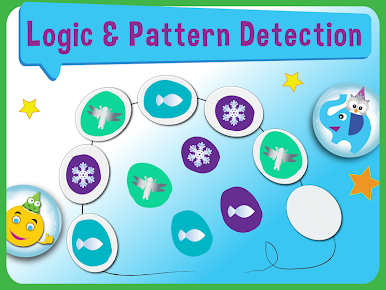
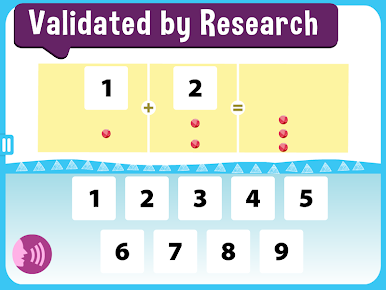
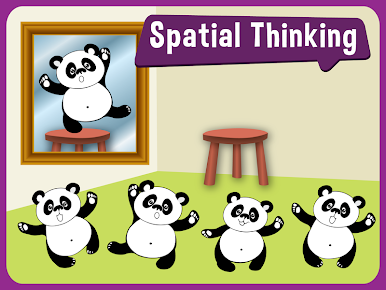
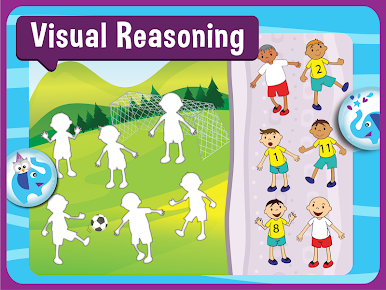
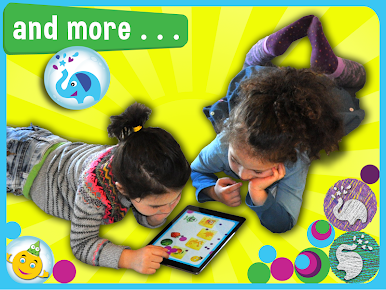
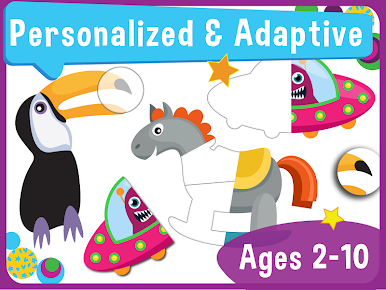
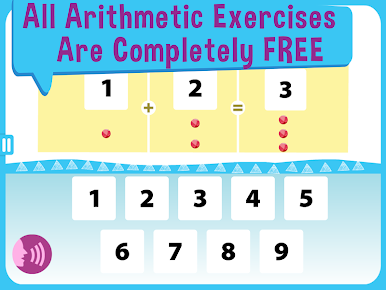
Math & Logic is basically a big bunch of brain games, puzzles, and little math challenges for young kids. The whole thing feels super clean and safe—there aren’t any ads popping up, and you don’t have to bother with log-ins or setting up an account. Kids can just jump right in, even if the Wi-Fi decides to quit. The games cover numbers, counting, adding, even some early multiplication and division, but it’s all hidden inside bright, simple puzzles and little art activities, so it never feels like hardcore schoolwork. The activities get harder or easier depending on how the kid is doing, and there’s a reward system at the end of each day to keep things interesting. Parents can check a progress tracker if they want to see how it’s going.
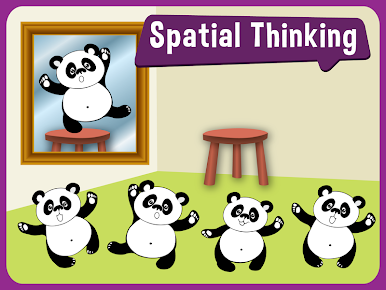
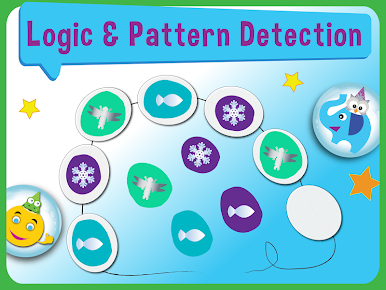
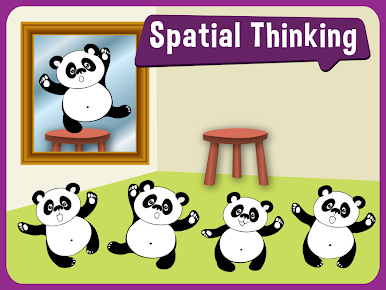
What really stands out is how the app tries to get kids to think before moving stuff around on the screen—less random tapping, more actually figuring stuff out. The design is colorful but not too busy, with cute animated characters that pop in for encouragement. There’s also a nice mix of creative tasks and logic puzzles, so it’s not only about numbers. Everything adapts as the child plays, so it doesn’t stick on things that are too easy, but doesn’t get frustrating, either. Lots of different languages are built in, which is handy if that’s needed. On a bigger screen with BlueStacks, everything feels roomy and easy to see, so even younger kids don’t get lost. If the goal is for a child to practice math, logic, or just get a bit of a mental workout without distractions, this one’s pretty straightforward about it.
Switch to BlueStacks and make the most of your apps on your PC or Mac.

Играйте в игру Математика и логика на ПК. Это легко и просто.
-
Скачайте и установите BlueStacks на ПК.
-
Войдите в аккаунт Google, чтобы получить доступ к Google Play, или сделайте это позже.
-
В поле поиска, которое находится в правой части экрана, введите название игры – Математика и логика.
-
Среди результатов поиска найдите игру Математика и логика и нажмите на кнопку "Установить".
-
Завершите авторизацию в Google (если вы пропустили этот шаг в начале) и установите игру Математика и логика.
-
Нажмите на ярлык игры Математика и логика на главном экране, чтобы начать играть.

