


Amar -Obrolan & Teman Sejati
Mainkan di PC dengan BlueStacks – platform Game-Game Android, dipercaya oleh lebih dari 500 juta gamer.

Run Amar -Chat & Real Friend on PC or Mac
Get freedom from your phone’s obvious limitations. Use Amar -Chat & Real Friend, made by DEEPMATCH TECHNOLOGY, a Social app on your PC or Mac with BlueStacks, and level up your experience.
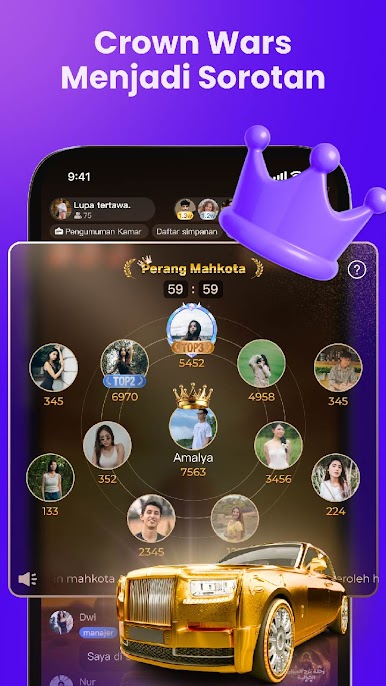
So, Amar – Chat & Real Friend is one of those apps where people can just jump in and start chatting without a lot of fuss. The whole thing is built around making it comfortable to talk, even if someone’s new or not exactly a natural at meeting new people. There’s a big focus on choices—with options to text, call, or even jump into video chats once you feel up for it. Starting off usually means typing, but if you’re in a group mood, there are voice chat rooms where everyone just talks freely. Works surprisingly smoothly, especially if you’re using BlueStacks on a bigger screen instead of just a phone.
There are group rooms going around the clock, so finding someone to talk to isn’t hard. When things get quiet or it feels awkward, there are topic bots to help keep conversations moving, which is helpful if small talk isn’t a strong point. The app tries to keep things real and secure too, since everyone has to verify they’re an actual person before joining in. And if you want to show off a bit, posting photos, audio clips, or just sharing a funny story is all part of it—kind of like a small social feed in between chats. Throw in the digital gifts, badges, and those bonus ways to show appreciation, and chatting on PC actually feels pretty lively. It’s not just about messaging; there’s a lot of easy ways to connect and a mix of people from everywhere, so it doesn’t ever feel empty or dull.
BlueStacks brings your apps to life on a bigger screen—seamless and straightforward.






Mainkan Amar -Obrolan & Teman Sejati di PC Mudah saja memulainya.
-
Unduh dan pasang BlueStacks di PC kamu
-
Selesaikan proses masuk Google untuk mengakses Playstore atau lakukan nanti
-
Cari Amar -Obrolan & Teman Sejati di bilah pencarian di pojok kanan atas
-
Klik untuk menginstal Amar -Obrolan & Teman Sejati dari hasil pencarian
-
Selesaikan proses masuk Google (jika kamu melewati langkah 2) untuk menginstal Amar -Obrolan & Teman Sejati
-
Klik ikon Amar -Obrolan & Teman Sejati di layar home untuk membuka gamenya

