


Index: Business Phone Number
Play on PC with BlueStacks – the Android Gaming Platform, trusted by 500M+ gamers.

Page Modified on: Dec 12, 2025
Play Index: Business Phone Number on PC
GET A DEDICATED BUSINESS PHONE NUMBER
Index gives you a local number that you can use alongside your existing business number or as a replacement for it. Your Index Number powers all of your Index communication tools and features.
RESPOND TO MISSED BUSINESS CALLS AUTOMATICALLY
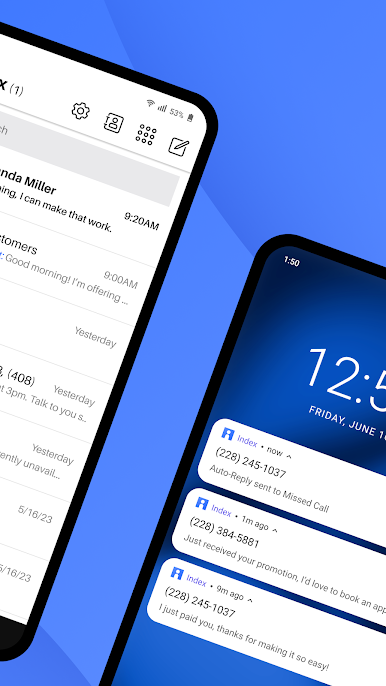
Turn missed calls into opportunities with Auto-Reply. Index immediately sends a custom, branded text message to keep customer conversations going when you can't pick up the phone. Share hours, important links, and anything else that might help you win new business.
HELP CUSTOMERS INSTANTLY WITH TEXTING SHORTCUTS
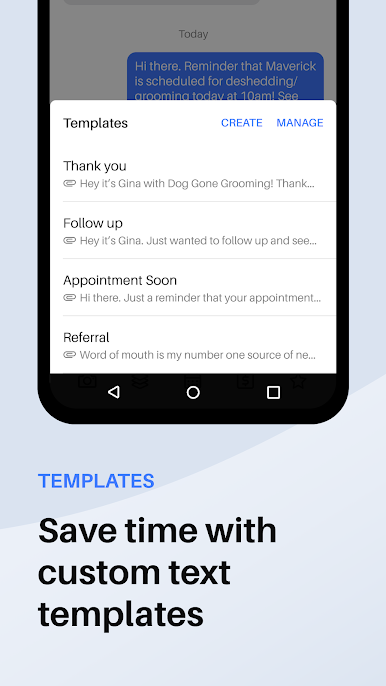
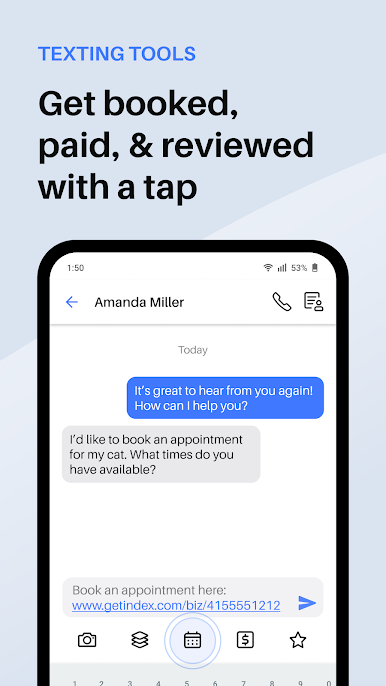
Access shortcuts for interacting with customers right from your text thread using Index’s Texting Toolbar. Create reusable templates for common questions, book appointments, request payment, collect reviews, and more—all with a tap.
CAPTURE AND ORGANIZE IMPORTANT CUSTOMER INFORMATION
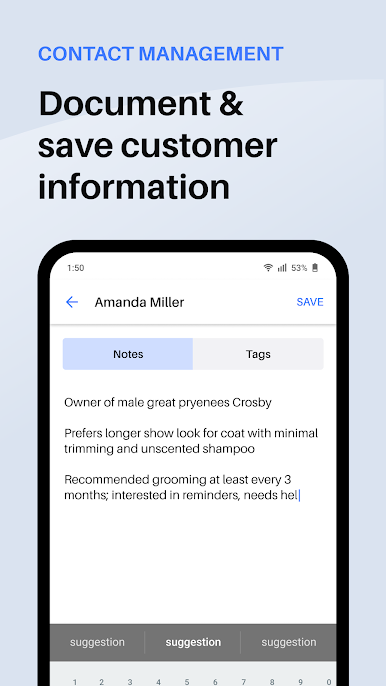
Save important details about your customers easily, and reference them quickly to add a personal touch to every conversation. Organize customers into lists for sharing updates, offers, and more.
REACH CUSTOMERS THE WAY THEY PREFER TO BE REACHED
89% of customers prefer texting businesses over any other mode of communication. Index’s suite of simple, text-based features empowers businesses to reach customers on their terms.
Index gives you powerful tools to manage your customer interactions with the convenience of text.
Download Index today to start your risk-free 7-day trial. Cancel anytime.
Terms of service:
https://www.pinger.com/terms
Privacy Policy:
https://www.pinger.com/privacy-policy/


Play Index: Business Phone Number on PC. It’s easy to get started.
-
Download and install BlueStacks on your PC
-
Complete Google sign-in to access the Play Store, or do it later
-
Look for Index: Business Phone Number in the search bar at the top right corner
-
Click to install Index: Business Phone Number from the search results
-
Complete Google sign-in (if you skipped step 2) to install Index: Business Phone Number
-
Click the Index: Business Phone Number icon on the home screen to start playing

