


Dragon Robot - Car Robot Game
Jogue no PC com BlueStacks - A Plataforma de Jogos Android, confiada por mais de 500 milhões de jogadores.

Página modificada em: Jul 25, 2022
Play Dragon Robot - Car Robot Game on PC or Mac
Bring your A-game to Dragon Robot – Car Robot Game, the Adventure game sensation from Game Inferno. Give your gameplay the much-needed boost with precise game controls, high FPS graphics, and top-tier features on your PC or Mac with BlueStacks.
About the Game
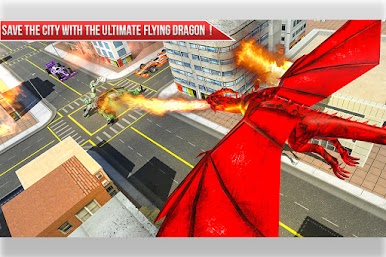
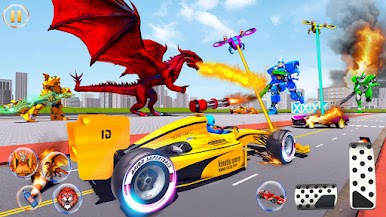
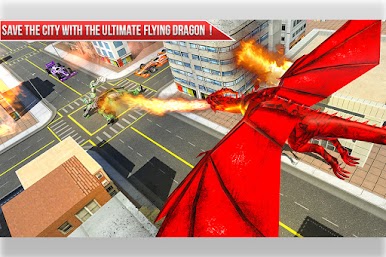
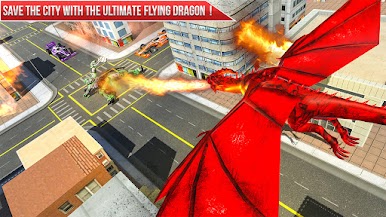
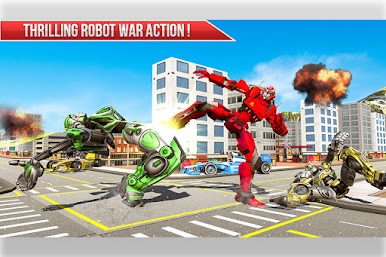
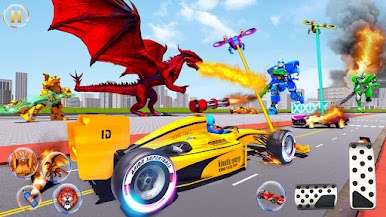
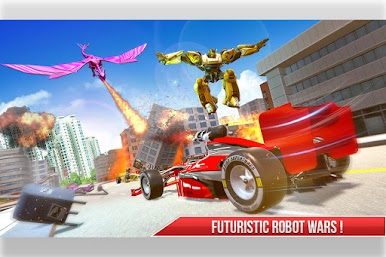
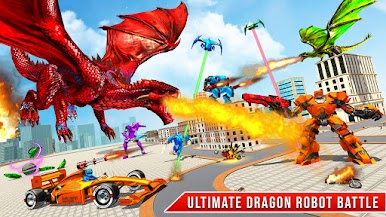
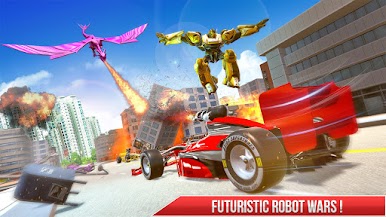
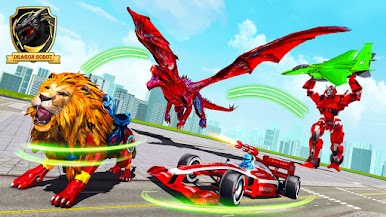
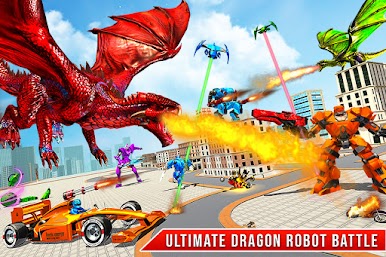
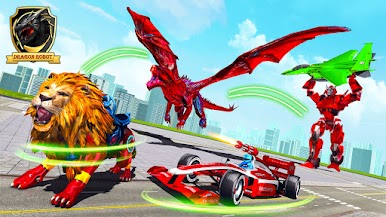
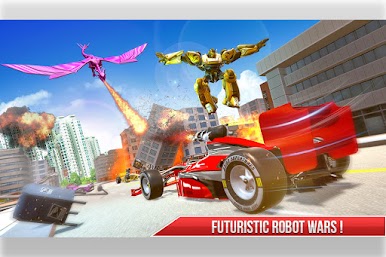
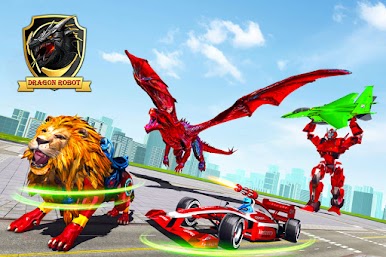
City under siege, robots falling from the sky, and you’re the one with the wildest trick up your sleeve. In Dragon Robot – Car Robot Game, you swap between a lightning-fast formula car and a fire-breathing mech dragon (with a lion form in the mix) to turn chaos into your playground. It’s an all-out Adventure from Game Inferno that blends street chases, aerial battles, and chunky sci-fi firepower.
Game Features
- Shapeshift Combat: Switch forms on the fly—tear through streets as a sleek car, soar as a powerful dragon, or bring the claws with a heavy-hitting lion form. Each one changes how you fight and move.
- Big City Battleground: A sprawling urban map gives you room to race, climb, and dogfight. Zip through alleys, rocket up to the rooftops, then own the skies.
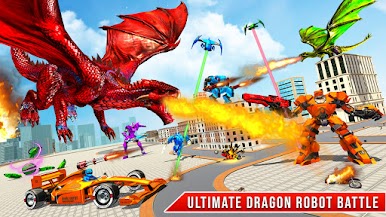
- Air vs. Ground Showdowns: Take on swarms of flying invaders above the skyline and armored foes on the streets. Quick strafes, sharp turns, and timely transformations keep every encounter fresh.
- Missions That Escalate: Tackle a mix of objective-based challenges—from intercepting aerial raids to clearing hostile zones on the ground—built to test your reflexes and timing.
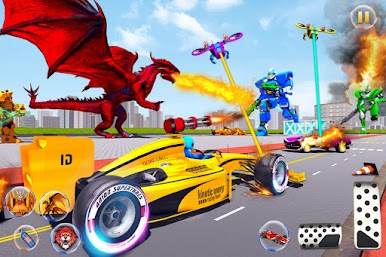
- Weapons That Feel Mean: Unleash high-tech cannons and precision shots with responsive gun controls designed for both car and dragon forms.
- Smooth, Snappy Controls: Tight handling and clean camera work make it easy to weave through traffic, swing into the air, and land those clutch shots.
- Cinematic Transformations: Fast, punchy animations make every switch feel powerful, whether you’re launching off a ramp or taking flight mid-chase.
- Play Your Way: Enjoy it on your phone, or run it on PC with BlueStacks if you want a bigger screen and keyboard control options.
Get ready for a buttery smooth, high-performance gaming action only on BlueStacks.
Jogue Dragon Robot - Car Robot Game no PC. É fácil começar.
-
Baixe e instale o BlueStacks no seu PC
-
Conclua o login do Google para acessar a Play Store ou faça isso mais tarde
-
Procure por Dragon Robot - Car Robot Game na barra de pesquisa no canto superior direito
-
Clique para instalar Dragon Robot - Car Robot Game a partir dos resultados da pesquisa
-
Conclua o login do Google (caso você pulou a etapa 2) para instalar o Dragon Robot - Car Robot Game
-
Clique no ícone do Dragon Robot - Car Robot Game na tela inicial para começar a jogar

