


Inoreader: News & RSS reader
Jogue no PC com BlueStacks - A Plataforma de Jogos Android, confiada por mais de 500 milhões de jogadores.

Página modificada em: Dec 9, 2025
Play Inoreader: News & RSS reader on PC
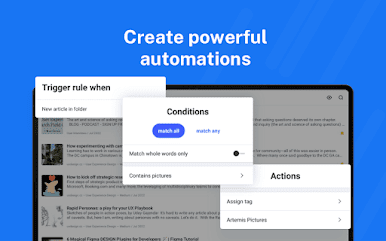
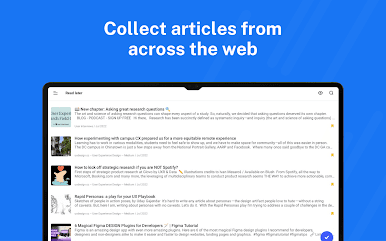
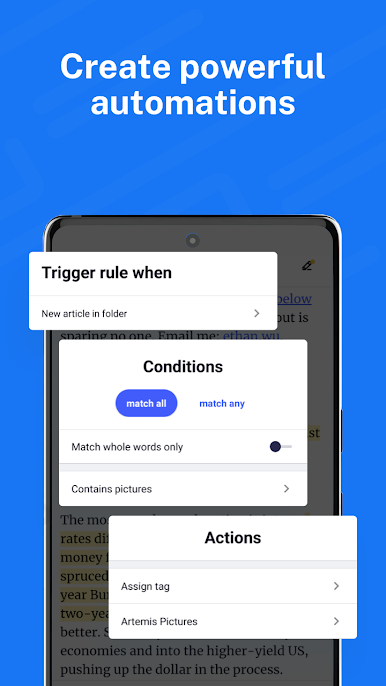
Follow your favorite websites, content creators, newsletters, and social media feeds. Discover and collect articles from across the web, share and collaborate with others. No more algorithms and editorial picks – you decide what’s important to you. Read or listen on the go, mark the essential bits and customize your view for the best experience. Use our advanced features to set up powerful automation and let Inoreader do the work!
-----
“Inoreader offers a well-designed interface, good search and discovery options, and a nice set of features that are beginner-friendly and offer plenty of options for advanced users.” – WIRED
“If you're feeling media burnout from overfed social feeds, Inoreader is a news tool that still sparks joy. It's a research tool, intelligence briefing portal, and social media filtration system.” – CNET
“Inoreader is one of the most feature-packed free RSS readers. A great tool for power users, but it's very accessible for beginners as well.” – Zapier
-----
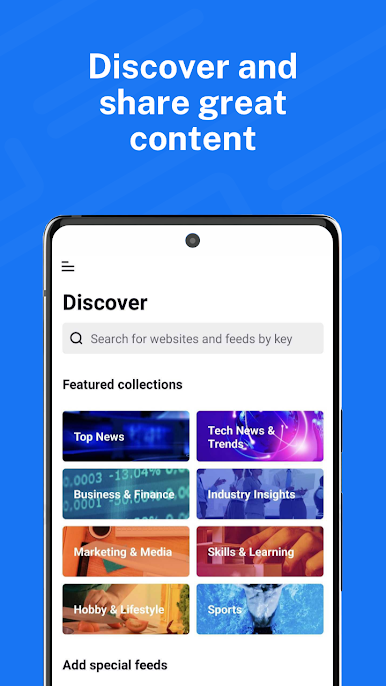
DISCOVER AND SHARE GREAT CONTENT
• Follow your favorite websites, blogs, and creators
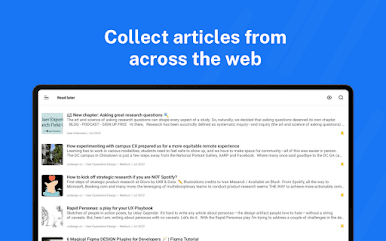
• Collect articles from across the web and save them for future reading
• Subscribe to newsletters with custom emails and declutter your inbox
• Explore collections curated by our team to feature the best sources
• Monitor Facebook pages, Reddit feeds, and Telegram channels
• Subscribe to YouTube channels and listen to podcasts
• Easily distribute content across social media and messaging apps
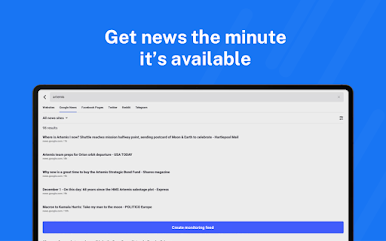
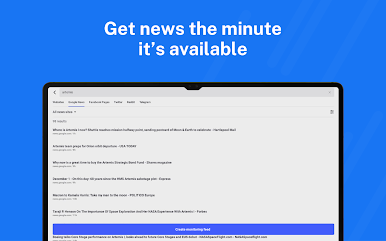
• Stay up to date with breaking news and create monitoring feeds
BECOME A MINDFUL READER
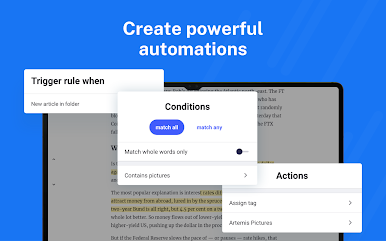
• Use automation tools to create rules and filter content
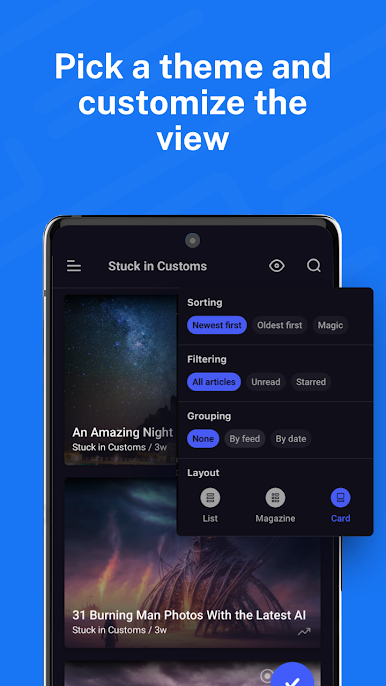
• Enhance your reading experience with custom layouts and themes
• Curate your own content with folders and tags
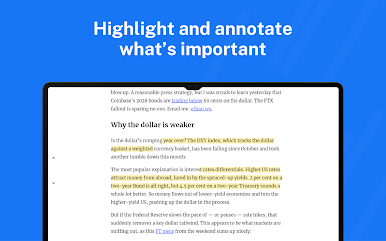
• Annotate the essential bits and keep them forever
• Highlight keywords to speed up your reading
• Translate articles in your language without additional extensions
• Load and keep the full content of articles without leaving the app
• Listen to the news on the go with our text-to-speech feature
• Download articles for offline reading
• Save to Pocket, Evernote, OneNote, Google Drive, and Dropbox
-----
Inoreader Pro is available with an annual subscription. You can subscribe with credit or debit card using Google Pay. Your subscription will automatically renew unless cancelled at least 24 hours before the end of the current period.
Terms of Use (EULA): https://www.apple.com/legal/internet-services/itunes/dev/stdeula/
Privacy Policy: https://www.inoreader.com/privacy_policy
For questions, issues, or general feedback, you can reach us at support@inoreader.com.














Jogue Inoreader: News & RSS reader no PC. É fácil começar.
-
Baixe e instale o BlueStacks no seu PC
-
Conclua o login do Google para acessar a Play Store ou faça isso mais tarde
-
Procure por Inoreader: News & RSS reader na barra de pesquisa no canto superior direito
-
Clique para instalar Inoreader: News & RSS reader a partir dos resultados da pesquisa
-
Conclua o login do Google (caso você pulou a etapa 2) para instalar o Inoreader: News & RSS reader
-
Clique no ícone do Inoreader: News & RSS reader na tela inicial para começar a jogar

