

Video to Audio MP3 Converter
500M + oyuncunun güvendiği Android Oyun Platformu, BlueStacks ile PC'de oynayın.

Sayfa Değiştirilme tarihi: Dec 8, 2025
Run MP3 Audio Cutter Converter Merger & Video to Audio on PC or Mac
Multitask effortlessly on your PC or Mac as you try out Video to Audio MP3 Converter, a Music & Audio app by Inverse AI on BlueStacks.
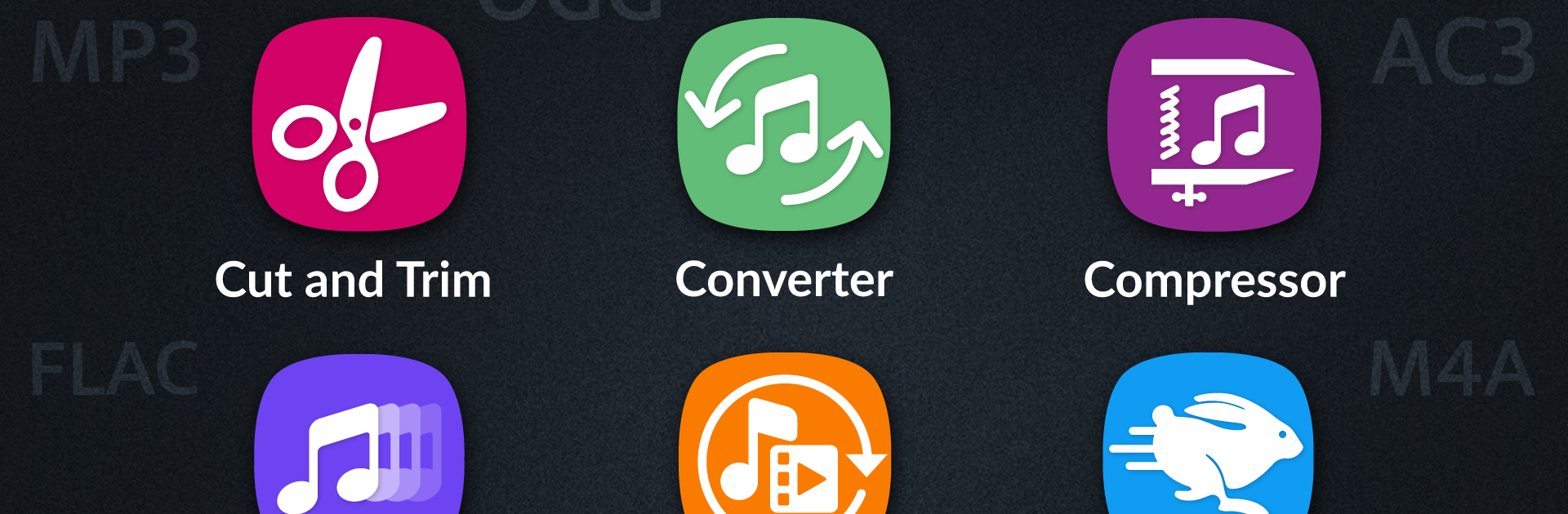
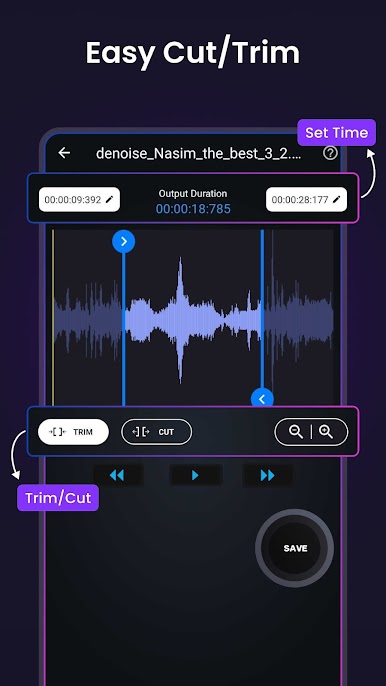
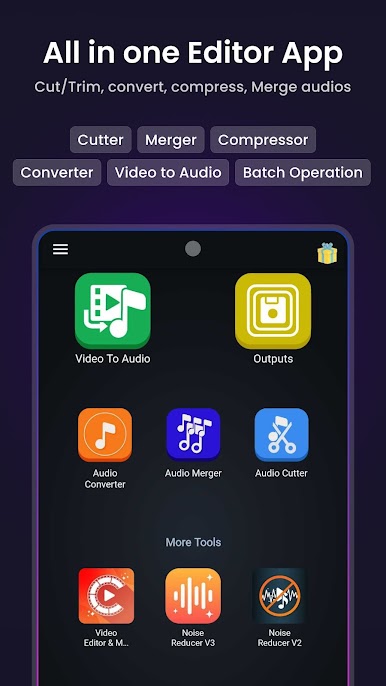
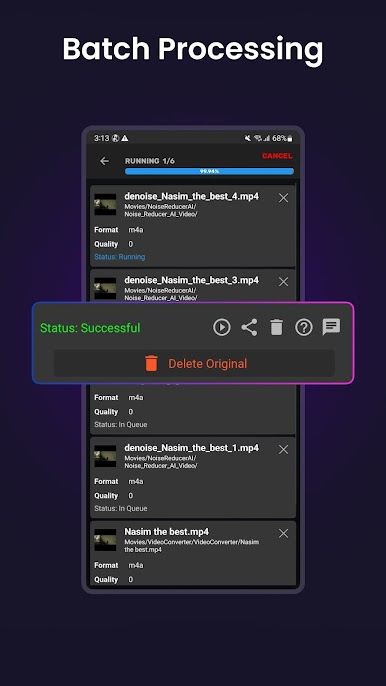
Video to Audio MP3 Converter is the kind of app that feels built for people who spend a lot of time with music or random audio files and just want things done quickly. It lets users snip, trim, combine, or change up audio tracks without much hassle, and everything runs smoothly, even on PC with BlueStacks. It’s more than just a basic cutter: there’s a lot of control over exactly where to start or end cuts, right down to the millisecond, and it shows waveforms, so you know exactly what’s getting chopped or saved. And it’s not stuck with just one file at a time—batch processing means a bunch of tracks can be set up to cut or convert, and the app just works through the list for you.
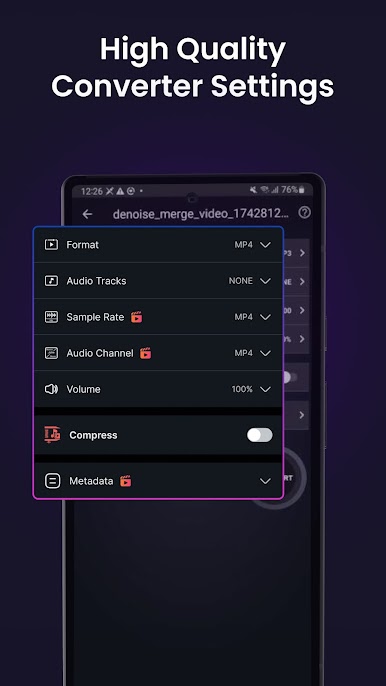
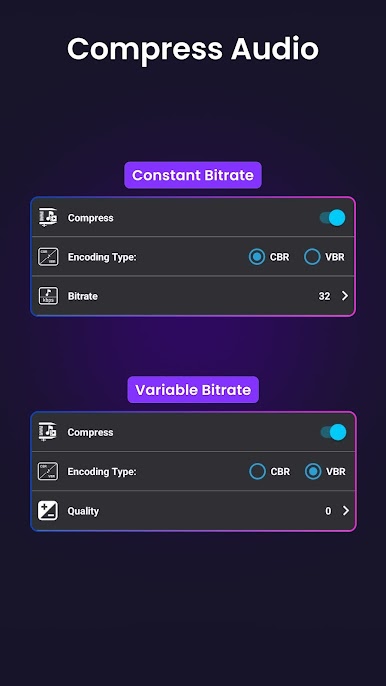
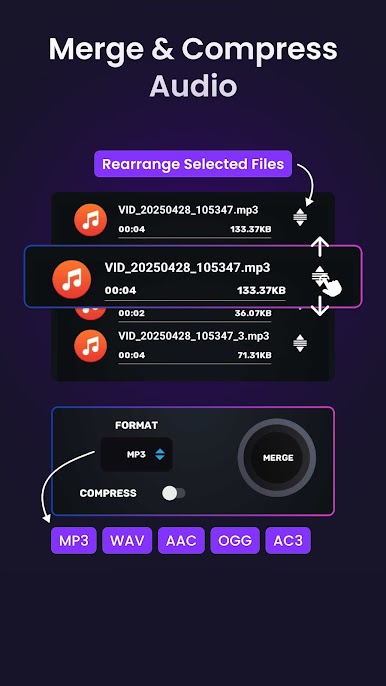
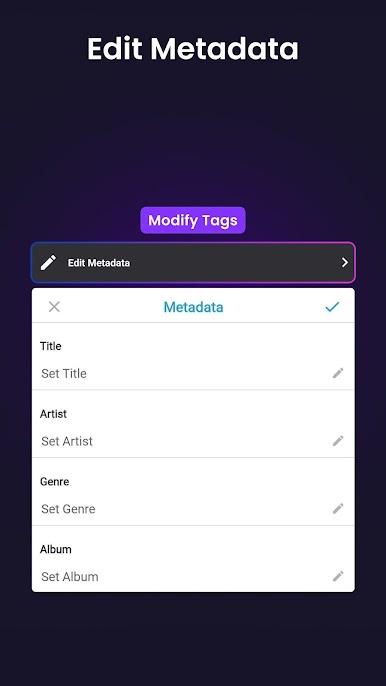
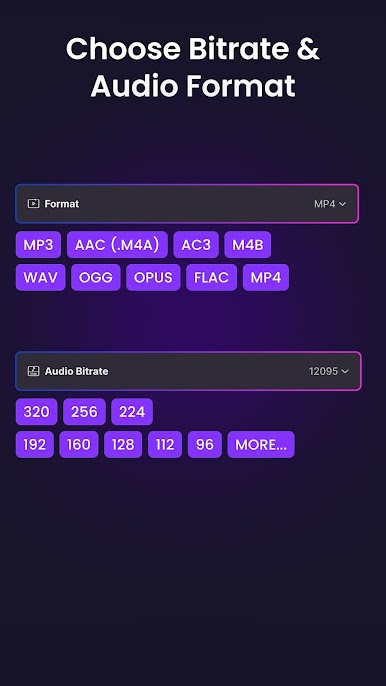
The format support is solid, so it’s not picky about whether the files are mp3, wav, flac, or even video files you want to turn into audio. There’s a merge tool too, if someone needs to stitch together podcast episodes or splice music clips. The converter also lets you pick stuff like bitrate, channel (mono or stereo), and sample rate, so you can shrink file sizes if needed or boost the quality. Saving an edit or conversion gives options for all the popular audio formats, so pieces are usable anywhere. It just feels practical—no frills, but flexible and fast, especially handy when running on a bigger screen with a mouse using BlueStacks. Everything important’s up front, so it’s easy to figure things out even if you haven’t edited audio before.
BlueStacks gives you the much-needed freedom to experience your favorite apps on a bigger screen. Get it now.
Video to Audio MP3 Converter oyununu PC'de oyna. Başlamak çok kolay.
-
BlueStacks'i PC'nize İndirin ve Yükleyin
-
Play Store'a erişmek için Google girişi yapın ya da daha sonraya bırakın.
-
Sağ üst köşeye Video to Audio MP3 Converter yazarak arayın.
-
Video to Audio MP3 Converter uygulamasını arama sonuçlarından indirmek için tıklayın.
-
(iEğer Adım 2'yi atladıysanız) Video to Audio MP3 Converter uygulamasını yüklemek için Google'a giriş yapın.
-
Oynatmaya başlatmak için ekrandaki Video to Audio MP3 Converter ikonuna tıklayın.

