

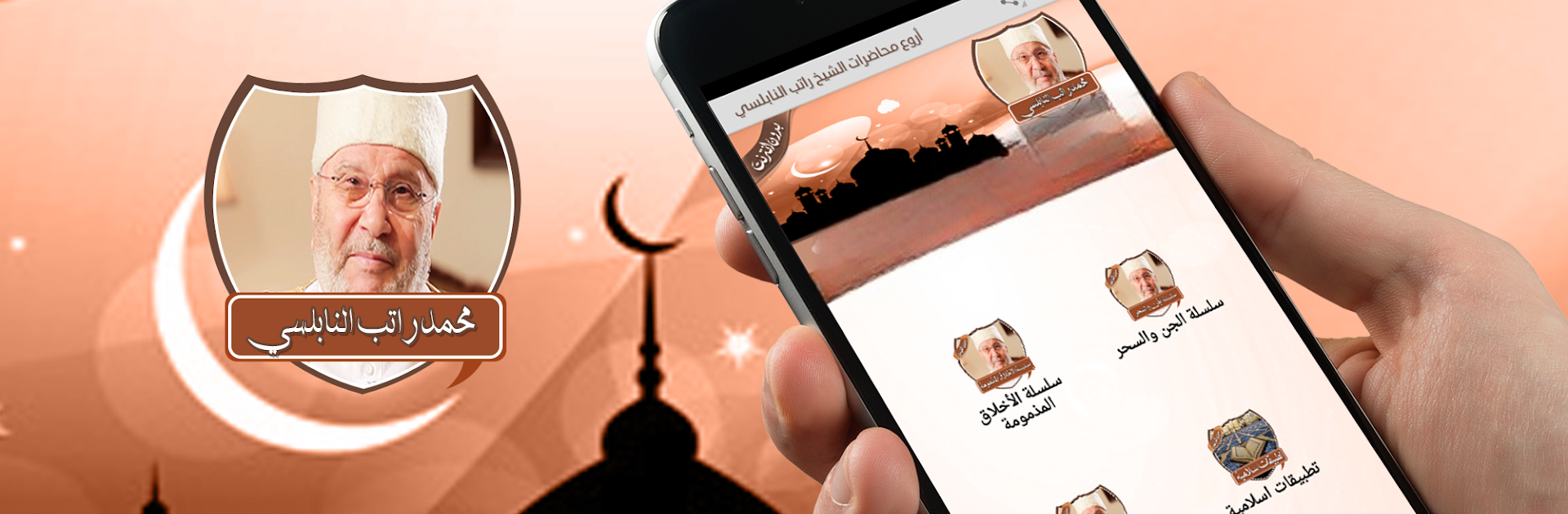
دروس راتب النابلسي بدون نت
BlueStacksを使ってPCでプレイ - 5憶以上のユーザーが愛用している高機能Androidゲーミングプラットフォーム

Run دروس راتب النابلسي بدون نت on PC or Mac
Multitask effortlessly on your PC or Mac as you try out دروس راتب النابلسي بدون نت, a Music & Audio app by Samo Apps on BlueStacks.
This is a simple, no-frills collection of Muhammad Ratib Al-Nabulsi’s lessons that plays offline, so it keeps working without an internet connection. Everything is in clear mp3 audio, and the recordings sound clean, not tinny. The app groups lectures into neat series, like ethics and manners, jinn and magic, and the purposes of Sharia, so it feels organized rather than a random pile of tracks. It is not flashy, but that is kind of the point. Open it, pick a series, press play, and let it run. The interface is straightforward enough that anyone who just wants to listen and learn will be fine.
On a PC with BlueStacks, it feels even more relaxed to use. Bigger screen means easier scrolling through titles, and it is nice for longer listening sessions without thinking about phone battery. It handles background listening well, so someone can keep a lesson going while working or studying. If the goal is to have Al-Nabulsi’s voice in Arabic, in good quality, ready anytime without fuss, this does exactly that. It suits people who want structured Islamic talks and do not need a bunch of extra features getting in the way.
Switch to BlueStacks and make the most of your apps on your PC or Mac.



دروس راتب النابلسي بدون نتをPCでプレイ
-
BlueStacksをダウンロードしてPCにインストールします。
-
GoogleにサインインしてGoogle Play ストアにアクセスします。(こちらの操作は後で行っても問題ありません)
-
右上の検索バーにدروس راتب النابلسي بدون نتを入力して検索します。
-
クリックして検索結果からدروس راتب النابلسي بدون نتをインストールします。
-
Googleサインインを完了してدروس راتب النابلسي بدون نتをインストールします。※手順2を飛ばしていた場合
-
ホーム画面にてدروس راتب النابلسي بدون نتのアイコンをクリックしてアプリを起動します。

