


Alat Bantu Dengar - Kesehatan
Mainkan di PC dengan BlueStacks – platform Game-Game Android, dipercaya oleh lebih dari 500 juta gamer.

Play Listening Device – Hearing Aid on PC
◆ FREE FEATURES ◆
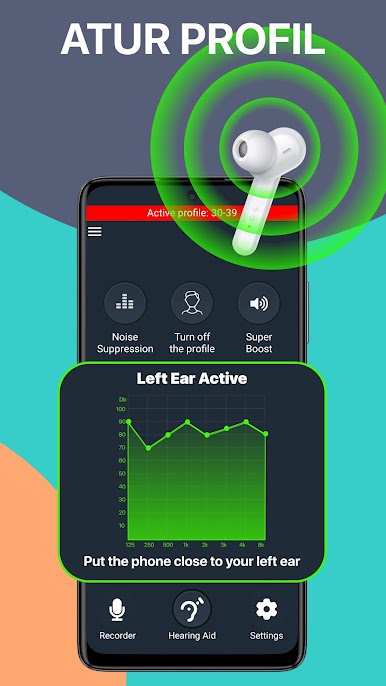
‣ Automatic sound adjustment
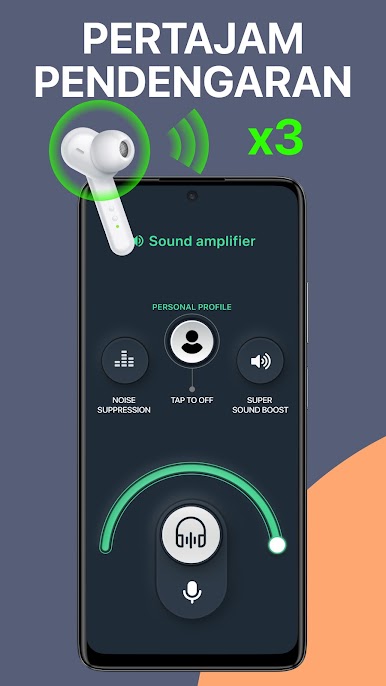
‣ Amplifier with boost up to 30 dB (wired headphone)
‣ Audio amplifier for quiet sounds with dynamic compression
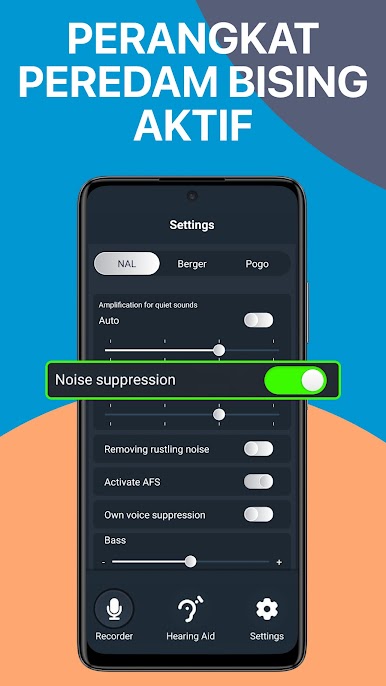
‣ Noise reducer to improve speech clarity
‣ 3 sound amplifier modes for different situations
‣ Built-in sound test for personalization
‣ Live listen function with microphone and headset
‣ Compatible with wired headphones, Bluetooth headphone, headset
◆ PREMIUM FEATURES ◆
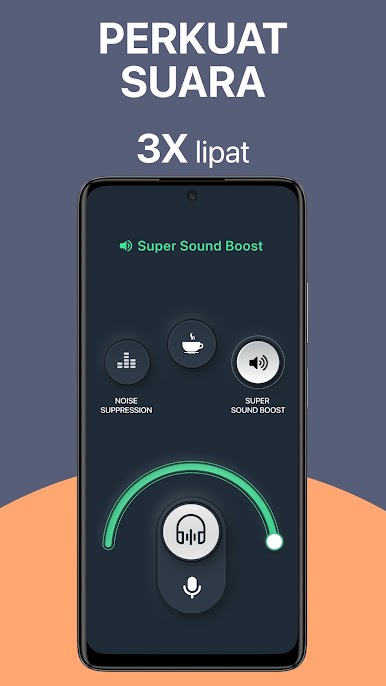
‣ Super boost: extra powerful audio booster for headset or headphone
‣ Remote microphone + noise reducer for Bluetooth headphones (watch TV, meetings)
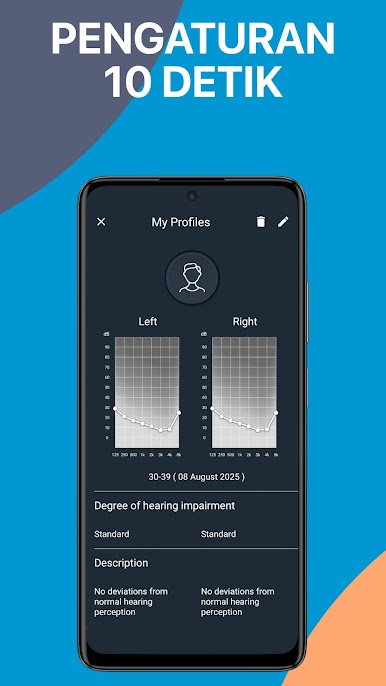
‣ Multiple profiles for different environments
‣ Adjustable volume amplifier and sound amplifier settings
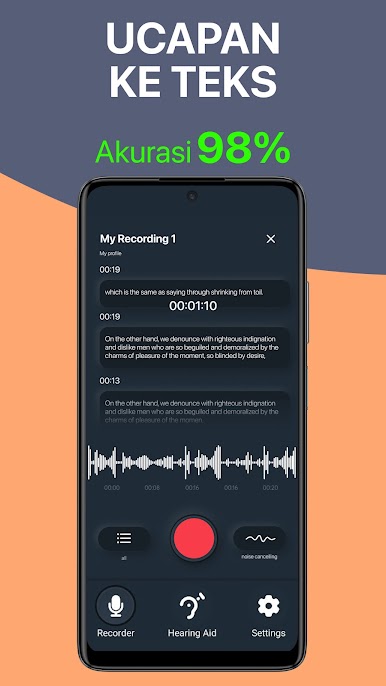
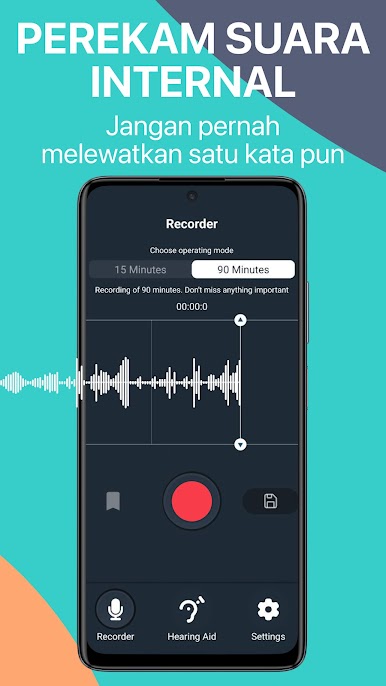
‣ Sound recorder/Dictaphone with personalized sound
■ COMPATIBILITY ■
‣ Compatible with wired headphones, Bluetooth headset, sound booster devices
‣ Tested with models supporting hearing aid apps, resound smart app, hearing correction, and amplifier functions
⌘ SUBSCRIPTION ⌘
‣ Weekly, monthly, annual plans
‣ Manage subscription in account settings
‣ Auto-renew can be turned off anytime
◆ DISCLAIMER ◆
‣ This listening device is not a medical hearing aid
‣ Sound test in the app is for amplifier adjustment only
‣ It is not a substitute for a professional audiology test
◆ READ MORE ◆
‣ Terms of service: https://dectone.pro/site/terms
‣ Privacy policy: https://dectone.pro/site/policy
Listening Device – your portable sound booster, volume amplifier, and hearing amplifier. Boost clarity, enjoy super hearing with your favorite headset or headphones.
Mainkan Alat Bantu Dengar - Kesehatan di PC Mudah saja memulainya.
-
Unduh dan pasang BlueStacks di PC kamu
-
Selesaikan proses masuk Google untuk mengakses Playstore atau lakukan nanti
-
Cari Alat Bantu Dengar - Kesehatan di bilah pencarian di pojok kanan atas
-
Klik untuk menginstal Alat Bantu Dengar - Kesehatan dari hasil pencarian
-
Selesaikan proses masuk Google (jika kamu melewati langkah 2) untuk menginstal Alat Bantu Dengar - Kesehatan
-
Klik ikon Alat Bantu Dengar - Kesehatan di layar home untuk membuka gamenya

