


日語背單字, JLPT N5~N1
在電腦上使用BlueStacks –受到5億以上的遊戲玩家所信任的Android遊戲平台。

Run Japanese Remember, JLPT N5~N1 on PC or Mac
Get freedom from your phone’s obvious limitations. Use Japanese Remember, JLPT N5~N1, made by GreenHill, a Education app on your PC or Mac with BlueStacks, and level up your experience.
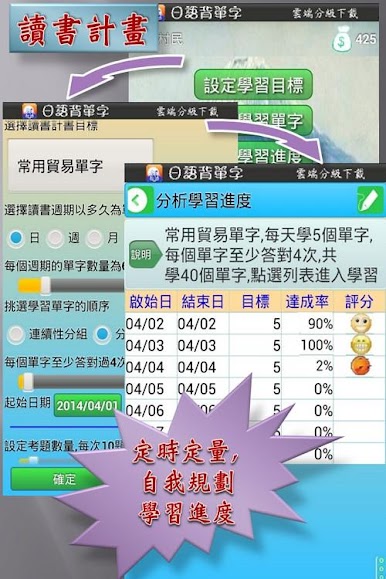
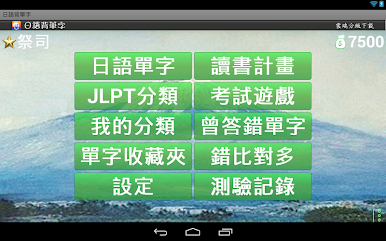
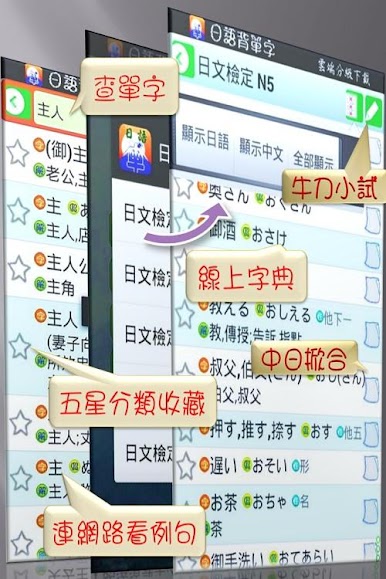
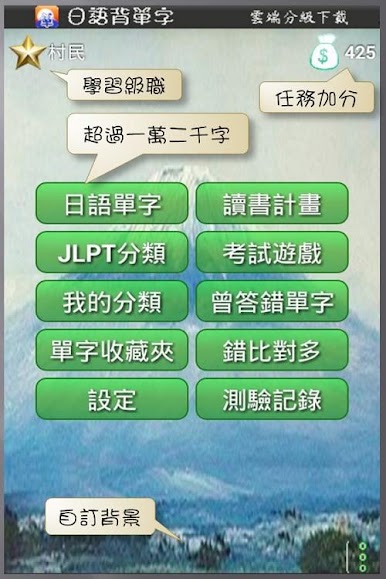
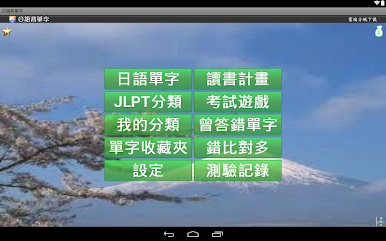
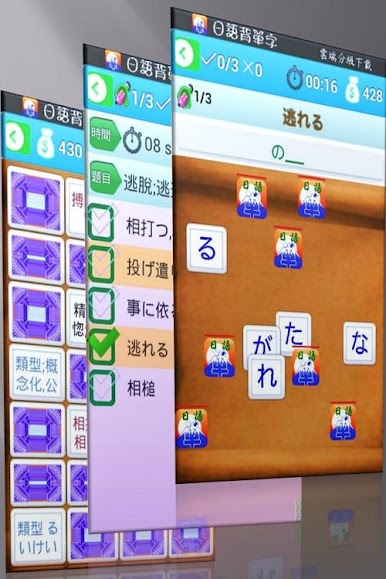
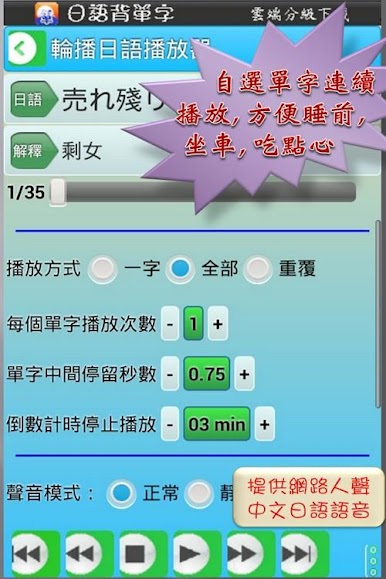
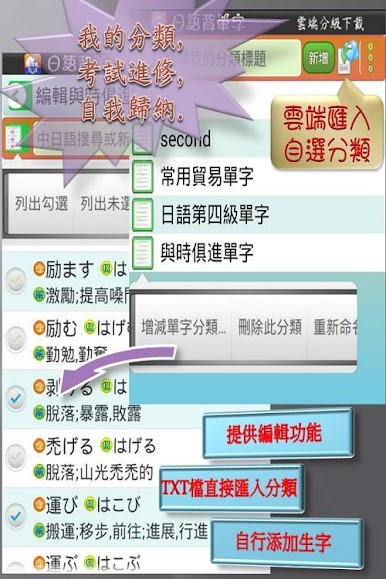
Japanese Remember feels like a straight-to-the-point study buddy for anyone tackling JLPT, from N5 up to N1. It packs a big pile of vocab, around seven thousand words, and lets users search by kanji, kana, or plain English, which keeps hunting for a term simple. What stands out is how flexible the practice can be. They can star favorites to keep tricky words close, switch the screen to show only Japanese or only English when they want to force recall, and set up quizzes with a timer, question count, and different test styles. There is voice for most entries using either built-in text to speech or online audio, and it is easy to make custom lists, edit them, and keep everything organized. A small score system gives a nudge for daily study, it remembers the last spot, and there are small style tweaks like changing the background, font size, and sounds. Tapping a word can jump out to an online dictionary if they want deeper info.
On PC with BlueStacks, the bigger screen makes kanji and furigana easier to read, and typing searches with a keyboard just feels faster. It is not flashy and it does not waste time. It is a clear, practical tool for people who want steady vocab practice and quick quizzes, especially useful if they like building their own word sets or need a simple way to review between classes.
Ready to experience Japanese Remember, JLPT N5~N1 on a bigger screen, in all its glory? Download BlueStacks now.
在電腦上遊玩日語背單字, JLPT N5~N1 . 輕易上手.
-
在您的電腦上下載並安裝BlueStacks
-
完成Google登入後即可訪問Play商店,或等你需要訪問Play商店十再登入
-
在右上角的搜索欄中尋找 日語背單字, JLPT N5~N1
-
點擊以從搜索結果中安裝 日語背單字, JLPT N5~N1
-
完成Google登入(如果您跳過了步驟2),以安裝 日語背單字, JLPT N5~N1
-
在首頁畫面中點擊 日語背單字, JLPT N5~N1 圖標來啟動遊戲

