


J4T Multitrack Recorder
500M + oyuncunun güvendiği Android Oyun Platformu, BlueStacks ile PC'de oynayın.

Sayfa Değiştirilme tarihi: Aug 21, 2025
Run J4T Multitrack Recorder on PC or Mac
Let BlueStacks turn your PC, Mac, or laptop into the perfect home for J4T Multitrack Recorder, a fun Music & Audio app from Jaytronix.
About the App
J4T Multitrack Recorder is a no-fuss, pocket-friendly studio for capturing ideas the moment they hit. Open it, arm a track, and start laying down parts—melodies, riffs, harmonies, whatever you’ve got. It’s built for quick songwriting sessions and sketching demos without getting tangled in menus, perfect for anyone in the Music-audio crowd who wants to keep creating on the move. Prefer a bigger screen? You can run it on your computer with BlueStacks when you’re home.
App Features
- Four-track recording: Layer vocals, guitars, keys, and beats across four tracks so your ideas feel like real songs, not voice memos.
- Built-in effects: Shape your sound with Fuzz, Chorus, Delay, Equalizer, Reverb, Phaser, and Compressor—right inside the app.
- MP3/WAV import & export: Pull in backing tracks or loops and export finished sketches or stems in formats you actually use.
- Looping made easy: Set a loop to jam, write, or practice over a section until it’s locked in.
- Handy track editing: Trim, move, and tweak takes so your arrangement stays tight and intentional.
- Live monitoring (Android 10+): Hear your performance with effects in real time while recording, so you can commit with confidence.
- Focused workflow: Straightforward controls keep you in the zone—capture, layer, and refine without overthinking the tech.
Created by Jaytronix, J4T Multitrack Recorder keeps the creative process fast and fun, whether you’re demoing a chorus or sketching a full idea on the fly.
BlueStacks gives you the much-needed freedom to experience your favorite apps on a bigger screen. Get it now.
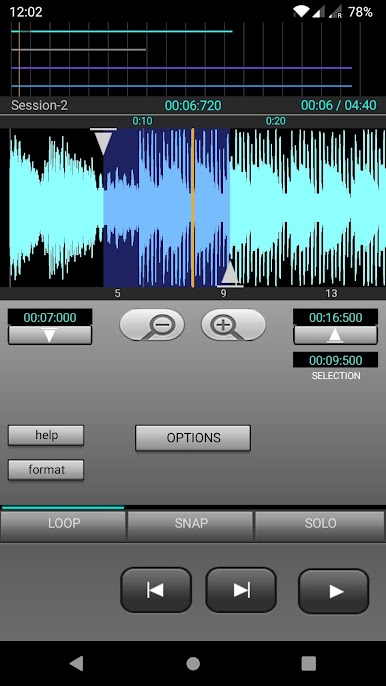
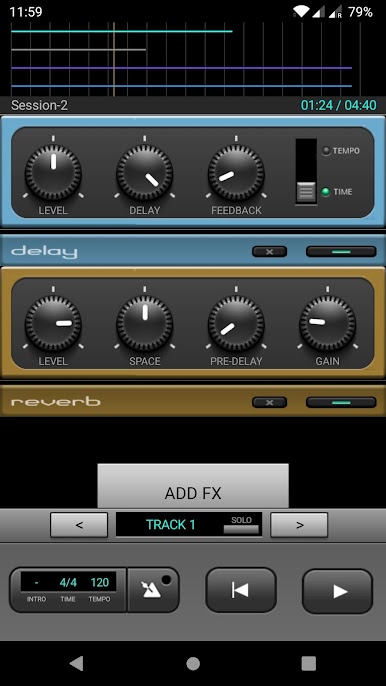
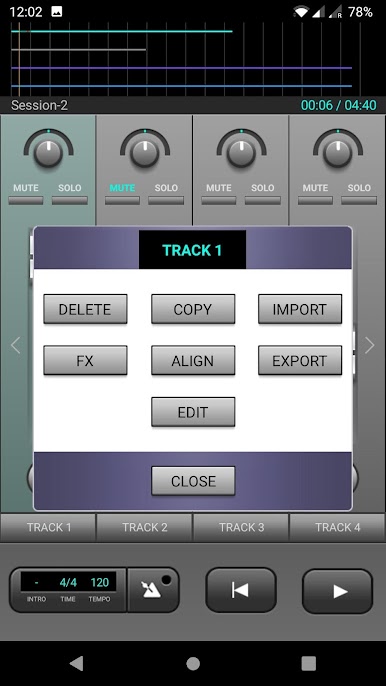
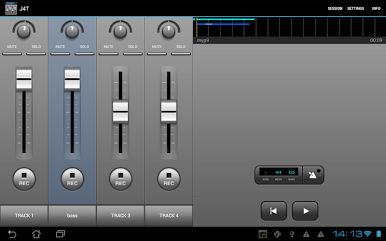
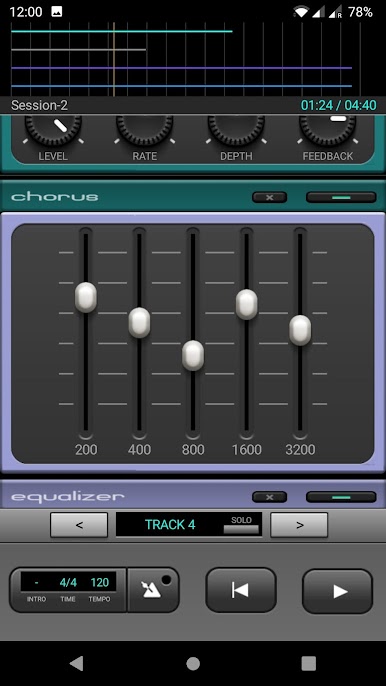
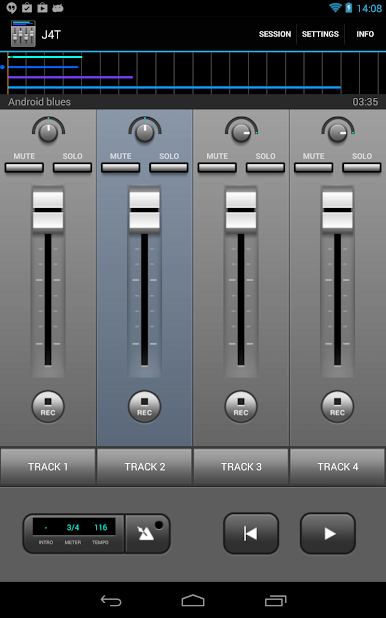
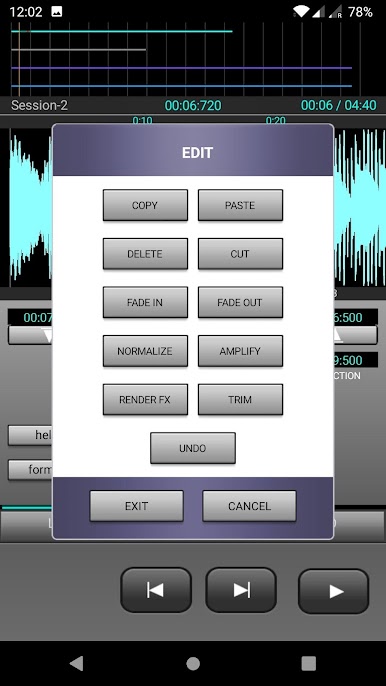
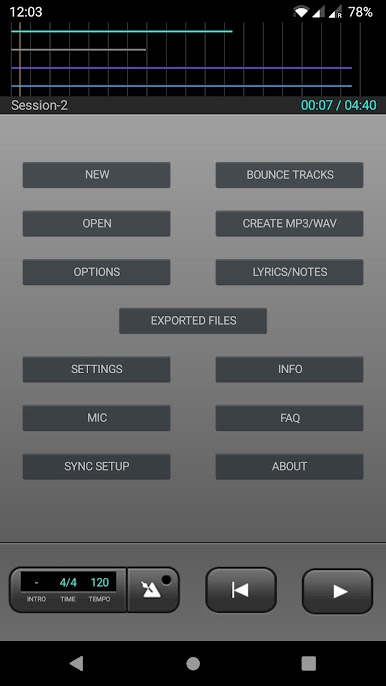
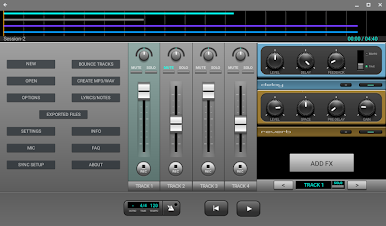
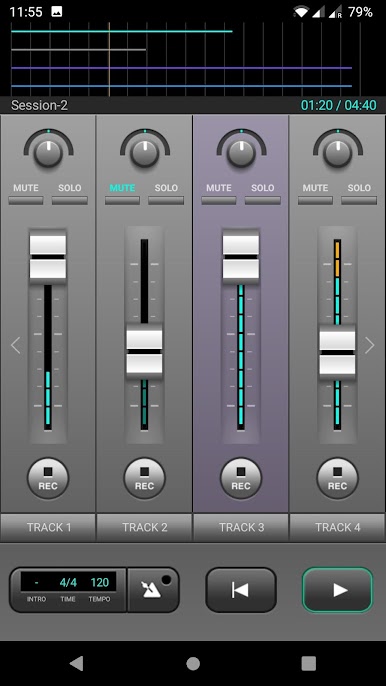
J4T Multitrack Recorder oyununu PC'de oyna. Başlamak çok kolay.
-
BlueStacks'i PC'nize İndirin ve Yükleyin
-
Play Store'a erişmek için Google girişi yapın ya da daha sonraya bırakın.
-
Sağ üst köşeye J4T Multitrack Recorder yazarak arayın.
-
J4T Multitrack Recorder uygulamasını arama sonuçlarından indirmek için tıklayın.
-
(iEğer Adım 2'yi atladıysanız) J4T Multitrack Recorder uygulamasını yüklemek için Google'a giriş yapın.
-
Oynatmaya başlatmak için ekrandaki J4T Multitrack Recorder ikonuna tıklayın.

