


Reading Buddy: Speech Recognit
Jogue no PC com BlueStacks - A Plataforma de Jogos Android, confiada por mais de 500 milhões de jogadores.

Página modificada em: Oct 17, 2018
Play Reading Buddy: Speech Recognition with Sight Words on PC
How To Use
As a Student:
The student will be prompted with a word (text only). They need to press record and say the word out load. If they says the word correctly they will score a point.
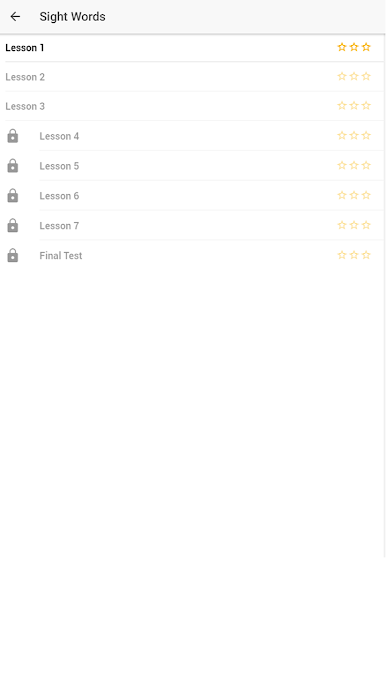
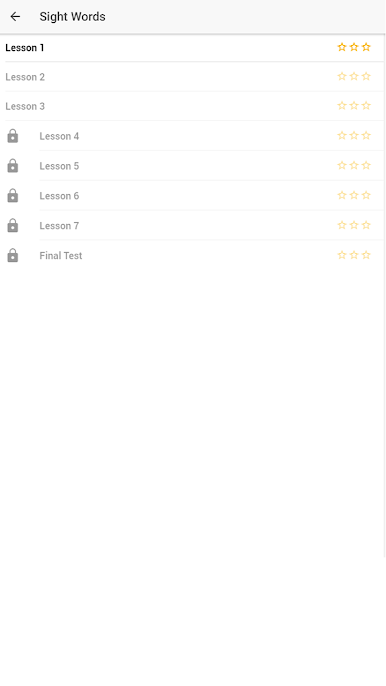
The Lesson will only be playable if they previous lesson was passed with at least 2 start (75%).
As a Parent:
Guide your student to the correct grade level, such as Kindergarten,first grade, second grade, or third grade. This may be above or below their grade level at school. Encourage the student to focus on a single category until it is finished to improve the kids reading.
How To Create Lessons
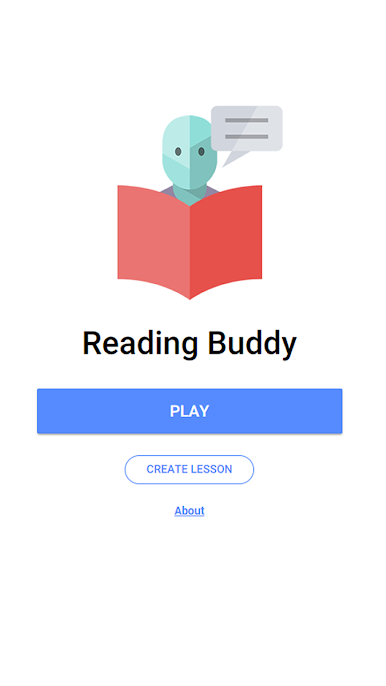
You can create lessons by tapping on the "Create Lesson" button on the the home page. Enter the name of the lesson and then the words or phrases you wish to include in the lesson. Add a category if you wish, it will default to "Custom". Select a level for the child's lesson.
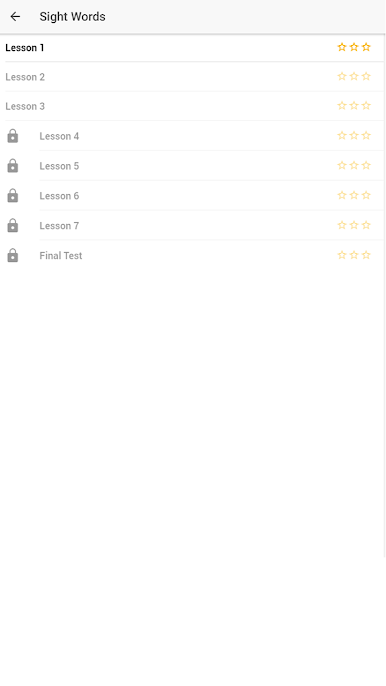





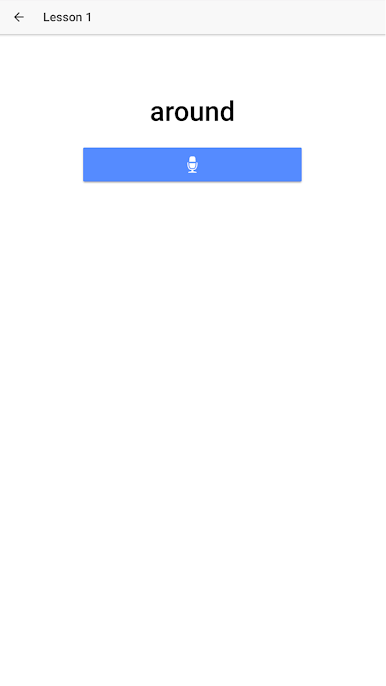



Jogue Reading Buddy: Speech Recognit no PC. É fácil começar.
-
Baixe e instale o BlueStacks no seu PC
-
Conclua o login do Google para acessar a Play Store ou faça isso mais tarde
-
Procure por Reading Buddy: Speech Recognit na barra de pesquisa no canto superior direito
-
Clique para instalar Reading Buddy: Speech Recognit a partir dos resultados da pesquisa
-
Conclua o login do Google (caso você pulou a etapa 2) para instalar o Reading Buddy: Speech Recognit
-
Clique no ícone do Reading Buddy: Speech Recognit na tela inicial para começar a jogar

