


AutoRemote
Jouez sur PC avec BlueStacks - la plate-forme de jeu Android, approuvée par + 500M de joueurs.

Page Modifiée le: Aug 25, 2025
Run AutoRemote on PC or Mac
Upgrade your experience. Try AutoRemote, the fantastic Productivity app from joaomgcd, from the comfort of your laptop, PC, or Mac, only on BlueStacks.
AutoRemote kind of feels like one of those behind-the-scenes tools that quietly makes your tech life smoother. It’s not a game or something flashy—it’s more like a remote control for your devices, and pretty much anything you want to automate between your phone, PC, or even something like your browser. The core idea is sending messages or push notifications to your devices so they react in whatever way you set up—like, turning on a light, sending a location, sharing a link, or just letting your phone talk back if you lost it somewhere in the couch.
Using it with BlueStacks is actually pretty convenient because you can message straight from your PC, and there’s no fumbling with tiny screens or switching apps all the time. What makes the app stand out is how customizable it is—nothing feels locked in. You can decide how messages are worded, what they trigger, and even connect things like Tasker or web services for more complicated actions (so, if you’re into IFTTT or Zapier, you’re all set). Setting up takes some patience, especially if you haven’t used automation apps before, but there’s a bunch of guides and people usually figure out neat stuff, like making grocery lists play out loud or zapping links between devices. It’s flexible, and kind of fun for anyone who likes their devices talking to each other without a lot of hassle.
Big screen. Bigger performance. Use BlueStacks on your PC or Mac to run your favorite apps.
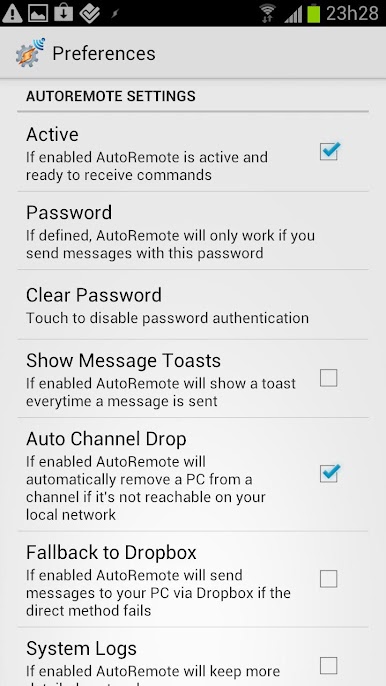
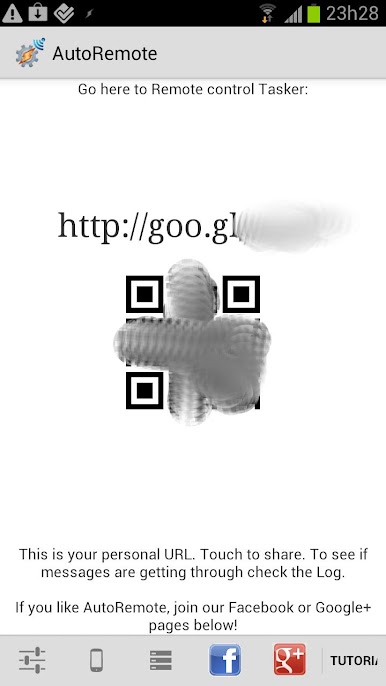
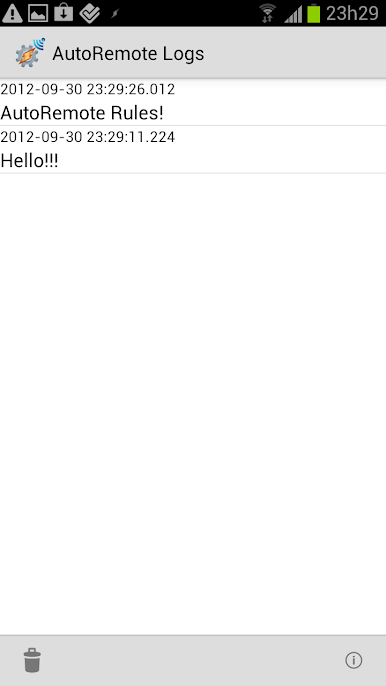
Jouez à AutoRemote sur PC. C'est facile de commencer.
-
Téléchargez et installez BlueStacks sur votre PC
-
Connectez-vous à Google pour accéder au Play Store ou faites-le plus tard
-
Recherchez AutoRemote dans la barre de recherche dans le coin supérieur droit
-
Cliquez pour installer AutoRemote à partir des résultats de la recherche
-
Connectez-vous à Google (si vous avez ignoré l'étape 2) pour installer AutoRemote
-
Cliquez sur l'icône AutoRemote sur l'écran d'accueil pour commencer à jouer

