


Doodle Creatures
เล่นบน PC ผ่าน BlueStacks - Android Gaming Platform ที่ได้รับความไว้วางใจจากเกมเมอร์ 500 ล้านคนทั่วโลก

Page Modified on: Oct 30, 2025
Play Doodle Creatures on PC or Mac
Explore a whole new adventure with Doodle Creatures, a Puzzle game created by JoyBits Co. Ltd.. Experience great gameplay with BlueStacks, the most popular gaming platform to play Android games on your PC or Mac.
About the Game
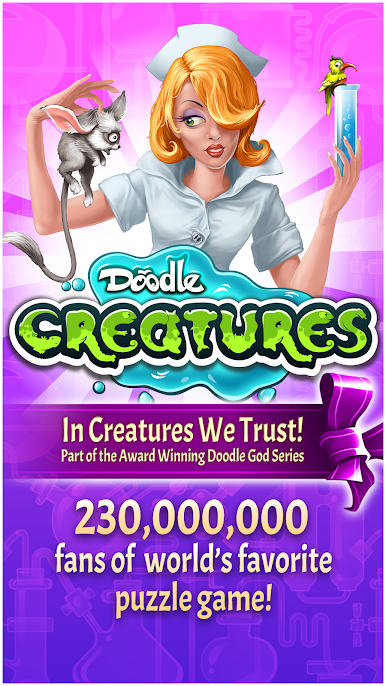
Doodle Creatures is a playful Puzzle title where you mash up animal traits to invent silly, surprising hybrids. It’s casual, creative, and easy to pick up — perfect for quick sessions or longer lab-style tinkering. Doodle Creatures (Genre: Puzzle) by JoyBits Co. Ltd. hands you a DNA toolkit and asks a simple question: what would happen if you mixed speed, wings, and a trunk?
Game Features
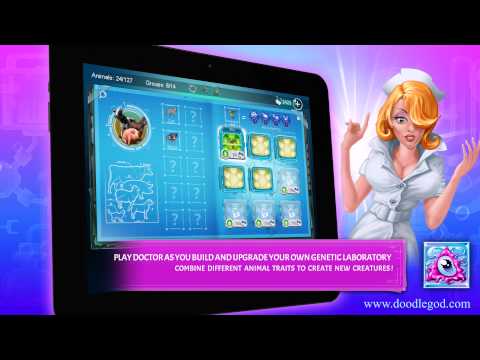
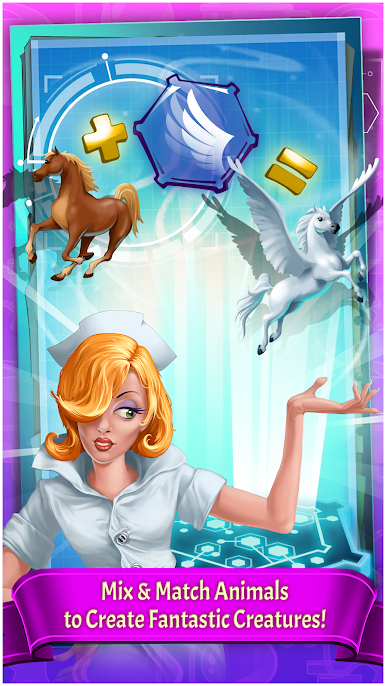
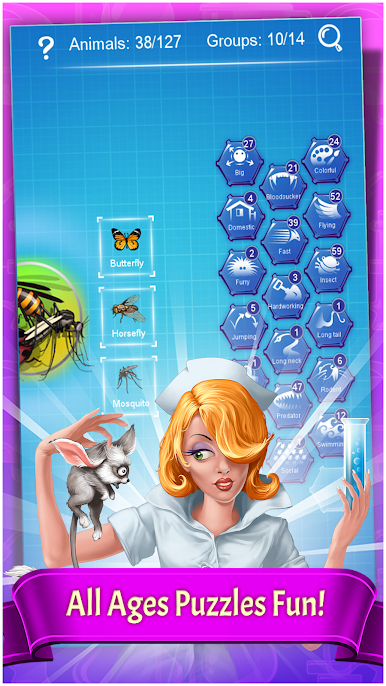
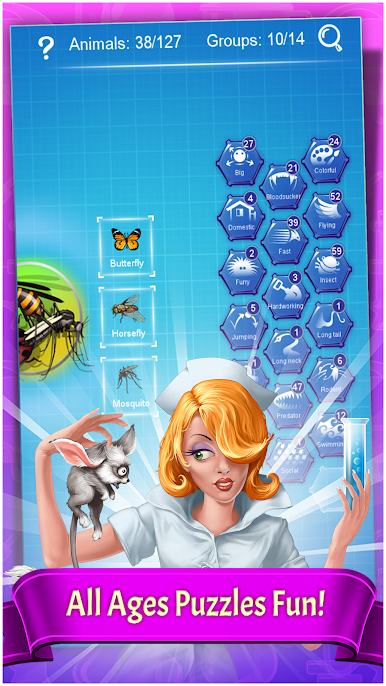
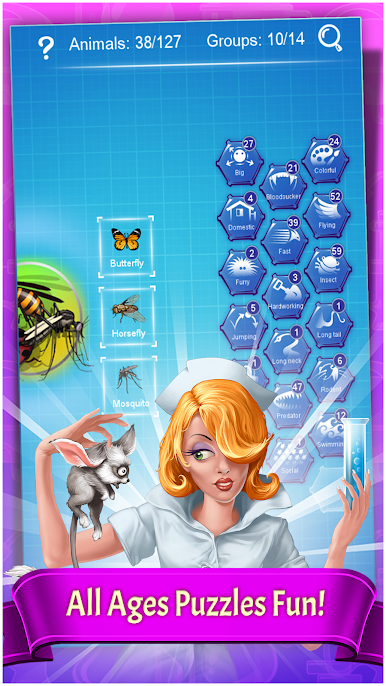
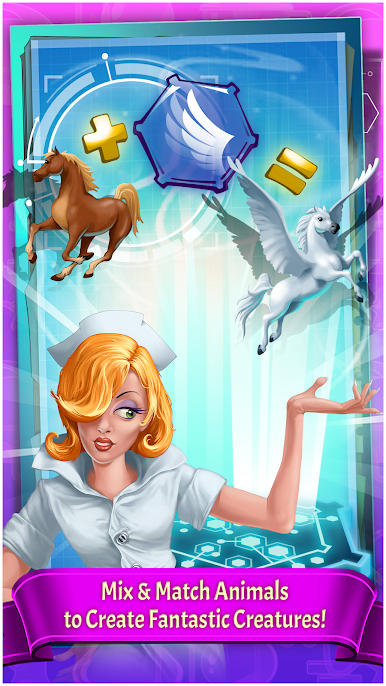
- Creature Mixing: Combine traits from different animals to make entirely new creatures — some practical, some totally absurd.
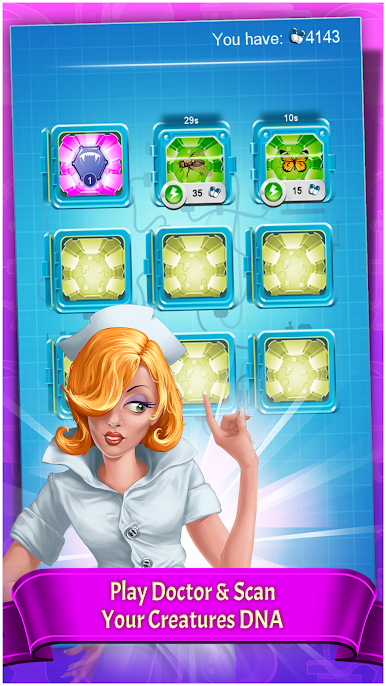
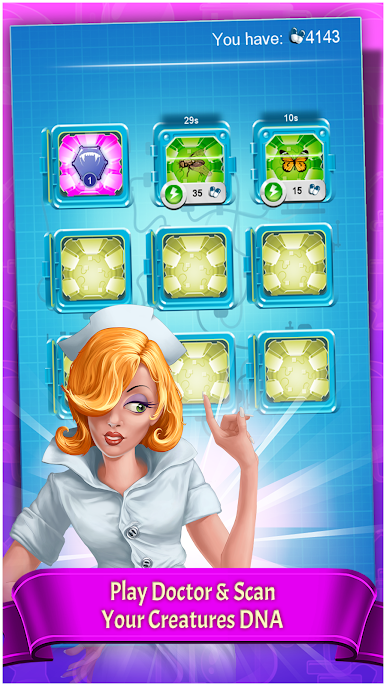
- DNA Scanner: Collect and scan animal DNA to unlock new traits you can experiment with in the lab.
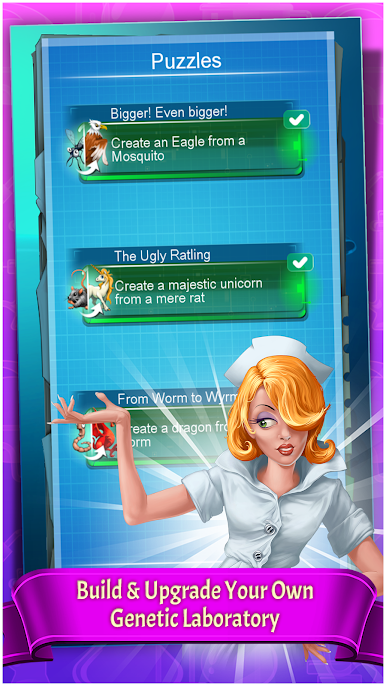
- Upgradeable Lab: Build and improve your genetic workshop so you can craft more complex and imaginative beings.
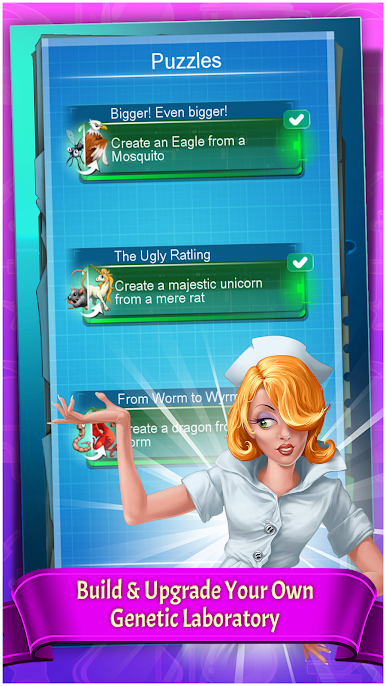
- Puzzles & Quests: Short challenges and clever objectives give structure to your creativity and test how well you can use traits together.
- Easy Controls: Tap-and-play mechanics keep things straightforward, letting you focus on ideas instead of fiddly inputs.
- Educational Fun: Kid-friendly mechanics make it a gentle way to learn about animal characteristics while having a laugh.
- Trivia & Personality: Cute “did-you-know” facts and quirky lines pop up as you create, giving each new creature a bit of charm.
- Shareable Moments: You’ll make combinations worth talking about — whether you’re playing on your phone or kicking back on BlueStacks.
Make your gaming sessions memorable with precise controls that give you an edge in close combats and visuals that pop up, bringing every character to life.
เล่น Doodle Creatures บน PC ได้ง่ายกว่า
-
ดาวน์โหลดและติดตั้ง BlueStacks บน PC ของคุณ
-
ลงชื่อเข้าใช้แอคเคาท์ Google เพื่อเข้าสู่ Play Store หรือทำในภายหลัง
-
ค้นหา Doodle Creatures ในช่องค้นหาด้านขวาบนของโปรแกรม
-
คลิกเพื่อติดตั้ง Doodle Creatures จากผลการค้นหา
-
ลงชื่อเข้าใช้บัญชี Google Account (หากยังไม่ได้ทำในขั้นที่ 2) เพื่อติดตั้ง Doodle Creatures
-
คลิกที่ไอคอน Doodle Creatures ในหน้าจอเพื่อเริ่มเล่น

