


ESPNcricinfo - Live Cricket
Play on PC with BlueStacks – the Android Gaming Platform, trusted by 500M+ gamers.

Page Modified on: Nov 13, 2025
Run ESPNcricinfo - Live Cricket on PC or Mac
Let BlueStacks turn your PC, Mac, or laptop into the perfect home for ESPNcricinfo – Live Cricket, a fun Sports app from JIOSTAR INDIA PRIVATE LIMITED.
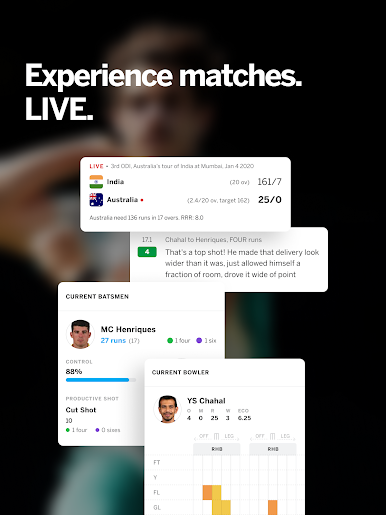
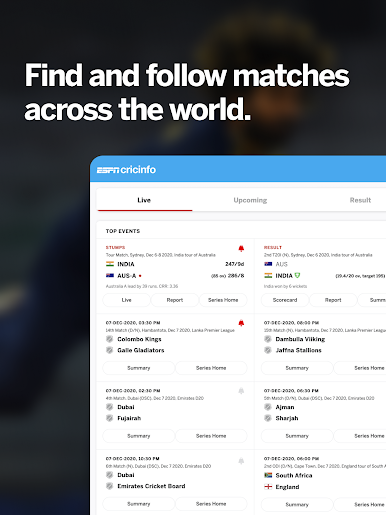
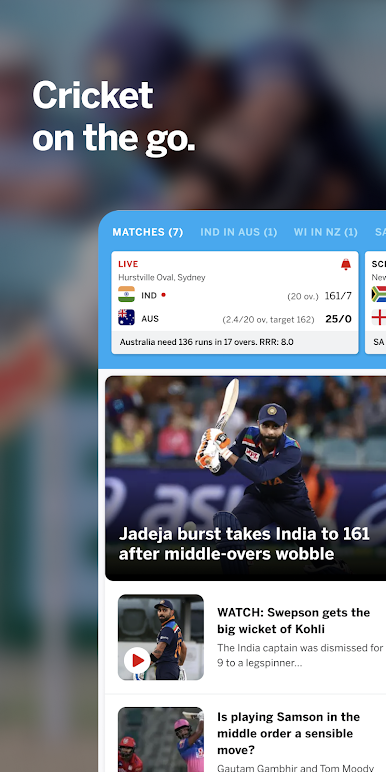
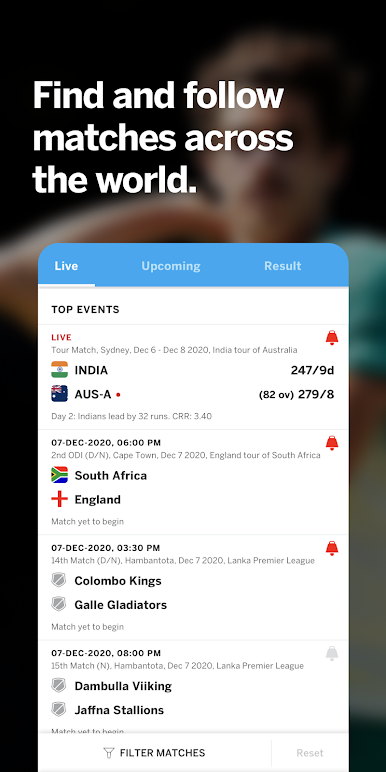
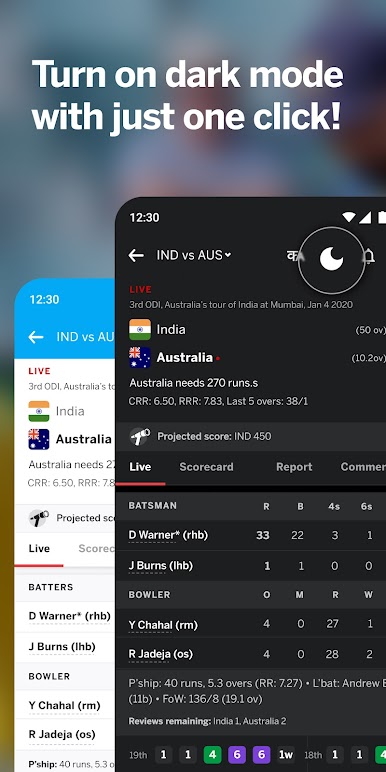
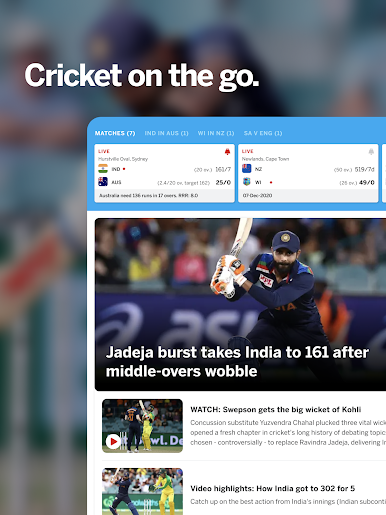
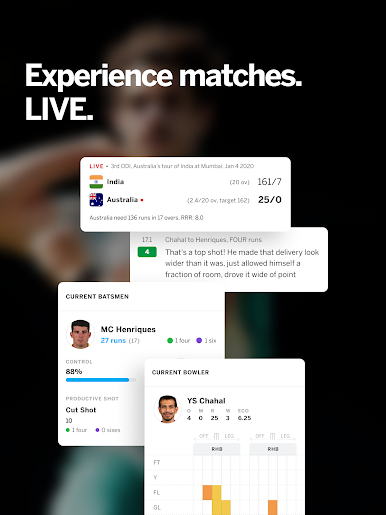
ESPNcricinfo – Live Cricket is not really a game so much as a cricket command center. On PC it feels clean and quick, especially if it is running through BlueStacks so everything sits nicely on a bigger screen. Live matches update ball by ball, so every dot, single, and boundary rolls in almost instantly with short, simple lines of commentary. The match hubs are easy to scan, with scorecards, over summaries, and quick access to video bits like highlights, analysis, interviews, and even press room clips. Swapping between tournaments is smooth too, whether that is IPL, PSL, BBL, CPL, World Cup stuff, or domestic leagues like Ranji and the County Championship.
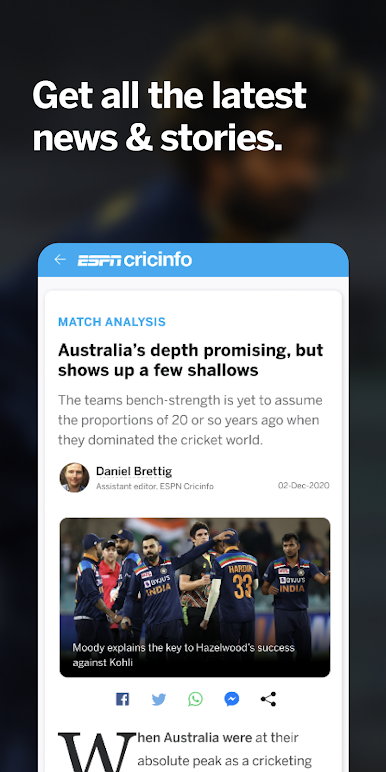
News is laid out in a way that is not noisy, and the expert columns give some proper context, with familiar voices like Gautam Gambhir, Tom Moody, Sanjay Manjrekar, Ajit Agarkar, Aakash Chopra, and others weighing in. Alerts are flexible, so a fan can pick wickets, milestones, or just the toss, and not get spammed with everything. It is great for someone who wants to follow multiple matches at once while doing other things on a PC, clicking around with a mouse is simply faster than tapping through menus. There are ads, but that is standard for a free sports app. If the goal is fast scores, trustworthy commentary, and quick video without fuss, this nails that day-to-day cricket habit.
Eager to take your app experience to the next level? Start right away by downloading BlueStacks on your PC or Mac.
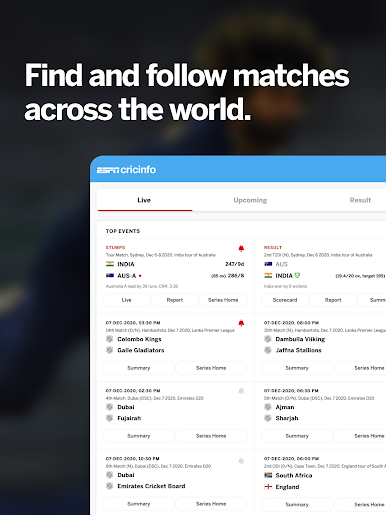


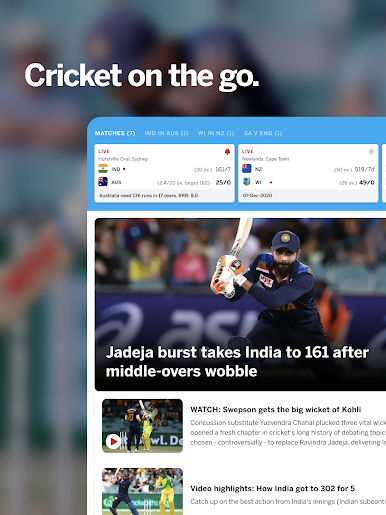
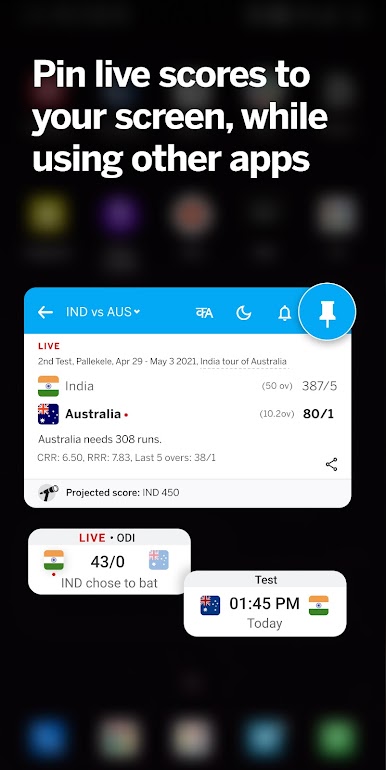
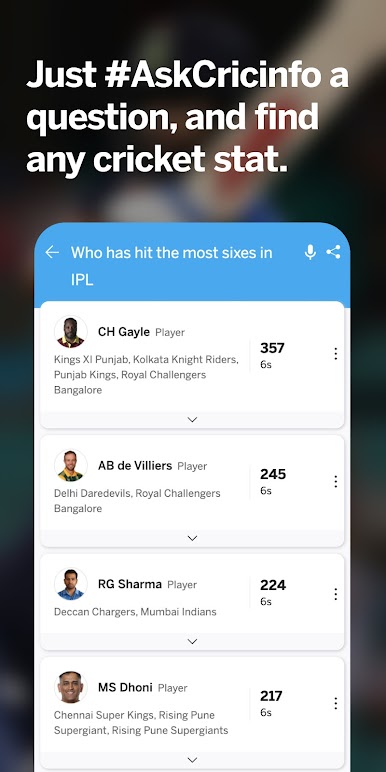




Play ESPNcricinfo - Live Cricket on PC. It’s easy to get started.
-
Download and install BlueStacks on your PC
-
Complete Google sign-in to access the Play Store, or do it later
-
Look for ESPNcricinfo - Live Cricket in the search bar at the top right corner
-
Click to install ESPNcricinfo - Live Cricket from the search results
-
Complete Google sign-in (if you skipped step 2) to install ESPNcricinfo - Live Cricket
-
Click the ESPNcricinfo - Live Cricket icon on the home screen to start playing

