

Três Reinos Hex2Hex
Jogue no PC com BlueStacks - A Plataforma de Jogos Android, confiada por mais de 500 milhões de jogadores.

Página modificada em: Nov 22, 2023
Play Three Kingdoms Hex2Hex on PC or Mac
Explore a whole new adventure with Three Kingdoms Hex2Hex, a Strategy game created by hex2hex. Experience great gameplay with BlueStacks, the most popular gaming platform to play Android games on your PC or Mac.
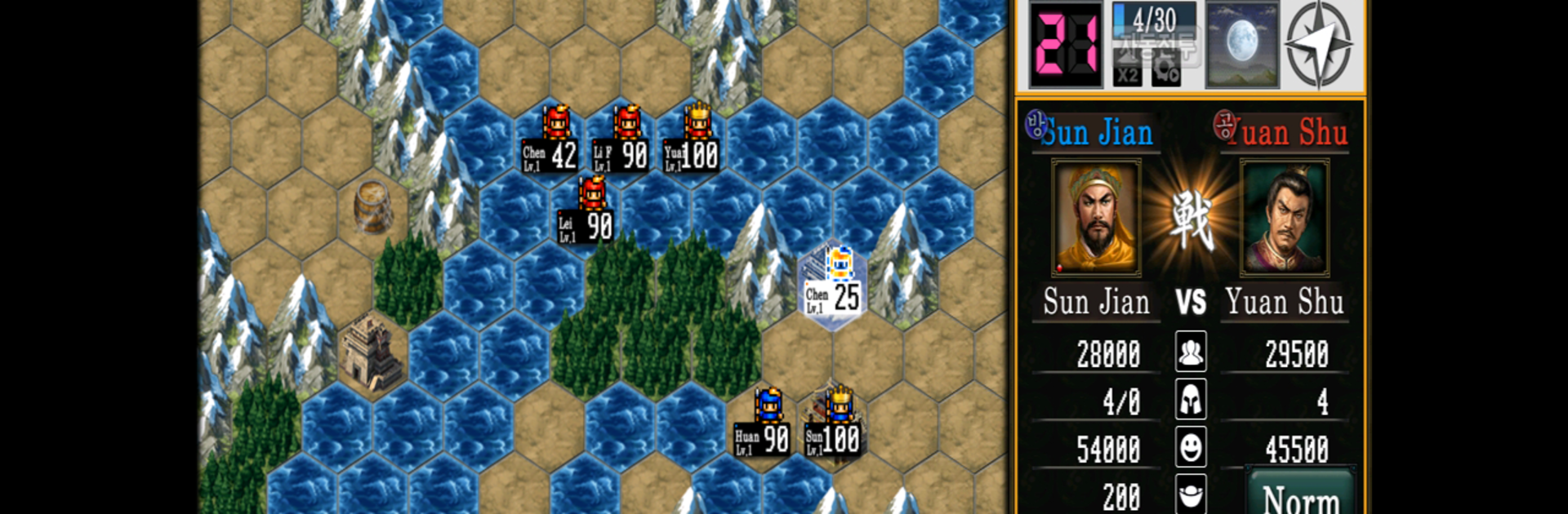
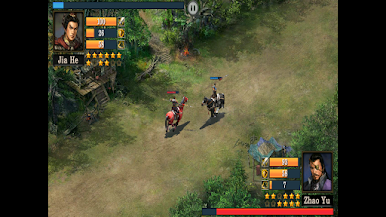
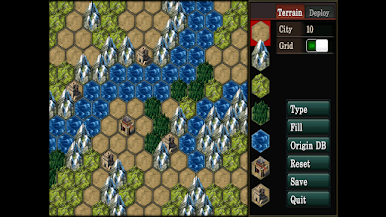
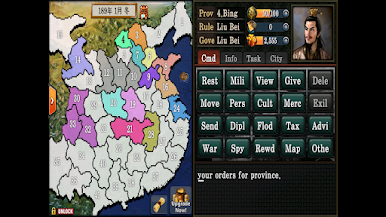
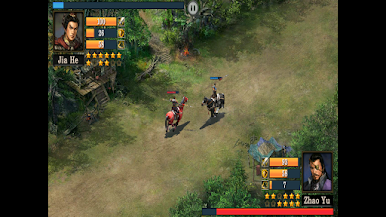
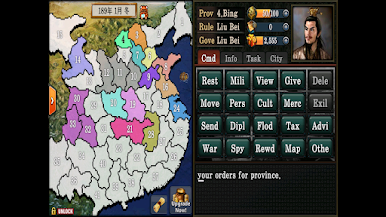
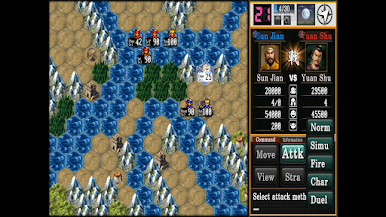
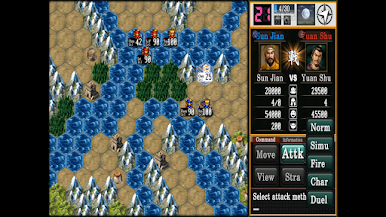
So, Three Kingdoms Hex2Hex isn’t the usual flashy, pay-to-win type of strategy game. It feels a lot more old school, kind of closer to the classics like the old KOEI titles, where there’s a real focus on strategy and national management instead of just upgrading units and clicking around. The game’s hex-based movement system makes maneuvering armies feel way more tactical, and battles don’t just come down to showing up with bigger numbers—things like climate, terrain, and wind direction actually affect what happens. There’s also this duel system that pops up during fights, which adds another layer to the whole thing.
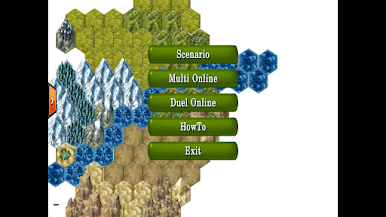
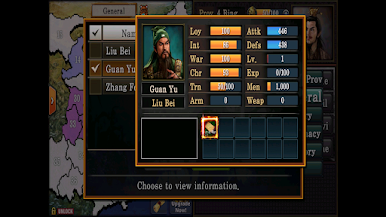
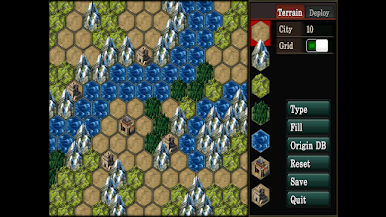
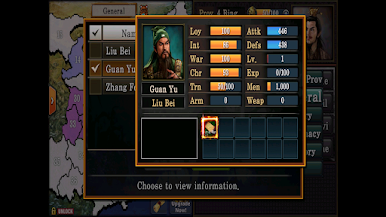
Players get to handle everything from military moves and diplomacy to city development and water management, so it’s more of a strategy sim than an idle time-waster. There are all these characters with unique roles, treasures to collect, missions to pull off, and even stuff like marriages, so it adds in some RPG flavor on top of the strategy. It’s got a cool map editor too, so messing with custom battlefields is an option. The interface is really straightforward—made for touch, but honestly feels nice on PC when running it through BlueStacks. Even with all that, it actually runs well on lower-end devices, which is a plus. There’s multiplayer if you want to take on other people, but the single-player scenarios and rulers are solid for getting into the whole Three Kingdoms vibe without being forced online. If someone’s into deep, turn-based strategy with lots of room for creative moves, it’s got a lot going for it.
Slay your opponents with your epic moves. Play it your way on BlueStacks and dominate the battlefield.
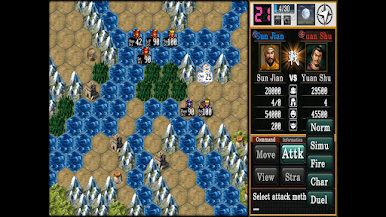
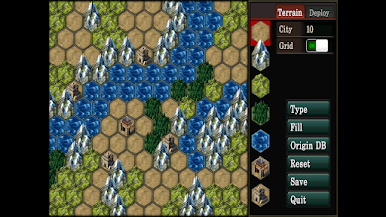
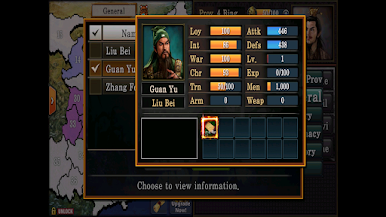
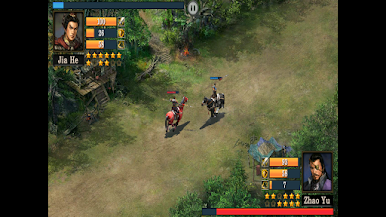
Jogue Três Reinos Hex2Hex no PC. É fácil começar.
-
Baixe e instale o BlueStacks no seu PC
-
Conclua o login do Google para acessar a Play Store ou faça isso mais tarde
-
Procure por Três Reinos Hex2Hex na barra de pesquisa no canto superior direito
-
Clique para instalar Três Reinos Hex2Hex a partir dos resultados da pesquisa
-
Conclua o login do Google (caso você pulou a etapa 2) para instalar o Três Reinos Hex2Hex
-
Clique no ícone do Três Reinos Hex2Hex na tela inicial para começar a jogar

