多用途比賽記分板-支援大部分的運動、紀錄精彩瞬間、碼錶計時

多用途比賽記分板-支援大部分的運動、紀錄精彩瞬間、碼錶計時

運動 | .DotKacter

在電腦上使用BlueStacks –受到5億以上的遊戲玩家所信任的Android遊戲平台。

網頁修改於: Jul 6, 2025

Play Smart Score Board on PC or Mac

Smart Score Board brings the Sports genre to life, and throws up exciting challenges for gamers. Developed by .DotKacter, this Android game is best experienced on BlueStacks, the World’s #1 app player for PC and Mac users.

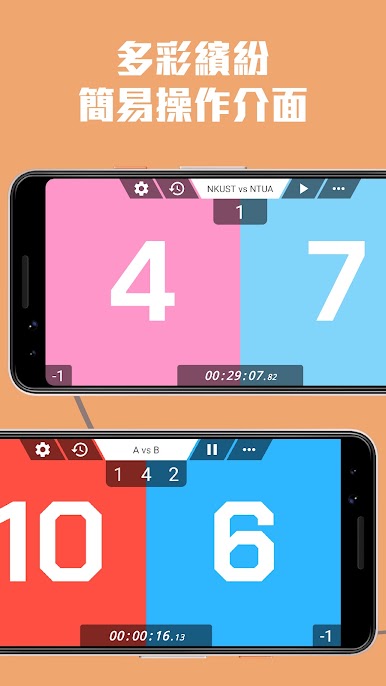
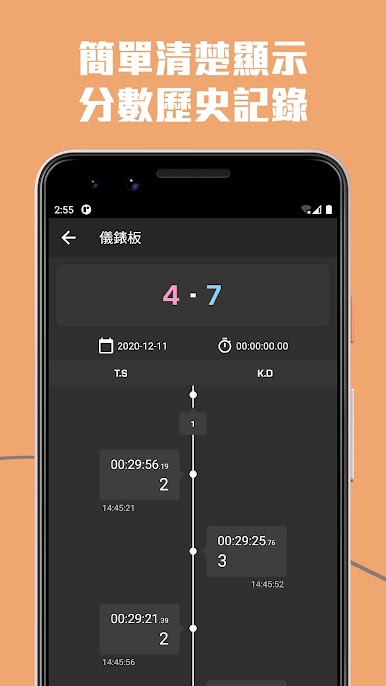
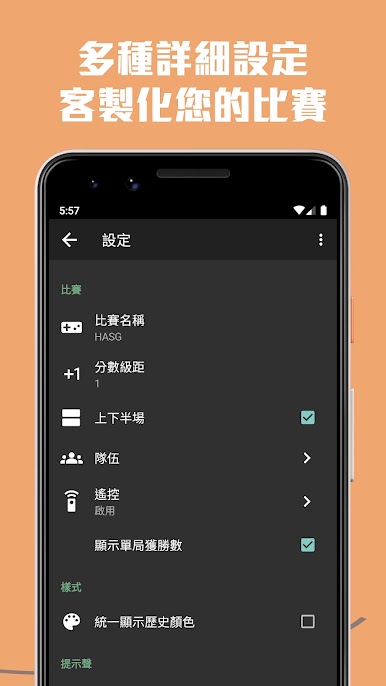
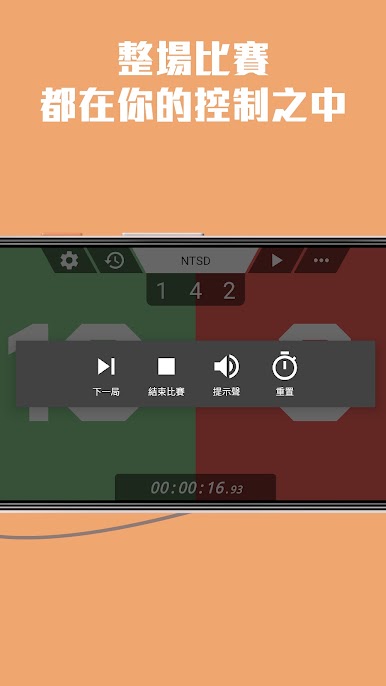
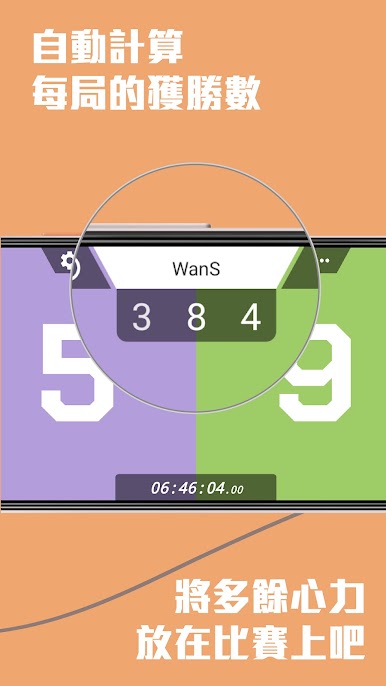
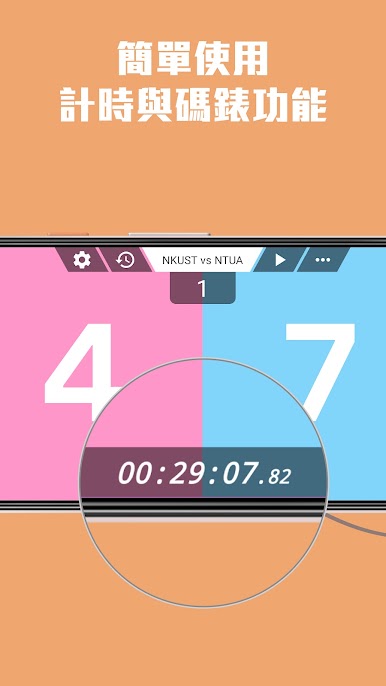
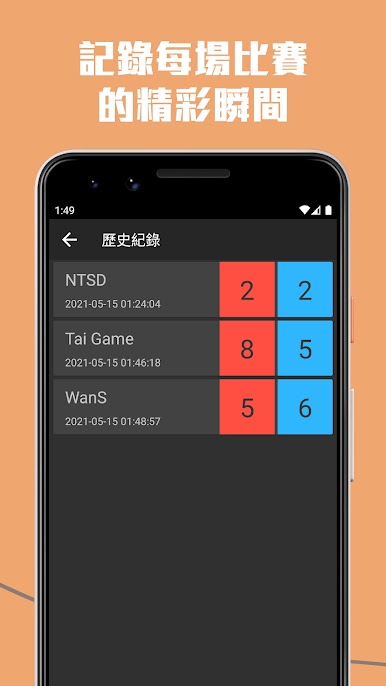
Smart Score Board feels like a universal scoreboard that covers almost any casual match people end up playing, from quick table tennis sets to baseball and more. The layout is simple and obvious, so players get in, punch in points, and move on without fuss. There is a basic chronograph and stopwatch baked in, which helps for timed halves or rounds. Every change gets logged in a score history, so if someone argues about when the comeback started, the flow of the game is right there. Baseball gets proper treatment with top and bottom segments, and the app automatically totals each round so it is clear who is ahead. Alerts at the end of a game are handy, and the timer can be customized if a match needs a weird length. It also lets users tweak colors, which makes a plain scoreboard look a bit more alive on the table.

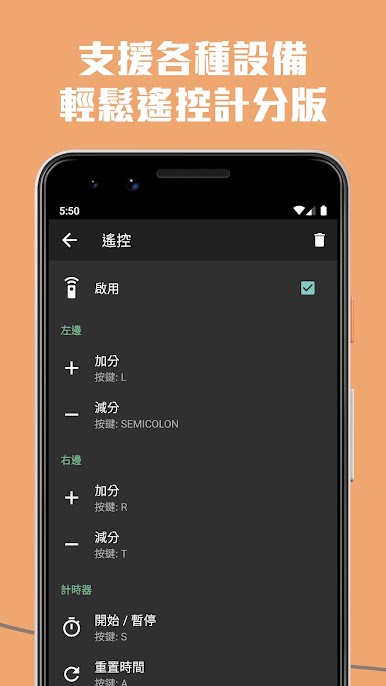
On PC through BlueStacks it is easy to run this on a second screen or a laptop off to the side, click in scores fast with a mouse, or even use a Bluetooth or 2.4G keyboard and control it from a few steps away. That remote-friendly bit matters during games where no one wants to babysit a phone. The app keeps things light, no bloated menus, just quick inputs, clean numbers, and an undo that saves a headache when someone presses the wrong thing. For anyone who plays a lot of pickup games or board games that need score keeping, it fits in quietly and does the job.

Slay your opponents with your epic moves. Play it your way on BlueStacks and dominate the battlefield.

在電腦上遊玩多用途比賽記分板-支援大部分的運動、紀錄精彩瞬間、碼錶計時 . 輕易上手.

  • 在您的電腦上下載並安裝BlueStacks

  • 完成Google登入後即可訪問Play商店,或等你需要訪問Play商店十再登入

  • 在右上角的搜索欄中尋找 多用途比賽記分板-支援大部分的運動、紀錄精彩瞬間、碼錶計時

  • 點擊以從搜索結果中安裝 多用途比賽記分板-支援大部分的運動、紀錄精彩瞬間、碼錶計時

  • 完成Google登入(如果您跳過了步驟2),以安裝 多用途比賽記分板-支援大部分的運動、紀錄精彩瞬間、碼錶計時

  • 在首頁畫面中點擊 多用途比賽記分板-支援大部分的運動、紀錄精彩瞬間、碼錶計時 圖標來啟動遊戲

觀看影片