

C Programs: 350+ C Examples
Spiele auf dem PC mit BlueStacks - der Android-Gaming-Plattform, der über 500 Millionen Spieler vertrauen.

Seite geändert am: Aug 29, 2023
Run C Programs: 350+ C Examples on PC or Mac
Get freedom from your phone’s obvious limitations. Use C Programs: 350+ C Examples, made by KapiDhvaj, a Education app on your PC or Mac with BlueStacks, and level up your experience.
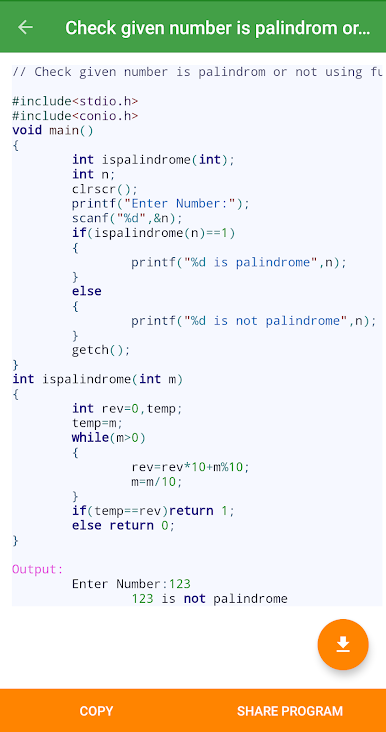
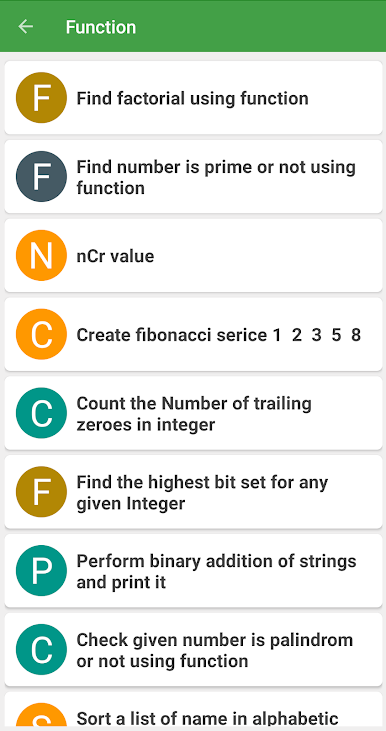
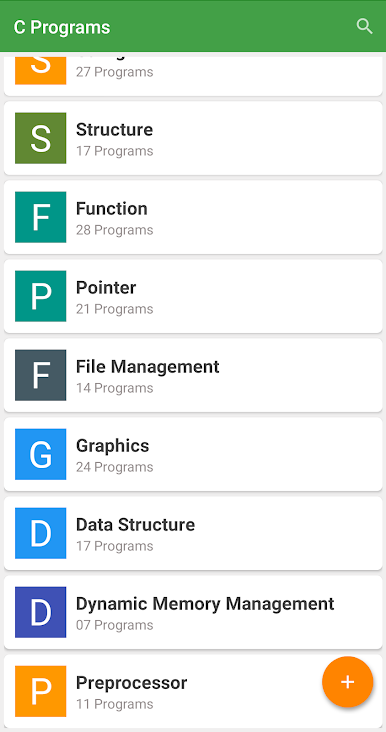
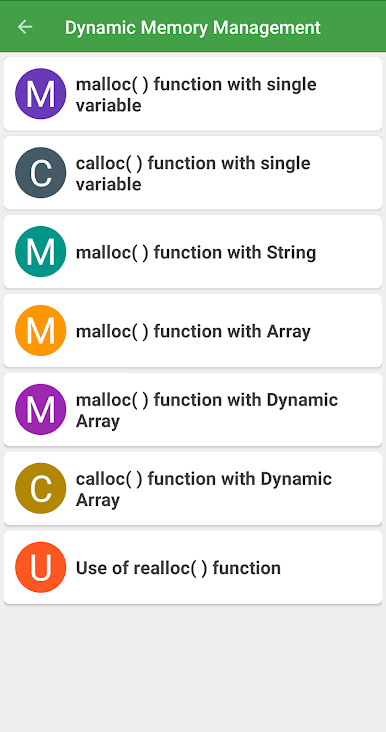
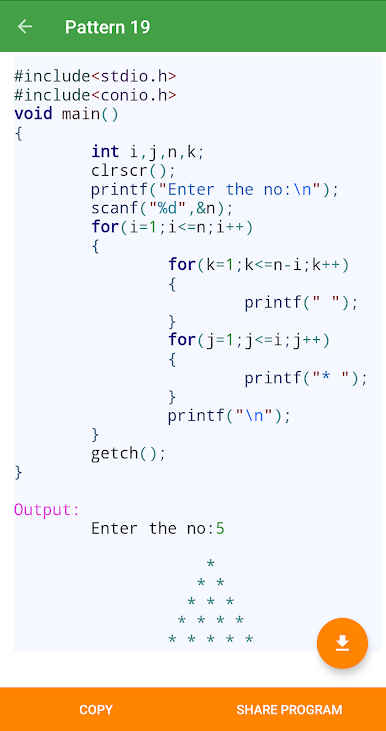
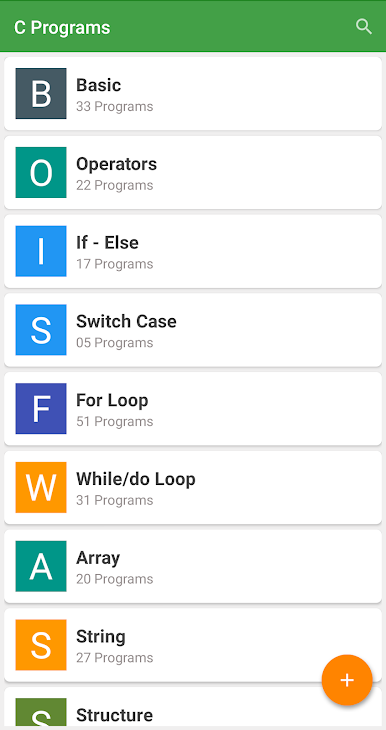
C Programs: 350+ C Examples feels like a compact C handbook that actually shows how things work, not just tells. It loads up with clean chapters for the basics, then moves into the usual suspects like loops, arrays, functions, pointers, and more. Each topic has short examples with the output right there, and many snippets are paired with an algorithm or a little flowchart so the logic clicks faster. It is not flashy, it is straight to the point, and that is kind of the charm. The interface is simple enough that someone can jump between chapters, peek at an example, compare outputs, and keep moving without getting lost.
On a PC through BlueStacks, it is comfortable to scroll through longer code blocks, and using a full keyboard makes it easier to retype or tweak the examples in a local editor if someone wants to test them. There is no heavy setup or noisy menus, it behaves like a lightweight reference book. Offline access is handy when Wi Fi goes wonky. For interview prep or a quick brush up before a coding test, the example bank is big and very practical. It mostly focuses on reading and understanding patterns through repetition, so it suits beginners and anyone who learned C a while ago and needs a straight refresher. No gimmicks, just a big pile of examples laid out chapter by chapter.
Big screen. Bigger performance. Use BlueStacks on your PC or Mac to run your favorite apps.
Spiele C Programs: 350+ C Examples auf dem PC. Der Einstieg ist einfach.
-
Lade BlueStacks herunter und installiere es auf deinem PC
-
Schließe die Google-Anmeldung ab, um auf den Play Store zuzugreifen, oder mache es später
-
Suche in der Suchleiste oben rechts nach C Programs: 350+ C Examples
-
Klicke hier, um C Programs: 350+ C Examples aus den Suchergebnissen zu installieren
-
Schließe die Google-Anmeldung ab (wenn du Schritt 2 übersprungen hast), um C Programs: 350+ C Examples zu installieren.
-
Klicke auf dem Startbildschirm auf das C Programs: 350+ C Examples Symbol, um mit dem Spielen zu beginnen

