


Subsampler
Juega en PC con BlueStacks: la plataforma de juegos Android, en la que confían más de 500 millones de jugadores.

Página modificada el: Sep 13, 2025
Play Subsampler on PC
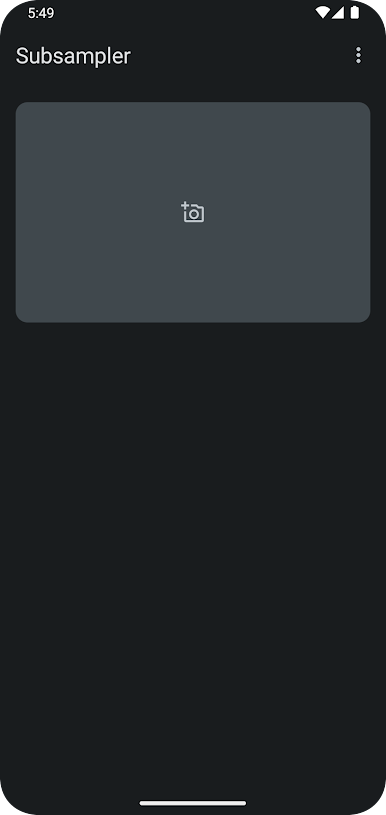
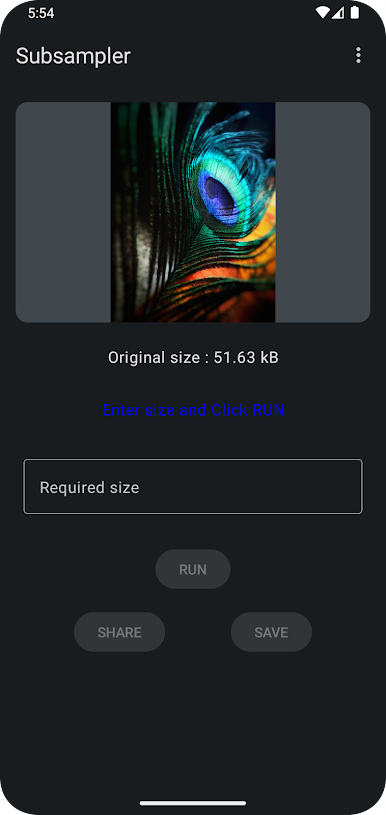
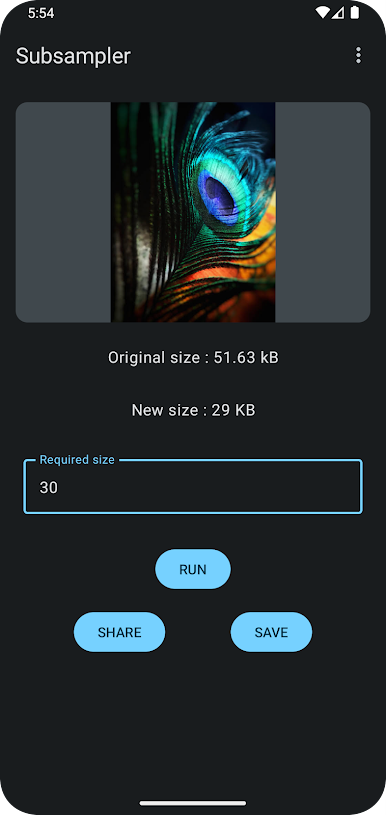
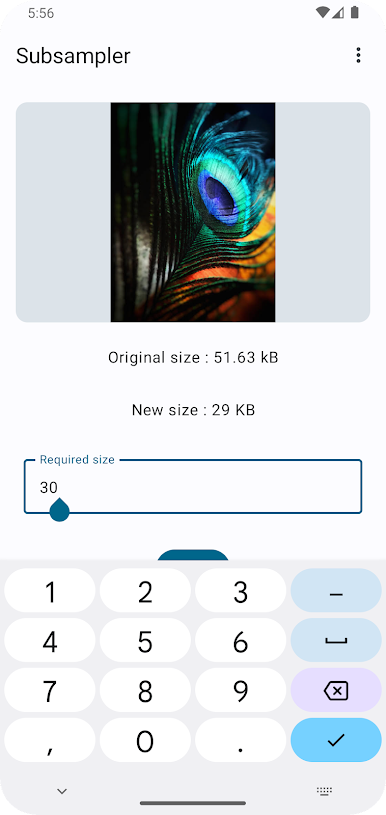
Subsampler is a great tool for anyone who needs to compress images for irritating websites with unreasonable size requirements, social media, or other purposes. It is also a good way to save space on your phone's storage.
Here are some of the features of Subsampler:
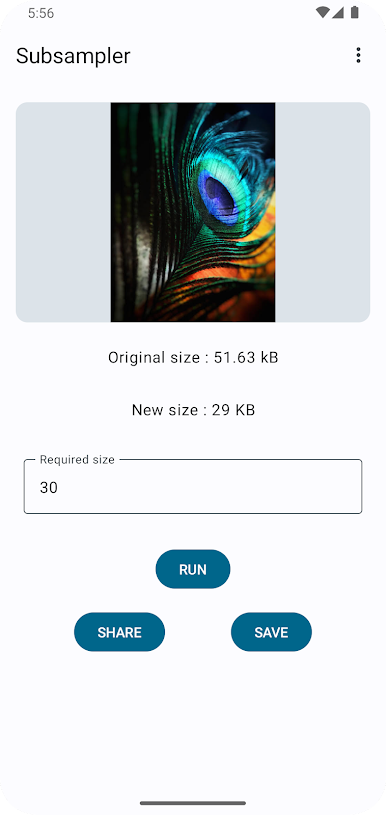
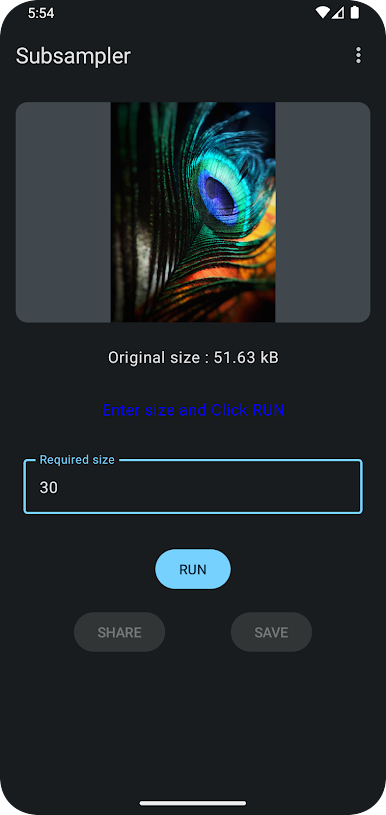
* Easy to use: Simply select the image you want to compress and choose the desired size.
* Does not require any special skills: No prior knowledge of image editing is required.
* Fast and efficient: The app can compress images quickly and efficiently.
* Save space: Compress images to the required size without compromising on quality.
* Share images: Share compressed images with friends and family on social media or other platforms.
* Save images: Save compressed images to your phone's gallery.
Juega Subsampler en la PC. Es fácil comenzar.
-
Descargue e instale BlueStacks en su PC
-
Complete el inicio de sesión de Google para acceder a Play Store, o hágalo más tarde
-
Busque Subsampler en la barra de búsqueda en la esquina superior derecha
-
Haga clic para instalar Subsampler desde los resultados de búsqueda
-
Complete el inicio de sesión de Google (si omitió el paso 2) para instalar Subsampler
-
Haz clic en el ícono Subsampler en la pantalla de inicio para comenzar a jugar

