


Fami Mart
เล่นบน PC ผ่าน BlueStacks - Android Gaming Platform ที่ได้รับความไว้วางใจจากเกมเมอร์ 500 ล้านคนทั่วโลก

Page Modified on: Nov 3, 2025
Play Fami Mart on PC or Mac
Step into the World of Fami Mart, a thrilling Casual game from the house of BRAVO UNICORN PTE. LTD.. Play this Android game on BlueStacks App Player and experience immersive gaming on PC or Mac.
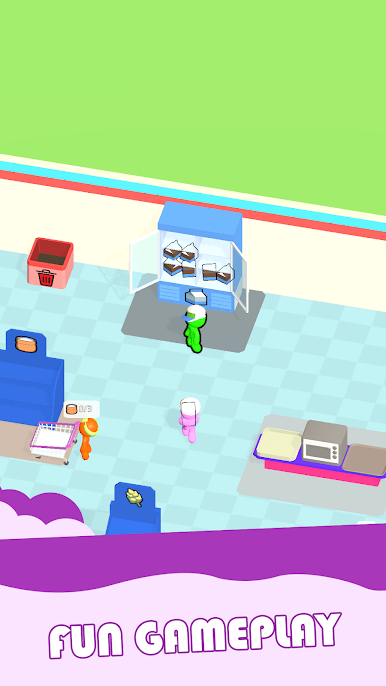
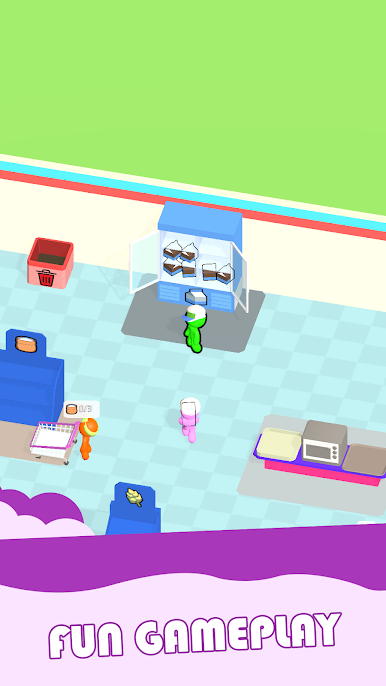
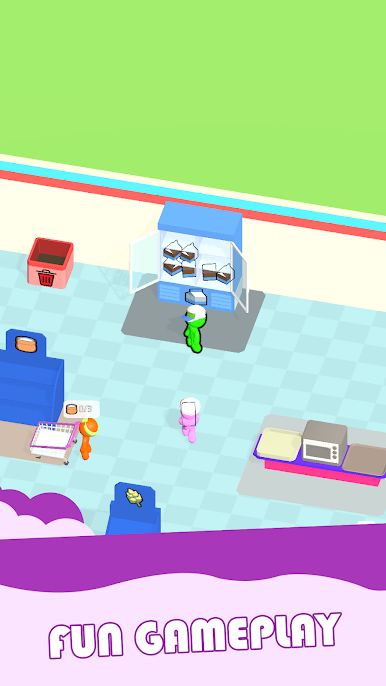
Fami Mart is a laid-back shop manager that starts with a tiny corner store and slowly grows into a busy minimarket. The player runs around a bright 3D shop, restocking shelves, ringing up customers, and trying to keep lines from piling up. Cash goes into upgrades that actually matter, like bigger shelves, faster machines, and hiring staff such as cashiers and stockers who save a lot of running. There is a small bit of pressure to arrange items in time so shoppers find what they want, and to grab the money tray quickly so thieves do not walk off with it. The loop is simple and satisfying, almost zen at times, with clean animations and soft sounds that make all the stocking and beeping feel pleasant rather than stressful.
It is not only a shop game either. There is a farm that feeds the supermaket. The player grows fruit and vegetables, hauls them back to the store, and can process them into things like flour or cake to sell for more. New products unlock bit by bit, and there is a steady trickle of small decisions about whether to hire another employee, expand floor space, or push for faster checkout. Controls are basic hold-and-drag on mobile. On PC with BlueStacks, the mouse makes movement and shelf placement smooth, and it feels easier to manage crowds when the cursor is doing the heavy lifting. Graphics are colorful without being noisy, the pacing is relaxed, and the game suits short breaks or longer runs when the upgrades keep rolling in.
Slay your opponents with your epic moves. Play it your way on BlueStacks and dominate the battlefield.















เล่น Fami Mart บน PC ได้ง่ายกว่า
-
ดาวน์โหลดและติดตั้ง BlueStacks บน PC ของคุณ
-
ลงชื่อเข้าใช้แอคเคาท์ Google เพื่อเข้าสู่ Play Store หรือทำในภายหลัง
-
ค้นหา Fami Mart ในช่องค้นหาด้านขวาบนของโปรแกรม
-
คลิกเพื่อติดตั้ง Fami Mart จากผลการค้นหา
-
ลงชื่อเข้าใช้บัญชี Google Account (หากยังไม่ได้ทำในขั้นที่ 2) เพื่อติดตั้ง Fami Mart
-
คลิกที่ไอคอน Fami Mart ในหน้าจอเพื่อเริ่มเล่น

