


KeeperChat 暗号化されたメッセンジャー
BlueStacksを使ってPCでプレイ - 5憶以上のユーザーが愛用している高機能Androidゲーミングプラットフォーム

PCでKeeperChat 暗号化されたメッセンジャーをプレイ
なぜ KeeperChat が必要なのか:
• なぜなら、プライバシーを保護する意味があるから。
• なぜなら、パスワードでメッセージを保護したいから。
• なぜなら、他人は詮索好きだから。
• なぜなら、クレジットカードやパスワード情報を共有できる安全な方法が必要だから。
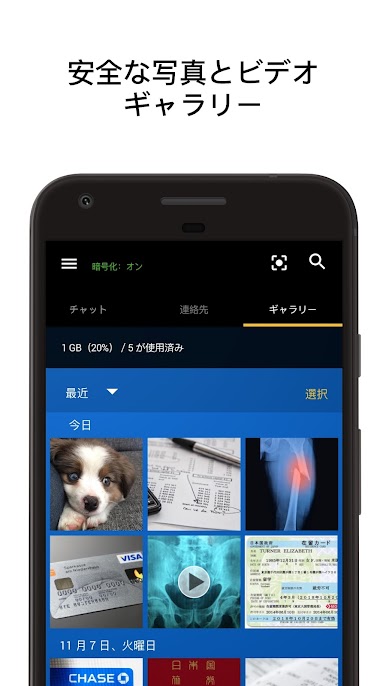
• なぜなら、当アプリはメインの写真ギャラリーに写真を保管しないから。
• なぜなら、間違いは起こるものだから。
• なぜなら、写真が漏洩するから。
• なぜなら、気が変わることがあるから。
• なぜなら、送信してしまった内容を後悔することがあるから。
• なぜなら、間違った相手に間違った内容をテキスト送信してしまうことがあるから。
• なぜなら、チャットのスクリーンショットを撮影された時に知りたいから。
• なぜなら、タブレットで会話に参加したいから。
• なぜなら、簡単に使えるアプリだから。
• なぜなら、友達全員で使えるから。
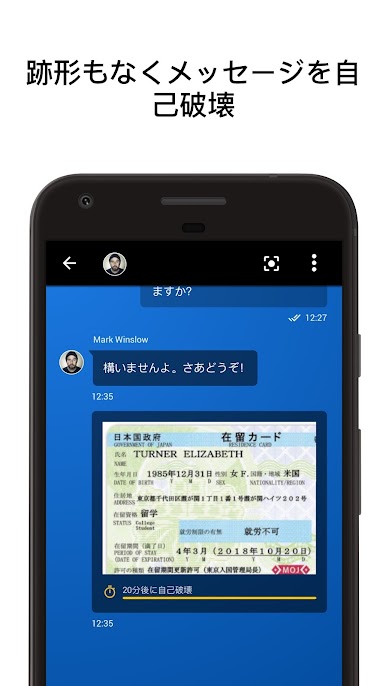
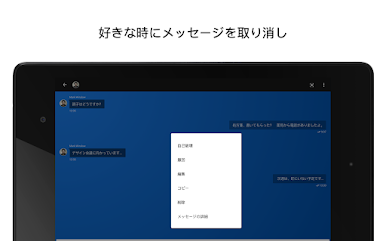
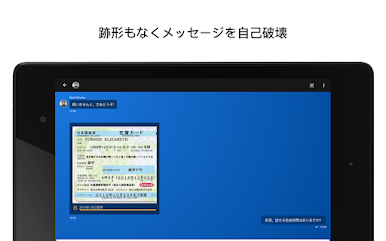
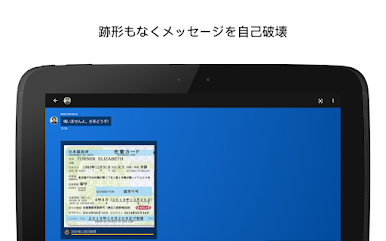
プライベートな写真やメッセージを消し去りたいですか? 自己破壊タイマーにお任せください。 送信した内容を後悔しているのですか? いつでも好きな時に、跡形もなくメッセージを撤回できます。 携帯を紛失し、メッセージも一緒に消えてしまったのですか? 新しいデバイスでアプリにログインすると、会話が復元されます。
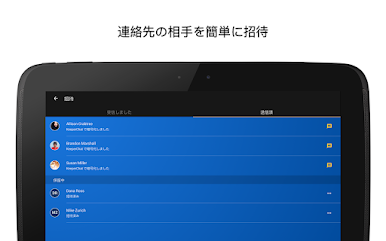
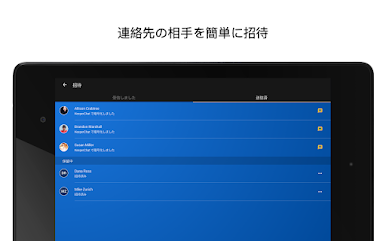
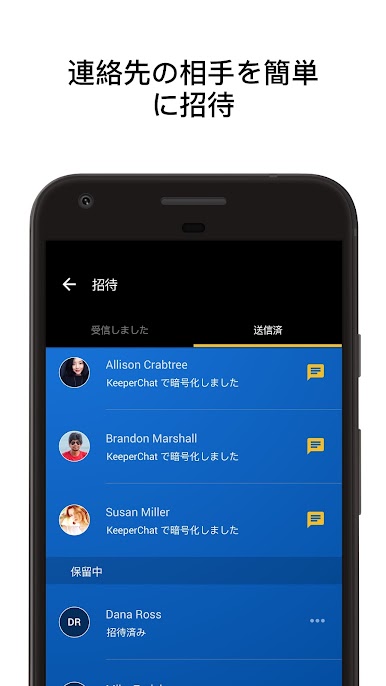
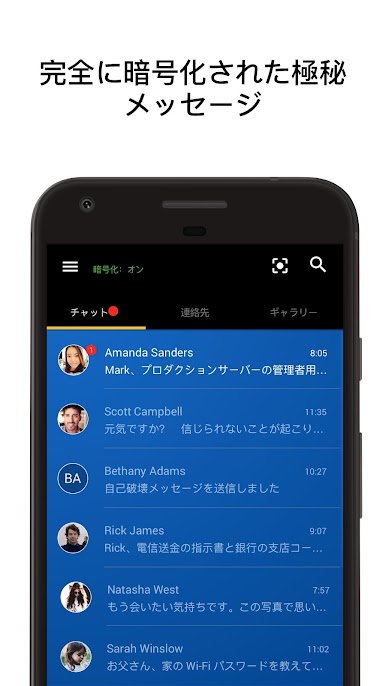
メッセンジャーアプリは手軽に利用できるため、深く考えずに信用している相手へ個人情報をテキストメッセージしてしまいがちです。しかしながら、一般的に利用されているメッセンジャー製品は、重要な情報を安全に送受信できるよう設計されていません。 既存のメッセンジャーアプリには、ゼロ知識セキュリティアーキテクチャや必要なセキュリティプロトコルが内蔵されていません。 KeeperChat を使えば、共有するコンテンツや共有する相手を自分でコントロールできるので安心してチャットできます。 気軽に友達、家族、同僚を招待して、安全なメッセンジャーの未来をご体感いただけます。 KeeperChat ですべてをコントロールしましょう。
当製品の利点:
• メッセージ、写真、ビデオ用の専用ボルト
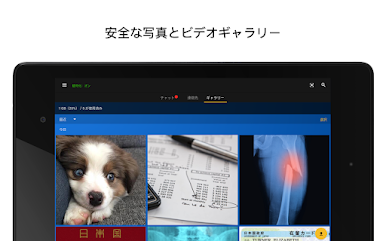
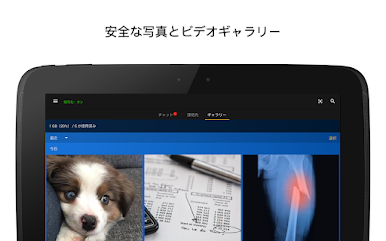
• 暗号化された専用メディアギャラリー(デバイス内のカメラロールには何も保存しません)
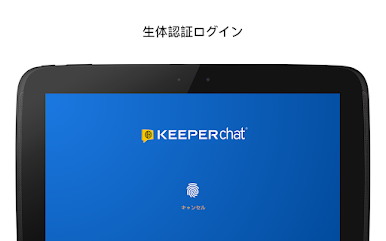
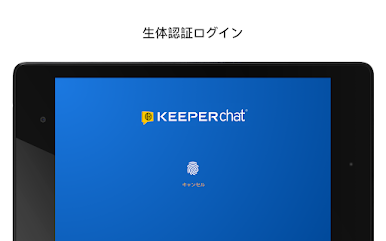
• ボルト用の生体認証ログインと自己破壊保護
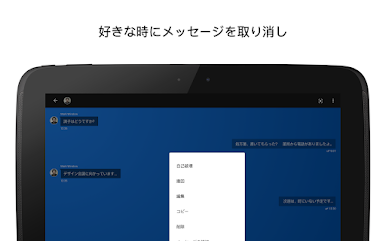
• メッセージ撤回と自己破壊タイマー
• 2 段階認証
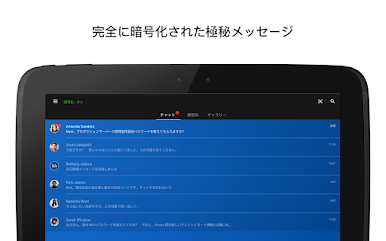
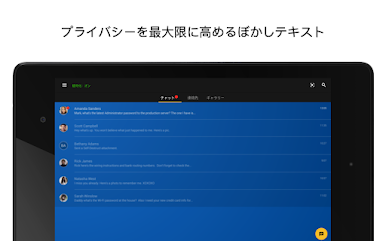
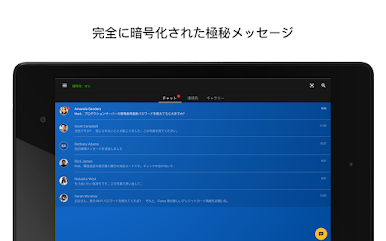
• エンドツーエンドのメッセージ暗号化
• 無制限のデバイス数と同期数
• 安全なクラウドバックアップ
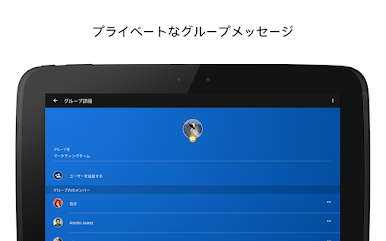
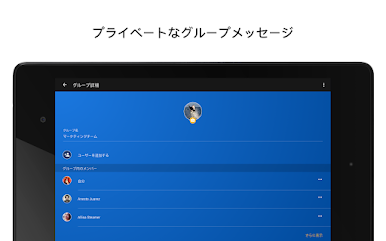
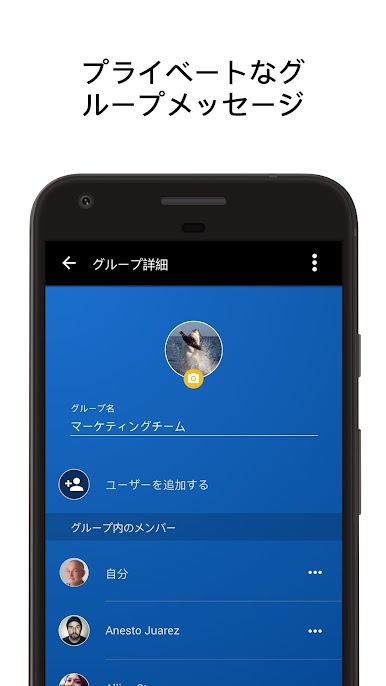
• プライベートなグループチャット
• 自動ログアウトタイマー
• テーマやアニメステッカーでメッセージをカスタマイズ
• 暗号化されたゼロ知識セキュリティアーキテクチャ
• 内臓 Keeper パスワードボルトを統合
世界一信頼されているパスワードマネージャーならびに安全なデジタルボルトである Keeper を制作した Keeper Security が開発しました。
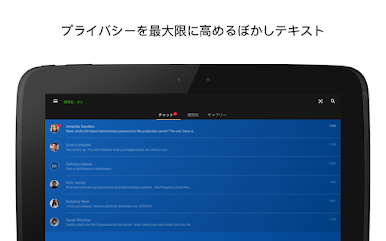
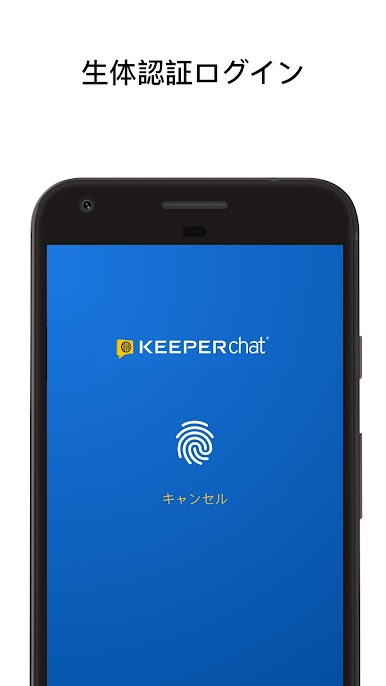
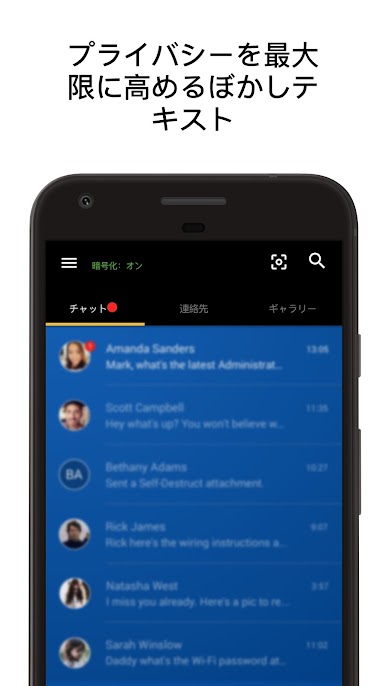
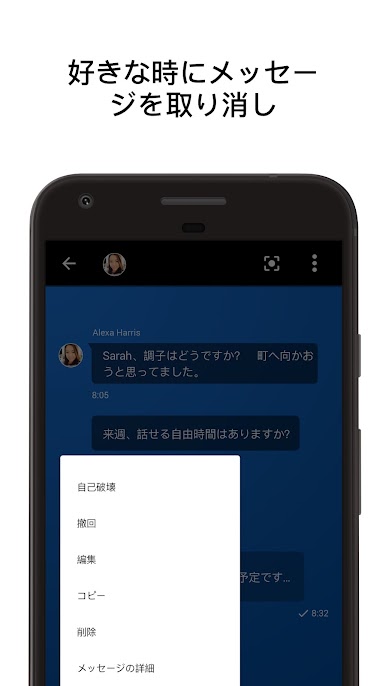
KeeperChat 暗号化されたメッセンジャーをPCでプレイ
-
BlueStacksをダウンロードしてPCにインストールします。
-
GoogleにサインインしてGoogle Play ストアにアクセスします。(こちらの操作は後で行っても問題ありません)
-
右上の検索バーにKeeperChat 暗号化されたメッセンジャーを入力して検索します。
-
クリックして検索結果からKeeperChat 暗号化されたメッセンジャーをインストールします。
-
Googleサインインを完了してKeeperChat 暗号化されたメッセンジャーをインストールします。※手順2を飛ばしていた場合
-
ホーム画面にてKeeperChat 暗号化されたメッセンジャーのアイコンをクリックしてアプリを起動します。

