


MusicBee Remote
Spiele auf dem PC mit BlueStacks - der Android-Gaming-Plattform, der über 500 Millionen Spieler vertrauen.

Seite geändert am: Oct 27, 2025
Übersicht
It is a third party application and thus it is not affiliated in any way with MusicBee or Steven Mayall.
The store listing uses content owned by ProleteR available at http://dustedwax.org/dwk123.html under (cc) by-nc-nd 3
You can find help and links to the plugin required for the application to work on http://kelsos.net/musicbeeremote/.
Both the application and the plugin are open source and distributed under the GPLv3 License.
You can find the source for the application on https://github.com/kelsos/mbrc and for the plugin on https://github.com/kelsos/mbrc-plugin.
Jordan Georgiadis is responsible for the logo concept.
Tasos Papazoglou - Chalikias is responsible for further refining the logo, creating the promotional graphics and designing a major part of the UI and assets.
The latest plugin requires at least MusicBee v3.0 to function.
MusicBee Remote requires a device running at least Android v4.1 along with a wireless network connection in order to function.
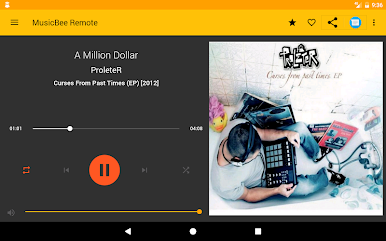
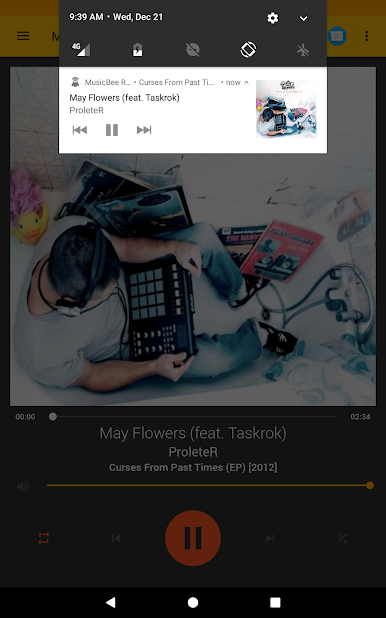
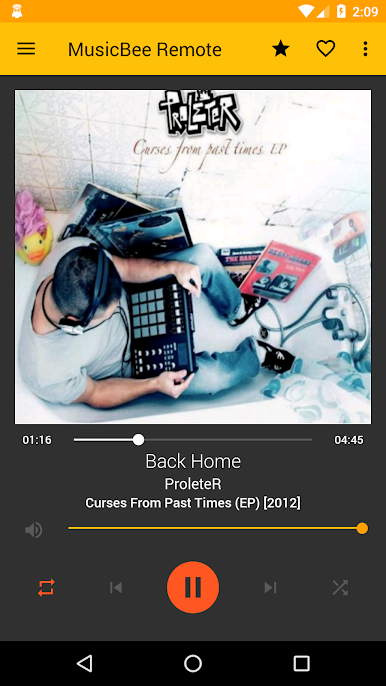
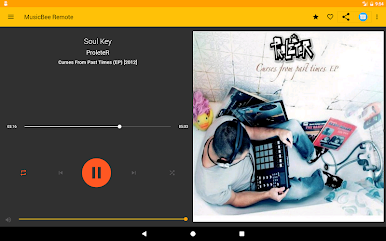
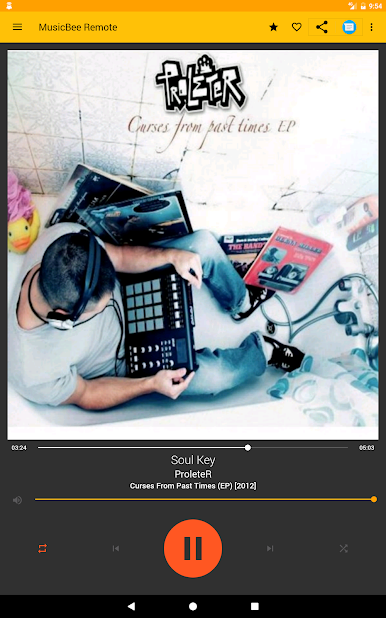
-Basic track information display (artist, title, album, year of release and artwork).
-Basic player control. (play, pause, stop, next, previous, volume change, mute, shuffle, repeat)
-Last.fm account scrobbling on/off.
-Last.fm love/ban.
-5 star rating.
-Playback progress display and control.
-Lyrics support.
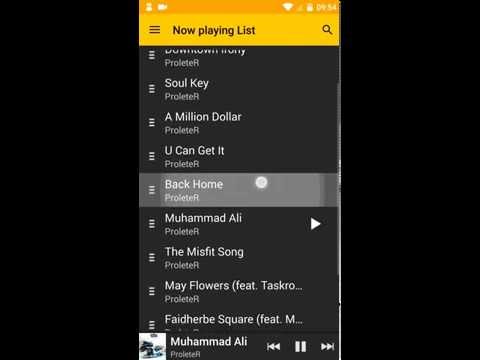
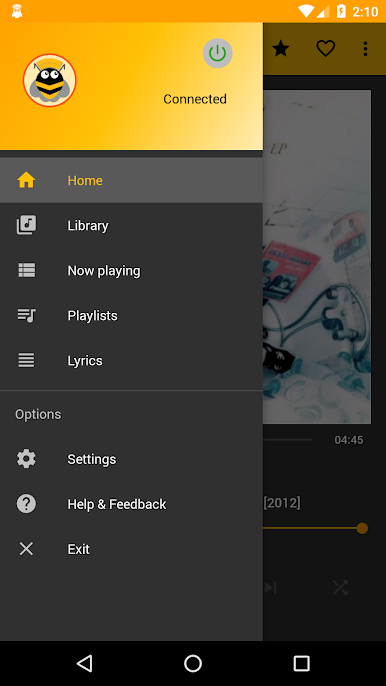
-Now playing list display, along with the ability to choose a track to play, search for a track to play, remove a track from the now playing list, or reorder the tracks.
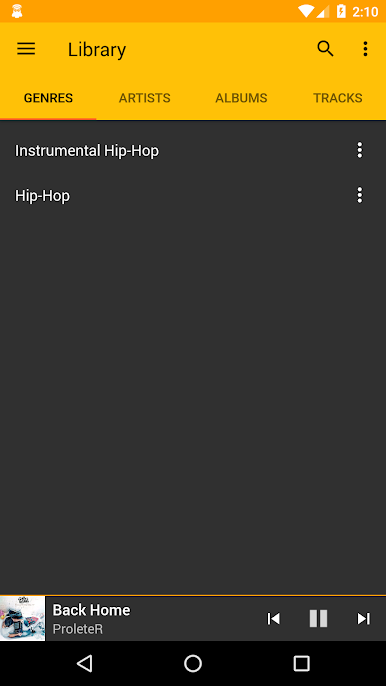
-Library browsing support with the ability to enqueue, or play the tracks.
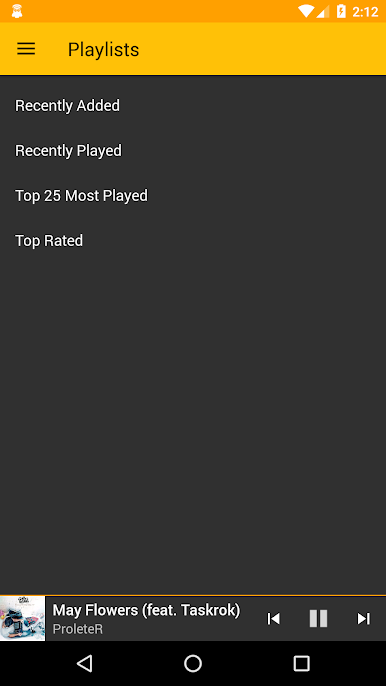
-Basic playlist support (list and press to play)
-Option to reduce the volume, pause/stop playback on incoming call.
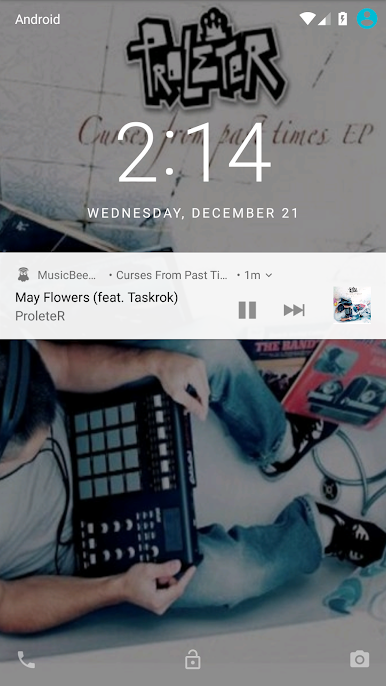
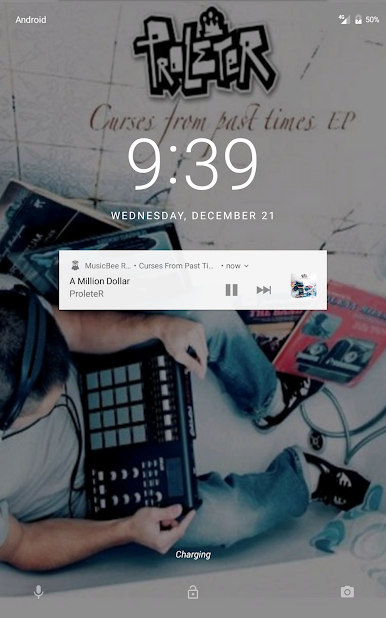
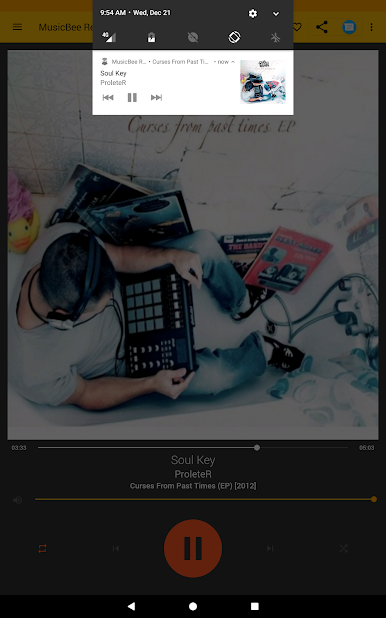
-Lockscreen controls on devices running Android 4.0 or greater
-Headset controls on devices running Android 4.0 or greater
-Volume control using the hardware buttons.
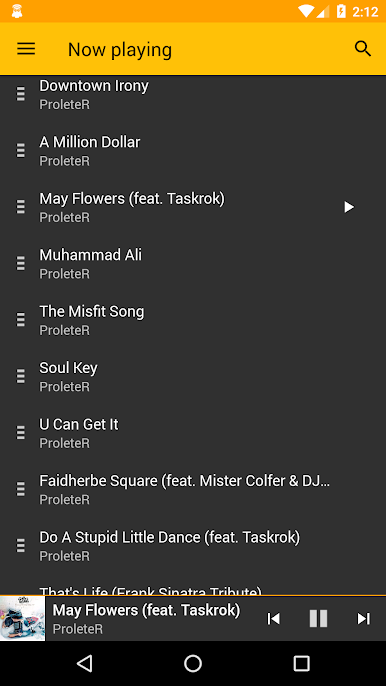
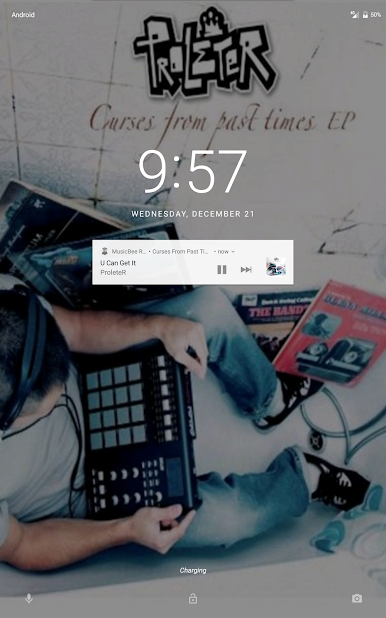
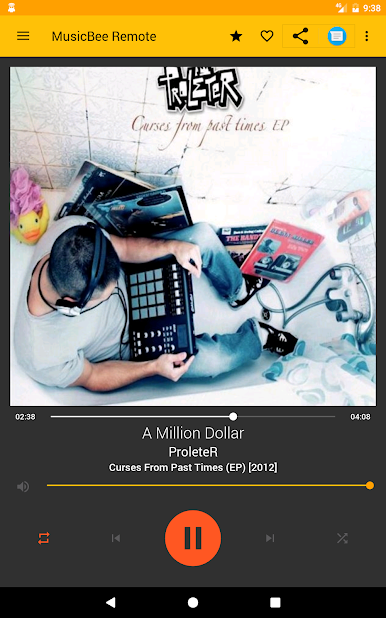
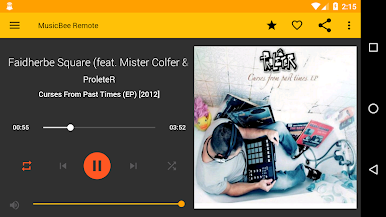
Spiele MusicBee Remote auf dem PC. Der Einstieg ist einfach.
-
Lade BlueStacks herunter und installiere es auf deinem PC
-
Schließe die Google-Anmeldung ab, um auf den Play Store zuzugreifen, oder mache es später
-
Suche in der Suchleiste oben rechts nach MusicBee Remote
-
Klicke hier, um MusicBee Remote aus den Suchergebnissen zu installieren
-
Schließe die Google-Anmeldung ab (wenn du Schritt 2 übersprungen hast), um MusicBee Remote zu installieren.
-
Klicke auf dem Startbildschirm auf das MusicBee Remote Symbol, um mit dem Spielen zu beginnen

