


Workout Tracker - GymKeeper
Jouez sur PC avec BlueStacks - la plate-forme de jeu Android, approuvée par + 500M de joueurs.

Page Modifiée le: Aug 25, 2025
Play Workout Tracker - GymKeeper on PC
GymKeeper features
• No subscriptions & no ads - one-time purchase only!
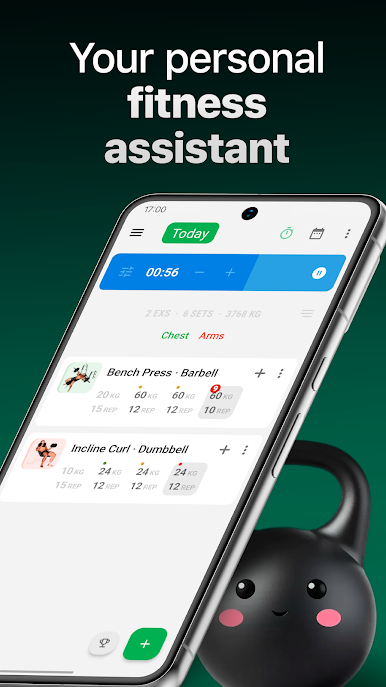
• Clean, intuitive UI with high customization - optimize your workout logging experience
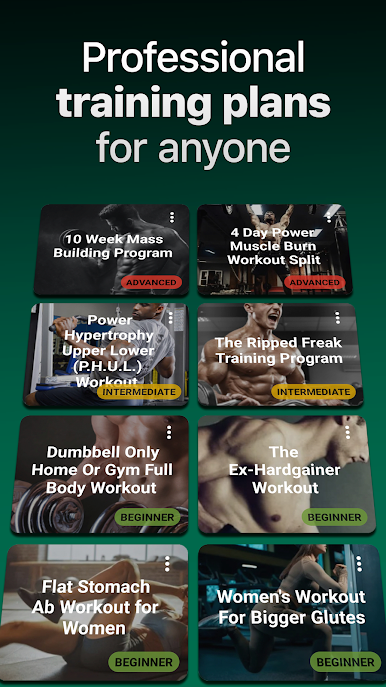
• 300+ animated exercises and 20+ training programs for all fitness levels
• Perfect for any workout style - Strength Training 5x5, Upper/Lower Body Splits, CrossFit, Home Dumbbell Workouts, Full Body Toning routines, and specialized Abs & Glutes training programs
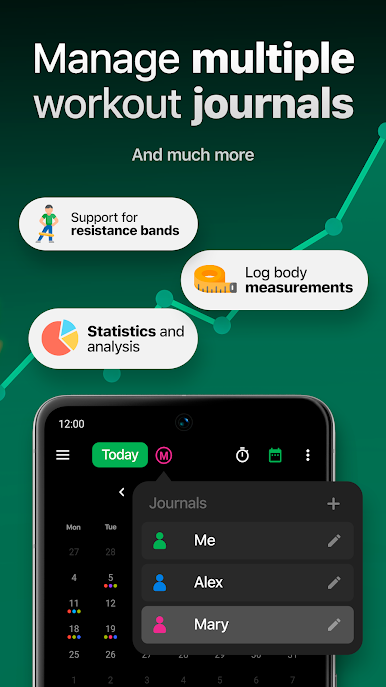
• Complete resistance band workout support - specify colored bands for targeted strength training
• Create and organize your own custom exercises, workout routines and training plans
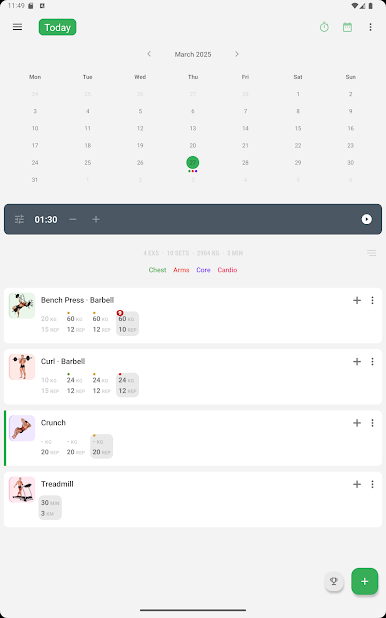
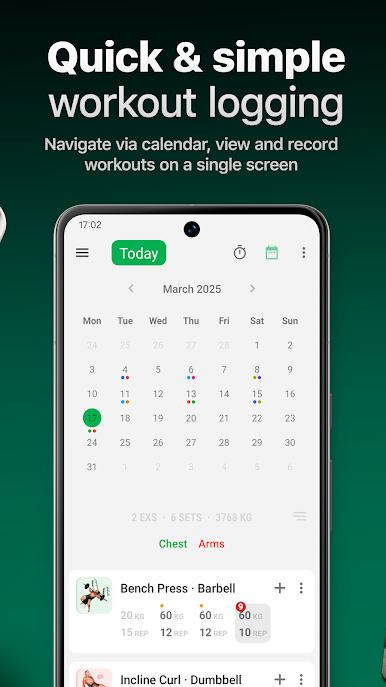
• Easily navigate between workout sessions using the intuitive calendar and simple swiping
• Save time with smart automatic tracking that fills in your training data based on past performance
• Built-in workout timers - countdown timer, rest timer, and fully configurable Tabata interval timer
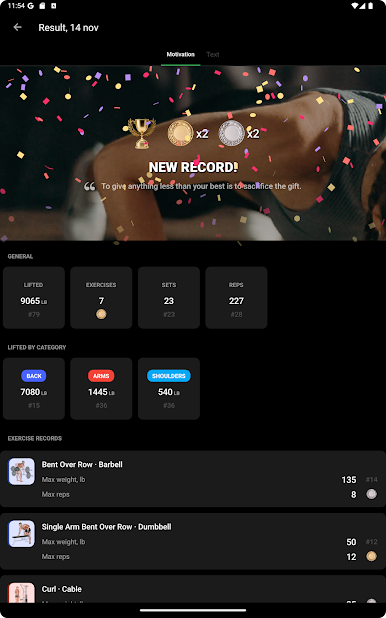
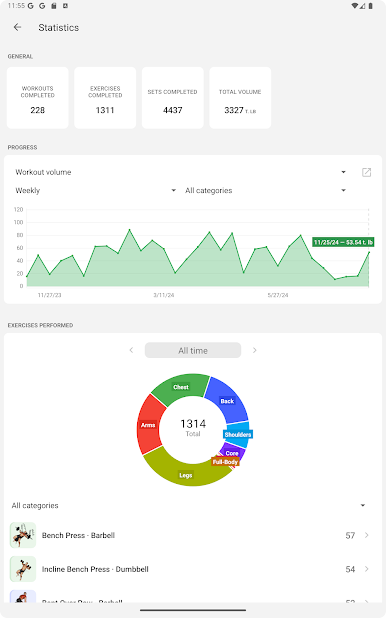
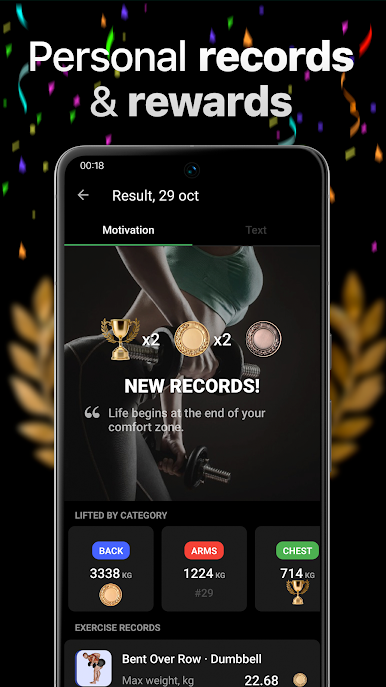
• Track your fitness progress and personal records with detailed charts and comprehensive statistics
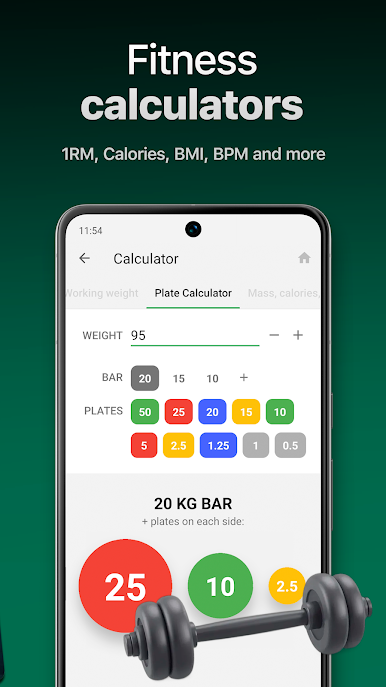
• Fitness calculators - calculate barbell plate loading, one rep max (1RM), BMI, training heart rate zones and daily calorie requirements
• Body measurement tracker with progress photos to visualize your transformation journey
• Motivational quotes and achievement badges to keep your workout momentum going
• Secure data with automatic Google Drive cloud backups
• Export your workout data and measurements to TXT and CSV files for further analysis
• Battery-saving AMOLED Black theme for extended gym sessions
• Manage multiple clients' workout journals - perfect for personal trainers and coaches
• No registration required - start your fitness journey with GymKeeper immediately!
Whether you're a beginner or advanced lifter, GymKeeper Workout Tracker adapts to your needs. Download now and take the first step toward a stronger, healthier you! Join thousands of satisfied users who've transformed their fitness journey with the most user-friendly strength training app available today.
Contact us
If you have any questions or suggestions regarding GymKeeper, please contact us at kotssl@yandex.ru
Jouez à Workout Tracker - GymKeeper sur PC. C'est facile de commencer.
-
Téléchargez et installez BlueStacks sur votre PC
-
Connectez-vous à Google pour accéder au Play Store ou faites-le plus tard
-
Recherchez Workout Tracker - GymKeeper dans la barre de recherche dans le coin supérieur droit
-
Cliquez pour installer Workout Tracker - GymKeeper à partir des résultats de la recherche
-
Connectez-vous à Google (si vous avez ignoré l'étape 2) pour installer Workout Tracker - GymKeeper
-
Cliquez sur l'icône Workout Tracker - GymKeeper sur l'écran d'accueil pour commencer à jouer

