


Kids Learning Box: Preschool
Juega en PC con BlueStacks: la plataforma de juegos Android, en la que confían más de 500 millones de jugadores.

Página modificada el: Jun 22, 2023
Play Kids Learning Box: Preschool on PC or Mac
From the innovators and creators at KidsAppBox, Kids Learning Box: Preschool is another fun addition to the World of Educational games. Go beyond your mobile screen and play it bigger and better on your PC or Mac. An immersive experience awaits you.
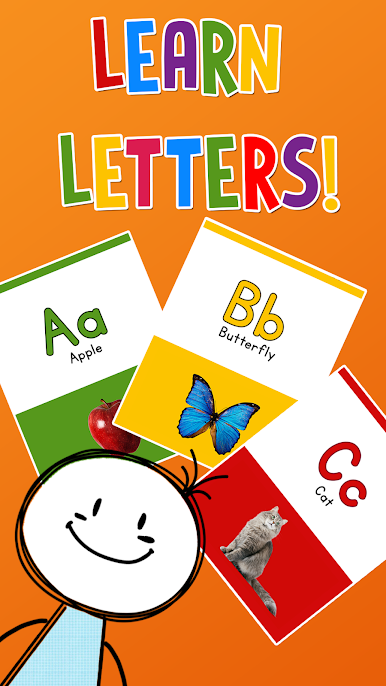
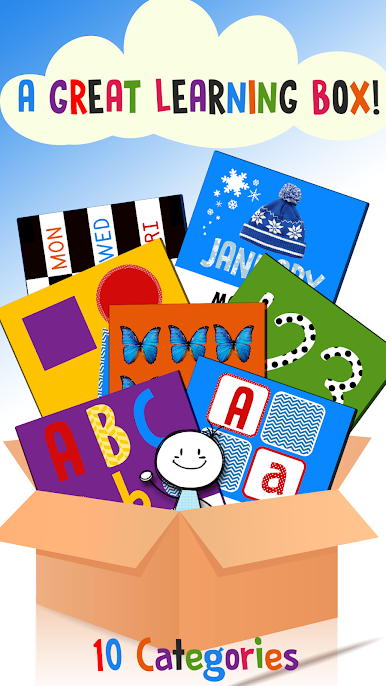
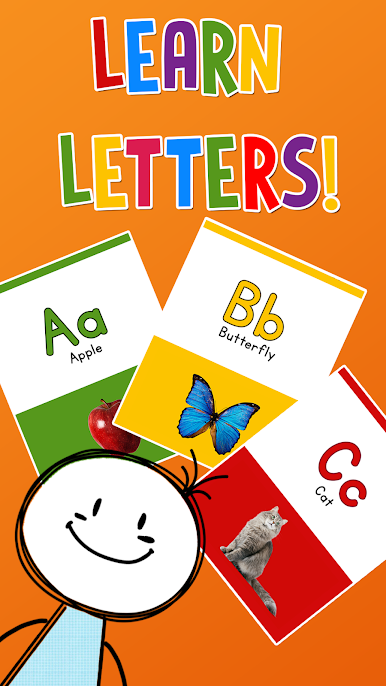
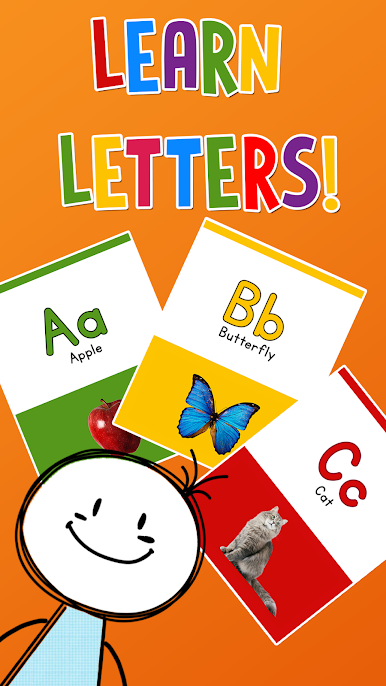
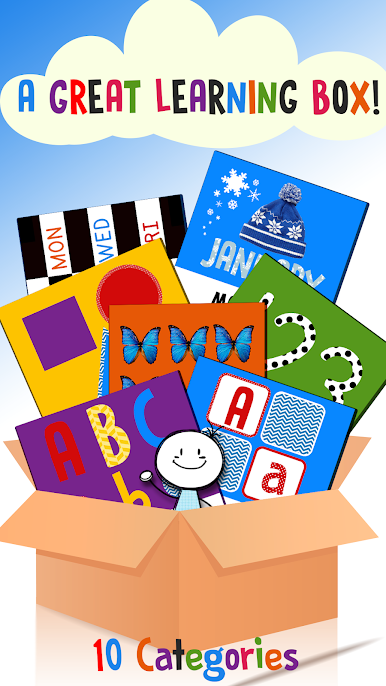
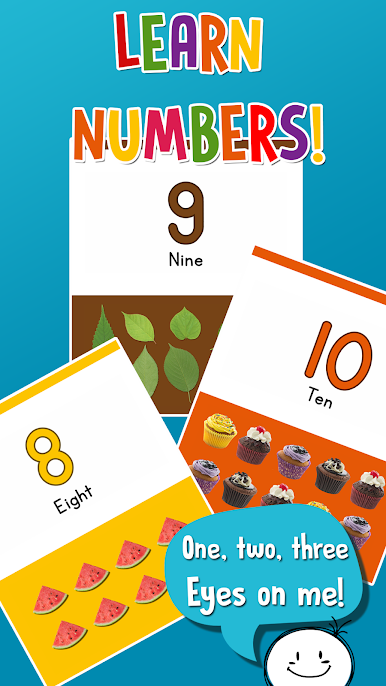
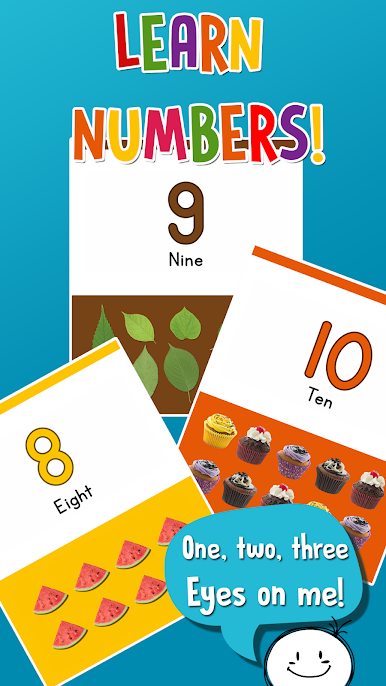
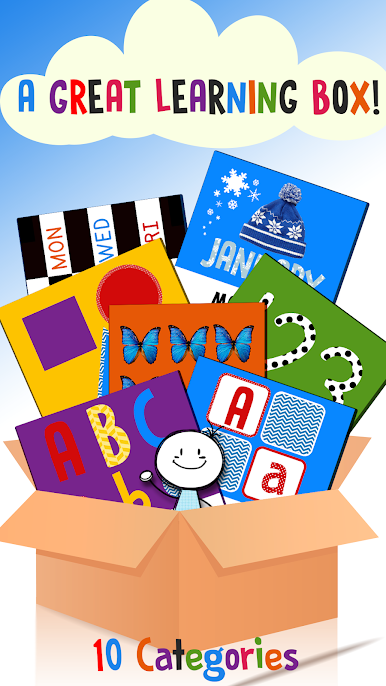
Kids Learning Box: Preschool feels like a big box of simple learning toys living on the screen. On PC through BlueStacks, the whole thing spreads out nicely, so clicking cards and dragging colors feels clear and calm. It breaks learning into small, bite size activities. There are number cards up to twelve with a quick counting game, alphabet cards with pictures that match each letter, and a bunch of basic color and shape flashcards. Nothing complicated, just bright, clean screens and clear prompts that tell what to do next.
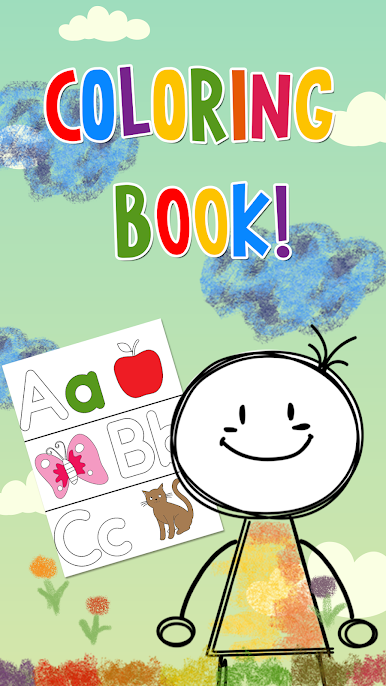
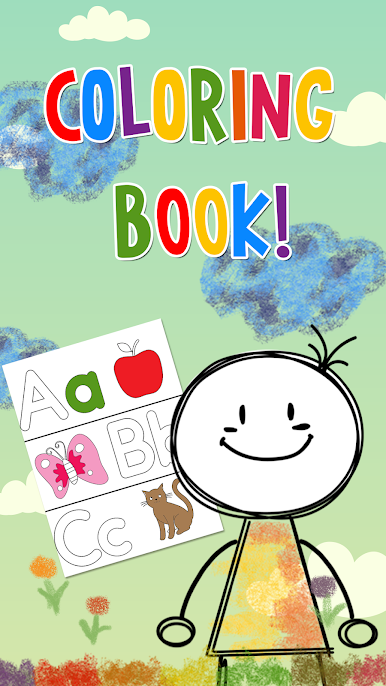
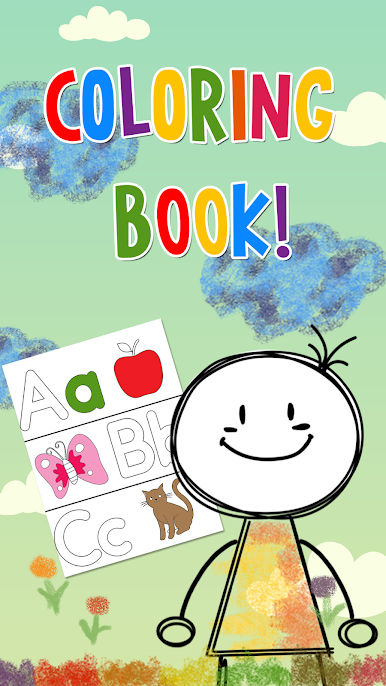
The parts that stand out are the memory match and the practice mode. Matching letters, numbers, or shapes asks for a bit of focus without turning into pressure, and the practice game that asks for the correct letter, number, shape, or color keeps attention better than a long lesson would. There is a months and days section so those basics stick, and a coloring book that lets kids doodle on a blank canvas or fill in simple outlines, then save what they made. With a mouse, coloring is smooth and the bigger monitor helps small eyes tell the difference between similar shapes like oval and circle. It is clearly made for preschool and kindergarten ages, so everything moves slow enough and repeats often enough for new learners. Quick sessions work fine or someone can stack a few categories in a row, whatever fits the kid and the grownup nearby.
Start your journey now. Download the game on BlueStacks, invite your friends, and march on a new adventure.
Juega Kids Learning Box: Preschool en la PC. Es fácil comenzar.
-
Descargue e instale BlueStacks en su PC
-
Complete el inicio de sesión de Google para acceder a Play Store, o hágalo más tarde
-
Busque Kids Learning Box: Preschool en la barra de búsqueda en la esquina superior derecha
-
Haga clic para instalar Kids Learning Box: Preschool desde los resultados de búsqueda
-
Complete el inicio de sesión de Google (si omitió el paso 2) para instalar Kids Learning Box: Preschool
-
Haz clic en el ícono Kids Learning Box: Preschool en la pantalla de inicio para comenzar a jugar

