


Database Designer
Chơi trên PC với BlueStacks - Nền tảng chơi game Android, được hơn 500 triệu game thủ tin tưởng.

Trang đã được sửa đổi vào: Sep 11, 2024
Run Database Designer on PC or Mac
Why limit yourself to your small screen on the phone? Run Database Designer, an app by klim, best experienced on your PC or Mac with BlueStacks, the world’s #1 Android emulator.
About the App
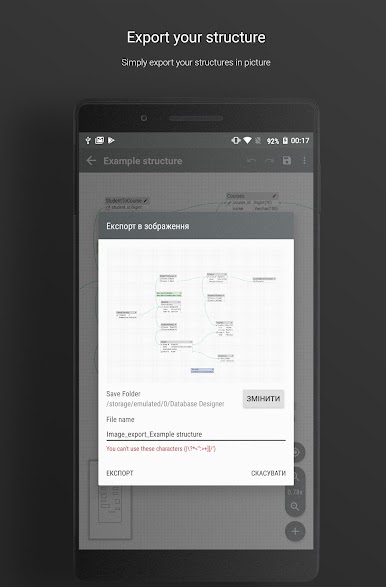
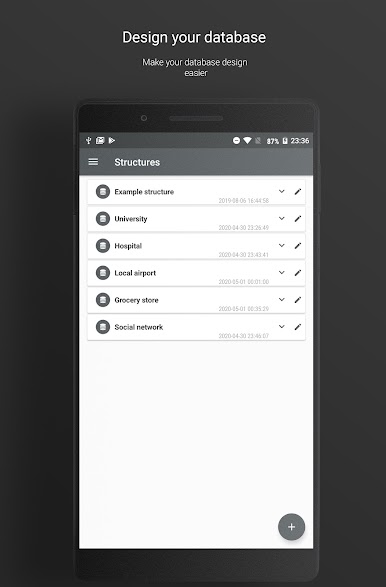
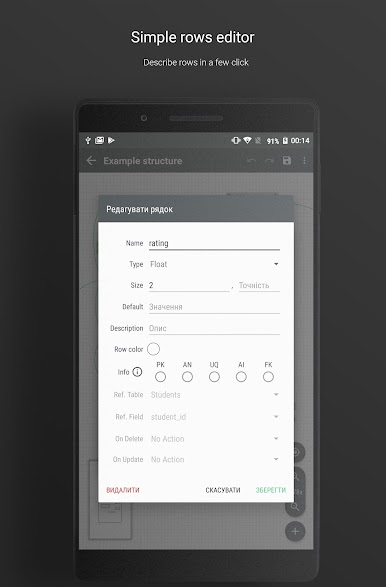
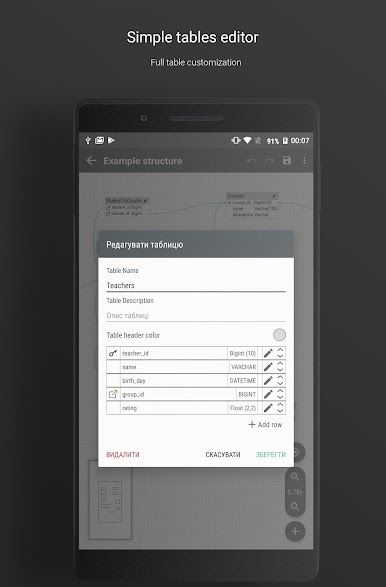
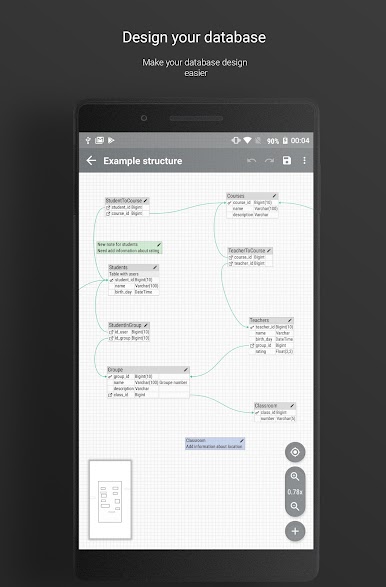
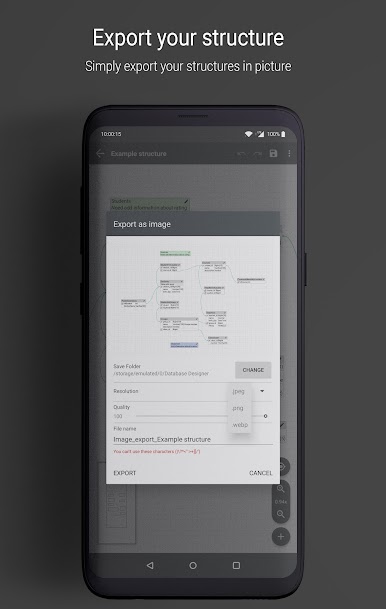
Database Designer is here to take the hassle out of creating and managing your databases. Whether you’re working through your next project or just mapping out ideas, Database Designer keeps things simple and straightforward. This app from klim is built to help anyone—no matter your experience—with the process of database design, right on your device. If you sometimes wish you could sketch out your database plans quickly, this is a handy tool you’ll want nearby.
App Features
-
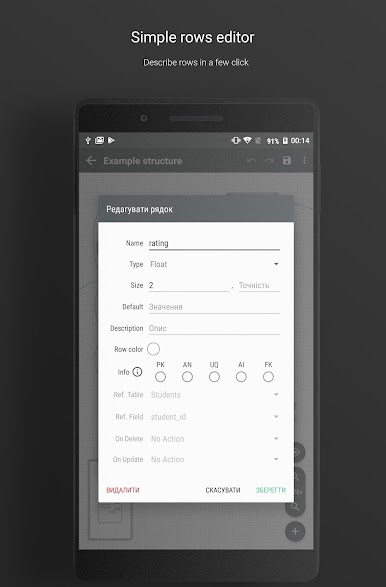
Easy-to-Use Interface
No steep learning curve here. Get started right away thanks to an interface that’s clear and down-to-earth, making database layouts and adjustments feel less like a chore. -
Free for Everyone
There’s no cost to get going—everything’s included without sneaky in-app purchases or subscriptions. Just open, design, and save your work, as much as you need. -
Project Flexibility
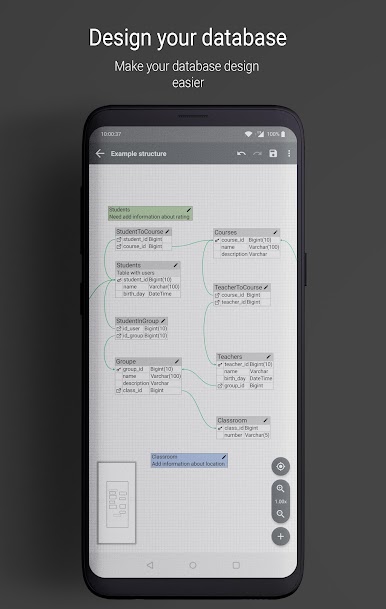
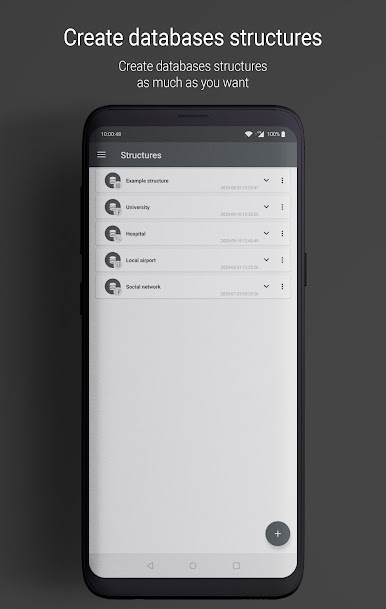
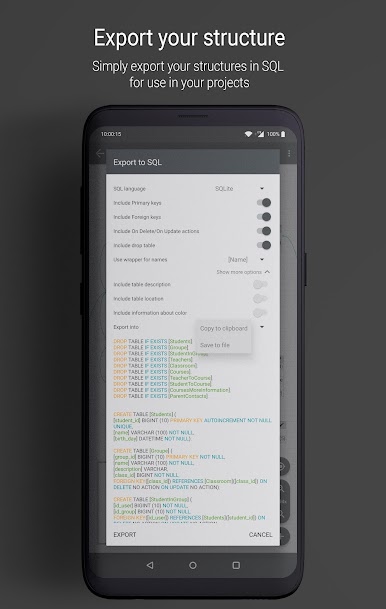
Tackle quick sketches for a new idea, or lay out detailed database structures for big tasks. Database Designer gives you room to work how you want. -
Great for Various Skill Levels
Maybe you’re trying your hand at database design for the first time, or maybe it’s just another day at work. Either way, this app welcomes all—you don’t need to be a pro. -
Smooth on BlueStacks
Prefer working on a bigger screen? You can use Database Designer with BlueStacks for a more comfortable and flexible design session.
Ready to experience Database Designer on a bigger screen, in all its glory? Download BlueStacks now.
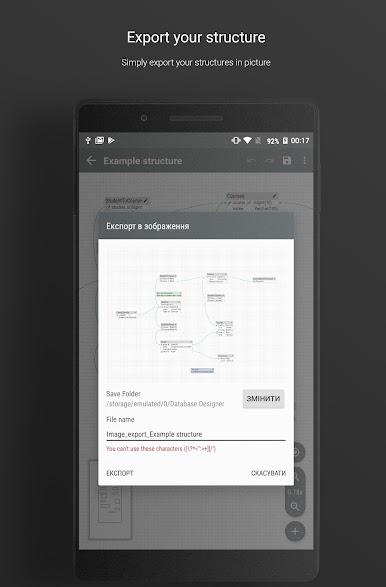
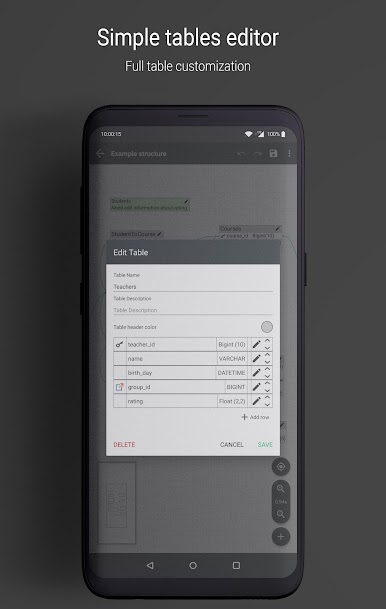
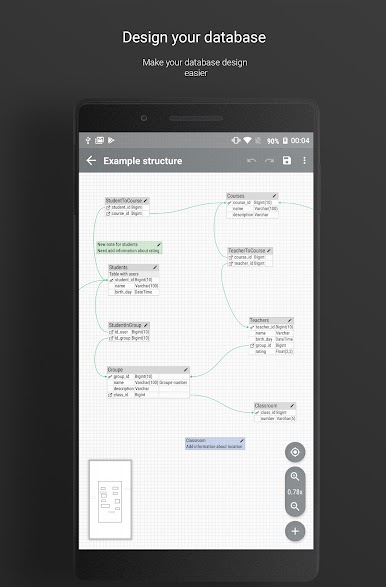
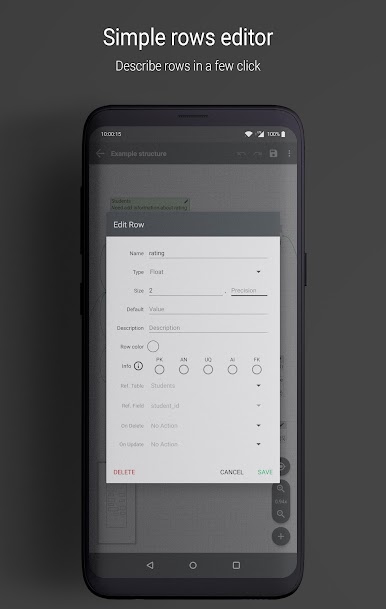
Chơi Database Designer trên PC. Rất dễ để bắt đầu
-
Tải và cài đặt BlueStacks trên máy của bạn
-
Hoàn tất đăng nhập vào Google để đến PlayStore, hoặc thực hiện sau
-
Tìm Database Designer trên thanh tìm kiếm ở góc phải màn hình
-
Nhấn vào để cài đặt Database Designer trong danh sách kết quả tìm kiếm
-
Hoàn tất đăng nhập Google (nếu bạn chưa làm bước 2) để cài đặt Database Designer
-
Nhấn vào icon Database Designer tại màn hình chính để bắt đầu chơi

