

FieldBee GPS-Navigation
Spiele auf dem PC mit BlueStacks - der Android-Gaming-Plattform, der über 500 Millionen Spieler vertrauen.

Seite geändert am: Oct 16, 2025
Run FieldBee tractor GPS navigation on PC or Mac
Get freedom from your phone’s obvious limitations. Use FieldBee tractor GPS navigation, made by eFarmer BV, a Tools app on your PC or Mac with BlueStacks, and level up your experience.
About the App
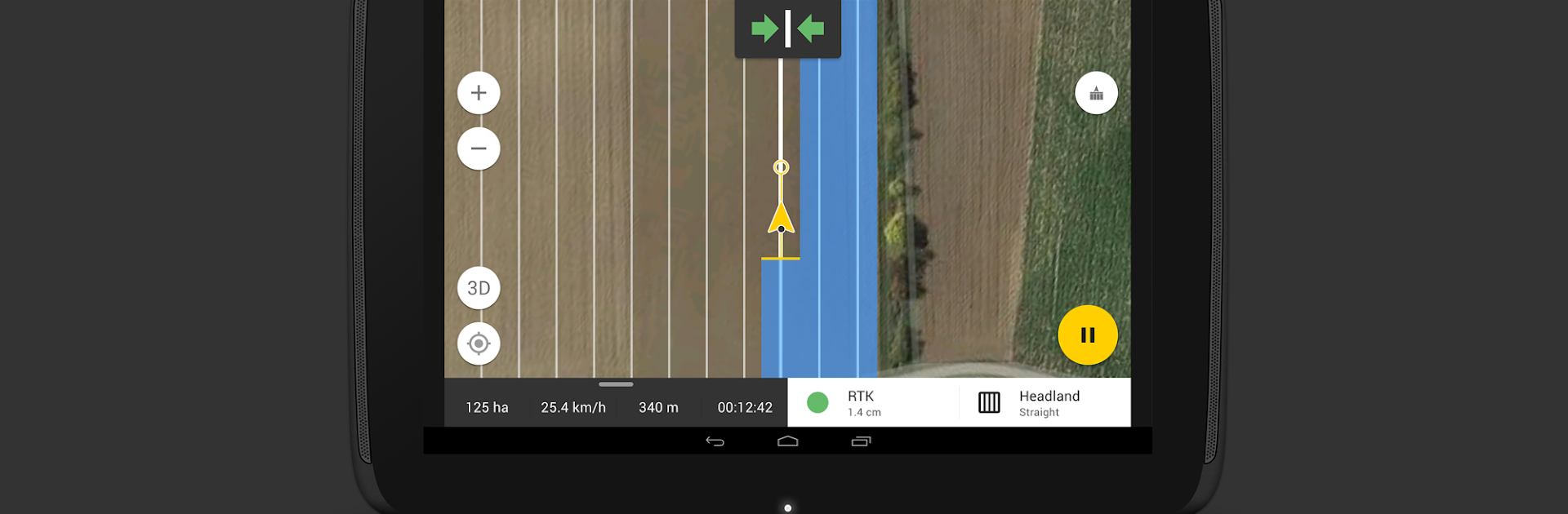
FieldBee tractor GPS navigation is a Tools app from eFarmer BV built for farmers who want clean, accurate guidance without the hassle. It turns your phone or tablet into a practical precision farming tool that helps you drive straight lines, keep better records, and make smarter passes—day or night. Prefer a bigger screen in the cab or office? You can also run it on BlueStacks.
App Features
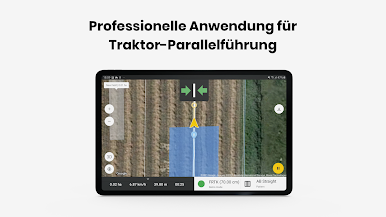
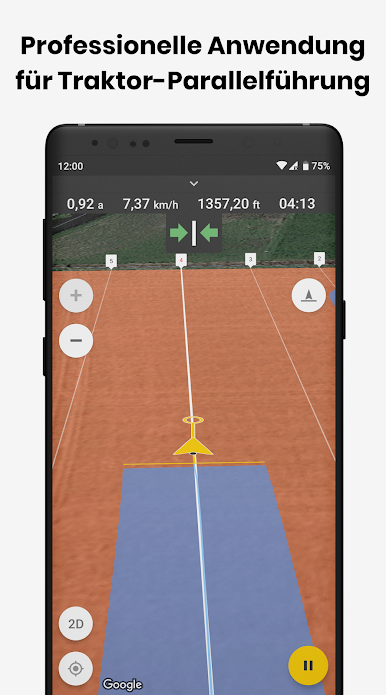
- Precision guidance: Follow parallel guidance with AB lines and headland patterns (straight or curved) to reduce overlap and skips while spraying, spreading, or seeding.
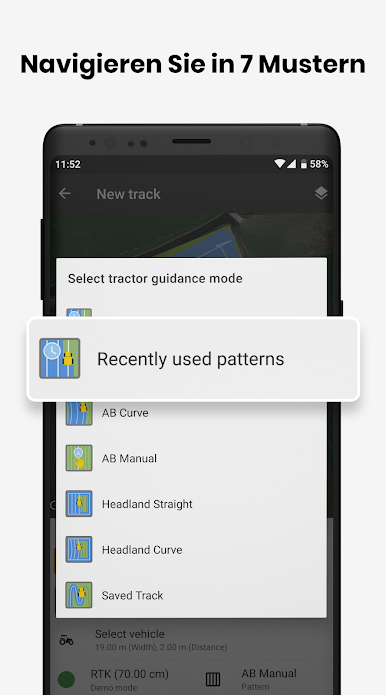
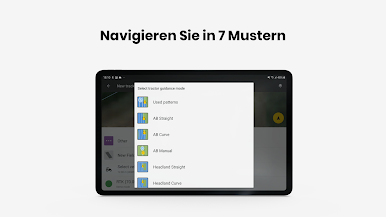
- Five navigation patterns: Use AB Straight, AB Curve, Headland Straight, Headland Curve, and Saved tracks to match your field and task.
- High-accuracy ready: Upgrade to GNSS/RTK-level accuracy and autosteering for tighter passes and less fatigue.
- Works offline: Navigate and log work even without an Internet connection; everything syncs when you’re back online.
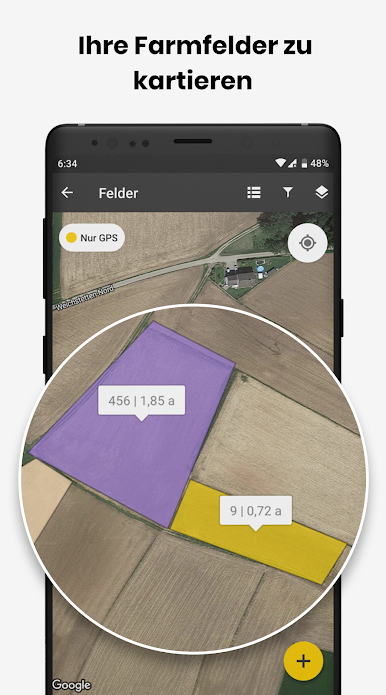
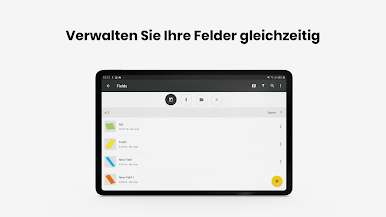
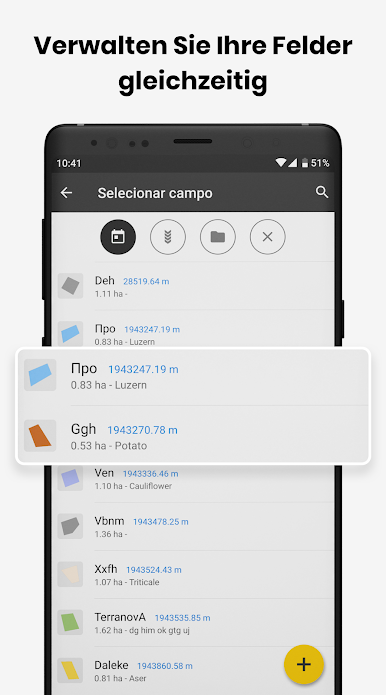
- Field mapping made easy: Create fields with GPS, draw them on the map, or import shapefiles/KML; export KML when you’re done.
- Smart boundaries and measures: Measure area and perimeter, map obstacles, and filter fields to stay organized across the season.
- Scouting with context: Drop geotagged notes and photos right where you see an issue for clear follow-ups later.
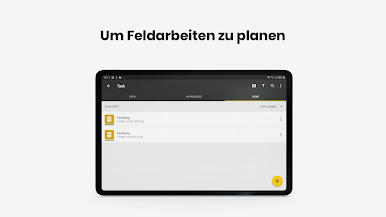
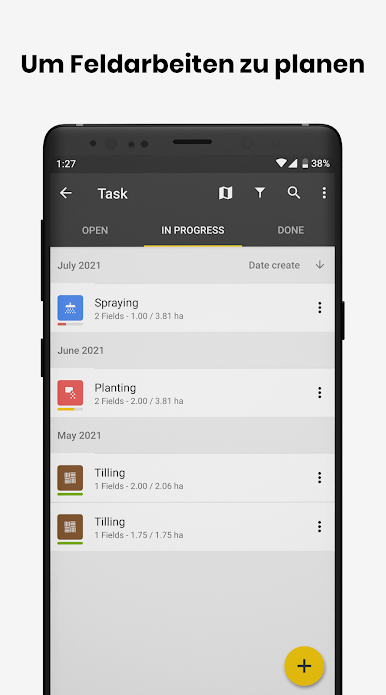
- Record keeping that sticks: Automatic tracking saves activities and generates reports; export to PDF in the free plan or Excel in the paid plan.
- Night mode comfort: Low-light interface helps you work in low visibility without straining your eyes.
- Team-friendly access: Share fields and data with your crew—no user cap—and keep everything in secure storage.
- Free vs. paid options: Get 14 days of tractor navigation plus mapping, scouting, and a web version for free; the paid plan adds all five patterns, automatic logging, Excel reports, updates, and support.
- Hardware compatibility: Works with most Bluetooth GPS receivers, including FieldBee GNSS receiver, NovAtel AG Star, Dual XGPS160, Qstarz XT818, and Leica MojoMini.
- Coming soon: Hill compensation, variable rate application, teamwork mode, and route optimization.
BlueStacks brings your apps to life on a bigger screen—seamless and straightforward.

Spiele FieldBee GPS-Navigation auf dem PC. Der Einstieg ist einfach.
-
Lade BlueStacks herunter und installiere es auf deinem PC
-
Schließe die Google-Anmeldung ab, um auf den Play Store zuzugreifen, oder mache es später
-
Suche in der Suchleiste oben rechts nach FieldBee GPS-Navigation
-
Klicke hier, um FieldBee GPS-Navigation aus den Suchergebnissen zu installieren
-
Schließe die Google-Anmeldung ab (wenn du Schritt 2 übersprungen hast), um FieldBee GPS-Navigation zu installieren.
-
Klicke auf dem Startbildschirm auf das FieldBee GPS-Navigation Symbol, um mit dem Spielen zu beginnen

