


GRE Verbal Prep Master
교육 | Knudge.me- Vocabulary Builder & Grammar Apps
5억명 이상의 게이머가 신뢰하는 안드로이드 게임 플랫폼 BlueStacks으로 PC에서 플레이하세요.

GRE Verbal Prep Master PC에서 즐겨보세요
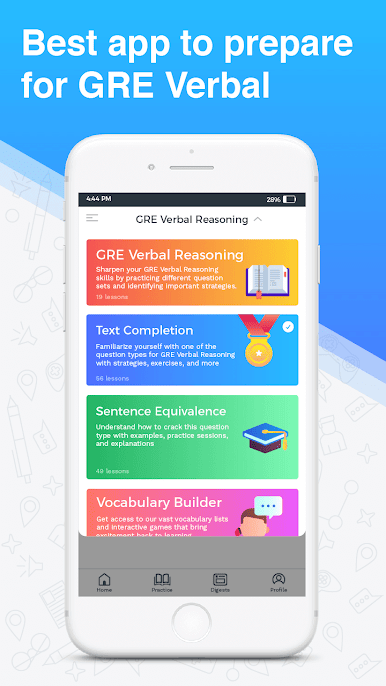
GRE 구술 준비 마스터는 다른 질문 세트를 소개하고 GRE에 대한 중요한 전략을 식별하여 GRE 구술 추론 기술을 향상시킬 수 있도록 도와줍니다. GRE Prep Master를 사용하면 테스트 형식 및 질문 유형을 익힐 수 있습니다. 또한 고주파 단어를 효율적으로 배울 수 있으며 연습 문제로 진도를 확인하여 시험에 응하고 원하는 대학원 프로그램에 참여할 수 있습니다.
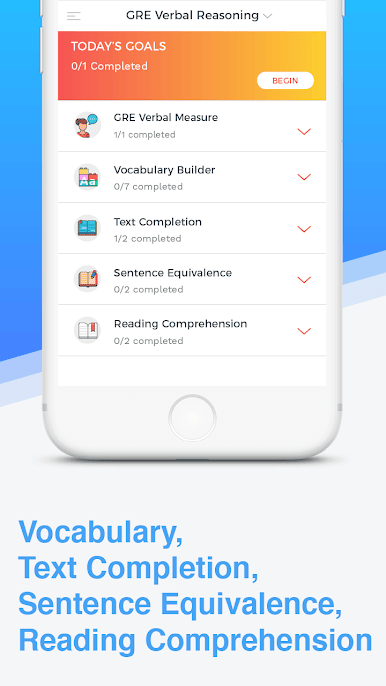
저희의 개인별 맞춤식 온라인 코스는 어휘력을 풍부하게하고 읽기 능력을 강화하여 높은 GRE 점수를 얻도록 고안되었습니다. 독해력, 텍스트 완성 및 문장 동등성과 같은 모든 GRE 구두 질문 유형이 포함됩니다. 또한 시험 준비 전략, 시험 모범 사례, 유용한 정보 및 모든 대답에 대한 설명이 포함되어 있습니다.
'여행 (Journey)'이라는 심층적 인 엔드 - 투 - 엔드 로드맵을 따라 GRE를 쉽게 준비 할 수 있도록 이해하기 쉬운 모듈로 코스를 나누십시오.
기능
합리적인 가격으로 맞춤식 및 적응 형 학습을 보장하는 멘토 지원
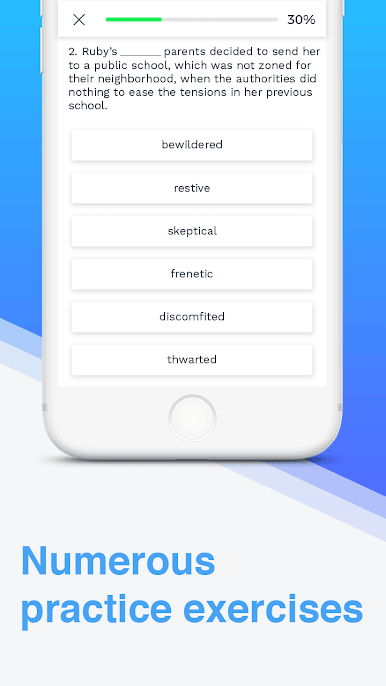
진행 상황을 실시간으로 추적하고 평가하는 연습 테스트
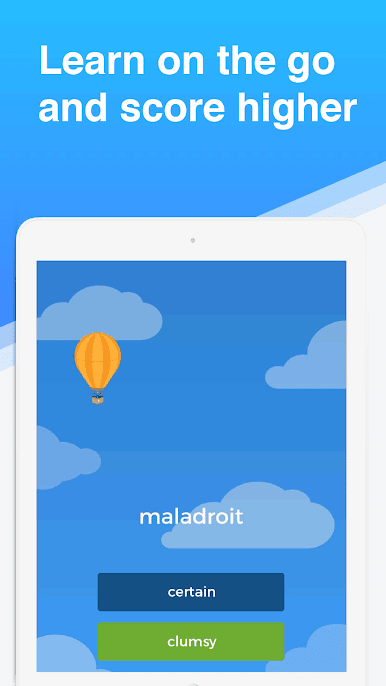
집중 어휘 개정 시험 및 게임
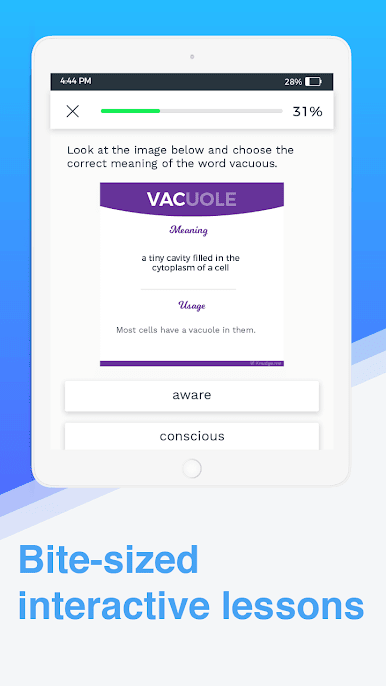
인터랙티브 미니 레슨을 통해 GRE 구술 추론 테스트의 모든 섹션과 관련된 개념을 이해할 수 있습니다.
유용한 팁과 전략으로 GRE 구술 시험의 장점을 누릴 수 있습니다.
강좌 주요 정보
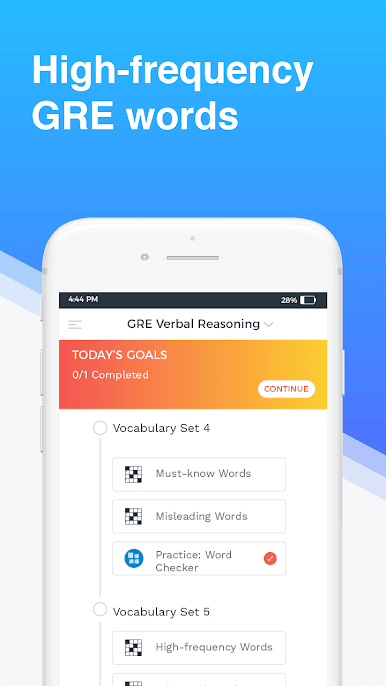
1. 어휘 코스 : 영어를 향상시키는 데 도움이되는 기본, 중급 및 고급 레벨의 500 개 이상의 단어로 구성된 어휘력을 향상시키고 향상시키는 단어 목록. 이 과목들은 각 단어에 대한 의미와 예문을 포함합니다.
2. 진단 테스트 : GRE 구술 섹션을 크랙하는 첫 번째 단계는 기준 점수를 결정하는 것입니다. 즉, 지금 시험에 응시할 경우 얻게 될 점수입니다. 진단 테스트는 귀하의 강점과 약점을 평가하는 데 도움이됩니다.
3. 기술 과정 :이 과정에서는 논쟁과 반박을 구성 및 분석하고, 대답을 예측하고, 모호한 단어의 의미를 해독하고, 목적을 가지고 읽으며 등이 있습니다.
4. 모범 사례 및 멘토 세션 : 각 섹션 이후에 여러 가지 실습 테스트를 전략적으로 배치하여 자격을 갖춘 멘토와 연결하여 모든 질문에 답하고 모든 단계에서 피드백을 제공하며, GRE Verbal 점수를 향상시키는 데 도움을줍니다. 여행이 끝나면 다양한 단계의 어려움을 겪고 실습 테스트를 통해 충분한 준비가되었는지 확인합니다. 또한 각 질문에 대한 정답과 설명을 제공합니다.
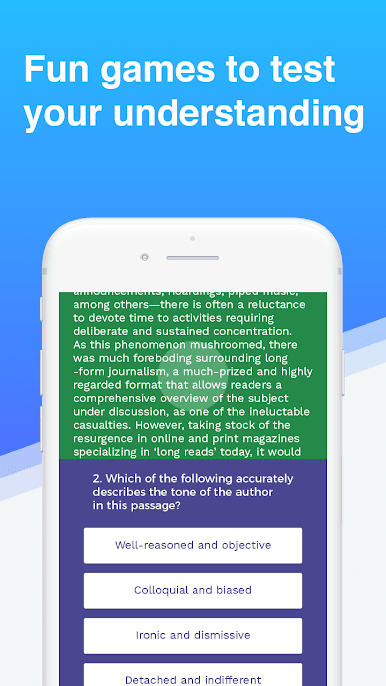
5. 게임 : 단어 레이스, 팬더 트레일, 리더 다이제스트, 날으기 높이, 젤리 피즈, 철자 안전, 스페이스 추적과 같은 매력적이고 흥미 진진하고 신중하게 만들어진 게임을 실행하여 언어 실력을 향상시킵니다. 더!
Knudge.me의 제작자 - Google Play의 Best Hidden Gem 카테고리에서 2017 년 베스트
앱을 무료로 다운로드하고 Google에서 깊이있는 여행을 통해 GRE 구술 추리를 해킹 할 수있는 가장 효과적인 방법을 찾으십시오. 모바일 학습이 훨씬 쉬워졌습니다!
저희의 개인별 맞춤식 온라인 코스는 어휘력을 풍부하게하고 읽기 능력을 강화하여 높은 GRE 점수를 얻도록 고안되었습니다. 독해력, 텍스트 완성 및 문장 동등성과 같은 모든 GRE 구두 질문 유형이 포함됩니다. 또한 시험 준비 전략, 시험 모범 사례, 유용한 정보 및 모든 대답에 대한 설명이 포함되어 있습니다.
'여행 (Journey)'이라는 심층적 인 엔드 - 투 - 엔드 로드맵을 따라 GRE를 쉽게 준비 할 수 있도록 이해하기 쉬운 모듈로 코스를 나누십시오.
기능
합리적인 가격으로 맞춤식 및 적응 형 학습을 보장하는 멘토 지원
진행 상황을 실시간으로 추적하고 평가하는 연습 테스트
집중 어휘 개정 시험 및 게임
인터랙티브 미니 레슨을 통해 GRE 구술 추론 테스트의 모든 섹션과 관련된 개념을 이해할 수 있습니다.
유용한 팁과 전략으로 GRE 구술 시험의 장점을 누릴 수 있습니다.
강좌 주요 정보
1. 어휘 코스 : 영어를 향상시키는 데 도움이되는 기본, 중급 및 고급 레벨의 500 개 이상의 단어로 구성된 어휘력을 향상시키고 향상시키는 단어 목록. 이 과목들은 각 단어에 대한 의미와 예문을 포함합니다.
2. 진단 테스트 : GRE 구술 섹션을 크랙하는 첫 번째 단계는 기준 점수를 결정하는 것입니다. 즉, 지금 시험에 응시할 경우 얻게 될 점수입니다. 진단 테스트는 귀하의 강점과 약점을 평가하는 데 도움이됩니다.
3. 기술 과정 :이 과정에서는 논쟁과 반박을 구성 및 분석하고, 대답을 예측하고, 모호한 단어의 의미를 해독하고, 목적을 가지고 읽으며 등이 있습니다.
4. 모범 사례 및 멘토 세션 : 각 섹션 이후에 여러 가지 실습 테스트를 전략적으로 배치하여 자격을 갖춘 멘토와 연결하여 모든 질문에 답하고 모든 단계에서 피드백을 제공하며, GRE Verbal 점수를 향상시키는 데 도움을줍니다. 여행이 끝나면 다양한 단계의 어려움을 겪고 실습 테스트를 통해 충분한 준비가되었는지 확인합니다. 또한 각 질문에 대한 정답과 설명을 제공합니다.
5. 게임 : 단어 레이스, 팬더 트레일, 리더 다이제스트, 날으기 높이, 젤리 피즈, 철자 안전, 스페이스 추적과 같은 매력적이고 흥미 진진하고 신중하게 만들어진 게임을 실행하여 언어 실력을 향상시킵니다. 더!
Knudge.me의 제작자 - Google Play의 Best Hidden Gem 카테고리에서 2017 년 베스트
앱을 무료로 다운로드하고 Google에서 깊이있는 여행을 통해 GRE 구술 추리를 해킹 할 수있는 가장 효과적인 방법을 찾으십시오. 모바일 학습이 훨씬 쉬워졌습니다!
PC에서 GRE Verbal Prep Master 플레이해보세요.
-
BlueStacks 다운로드하고 설치
-
Google Play 스토어에 로그인 하기(나중에 진행가능)
-
오른쪽 상단 코너에 GRE Verbal Prep Master 검색
-
검색 결과 중 GRE Verbal Prep Master 선택하여 설치
-
구글 로그인 진행(만약 2단계를 지나갔을 경우) 후 GRE Verbal Prep Master 설치
-
메인 홈화면에서 GRE Verbal Prep Master 선택하여 실행

