

N Calendar: Planner, Schedule
Play on PC with BlueStacks – the Android Gaming Platform, trusted by 500M+ gamers.

Page Modified on: Sep 8, 2025
Run N Calendar: Planner, Schedule on PC or Mac
What’s better than using N Calendar: Planner, Schedule by Komorebi Inc.? Well, try it on a big screen, on your PC or Mac, with BlueStacks to see the difference.
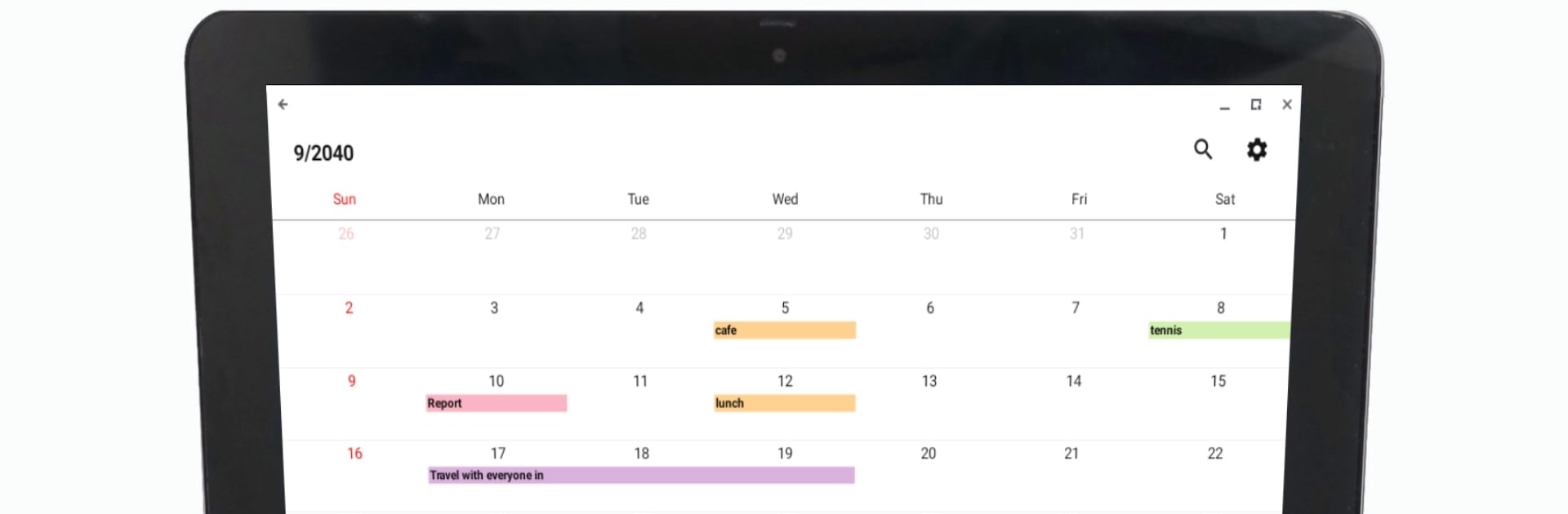
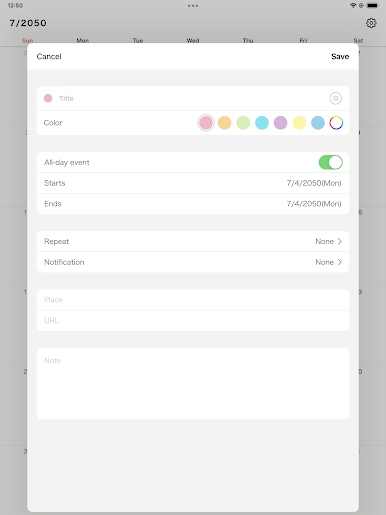
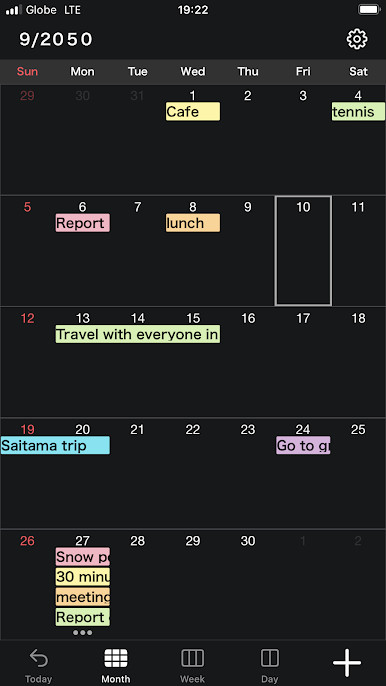
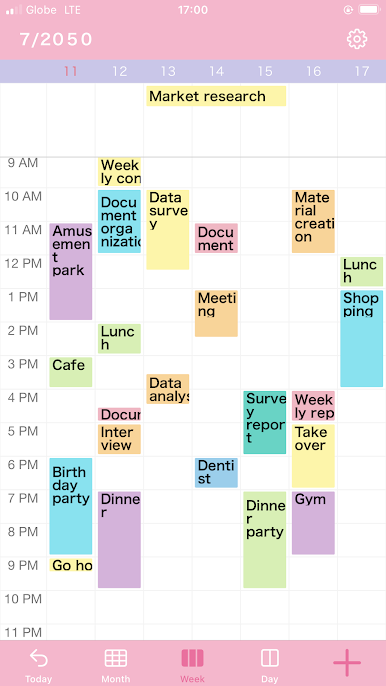
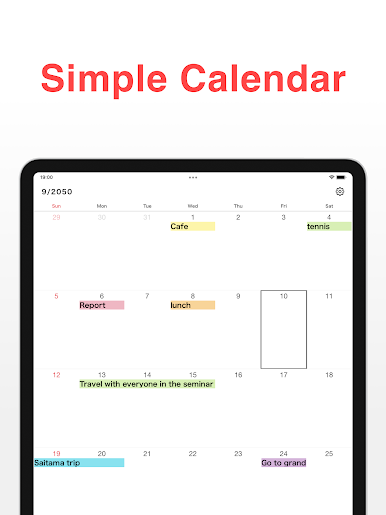
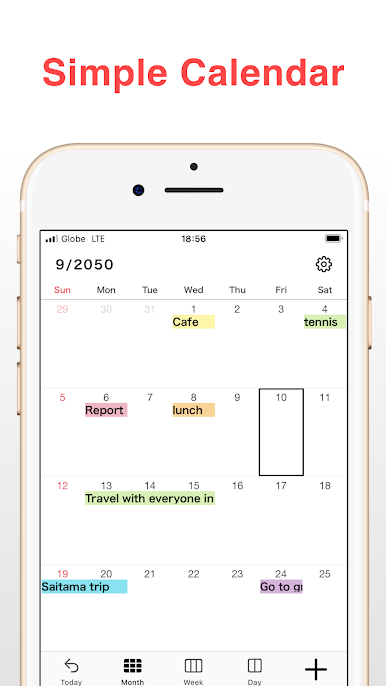
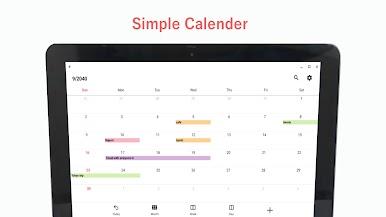
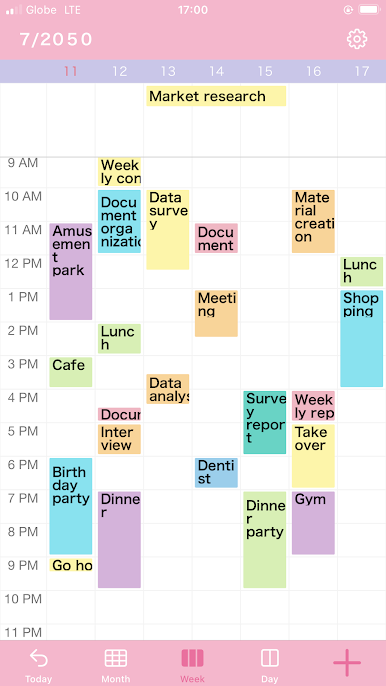
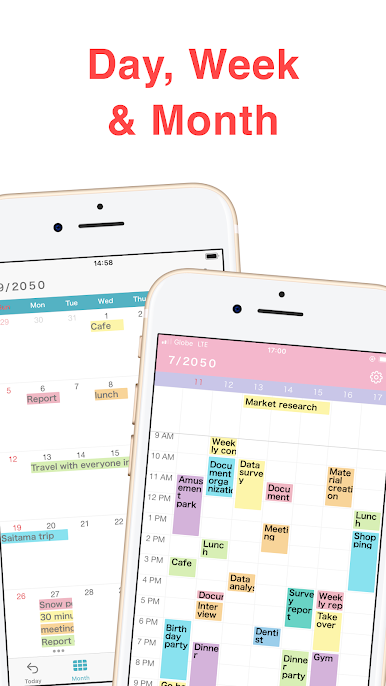
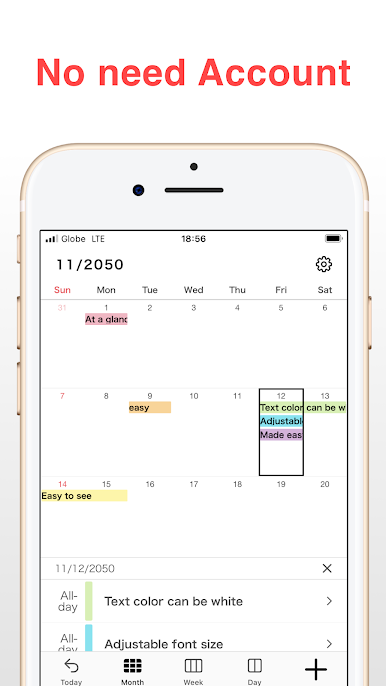
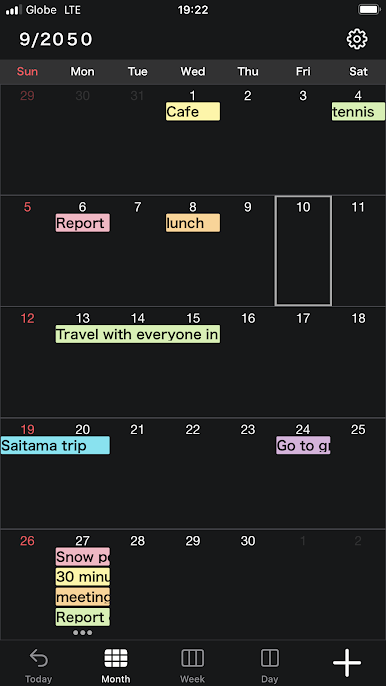
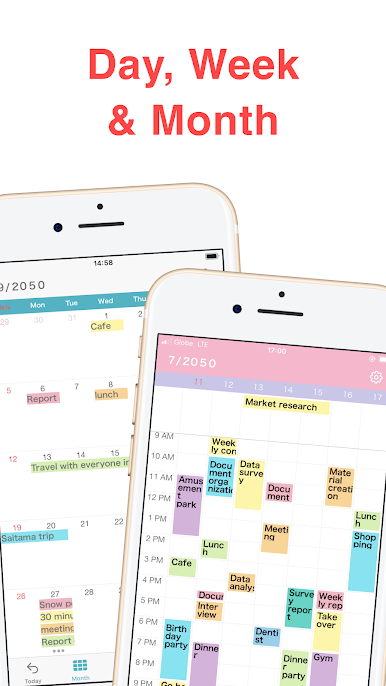
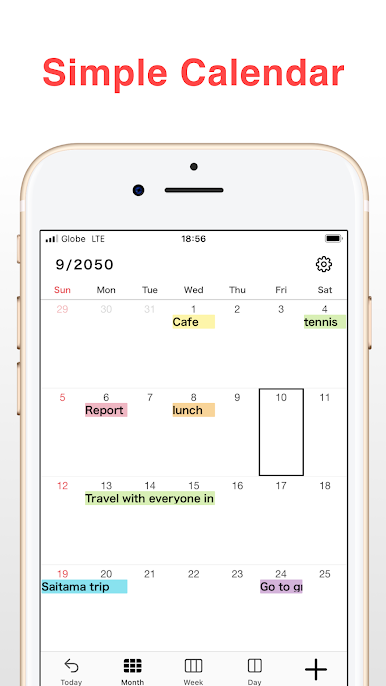
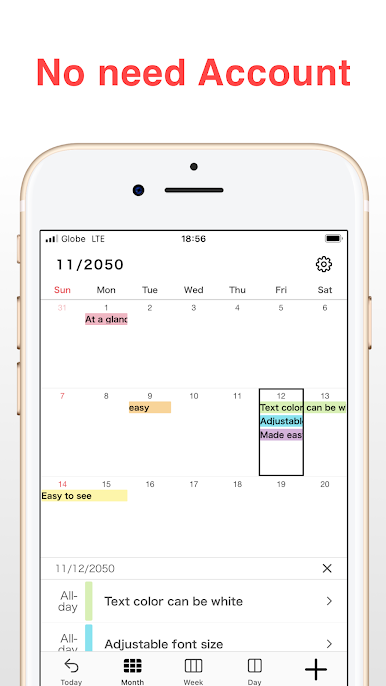
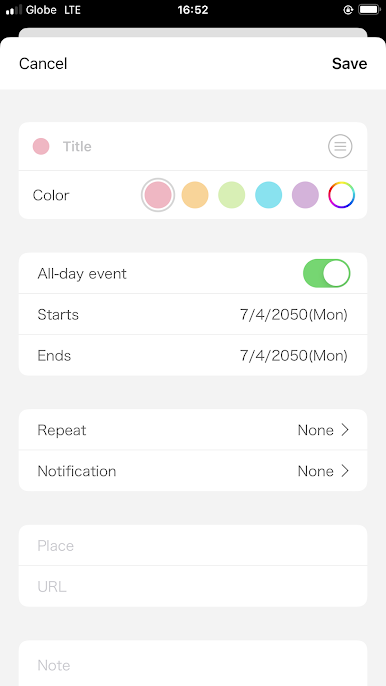
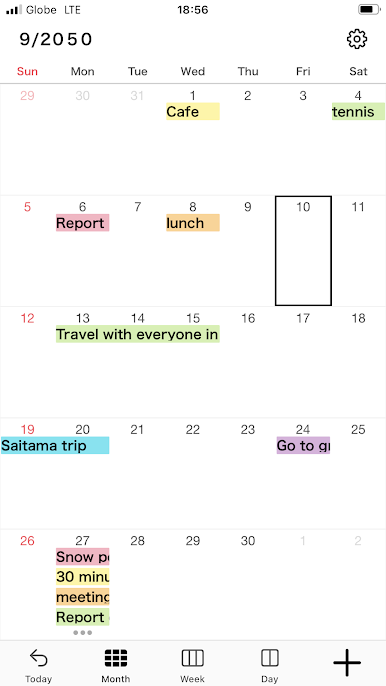
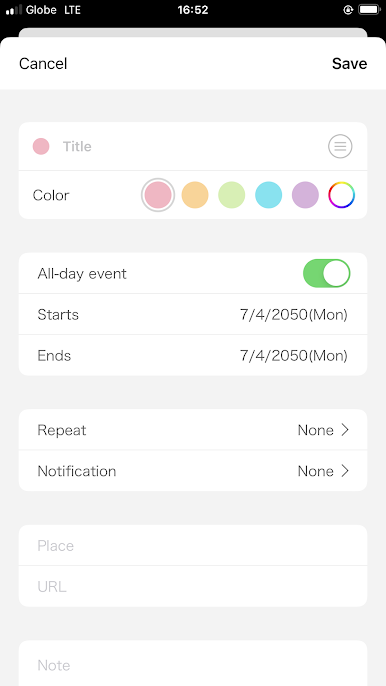
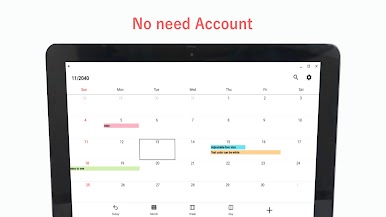
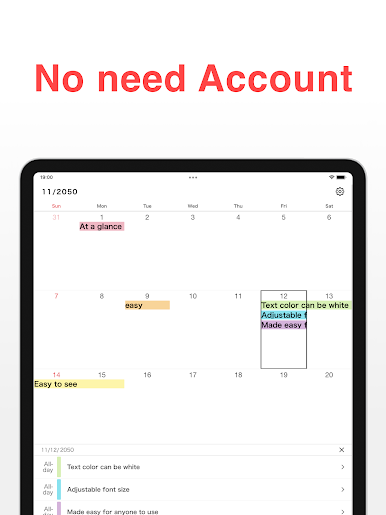
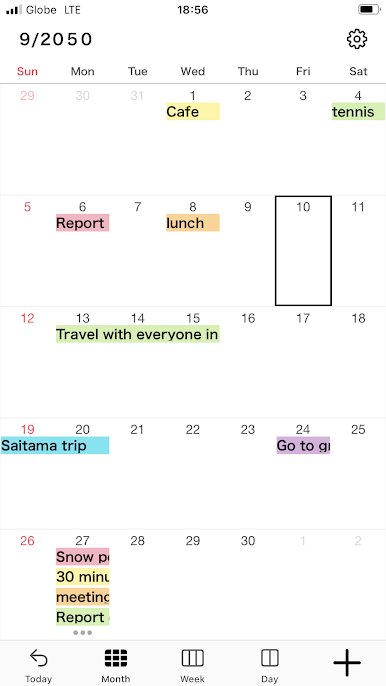
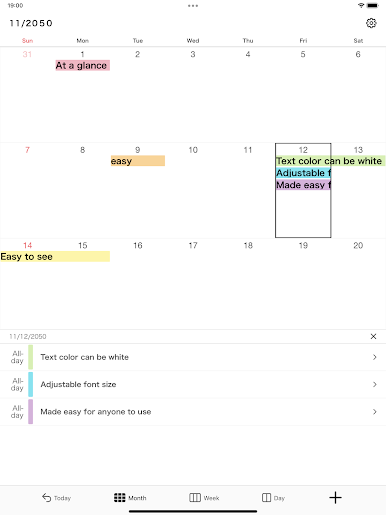
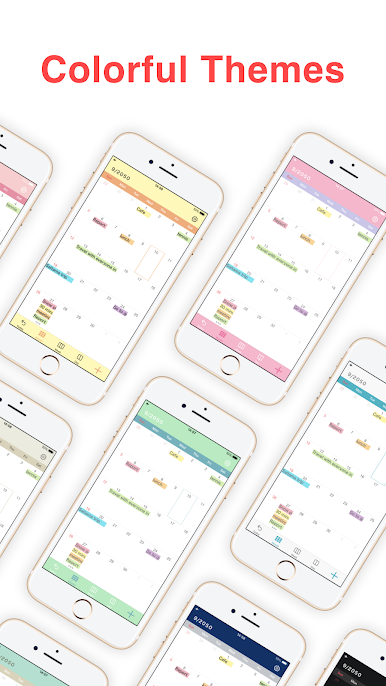
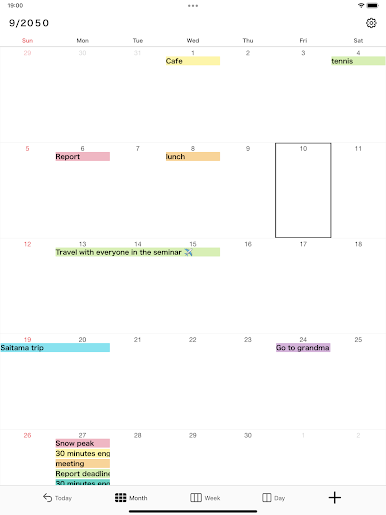
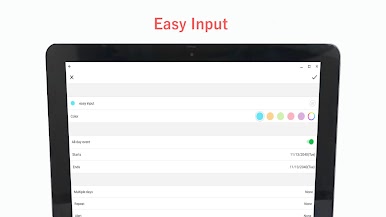
N Calendar is one of those apps that just makes scheduling less of a chore. It’s got this simple setup that doesn’t bother you about linking a Google account or anything—just open it up and start adding events or notes, right on your desktop if you’re using BlueStacks. Everything you’d expect from a planner shows up—daily, weekly, or monthly views so you can glance ahead or zoom into a busy day. A nice touch is being able to color code stuff; it makes sorting between work, school, or personal plans easy, and the colors actually pop enough that you won’t squint or lose track of things.
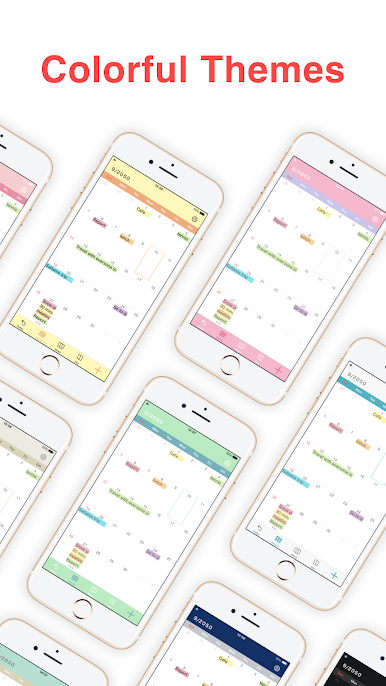
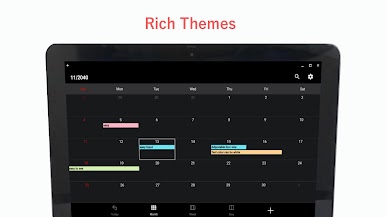
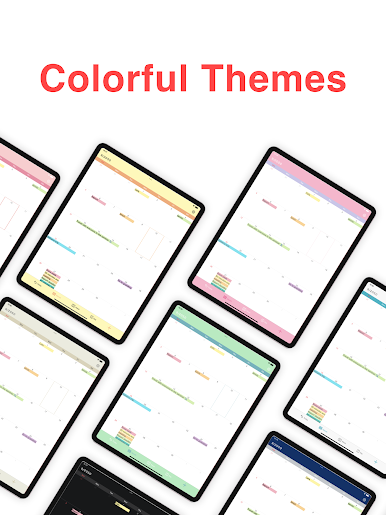
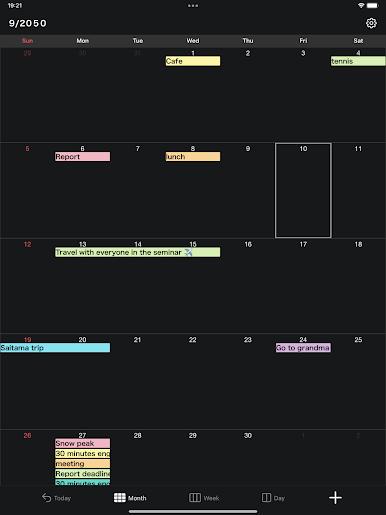
There are options to customize the look, so you can pick themes and font sizes that aren’t stuck in boring defaults. People who like setting reminders or checklist alarms will have everything they need here, like getting nudged before a meeting or tracking assignments. It even stays pretty private, with a passcode if you want to lock it down. There are spots to link out to maps or URLs in your events, which is great if your meeting spot changes or there’s a Zoom link involved. Adding shared tasks for work or family is smooth, so keeping everyone in the loop is less of a hassle. Handy widgets and time-blocking help if you like seeing your to-dos right on the desktop. Just an easy, no-fuss calendar that covers the usual stuff—without feeling overloaded or like it’s trying to do too much.
BlueStacks brings your apps to life on a bigger screen—seamless and straightforward.
Play N Calendar: Planner, Schedule on PC. It’s easy to get started.
-
Download and install BlueStacks on your PC
-
Complete Google sign-in to access the Play Store, or do it later
-
Look for N Calendar: Planner, Schedule in the search bar at the top right corner
-
Click to install N Calendar: Planner, Schedule from the search results
-
Complete Google sign-in (if you skipped step 2) to install N Calendar: Planner, Schedule
-
Click the N Calendar: Planner, Schedule icon on the home screen to start playing

