

SHIFTAR - Calendario de Turno
Jogue no PC com BlueStacks - A Plataforma de Jogos Android, confiada por mais de 500 milhões de jogadores.

Página modificada em: Dec 1, 2025
Run SHIFTAR: Work schedule planner on PC or Mac
What’s better than using SHIFTAR: Work schedule planner by Kosuke Hamada? Well, try it on a big screen, on your PC or Mac, with BlueStacks to see the difference.
About the App
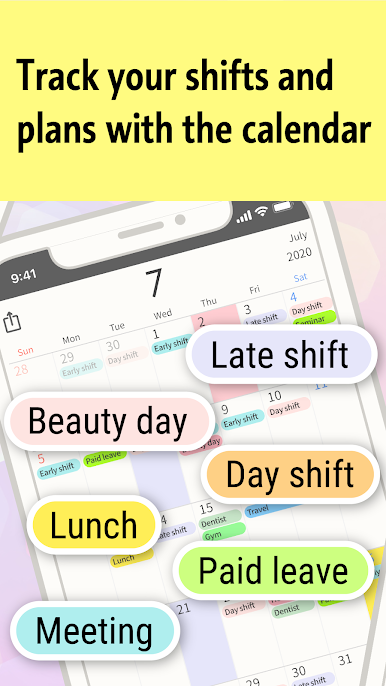
SHIFTAR: Work schedule planner keeps your shifts and personal plans together so your days actually make sense at a glance. It’s super simple—tap to add shifts, jot down plans, and see what’s coming up without digging through menus. Built by Kosuke Hamada in the Productivity genre, it feels as straightforward as scribbling on a paper calendar, just a lot faster. Prefer a bigger screen sometimes? You can also run it on your computer with BlueStacks.
App Features
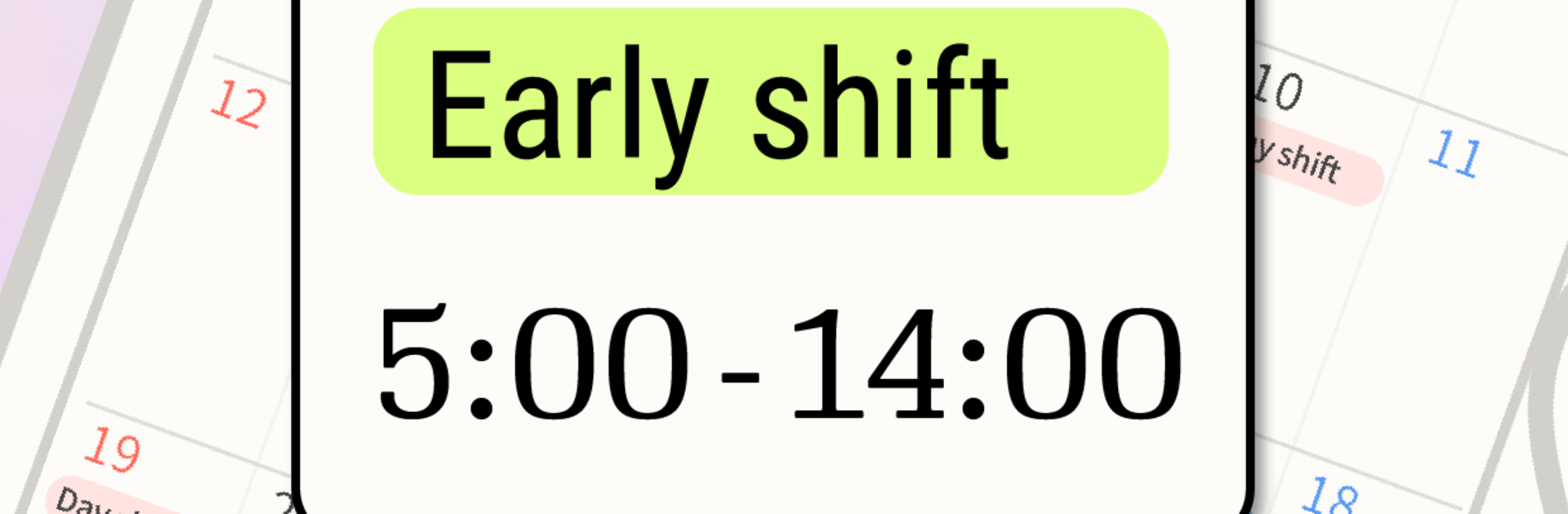
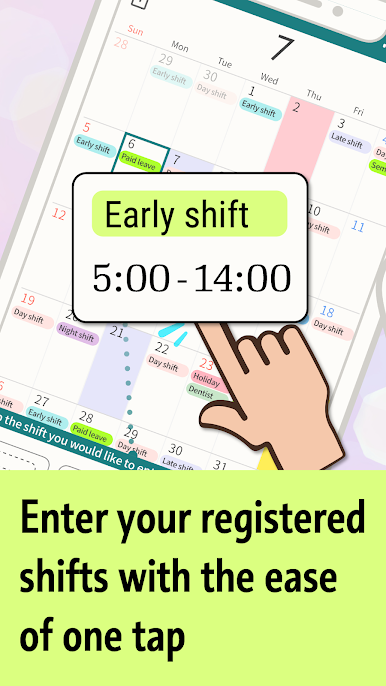
- Fast shift entry: Tap preset buttons for early, late, day, night, and more to drop shifts onto your calendar. Planning a whole month takes seconds, not hours.
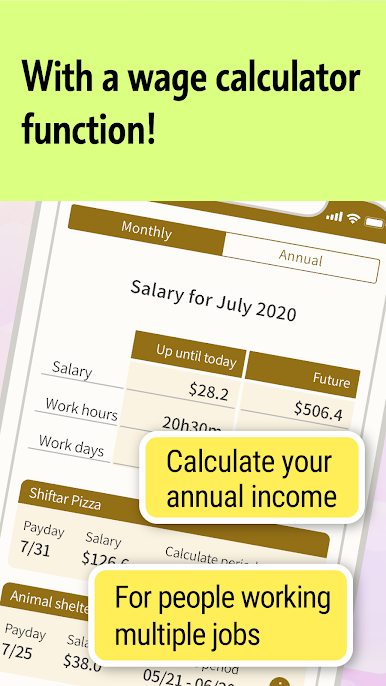
- Paycheck tracking: See an up‑to‑date running total for what you’ve earned and get a heads-up on your next paycheck so budgeting isn’t a guessing game.
- Google Calendar sync: Already using a calendar elsewhere? Pull your events right in—no complicated setup.
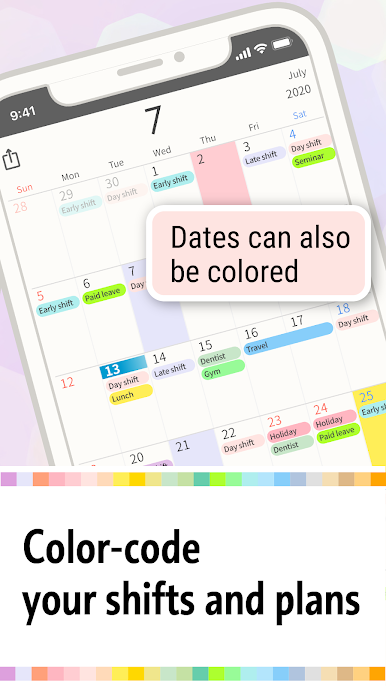
- Work + life in one place: Keep shifts and personal plans together, with clean color coding that makes your week easy to scan.
- Widgets (Premium): Peek at today’s or this week’s schedule from your home screen without opening the app.
- Automatic backups (Premium): Your data saves itself in the background, so you can restore it if you switch phones, delete the app by accident, or something unexpected happens.
- More colors (Premium): Unlock extra color options to tag different shift patterns and personal events the way you like.
- Ad‑free view (Premium): Remove ads for a cleaner calendar and easier tapping, especially on busy days.
Big screen. Bigger performance. Use BlueStacks on your PC or Mac to run your favorite apps.

Jogue SHIFTAR - Calendario de Turno no PC. É fácil começar.
-
Baixe e instale o BlueStacks no seu PC
-
Conclua o login do Google para acessar a Play Store ou faça isso mais tarde
-
Procure por SHIFTAR - Calendario de Turno na barra de pesquisa no canto superior direito
-
Clique para instalar SHIFTAR - Calendario de Turno a partir dos resultados da pesquisa
-
Conclua o login do Google (caso você pulou a etapa 2) para instalar o SHIFTAR - Calendario de Turno
-
Clique no ícone do SHIFTAR - Calendario de Turno na tela inicial para começar a jogar

