


Shootout 3D
500M + oyuncunun güvendiği Android Oyun Platformu, BlueStacks ile PC'de oynayın.

Sayfa Değiştirilme tarihi: Dec 8, 2025
Play Shootout 3D on PC or Mac
Join millions to experience Shootout 3D, an exciting Puzzle game from Kwalee Ltd. With BlueStacks App Player, you are always a step ahead of your opponent, ready to outplay them with faster gameplay and better control with the mouse and keyboard on your PC or Mac.
About the Game
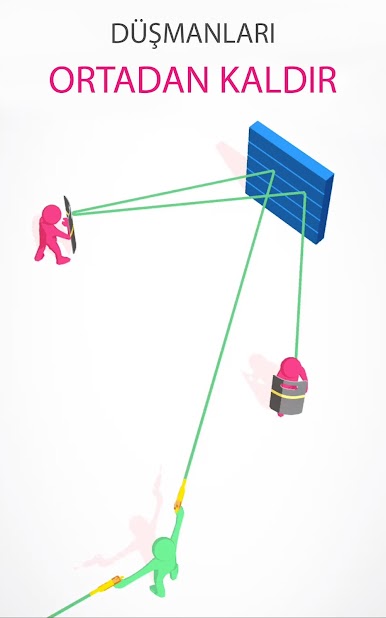
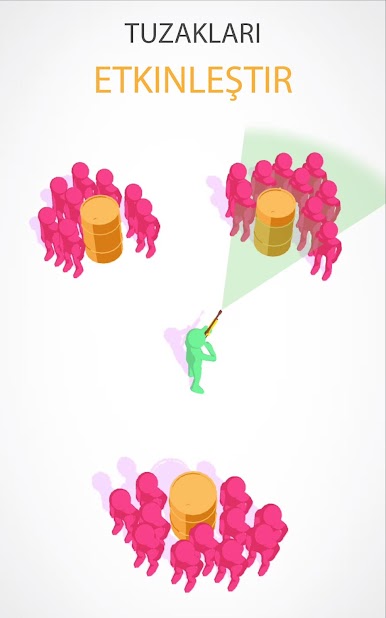
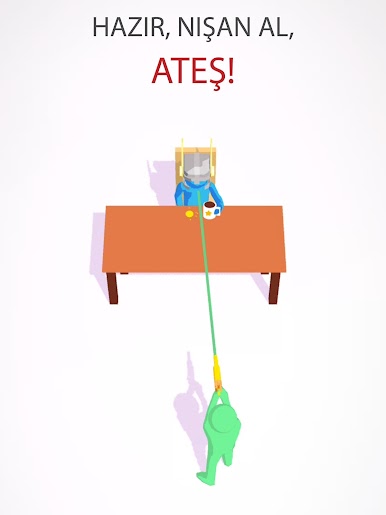
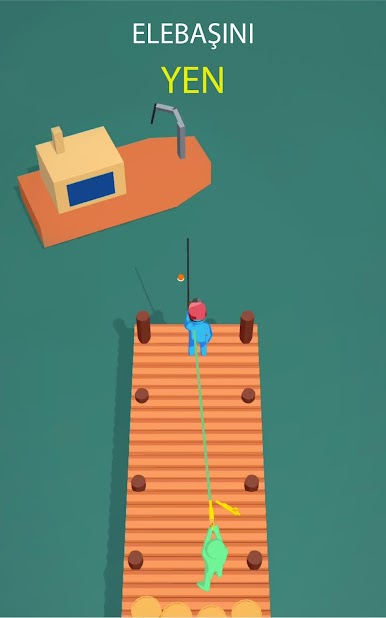
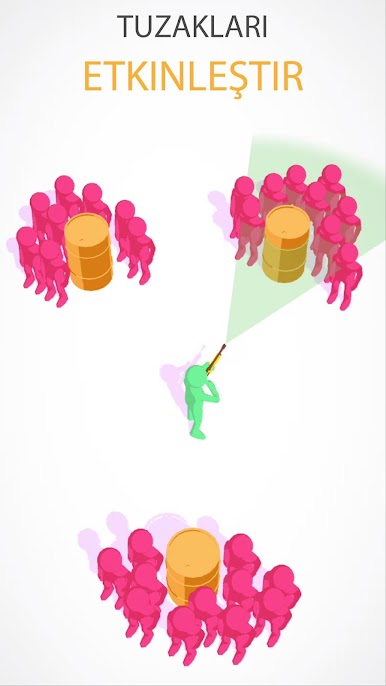
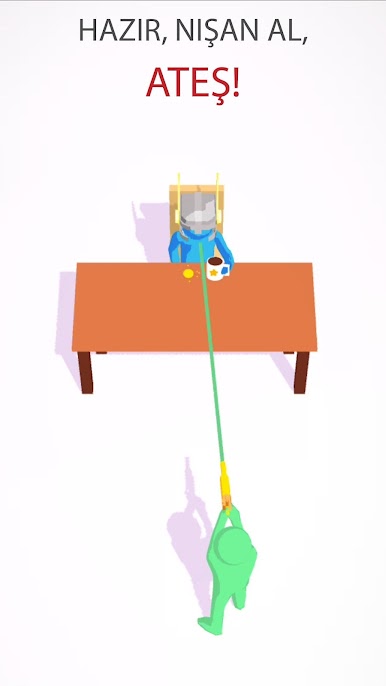
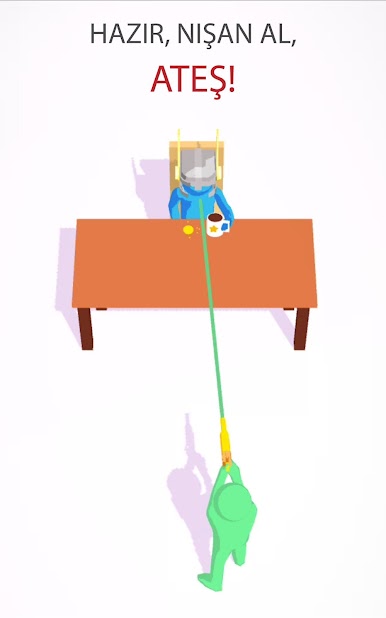
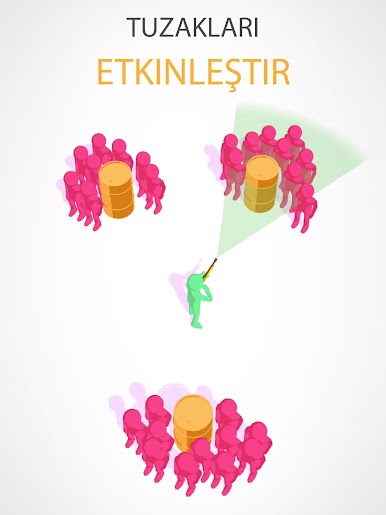
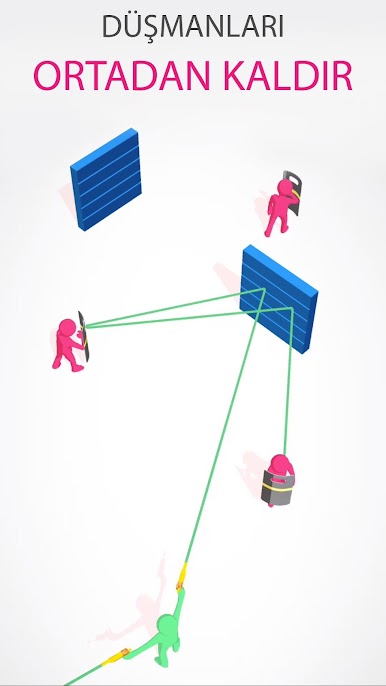
Shootout 3D turns clever aiming into a full-on Puzzle challenge. You’re an undercover agent taking out mob bosses, threading shots past guards, and keeping hostages safe—all with clean, simple controls that feel great in short bursts. Want a bigger screen for those precise angles? It plays smoothly on PC with BlueStacks too.
Game Features
-
Smart Aiming
Every shot matters. Line up the perfect angle, plan for obstacles, and make sure your bullet reaches the right target without hitting the wrong one. -
Hostage Rescues
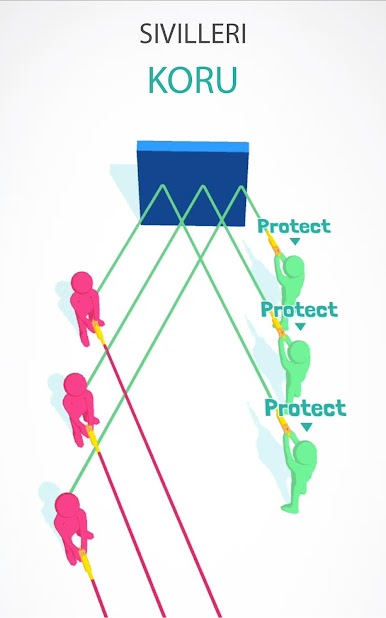
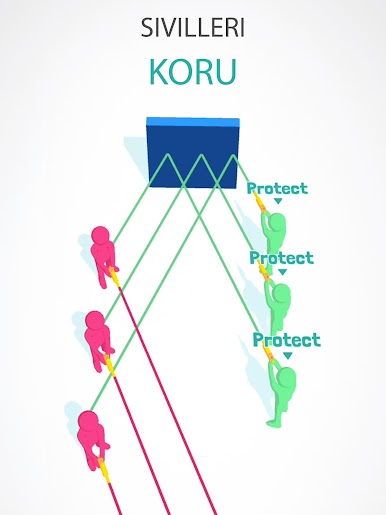
Civilians are often in the line of fire, so patience pays off. Wait for openings and place careful shots to get everyone out alive. -
Boss Showdowns
Take on mob bosses hiding behind layers of protection. Outsmart their setups, clear their guards, and finish the job clean. -
Increasing Challenge
Levels start simple and grow trickier, adding new layouts and tighter sightlines that make you rethink your approach. -
Spy Vibes, Easy Controls
Slip into the role of a secret agent with straightforward tap-and-aim gameplay that’s quick to learn and satisfying to master. -
Quick, Snackable Missions
Great for a minute or ten—jump in, complete a few puzzles, and come back for the next sting operation. -
Made by Kwalee Ltd
Shootout 3D brings a crisp, focused Puzzle experience from the team at Kwalee Ltd, built for anyone who loves thoughtful action.
Start your journey now. Download the game on BlueStacks, invite your friends, and march on a new adventure.
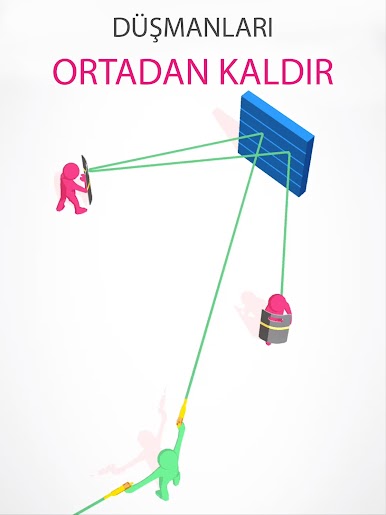
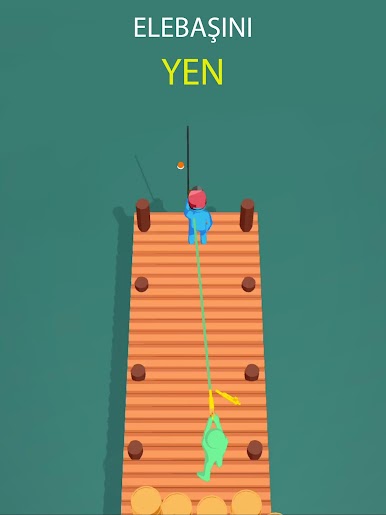
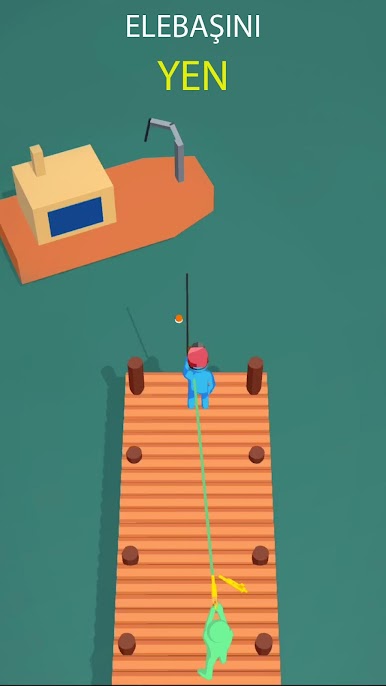
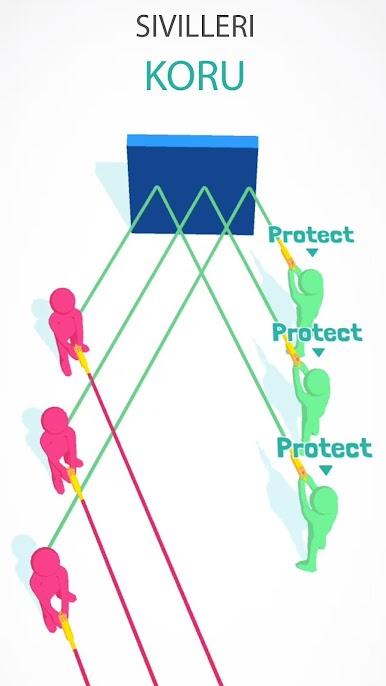
Shootout 3D oyununu PC'de oyna. Başlamak çok kolay.
-
BlueStacks'i PC'nize İndirin ve Yükleyin
-
Play Store'a erişmek için Google girişi yapın ya da daha sonraya bırakın.
-
Sağ üst köşeye Shootout 3D yazarak arayın.
-
Shootout 3D uygulamasını arama sonuçlarından indirmek için tıklayın.
-
(iEğer Adım 2'yi atladıysanız) Shootout 3D uygulamasını yüklemek için Google'a giriş yapın.
-
Oynatmaya başlatmak için ekrandaki Shootout 3D ikonuna tıklayın.

