


Hypnose — Détente
Spiele auf dem PC mit BlueStacks - der Android-Gaming-Plattform, der über 500 Millionen Spieler vertrauen.

Seite geändert am: Nov 4, 2025
Play Hypnose — Détente on PC
http://www.free-hypnosis-mp3.com/fr
✴ The app isn't magic, but hypnosis has already proven its worth. It's a method that recreates a natural state, that of the connection between the conscious and unconscious minds. A bit like dreaming or imagining.
✴ Make yourself comfortable with earphones or headphones to fully enjoy the benefits of your sessions.
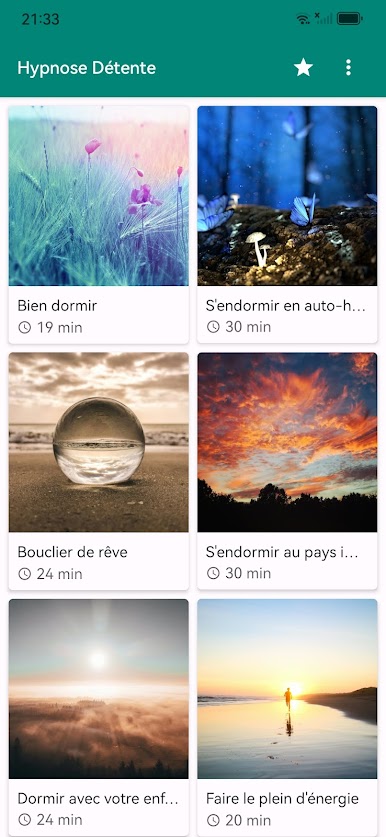
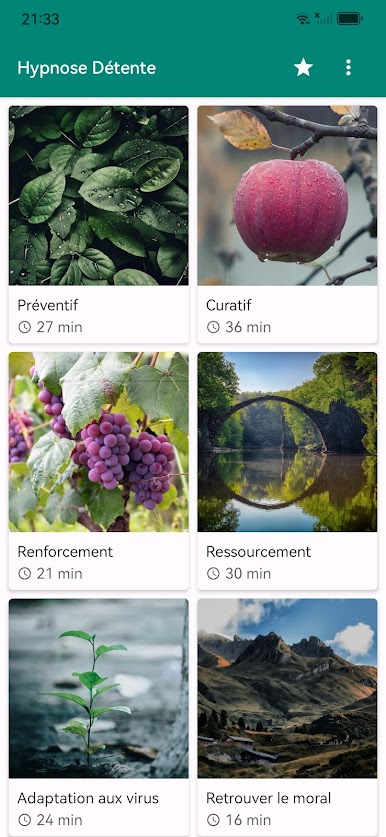
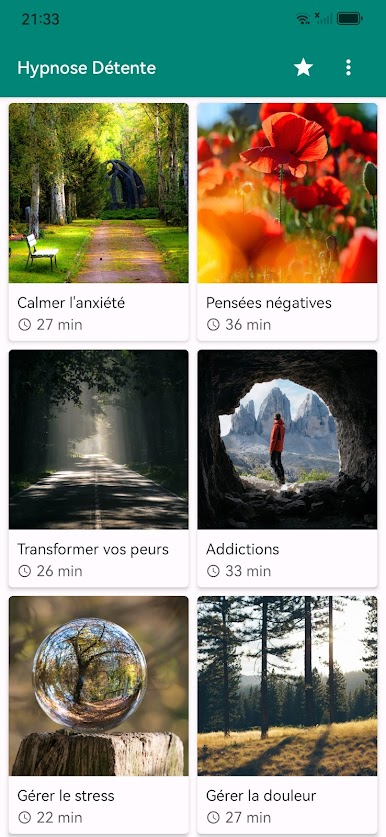
✴ The recordings cover the following topics:
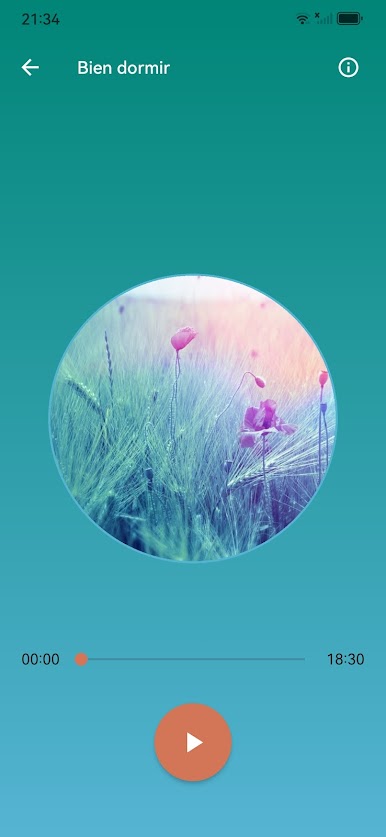
• Sleeping Well
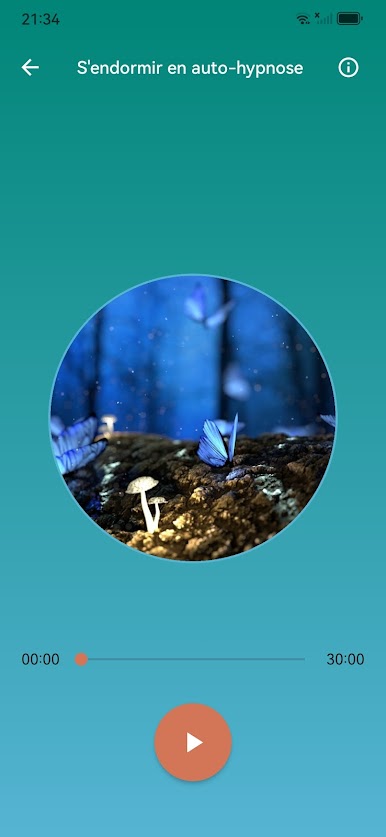
• Falling Asleep with Self-Hypnosis
• Sleeping: The Dream Shield
• Falling Asleep in Neverland
• Sleeping Well with Your Inner Child
• Recharging Your Batteries
• Preventive Immune System
• Curative Immune System
• Strengthening Your Immune System
• Therapeutic Renewal Bubble
• Adapting to the Virus
• Regaining Your Mood
• Regaining Your Joy of Life
• Self-Confidence
• Self-Esteem
• Regaining Your Self-Confidence
• Calming Anxiety
• Stopping Negative Thoughts
• Transforming Your Fears
• Freeing Yourself from Addictions
• Managing Stress
• Managing Pain
• Physical Rehabilitation
• Overcoming Sadness
• Grieving
• Healing Your Past
• Developing Your Intuition
• Decision-Making
• Sensory Immersion
• Making a Fresh Start
• Succeeding in Life
• Activate Your Inner Magic
• Hypnosis Bath
• Imagination Journey
• Learn Self-Hypnosis
• Contact Your Unconscious
• Reality Creator
• Expanding Consciousness
• Life Story (Story)
• Consciousness (Story)
✴ An internet connection is required to download the recordings.
✴ If you have any comments or suggestions, you can contact us at the following address:
lacour.vincent.app@gmail.com
Spiele Hypnose — Détente auf dem PC. Der Einstieg ist einfach.
-
Lade BlueStacks herunter und installiere es auf deinem PC
-
Schließe die Google-Anmeldung ab, um auf den Play Store zuzugreifen, oder mache es später
-
Suche in der Suchleiste oben rechts nach Hypnose — Détente
-
Klicke hier, um Hypnose — Détente aus den Suchergebnissen zu installieren
-
Schließe die Google-Anmeldung ab (wenn du Schritt 2 übersprungen hast), um Hypnose — Détente zu installieren.
-
Klicke auf dem Startbildschirm auf das Hypnose — Détente Symbol, um mit dem Spielen zu beginnen

