

Drops: Learn Bosnian Language
Graj na PC z BlueStacks – Platforma gamingowa Android, która uzyskała zaufanie ponad 500 milionów graczy!

Strona zmodyfikowana w dniu: Dec 8, 2025
Run Drops: Learn Bosnian Language on PC or Mac
Let BlueStacks turn your PC, Mac, or laptop into the perfect home for Drops: Learn Bosnian Language, a fun Education app from Drops Languages.
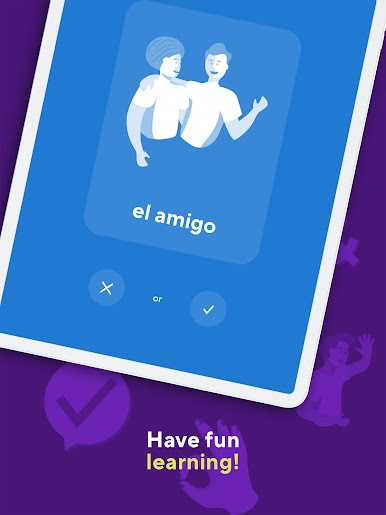
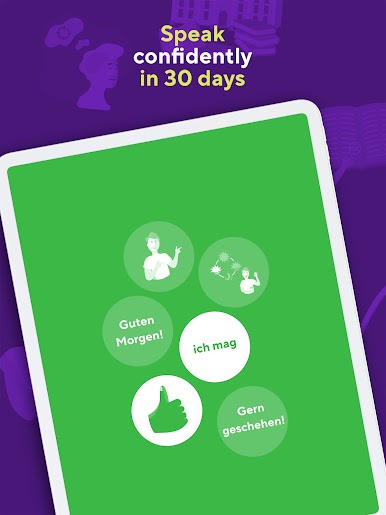
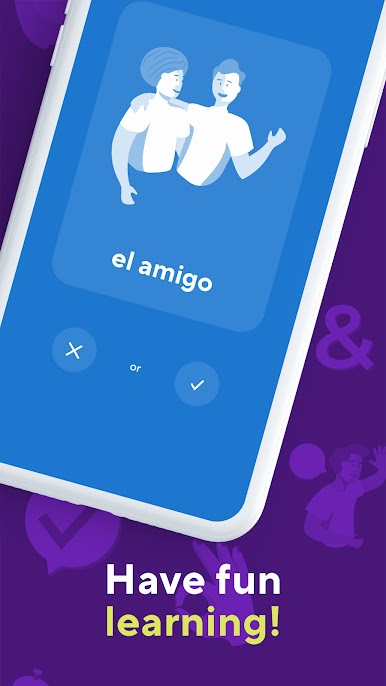
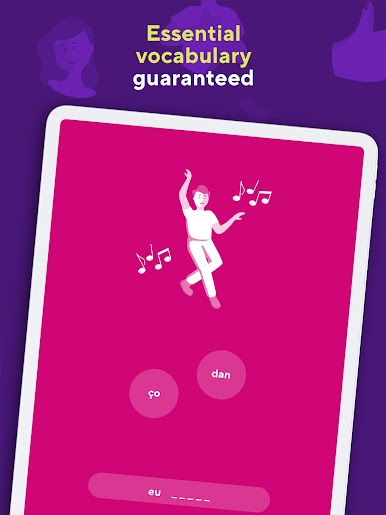
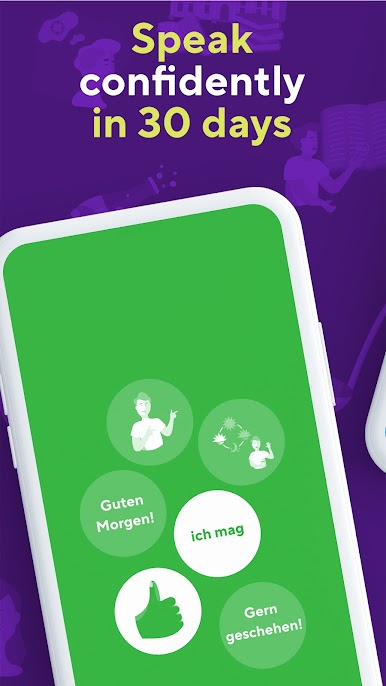
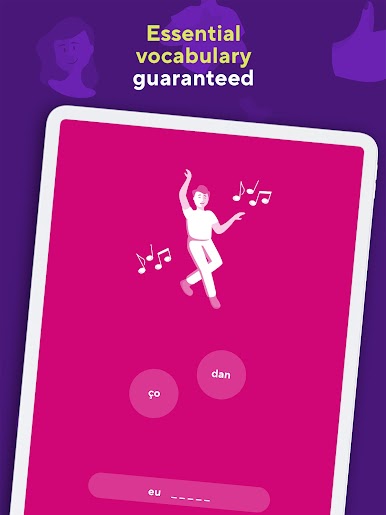
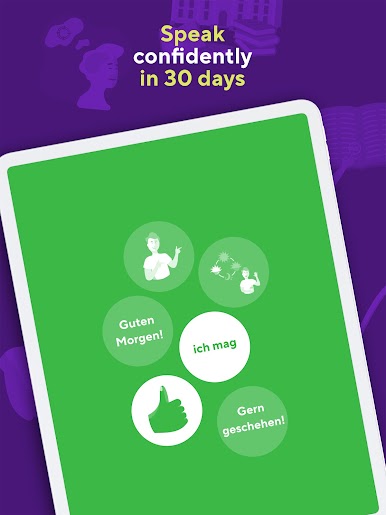
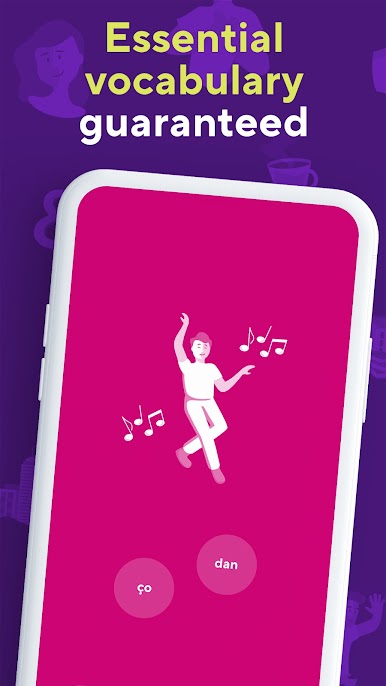
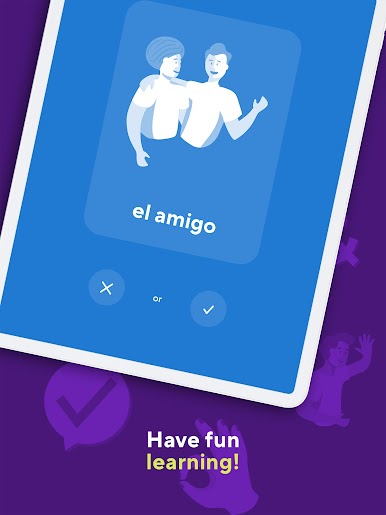
Drops: Learn Bosnian Language feels like a bunch of quick, colorful mini games that teach words without heavy lessons. Everything is built around pictures and swipes, so the player matches visuals to meanings and hears clean audio for each word. It focuses on vocabulary only, no grammar rules to dig through. Sessions are short on purpose, about five minutes, with a little countdown that keeps things snappy. It keeps tossing a word back in a few different ways until it sticks, which is simple but effective.
On PC with BlueStacks, the big screen makes the icons and illustrations easier to spot, and clicking through is fast. The whole thing is designed to be low effort, almost like a puzzle break, which helps with habit building. Topics are broken into neat categories, and there are a lot of them, so a person can pick food, travel, basics, whatever feels useful. The voice work is clear and pleasant, so pronunciation practice does not feel awkward. It does not try to teach full sentences or grammar, so it works best as a daily vocab booster, not a complete course. Free use gives a taste with a time limit, and there is a premium option if someone wants longer sessions. It can feel repetitive if the player expects big variety in one go, but for bite size practice that fits between other tasks, it hits the mark.
Big screen. Bigger performance. Use BlueStacks on your PC or Mac to run your favorite apps.


Zagraj w Drops: Learn Bosnian Language na PC. To takie proste.
-
Pobierz i zainstaluj BlueStacks na PC
-
Zakończ pomyślnie ustawienie Google, aby otrzymać dostęp do sklepu Play, albo zrób to później.
-
Wyszukaj Drops: Learn Bosnian Language w pasku wyszukiwania w prawym górnym rogu.
-
Kliknij, aby zainstalować Drops: Learn Bosnian Language z wyników wyszukiwania
-
Ukończ pomyślnie rejestrację Google (jeśli krok 2 został pominięty) aby zainstalować Drops: Learn Bosnian Language
-
Klinij w ikonę Drops: Learn Bosnian Language na ekranie startowym, aby zacząć grę

