


Drops: 네덜란드어 배우기
5억명 이상의 게이머가 신뢰하는 안드로이드 게임 플랫폼 BlueStacks으로 PC에서 플레이하세요.

Run Drops: Learn Dutch on PC or Mac
What’s better than using Drops: Learn Dutch by Drops Languages? Well, try it on a big screen, on your PC or Mac, with BlueStacks to see the difference.
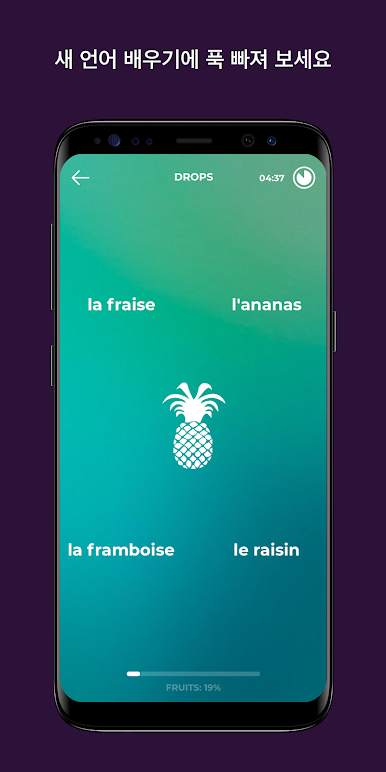
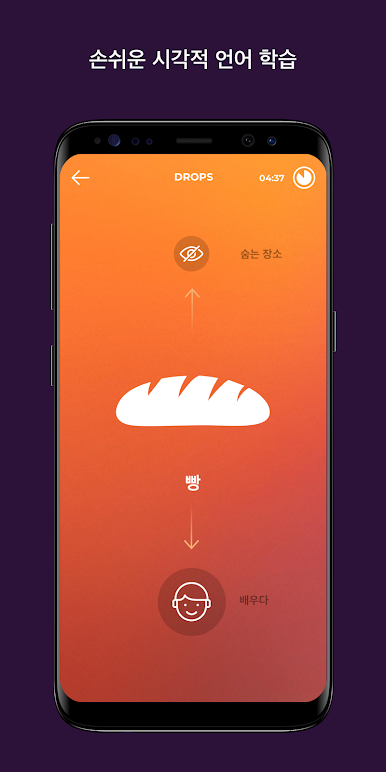
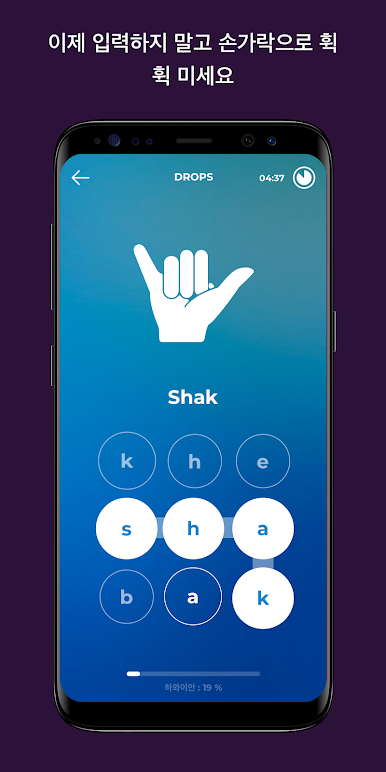
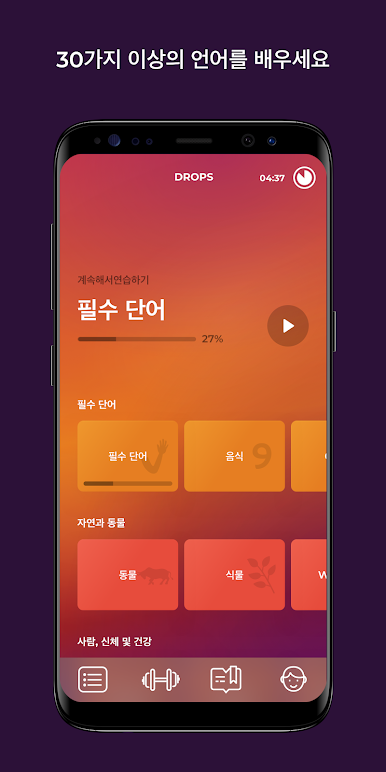
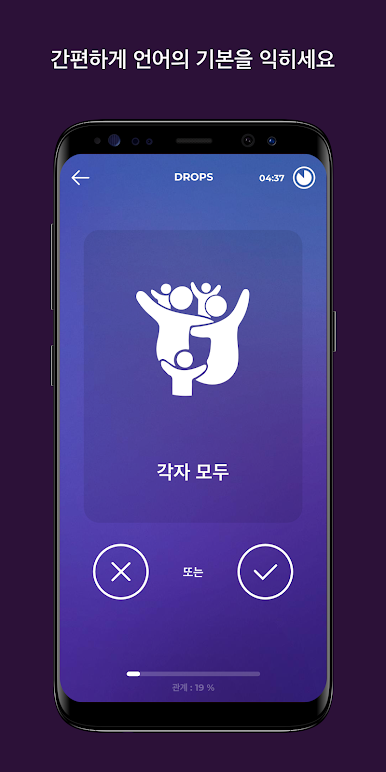
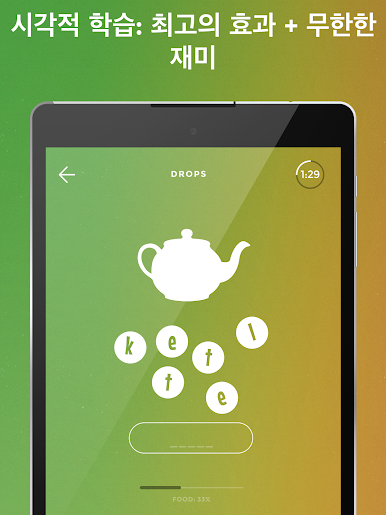
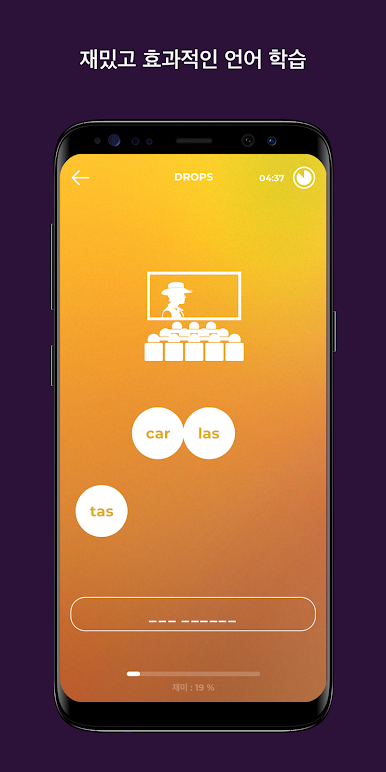
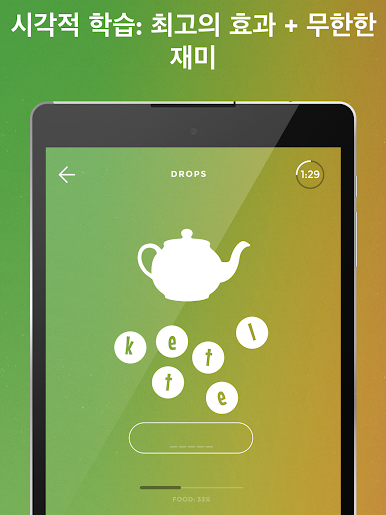
Drops: Learn Dutch feels like a quick little word game that happens to teach useful Dutch. Sessions are short, about five minutes, and everything is visual. Learners match bright icons to words, drag pieces into place, tap the right meaning, listen to a clear voice then pick what they heard. No long explanations, almost no English on screen, so the brain links the picture to the Dutch word without stopping to translate. It is fast and light, a good fit for a coffee break or that awkward gap before a call. The audio is crisp and the artwork is clean, so it is easy on the eyes and ears.
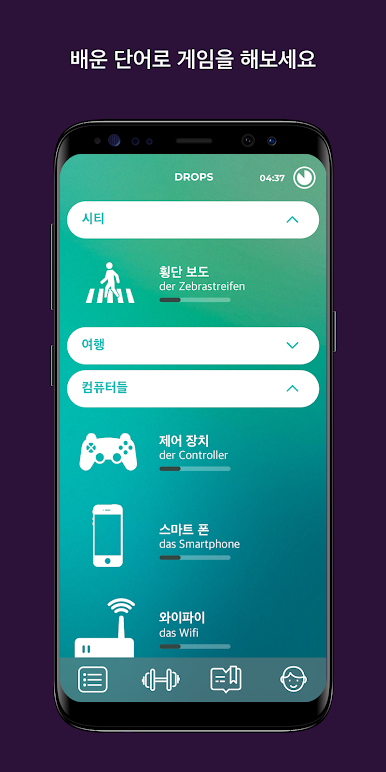
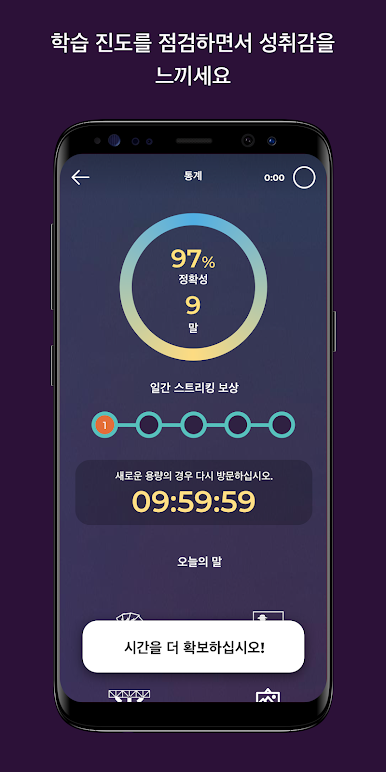
It sticks to vocabulary, not grammar, which is either perfect or a limitation depending on what someone wants. Great for building a word bank and pronunciation, but sentence-building and rules will need another app or a textbook. There are lots of themed categories, from basics to travel and food, and the spaced review pops up just enough to keep things in memory. Free users get short daily time with a cooldown, while the subscription removes the cap and speeds up progress. On PC with BlueStacks, the swipe and tap actions turn into quick mouse drags and clicks, and the bigger screen makes those tiny icons easier to tell apart. It can repeat a bit, which actually helps the words stick, and the streak system nudges a habit without feeling bossy. Feels more like a daily snack than a full meal, and that is sort of the point.
Ready to experience Drops: Learn Dutch on a bigger screen, in all its glory? Download BlueStacks now.







PC에서 Drops: 네덜란드어 배우기 플레이해보세요.
-
BlueStacks 다운로드하고 설치
-
Google Play 스토어에 로그인 하기(나중에 진행가능)
-
오른쪽 상단 코너에 Drops: 네덜란드어 배우기 검색
-
검색 결과 중 Drops: 네덜란드어 배우기 선택하여 설치
-
구글 로그인 진행(만약 2단계를 지나갔을 경우) 후 Drops: 네덜란드어 배우기 설치
-
메인 홈화면에서 Drops: 네덜란드어 배우기 선택하여 실행

