


Drops: naucz się esperanto
Graj na PC z BlueStacks – Platforma gamingowa Android, która uzyskała zaufanie ponad 500 milionów graczy!

Strona zmodyfikowana w dniu: Dec 8, 2025
Run Drops: Learn Esperanto on PC or Mac
What’s better than using Drops: Learn Esperanto by Drops Languages? Well, try it on a big screen, on your PC or Mac, with BlueStacks to see the difference.
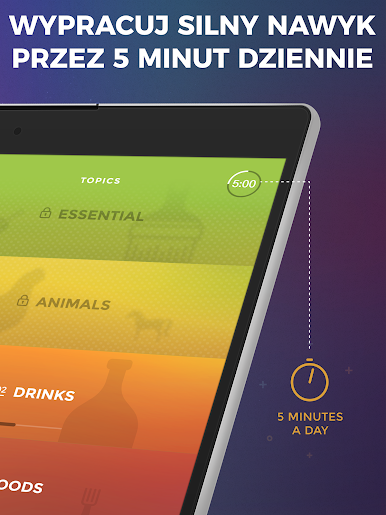
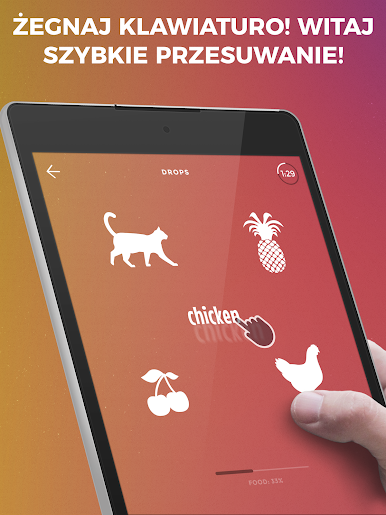
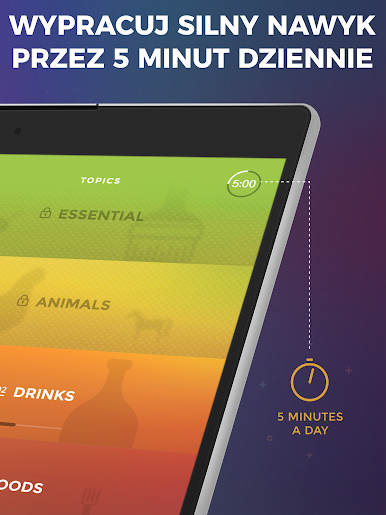
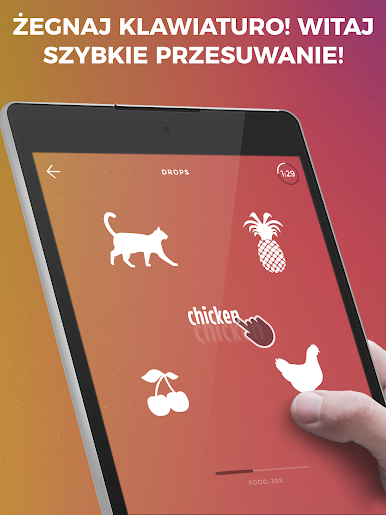
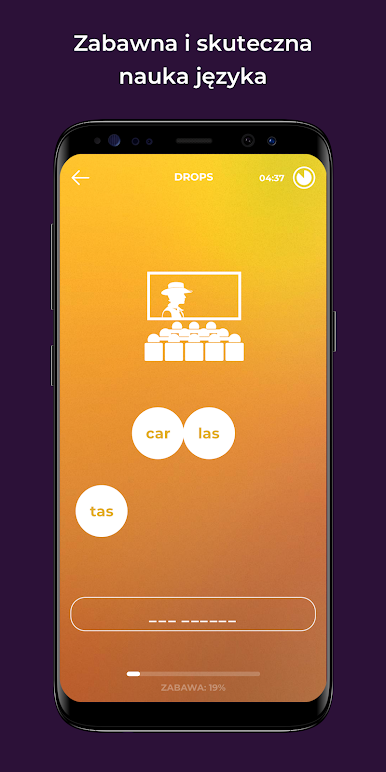
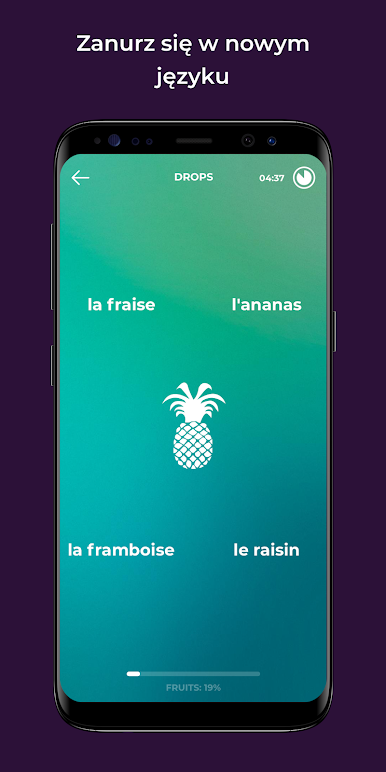
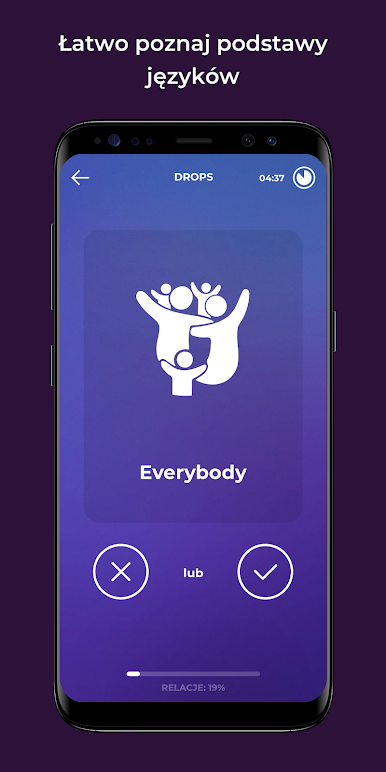
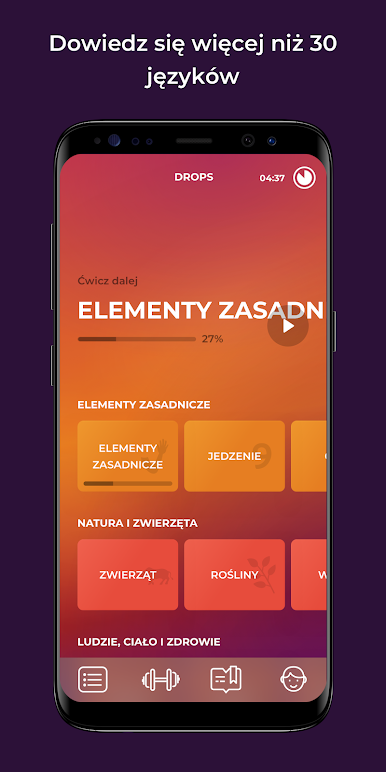
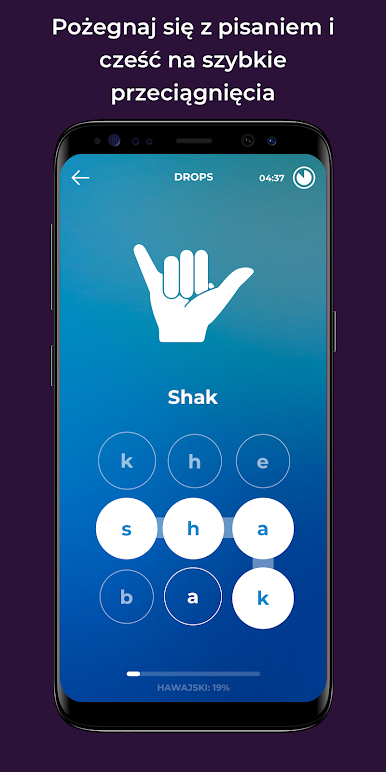
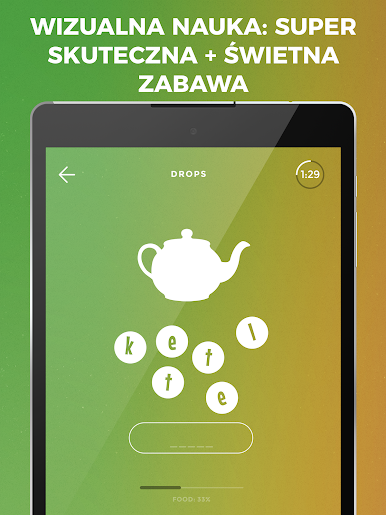
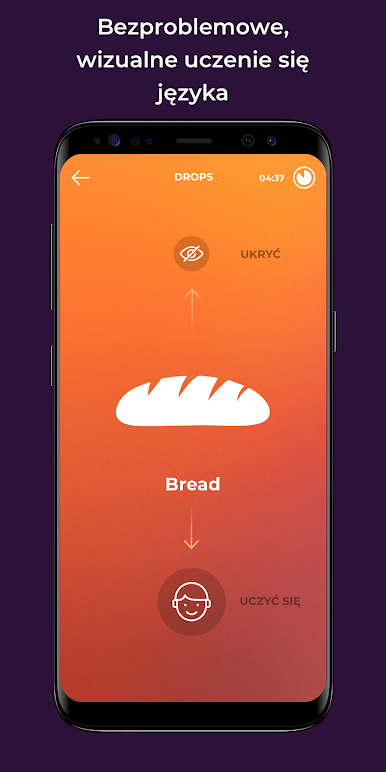
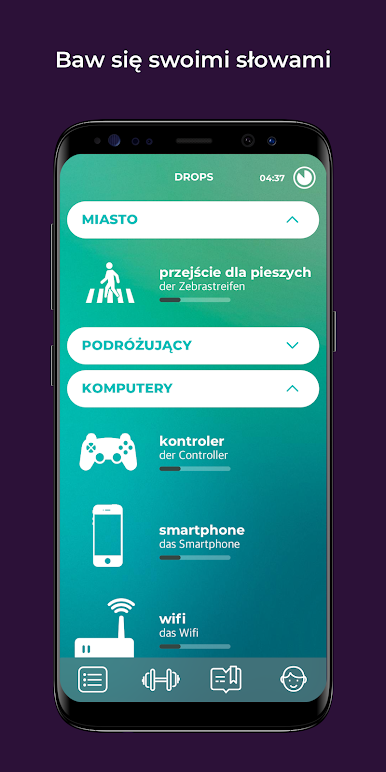
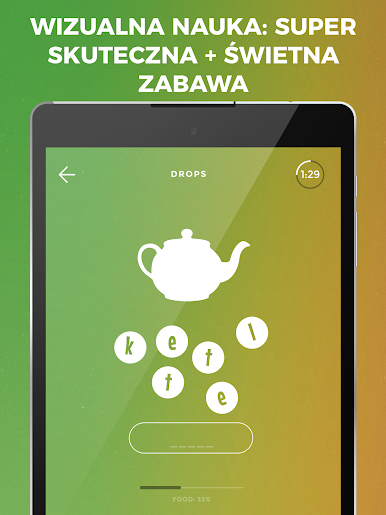
Drops: Learn Esperanto feels like a quick little word game that just happens to teach a language. It is all pictures and swipes, so there is almost no reading instructions or digging through menus. A person picks a topic like food or travel and then gets a five minute burst of mini puzzles. Match a picture to a word, drag letters into place, listen to clear audio, then do it again a few different ways so it sticks. It is fast and a bit snappy, the art is clean and colorful, and there is no heavy grammar lesson stopping the flow. It is mostly vocabulary, practical stuff that shows up in daily life.
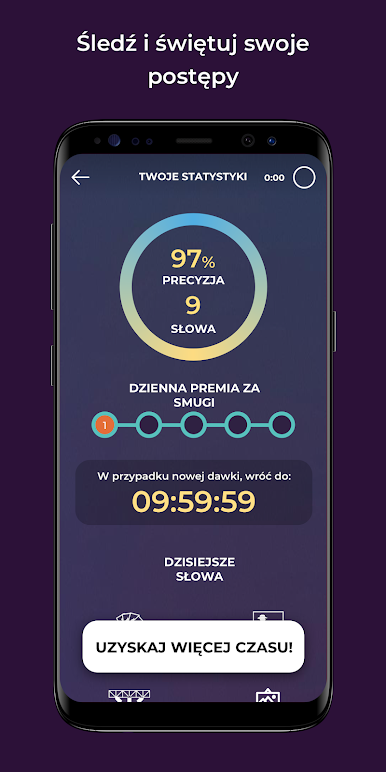
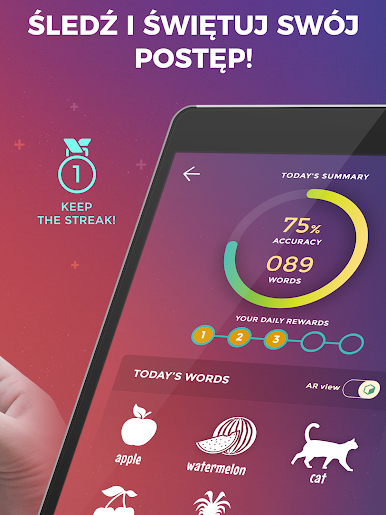
The five minute timer is the trick. It sounds limiting, but it keeps the brain fresh and makes it easy to show up every day. There are gentle nudges to build a routine, and pronunciations sound natural, not robotic. On PC through BlueStacks, the mouse clicks replace the finger swipes just fine, and the bigger screen makes the icons and illustrations pop more. Sessions run smooth and do not feel fiddly with a trackpad either.
There is a lot available for free across many topics, with an optional subscription if someone wants longer, unlimited sessions. The whole thing feels lightweight, quick to open, easy to quit after a round, then weirdly tempting to start another.
Big screen. Bigger performance. Use BlueStacks on your PC or Mac to run your favorite apps.

Zagraj w Drops: naucz się esperanto na PC. To takie proste.
-
Pobierz i zainstaluj BlueStacks na PC
-
Zakończ pomyślnie ustawienie Google, aby otrzymać dostęp do sklepu Play, albo zrób to później.
-
Wyszukaj Drops: naucz się esperanto w pasku wyszukiwania w prawym górnym rogu.
-
Kliknij, aby zainstalować Drops: naucz się esperanto z wyników wyszukiwania
-
Ukończ pomyślnie rejestrację Google (jeśli krok 2 został pominięty) aby zainstalować Drops: naucz się esperanto
-
Klinij w ikonę Drops: naucz się esperanto na ekranie startowym, aby zacząć grę

