

Tobo: تعلم الكلمات التركية
العب على الكمبيوتر الشخصي مع BlueStacks - نظام أندرويد للألعاب ، موثوق به من قبل أكثر من 500 مليون لاعب.

Run Tobo: Learn Turkish Vocabulary on PC or Mac
Why limit yourself to your small screen on the phone? Run Tobo: Learn Turkish Vocabulary, an app by Tobo Languages, best experienced on your PC or Mac with BlueStacks, the world’s #1 Android emulator.
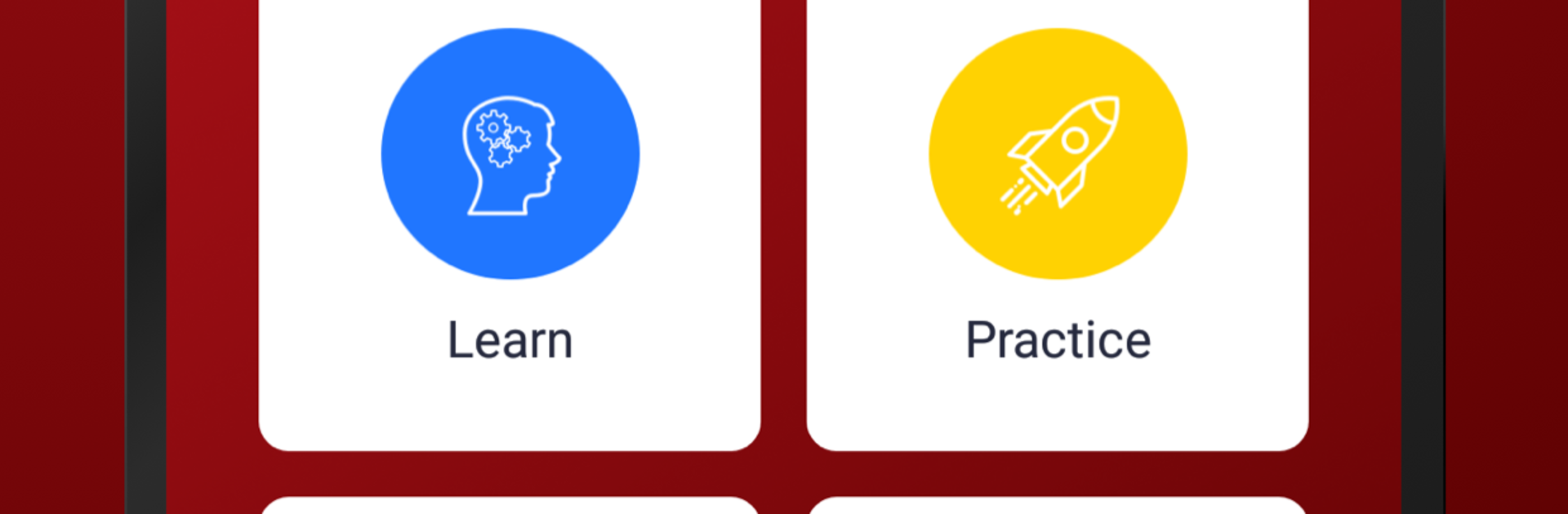
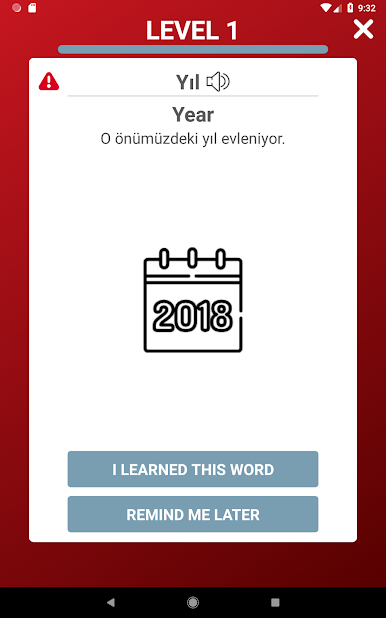
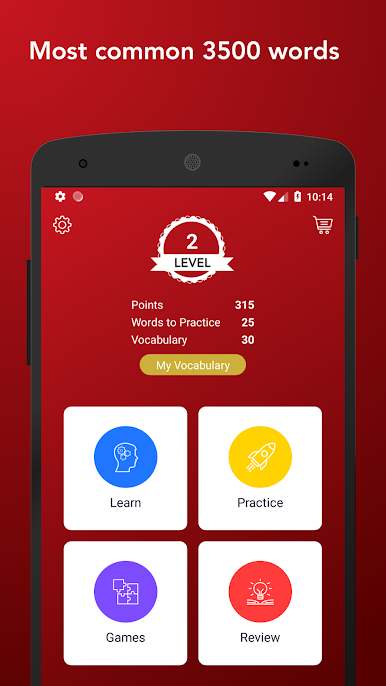
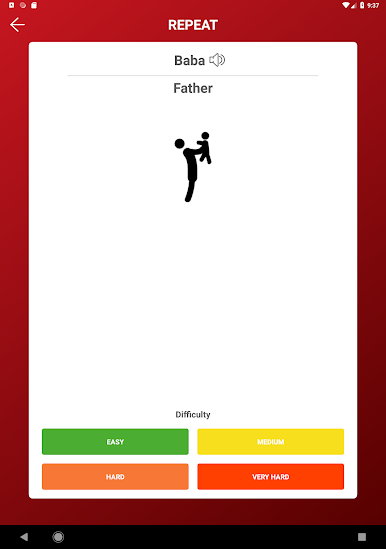
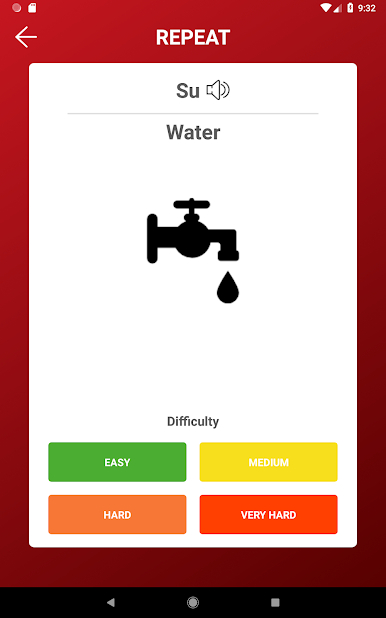
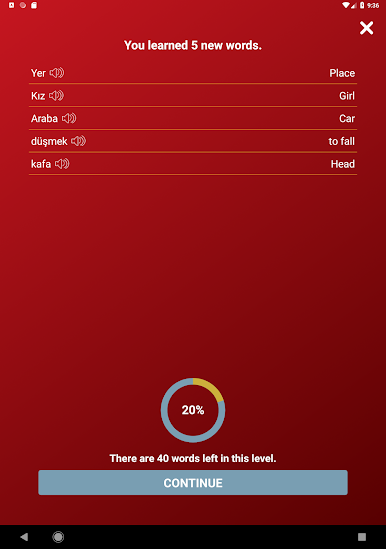
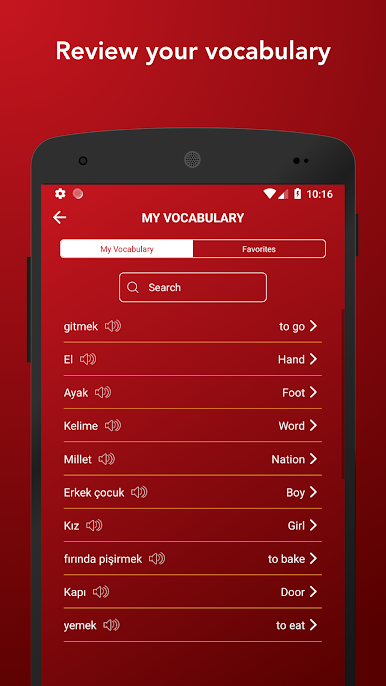
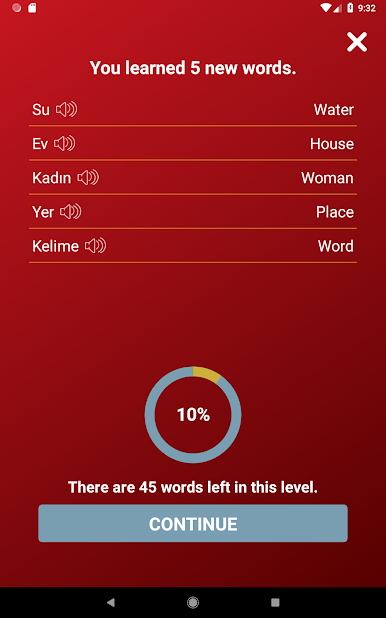
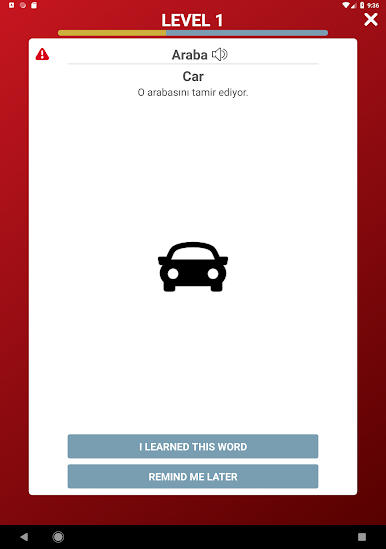
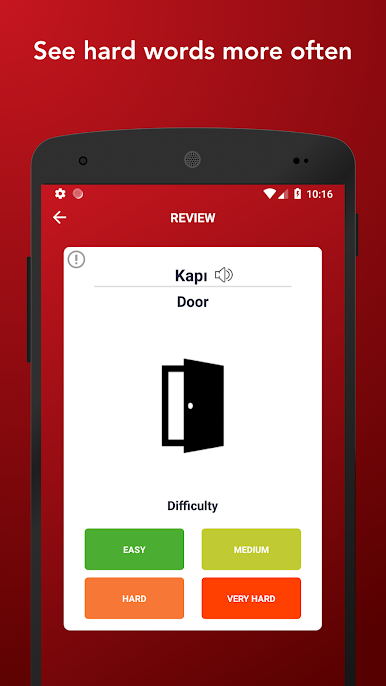
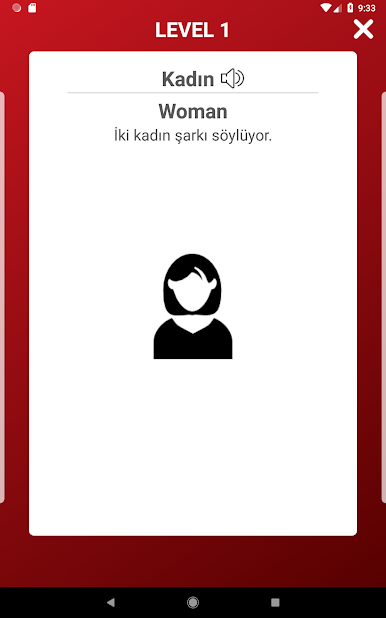
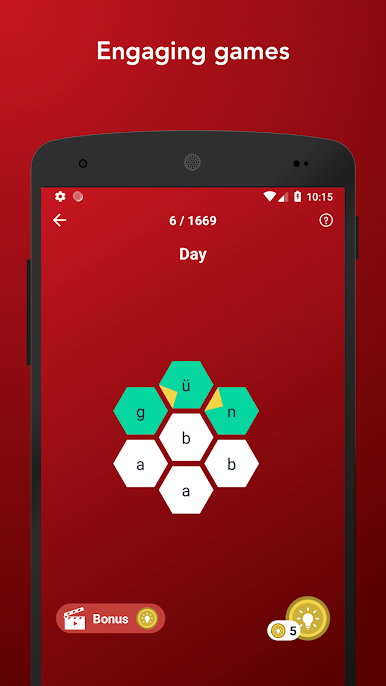
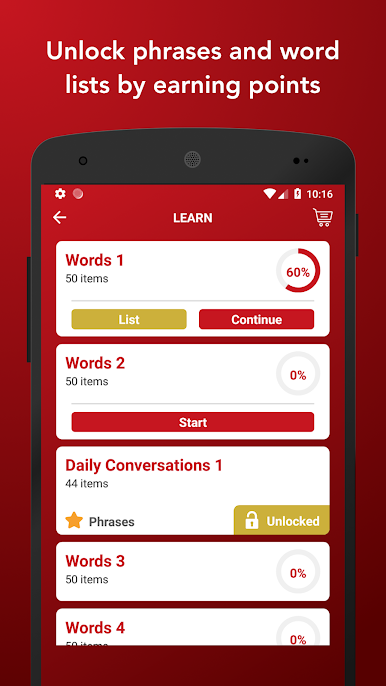
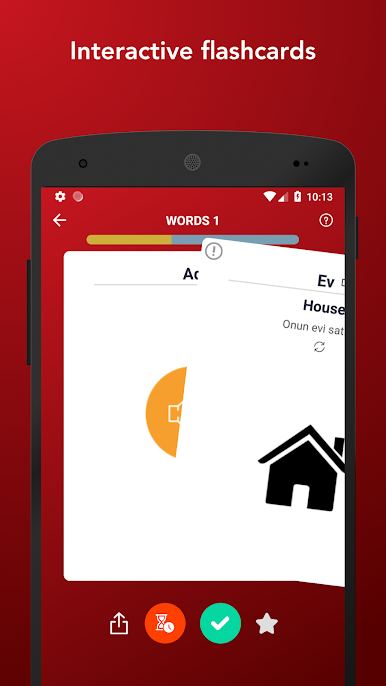
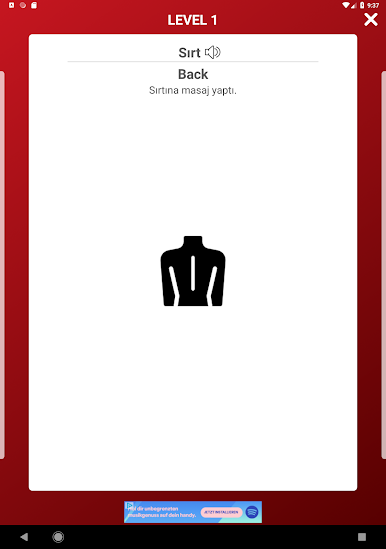
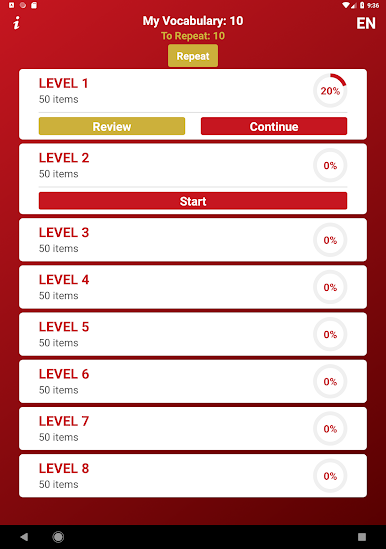
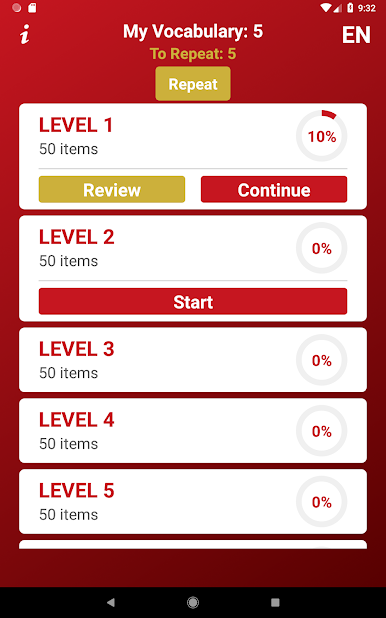
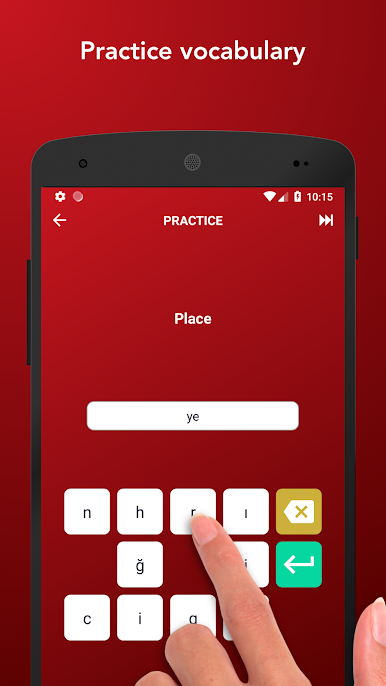
Tobo feels like a clean, no fuss way to stack Turkish words without getting overwhelmed. It is built around flashcards with audio, pictures, and a simple swipe system. Flip a card, hear the pronunciation, see a small image on the back to help it stick, then swipe right if it is learned or left if it needs to come back later. The app nudges a 5-words-a-day habit, which sounds tiny but it adds up before anyone notices. There are word games tucked in so reviews are not just rote flipping, and the points system slowly opens phrase lists and topics. Levels are split from A1 to C2 so a total beginner or someone brushing up can find a lane. Stats and favorites are there if someone likes keeping track.
On PC with BlueStacks it plays like a relaxed study app. Bigger screen helps with those little images and reading accents, and clicking to flip cards is easy. Audio is clear for nouns, verbs, and adjectives, which matters for Turkish vowels. What stands out most is how quick the sessions feel, almost snack sized. The pictures are simple, sometimes a bit odd, but memorable. It is very vocabulary focused, so grammar rules are not the star here. That is either perfect or not enough depending on what someone wants. The unlocks feel fair, though waiting for the phrasebook might bug impatient learners. For quick daily reps and a steady word bank, it gets the job done without drama.
Big screen. Bigger performance. Use BlueStacks on your PC or Mac to run your favorite apps.
العب Tobo: تعلم الكلمات التركية على جهاز الكمبيوتر. من السهل البدء.
-
قم بتنزيل BlueStacks وتثبيته على جهاز الكمبيوتر الخاص بك
-
أكمل تسجيل الدخول إلى Google للوصول إلى متجر Play ، أو قم بذلك لاحقًا
-
ابحث عن Tobo: تعلم الكلمات التركية في شريط البحث أعلى الزاوية اليمنى
-
انقر لتثبيت Tobo: تعلم الكلمات التركية من نتائج البحث
-
أكمل تسجيل الدخول إلى Google (إذا تخطيت الخطوة 2) لتثبيت Tobo: تعلم الكلمات التركية
-
انقر على أيقونة Tobo: تعلم الكلمات التركية على الشاشة الرئيسية لبدء اللعب

