


鼓循環和節拍器-後備循環
在電腦上使用BlueStacks –受到5億以上的遊戲玩家所信任的Android遊戲平台。

Run Drum Loops & Metronome Free on PC or Mac
Upgrade your experience. Try Drum Loops & Metronome Free, the fantastic Music & Audio app from Learn To Master, from the comfort of your laptop, PC, or Mac, only on BlueStacks.
About the App
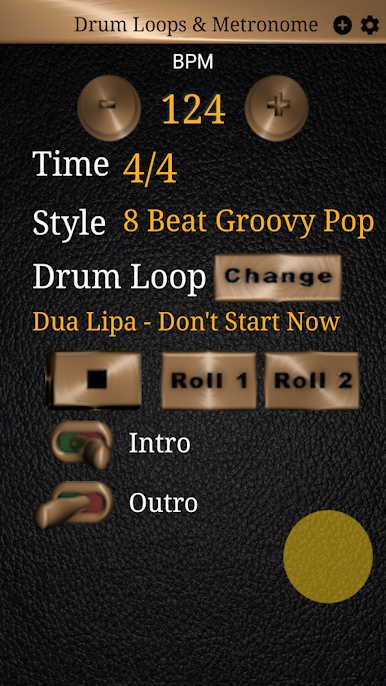
Ever wished you could jam along to top-notch drum grooves without needing an actual drummer in the room? Drum Loops & Metronome Free, from Learn To Master, sets you up with an easy, musical way to work on your timing, shred your favorite guitar licks, or warm up before a gig. No matter if you’re just getting started or you’ve been on stage a few times, this Music & Audio app covers all the bases—from smooth jazz shuffles to hard-hitting rock beats. You can mess around, improvise, or use it as your steady practice buddy right from your phone, or even run it on BlueStacks if you want more space to work.
App Features
-
Grooves for Every Genre
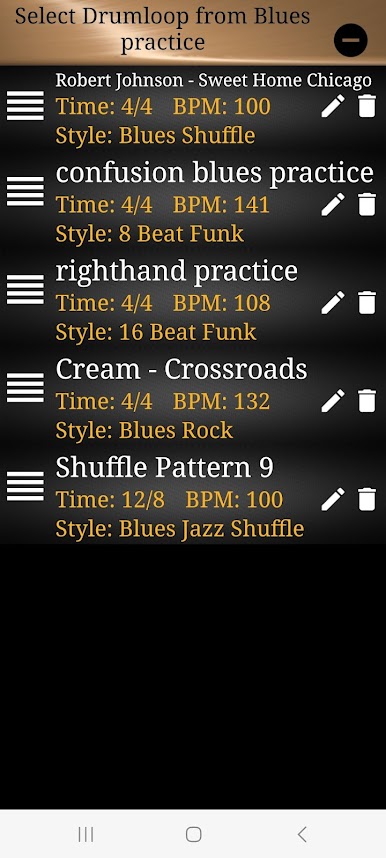
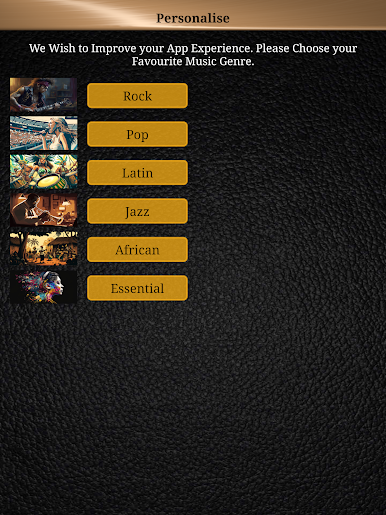
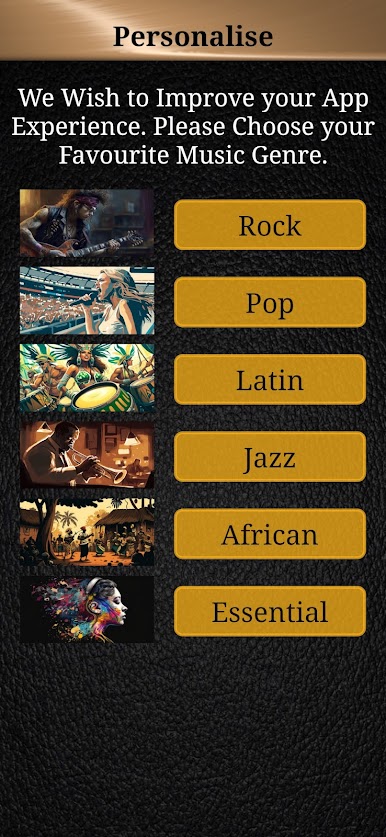
There’s a massive library of over 500 drum patterns, covering everything from classic rock, blues, and jazz to fiery Latin rhythms. Whatever your vibe, there’s a beat in here for you. -
Quality Drum Sounds
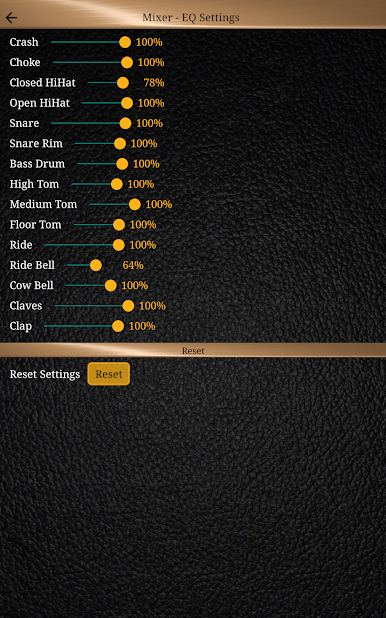
The drum kits sound big and natural, so whether you’re playing solo, plugged into an amp, or with your band, everything hits just right—no weird digital noise in the mix. -
Solid Tempo Control
Crank the BPM up or slow it down, and you’ll notice the pitch stays spot on. Change tempos all you want; the beat won’t get warped or off-tune. -
Custom Playlists
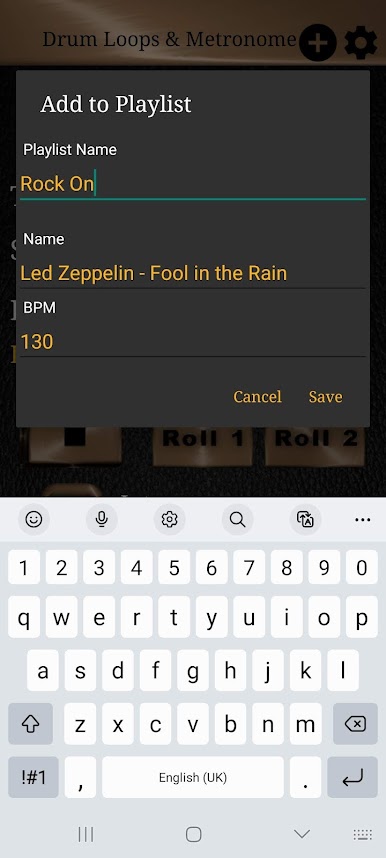
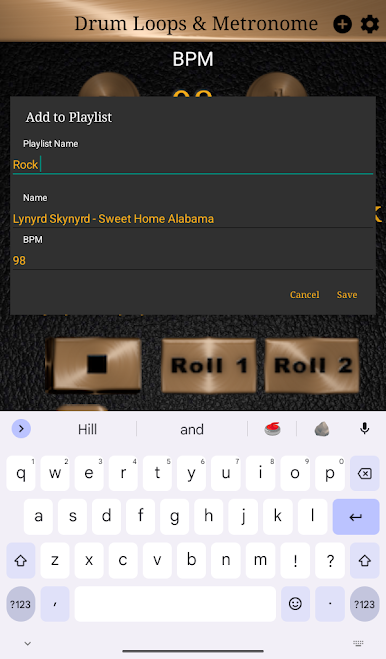
Want to line up songs for your practice session? Just build a playlist within the app. It’s great for keeping your routine moving without having to stop and search every few minutes. -
Fills & Rolls on Demand
Drop in drum fills or rolls whenever you need them. It’s a nice touch, especially if you want to make your practice time feel more like jamming with an actual drummer. -
Animated Beat Marker
You get a visual animation that tracks the tempo in real time. It’s perfect for staying on beat or locking in with the groove, especially during tricky timing changes.
BlueStacks brings your apps to life on a bigger screen—seamless and straightforward.
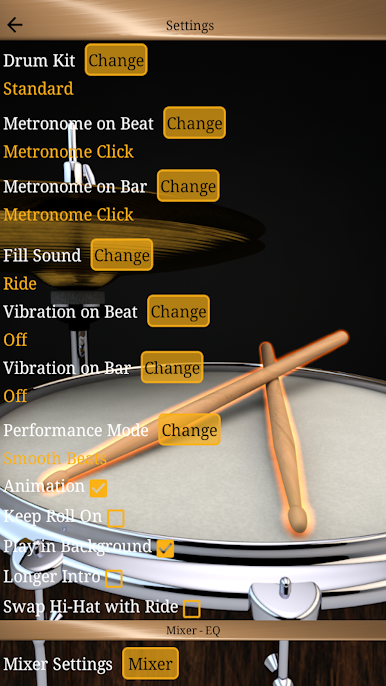
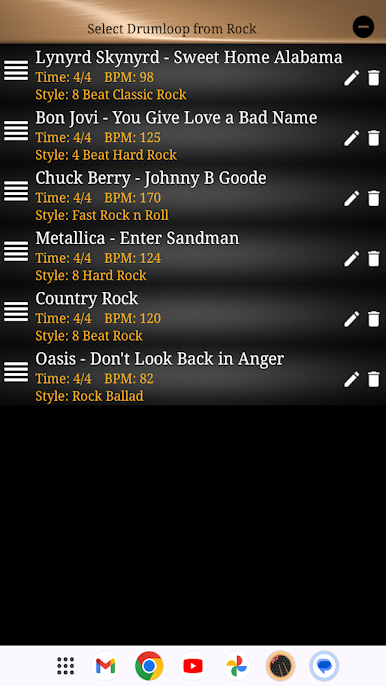
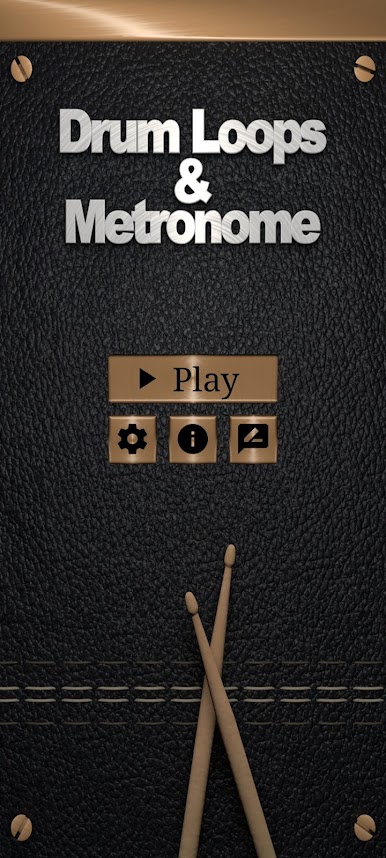
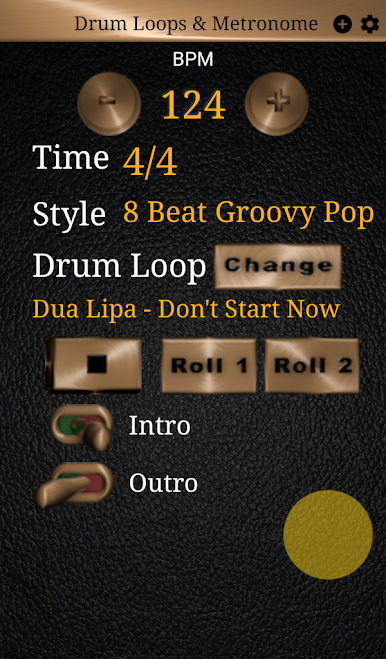
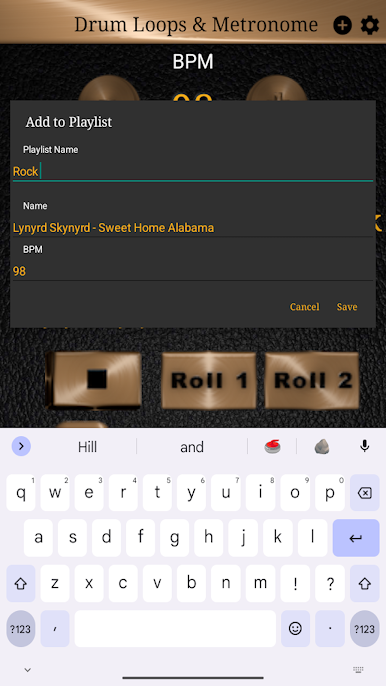
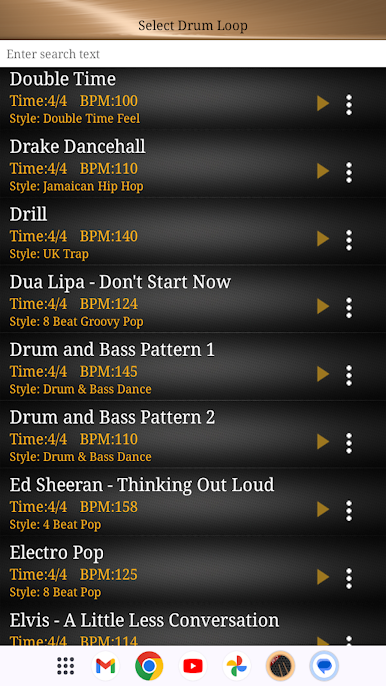
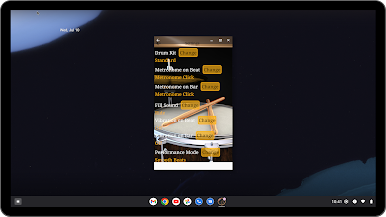
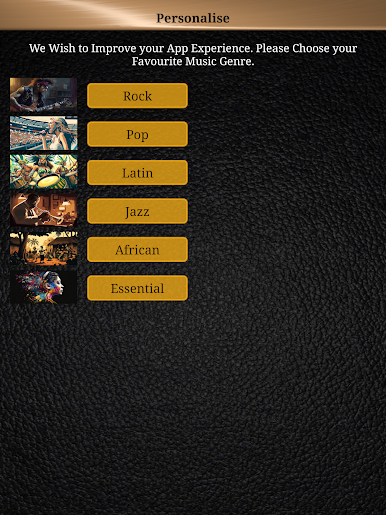
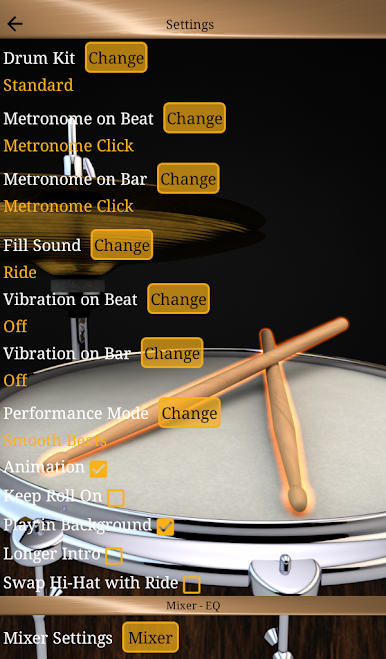
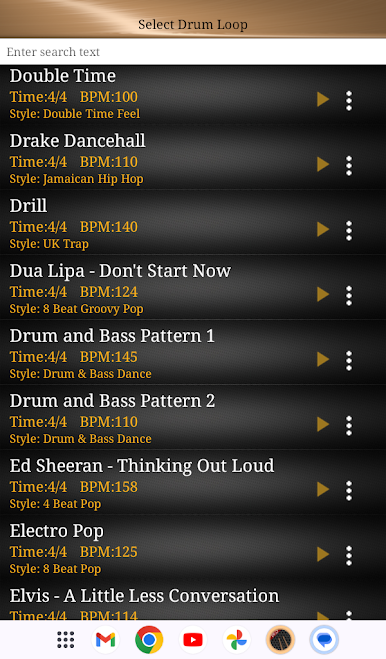
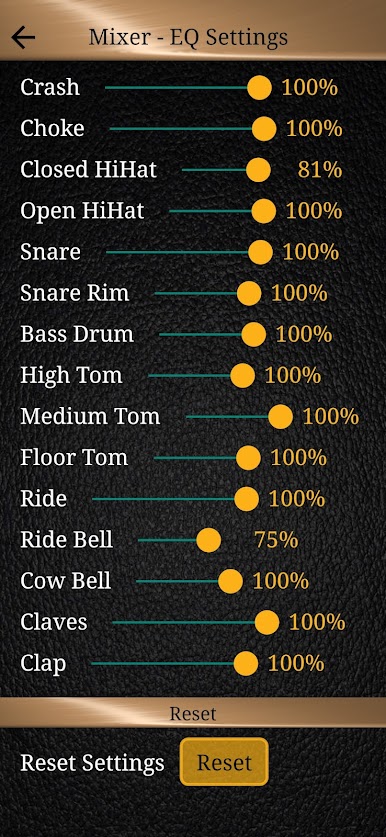
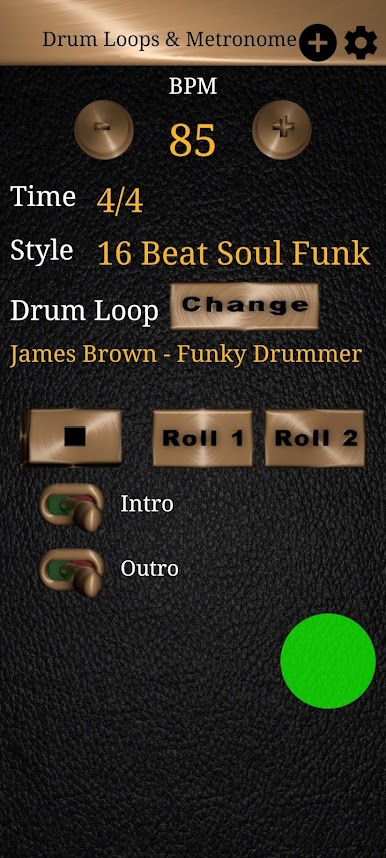
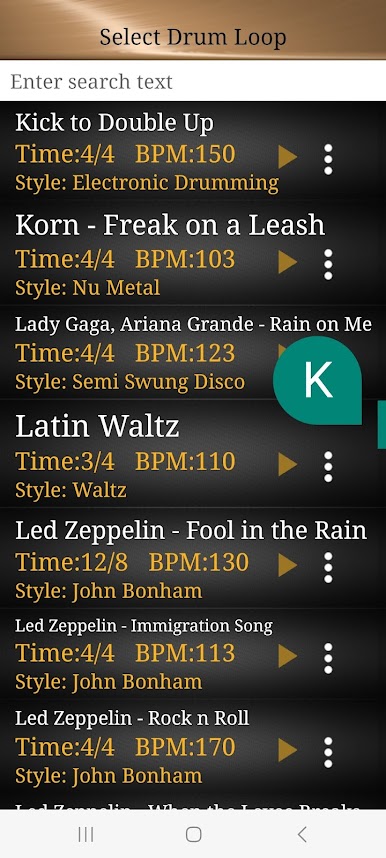
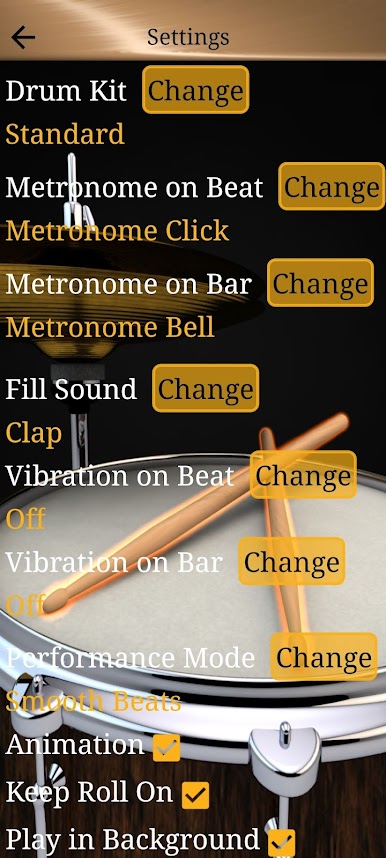
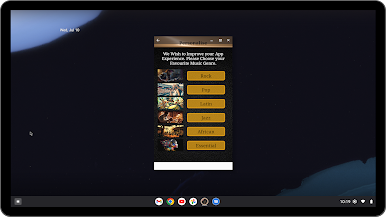
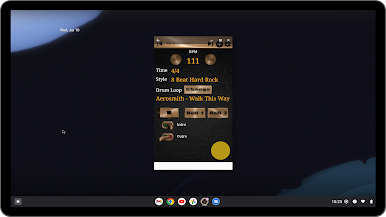
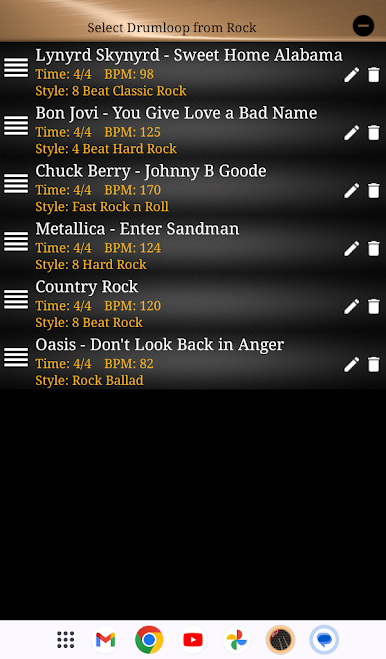
在電腦上遊玩鼓循環和節拍器-後備循環 . 輕易上手.
-
在您的電腦上下載並安裝BlueStacks
-
完成Google登入後即可訪問Play商店,或等你需要訪問Play商店十再登入
-
在右上角的搜索欄中尋找 鼓循環和節拍器-後備循環
-
點擊以從搜索結果中安裝 鼓循環和節拍器-後備循環
-
完成Google登入(如果您跳過了步驟2),以安裝 鼓循環和節拍器-後備循環
-
在首頁畫面中點擊 鼓循環和節拍器-後備循環 圖標來啟動遊戲

