


Leetags - Лучшие хэштеги
Играйте на ПК с BlueStacks – игровой платформе для приложений на Android. Нас выбирают более 500 млн. игроков.

Страница изменена: Aug 29, 2023
Run Leetags - Posts and Hashtags on PC or Mac
Upgrade your experience. Try Leetags – Posts and Hashtags, the fantastic Social app from Claudius Ibn, from the comfort of your laptop, PC, or Mac, only on BlueStacks.
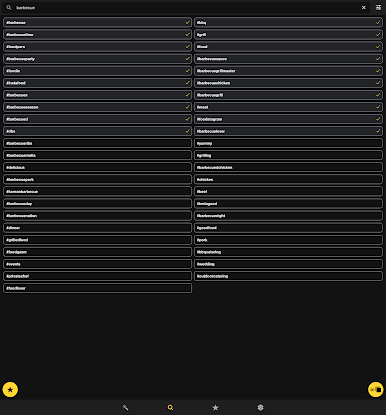
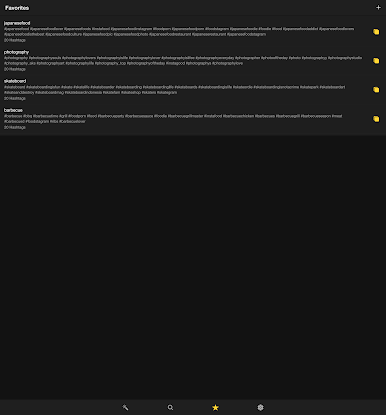
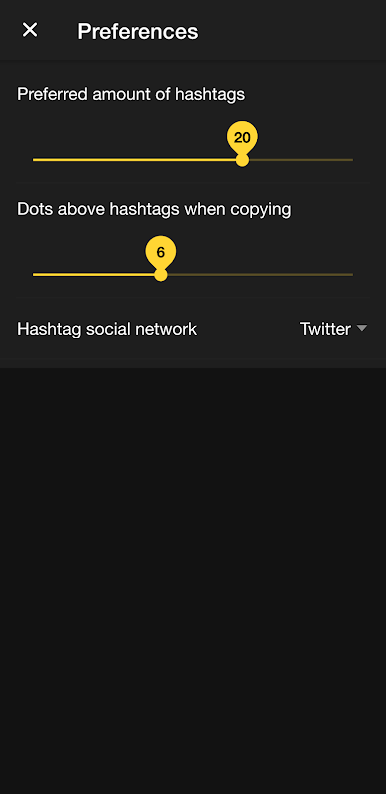
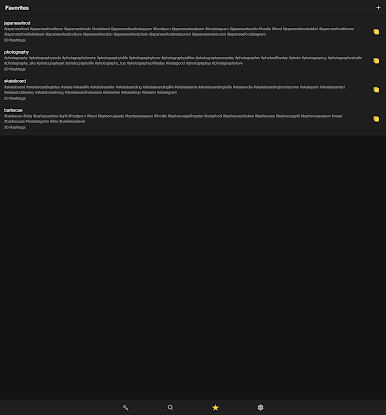
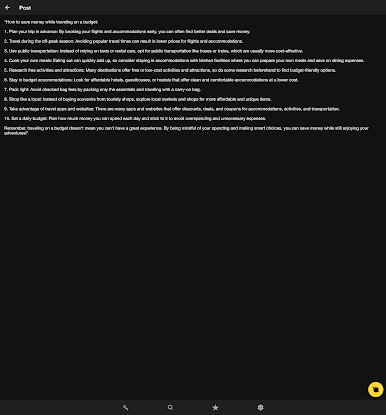
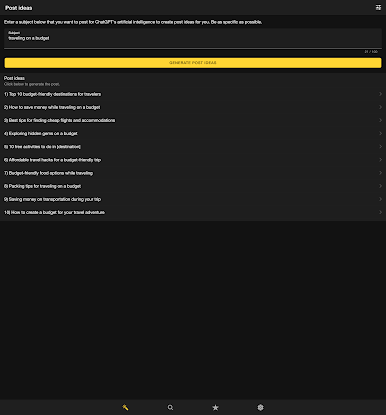
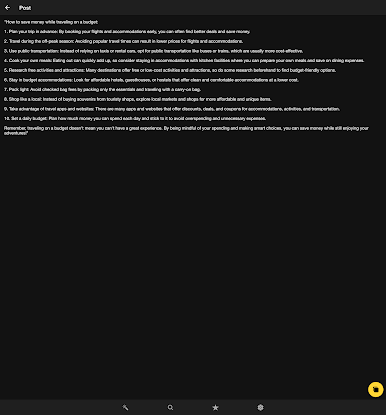
Leetags feels like a straightforward helper for anyone who posts a lot and wants smarter hashtags without doing the manual research. Type a word or two, and it pulls up related tags with a little counter showing how many posts use each one, plus a relevance hint. That part stands out because it makes choosing feel less random. There are tons of categories and subcategories, so someone can poke around travel, food, fitness, art, or jump into specific sets like wedding hashtags. It will bundle tags for captions, let users save favorites, and even search several terms at once. The database works offline, which is handy on bad signal, and the app supports a huge list of languages, so it does not feel limited to one region. It is basically a quick way to assemble captions that are organized and up to date, without hopping across different sites.
On PC with BlueStacks, it is easier to scan big lists, pick a set, and copy a chunk in one go. The larger screen helps compare counts at a glance, and switching between Leetags and whatever scheduler or social tab someone uses is smooth. It is not magic growth, it just gives a clearer view of which tags are active right now and keeps everything tidy. For a small shop, creator, or anyone posting daily, that bit of structure can save time and reduce the guesswork.
BlueStacks brings your apps to life on a bigger screen—seamless and straightforward.
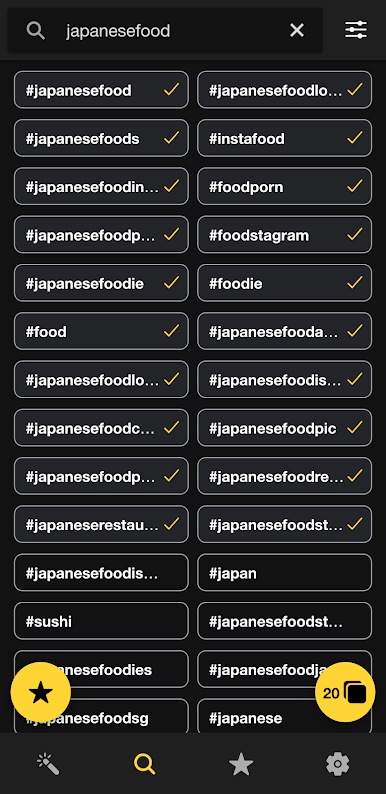
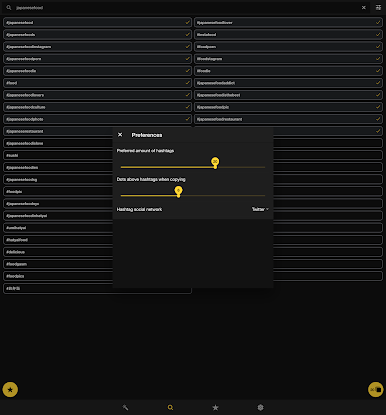
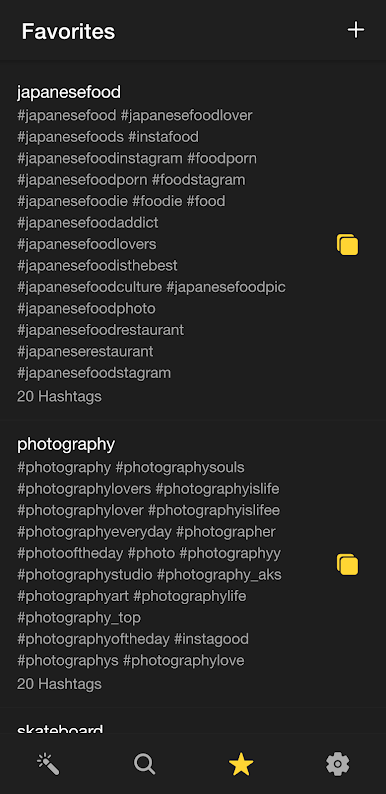
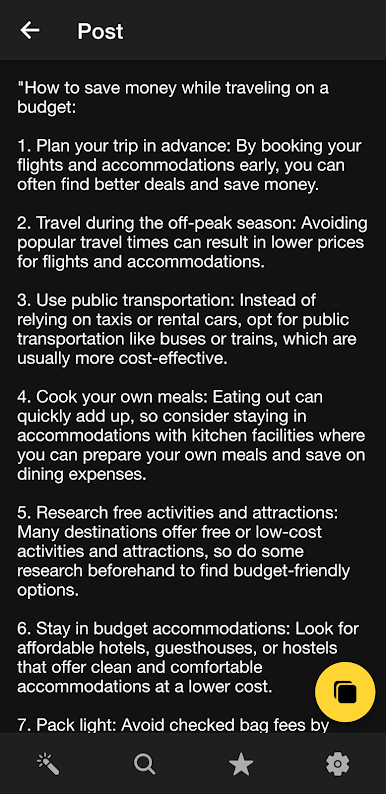
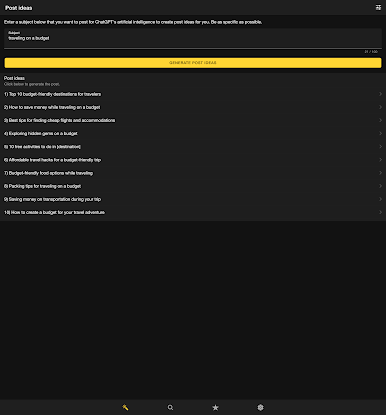
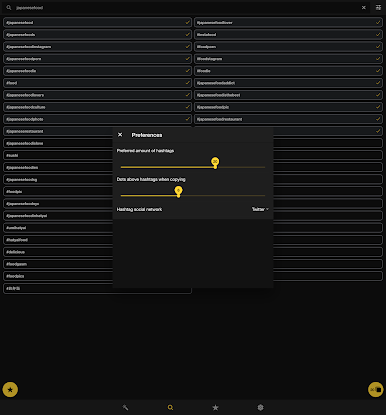
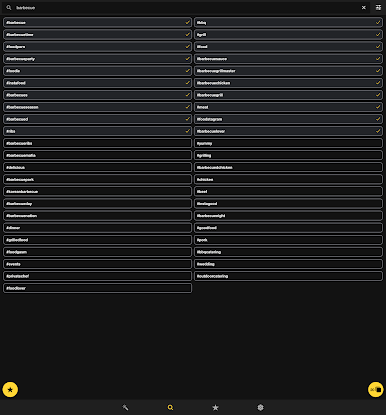
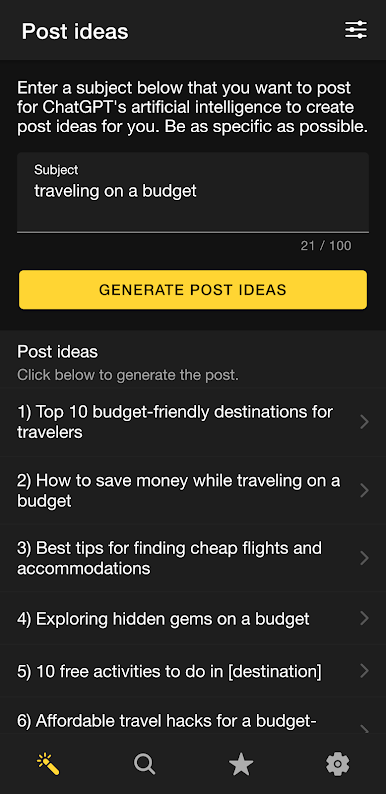
Играйте в игру Leetags - Лучшие хэштеги на ПК. Это легко и просто.
-
Скачайте и установите BlueStacks на ПК.
-
Войдите в аккаунт Google, чтобы получить доступ к Google Play, или сделайте это позже.
-
В поле поиска, которое находится в правой части экрана, введите название игры – Leetags - Лучшие хэштеги.
-
Среди результатов поиска найдите игру Leetags - Лучшие хэштеги и нажмите на кнопку "Установить".
-
Завершите авторизацию в Google (если вы пропустили этот шаг в начале) и установите игру Leetags - Лучшие хэштеги.
-
Нажмите на ярлык игры Leetags - Лучшие хэштеги на главном экране, чтобы начать играть.

