


Cursive Letters Writing Wizard
Mainkan di PC dengan BlueStacks – platform Game-Game Android, dipercaya oleh lebih dari 500 juta gamer.

Run Cursive Letters Writing Wizard on PC or Mac
What’s better than using Cursive Letters Writing Wizard by L’Escapadou? Well, try it on a big screen, on your PC or Mac, with BlueStacks to see the difference.
About the App
Cursive Letters Writing Wizard by L’Escapadou makes learning to write feel more like a game than a lesson. This Education app gets kids tracing letters, numbers, and even custom words — turning practice into play with colorful animations, friendly sounds, and silly interactive games. Whether you’ve got a preschooler just starting or a first grader perfecting their penmanship, the app adapts to fit different learning stages and keeps things interesting along the way.
App Features
-
Trace and Learn, Step by Step
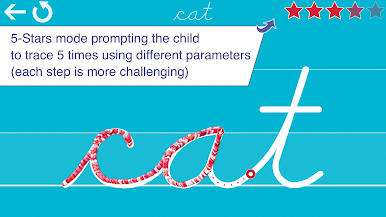
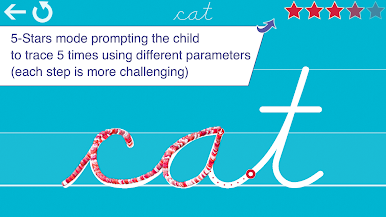
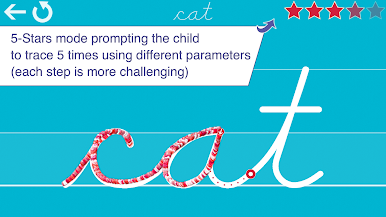
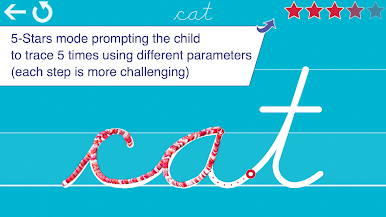
Kids are guided through tracing letters (both uppercase and lowercase), numbers, and words. The app gives a ton of support along the way, showing every step so they get the feel for writing the right way. -
Pick Fonts that Match School Style
Choose from several US classroom-friendly fonts (ZB, DN, HWT), plus a handful of international options, so kids can practice the style they’ll see at school. -
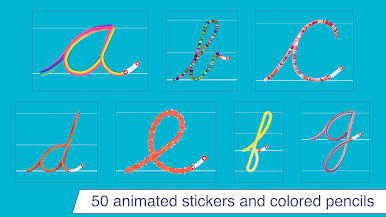
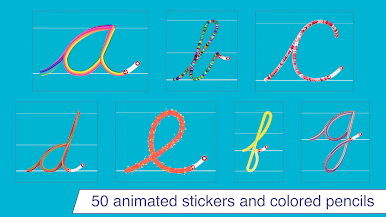
Animated Stickers and Sound Fun
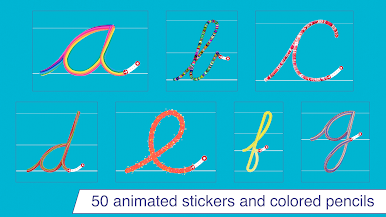
Every time a letter or word is traced, playful stickers pop up and sound effects celebrate the achievement. Kids can even unlock little letter-themed games as a reward. -
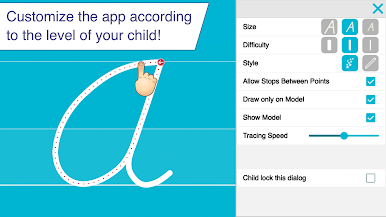
Customize Practice for Every Child
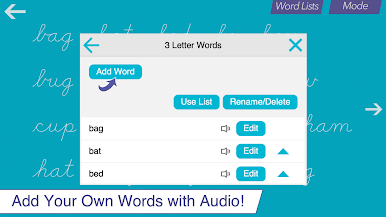
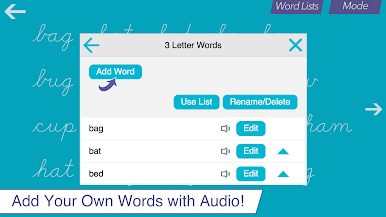
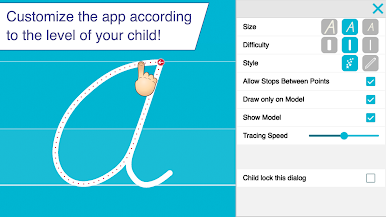
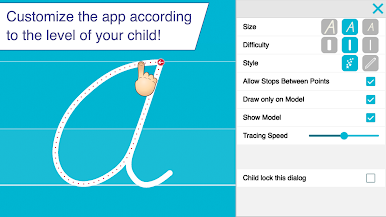
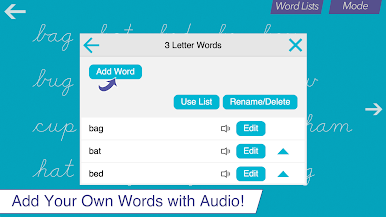
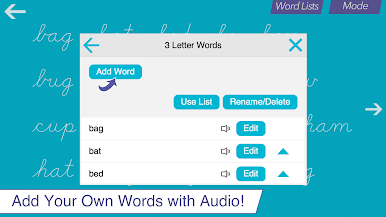
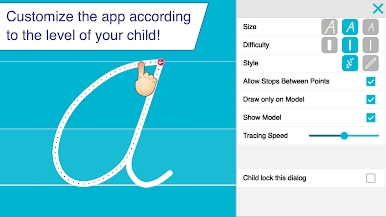
Adjust the difficulty, change letter sizes, or hide tracing guides as your kiddo grows more confident. You can even set up custom word lists — and record your own voice for a personal touch. -
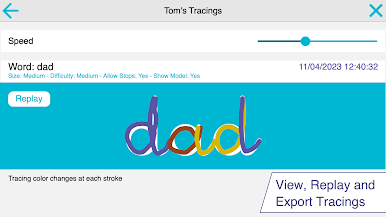
Keep an Eye on Progress
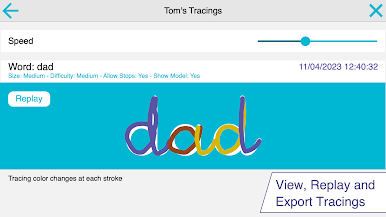
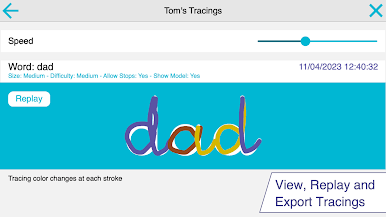
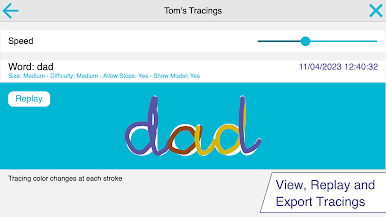
There are easy-to-read reports that show what’s been traced and when, so parents or teachers can see improvements over time. -
Shapes and More for Toddlers
Younger kids can trace basic shapes — circles, squares, and more — to build pre-writing skills before jumping into letters and numbers. -
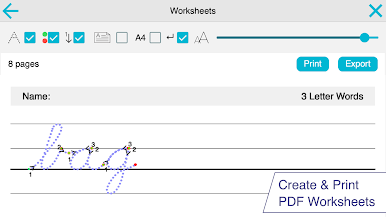
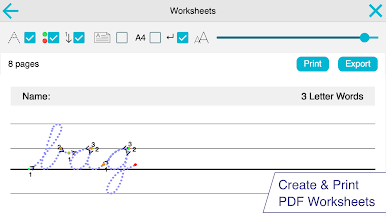
Print Worksheets
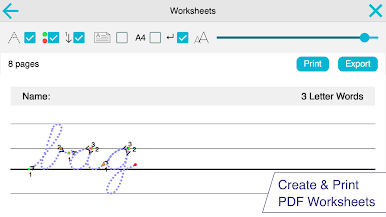
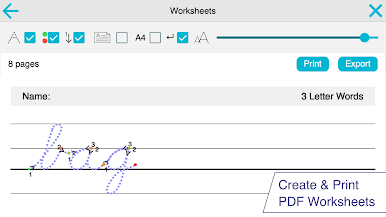
Prefer a paper-and-pencil approach too? You’ve got the flexibility to print worksheets directly from the app (when using the full version) for writing practice the old-fashioned way. -
Safe and Private
The app doesn’t collect user data or show ads, with extra protection for external links, so kids stay safe while learning.
Trying it out on a big screen with BlueStacks can really show off those colorful animations and make tracing feel even more hands-on.
Switch to BlueStacks and make the most of your apps on your PC or Mac.










Mainkan Cursive Letters Writing Wizard di PC Mudah saja memulainya.
-
Unduh dan pasang BlueStacks di PC kamu
-
Selesaikan proses masuk Google untuk mengakses Playstore atau lakukan nanti
-
Cari Cursive Letters Writing Wizard di bilah pencarian di pojok kanan atas
-
Klik untuk menginstal Cursive Letters Writing Wizard dari hasil pencarian
-
Selesaikan proses masuk Google (jika kamu melewati langkah 2) untuk menginstal Cursive Letters Writing Wizard
-
Klik ikon Cursive Letters Writing Wizard di layar home untuk membuka gamenya

