

Volleyball Scoreboard
在電腦上使用BlueStacks –受到5億以上的遊戲玩家所信任的Android遊戲平台。

Play Volleyball Scoreboard on PC or Mac
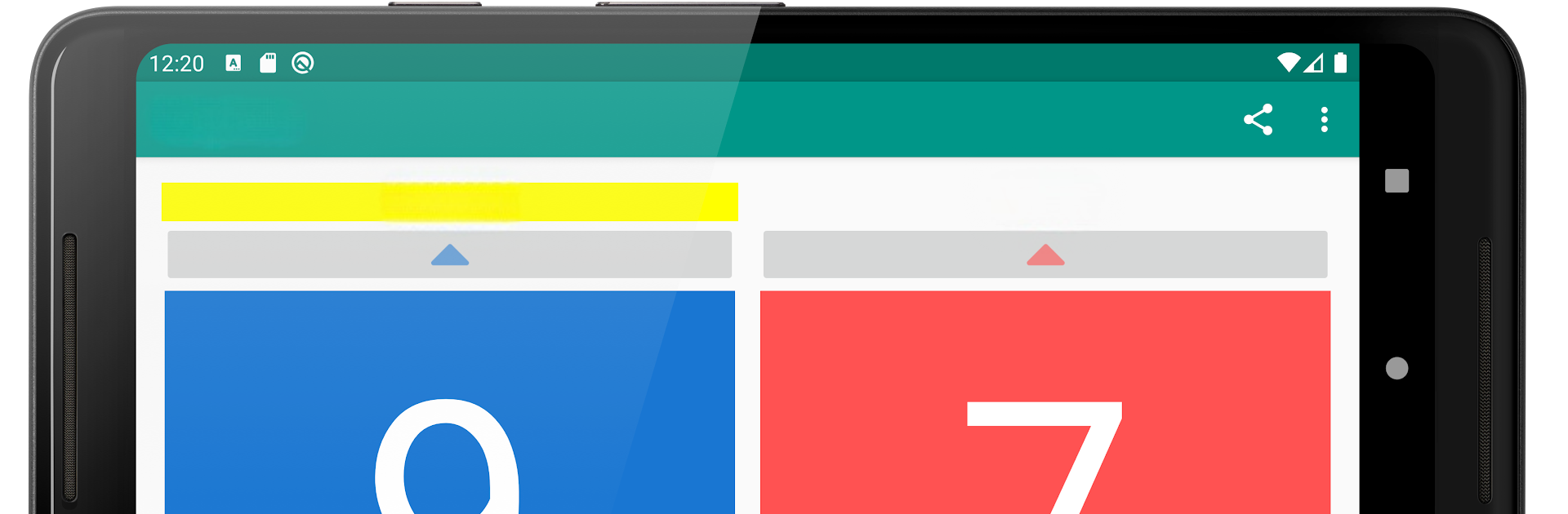
From the innovators and creators at LibelulaSoftware, Volleyball Scoreboard is another fun addition to the World of Sports games. Go beyond your mobile screen and play it bigger and better on your PC or Mac. An immersive experience awaits you.
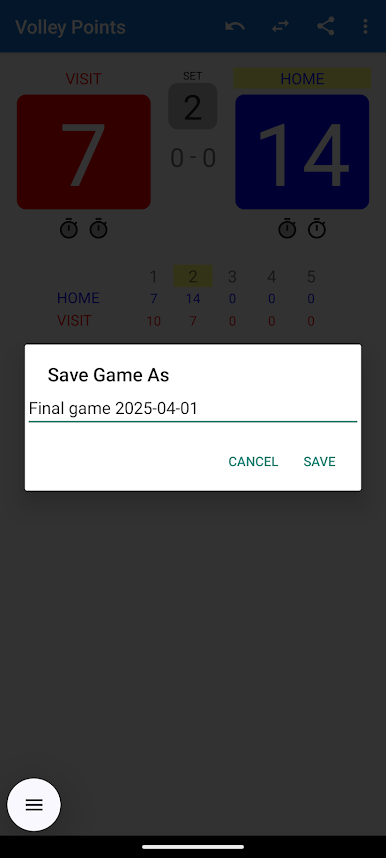
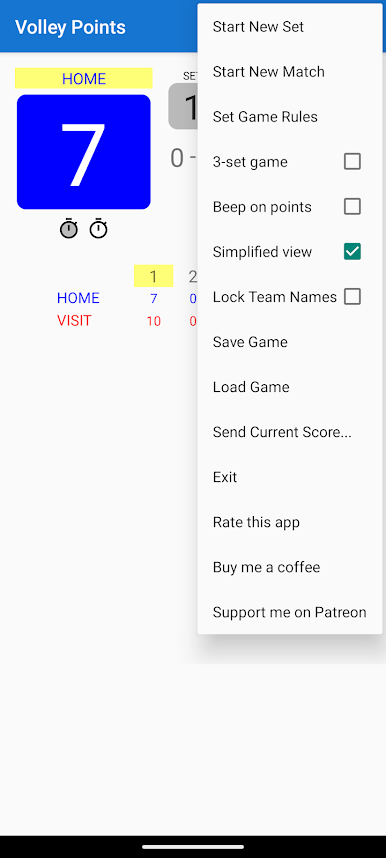
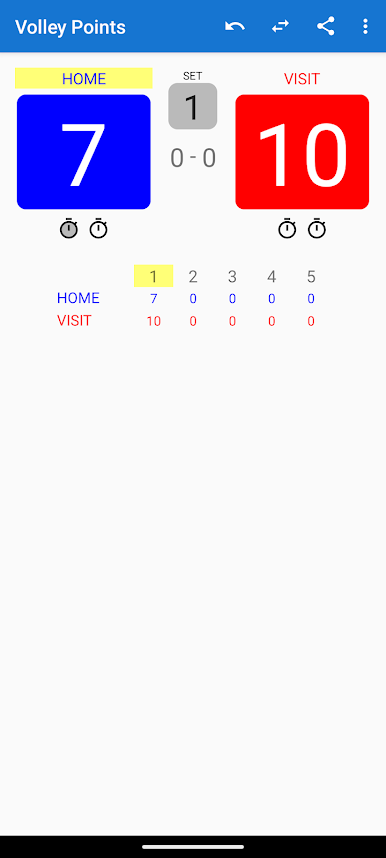
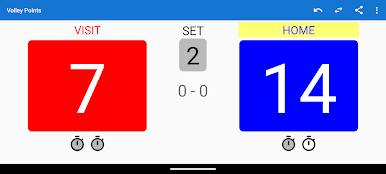
Volleyball Scoreboard basically cuts out all the extras and just lets people keep track of volleyball games in a clean, easy way. It doesn’t hit you with ads or random pop-ups, which is kind of refreshing, and it’s free. The main stuff is right where it should be: you can adjust the number of sets if you want a three-set game instead of the usual five, edit team names on the fly, and see which team’s serving because it gets marked on the screen. Moving between sets is simple, and it’s easy to fix things if someone makes a mistake with the score.
What stands out for a lot of folks is how quick it is to actually share a game’s progress. Whether it’s via text, email, or messenger, just send over the scoreboard to anyone who wants to keep up. All the basic tools are there without anything in the way, so it just feels straightforward. Playing on PC through something like BlueStacks does make handling everything a bit snappier, especially if you prefer using a mouse and keyboard for small adjustments or typing. If someone just wants a no-fuss, reliable way to run their next volleyball match without sorting through unnecessary features, this scoreboard does the job well.
Get ready for a buttery smooth, high-performance gaming action only on BlueStacks.
在電腦上遊玩Volleyball Scoreboard . 輕易上手.
-
在您的電腦上下載並安裝BlueStacks
-
完成Google登入後即可訪問Play商店,或等你需要訪問Play商店十再登入
-
在右上角的搜索欄中尋找 Volleyball Scoreboard
-
點擊以從搜索結果中安裝 Volleyball Scoreboard
-
完成Google登入(如果您跳過了步驟2),以安裝 Volleyball Scoreboard
-
在首頁畫面中點擊 Volleyball Scoreboard 圖標來啟動遊戲

