

TunerView for Android
Spiele auf dem PC mit BlueStacks - der Android-Gaming-Plattform, der über 500 Millionen Spieler vertrauen.

Seite geändert am: Jun 8, 2025
Run TunerView for Android on PC or Mac
Multitask effortlessly on your PC or Mac as you try out TunerView for Android, a Tools app by HRTuning.com on BlueStacks.
About the App
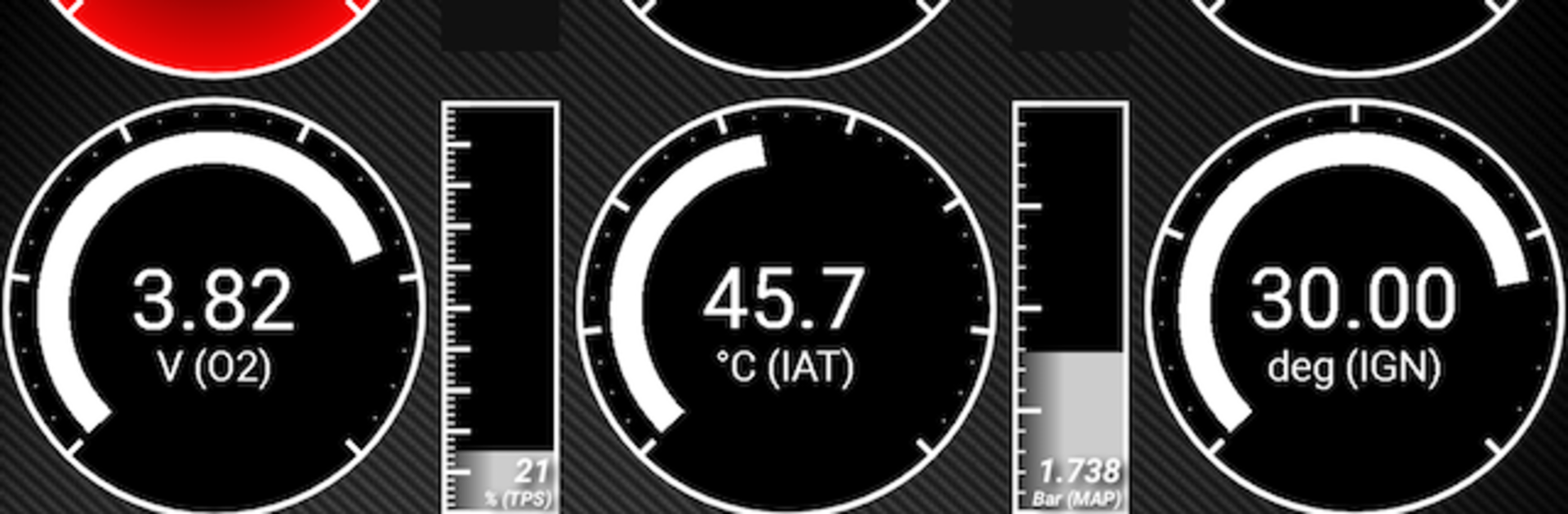
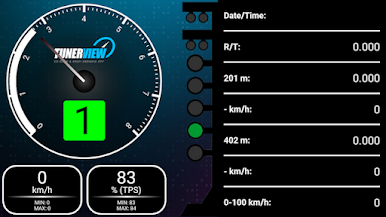
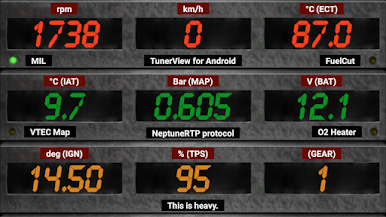
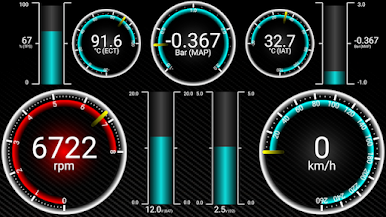
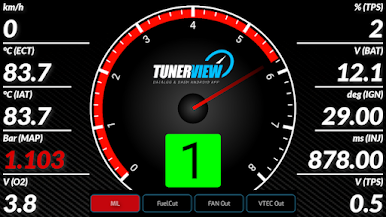
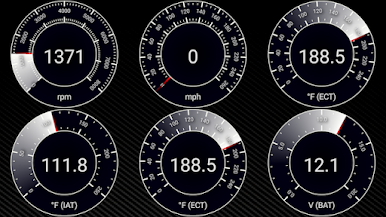
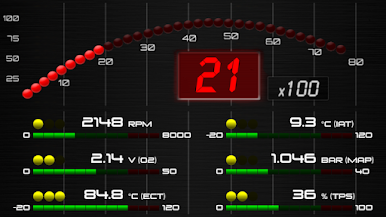
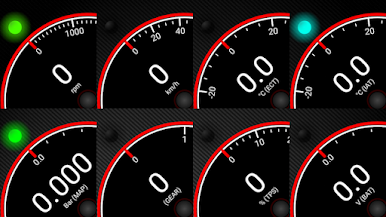
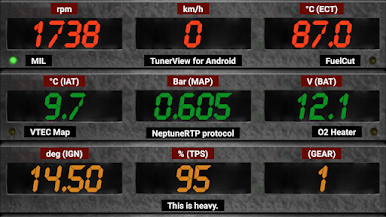
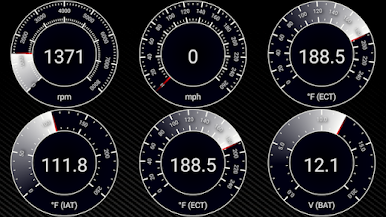
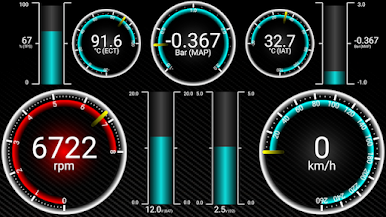
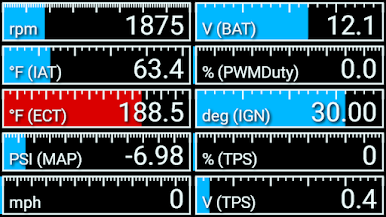
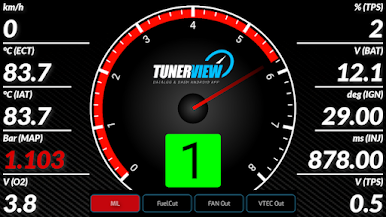
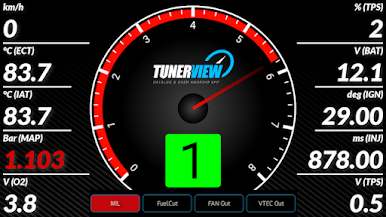
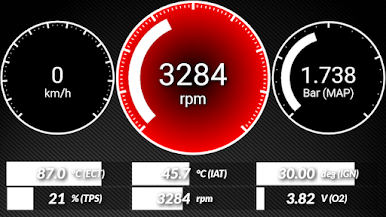
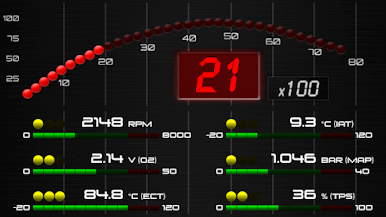
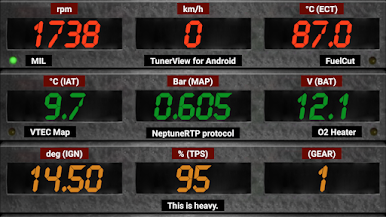
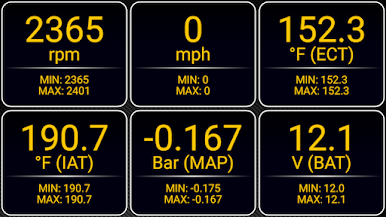
TunerView for Android is a real-time datalog and ECU companion built for people who actually like looking under the hood—digitally and literally. Connect over Bluetooth, watch critical engine data as it happens, and keep tabs on what your setup is doing on the street or the dyno. It’s a Tools app from HRTuning.com, and if you’d rather run it on a bigger screen, it also plays nicely on BlueStacks.
App Features
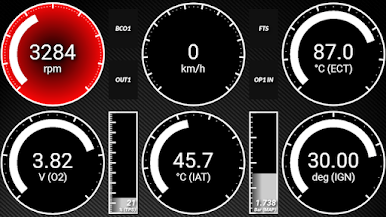
- Real-time datalogging: Stream live engine parameters and see what’s going on instantly, so you can troubleshoot, tune, or just nerd out over the numbers.
- Bluetooth ECU connection: Pair your Android device with supported ECUs via a compatible Bluetooth adapter for a clean, cable-free setup.
- ECU reflashing with hardware: Got a KTunerFlashV1.2 device? You can reflash supported ECUs directly from the app.
- Wide ECU compatibility: Works with popular Honda systems like Crome QD2/QD3, eCtune, KTuner R1, KTunerFlashV1.2/V2, Neptune, and Hondata S300 V3 (Bluetooth). Also supports ECUMaster EMU, NismotronicSA for Nissan, Ford GUFB/CBAZA with Moates QuarterHorse, GM OBD1 0D with Moates Autoprom, Moates SuperLogger, plus OBD2 ELM327 (limited beta).
- Purpose-built for tuners: View live data, create logs, and keep your sessions organized whether you’re dialing in a base map or verifying a final pull.
- Hardware notes you’ll care about: Honda OBD1, Nismotronic, and Moates devices may require specific Bluetooth modules, and different setups can use different pinouts and baud rates.
- In-app protocol purchase: The app itself is a shell—unlock the datalog protocol you need via in-app purchase to start using it.
Big screen. Bigger performance. Use BlueStacks on your PC or Mac to run your favorite apps.
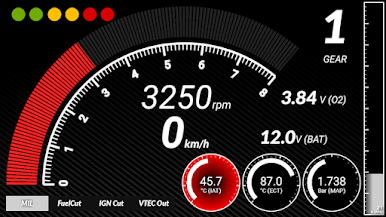
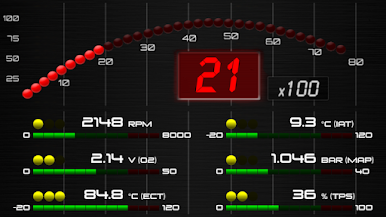
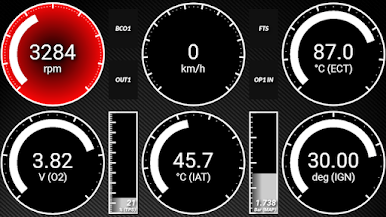
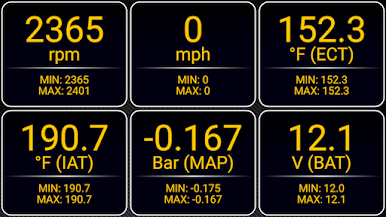
Spiele TunerView for Android auf dem PC. Der Einstieg ist einfach.
-
Lade BlueStacks herunter und installiere es auf deinem PC
-
Schließe die Google-Anmeldung ab, um auf den Play Store zuzugreifen, oder mache es später
-
Suche in der Suchleiste oben rechts nach TunerView for Android
-
Klicke hier, um TunerView for Android aus den Suchergebnissen zu installieren
-
Schließe die Google-Anmeldung ab (wenn du Schritt 2 übersprungen hast), um TunerView for Android zu installieren.
-
Klicke auf dem Startbildschirm auf das TunerView for Android Symbol, um mit dem Spielen zu beginnen

