


LivePanel
소셜 | LivePanel
5억명 이상의 게이머가 신뢰하는 안드로이드 게임 플랫폼 BlueStacks으로 PC에서 플레이하세요.

LivePanel PC에서 즐겨보세요
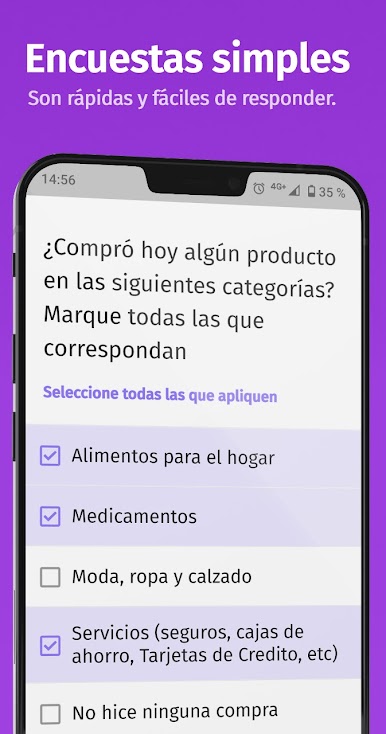
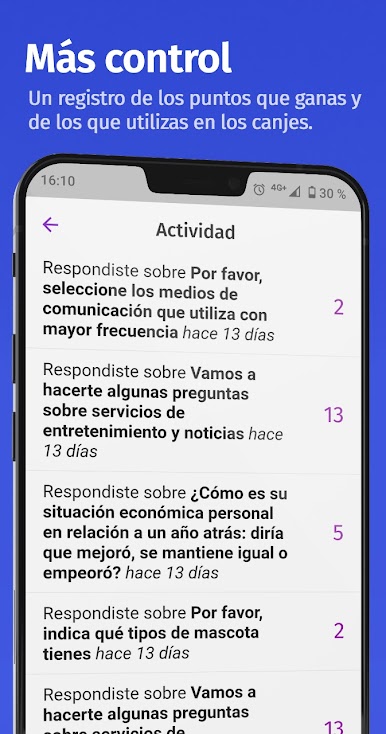
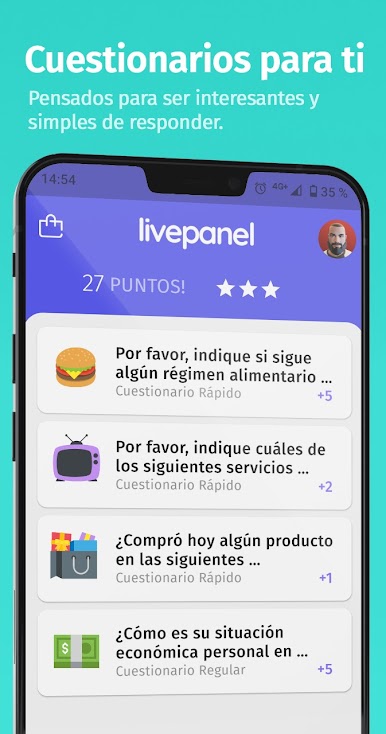
당신이 오는 질문에 답하고 LivePanel의 혜택을 즐길 수 있습니다.
여론을 측정하는 가장 혁신적인 기술.
-------------------------------------------------- -------------------------------------------------- --------------
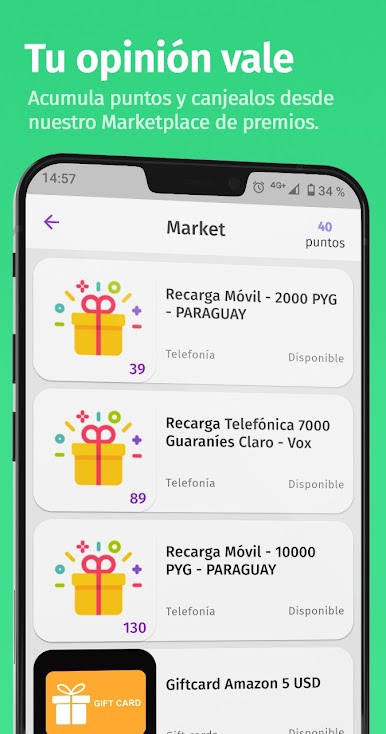
다른 문제에 대해 우리에게 의견을주고 모든 참가자들에게 상을 즐기세요! 귀하의 국가에서 구매 주문, 스마트 폰, 심지어 서비스 크레딧이있다!
-------------------------------------------------- -------------------------------------------------- --------------
정기적으로 사용자의 신원을 확인하고 상에 대한 액세스 권한을 부여하기 위해 서버에 이메일 주소를 보내 LivePanel.
여론을 측정하는 가장 혁신적인 기술.
-------------------------------------------------- -------------------------------------------------- --------------
다른 문제에 대해 우리에게 의견을주고 모든 참가자들에게 상을 즐기세요! 귀하의 국가에서 구매 주문, 스마트 폰, 심지어 서비스 크레딧이있다!
-------------------------------------------------- -------------------------------------------------- --------------
정기적으로 사용자의 신원을 확인하고 상에 대한 액세스 권한을 부여하기 위해 서버에 이메일 주소를 보내 LivePanel.

PC에서 LivePanel 플레이해보세요.
-
BlueStacks 다운로드하고 설치
-
Google Play 스토어에 로그인 하기(나중에 진행가능)
-
오른쪽 상단 코너에 LivePanel 검색
-
검색 결과 중 LivePanel 선택하여 설치
-
구글 로그인 진행(만약 2단계를 지나갔을 경우) 후 LivePanel 설치
-
메인 홈화면에서 LivePanel 선택하여 실행

