


English Chinese Translation
Gioca su PC con BlueStacks: la piattaforma di gioco Android, considerata affidabile da oltre 500 milioni di giocatori.

Pagina modificata il: Nov 6, 2025
Play English Chinese Translation on PC
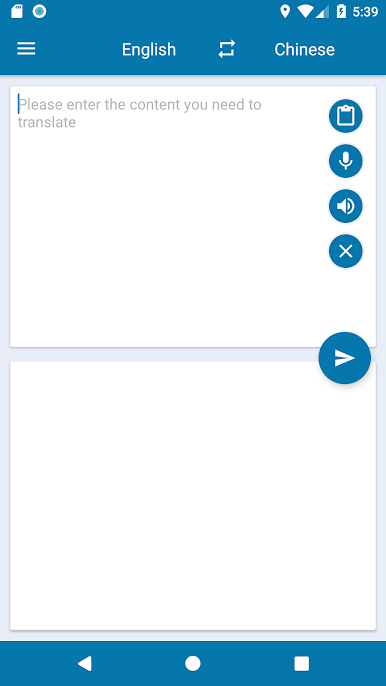
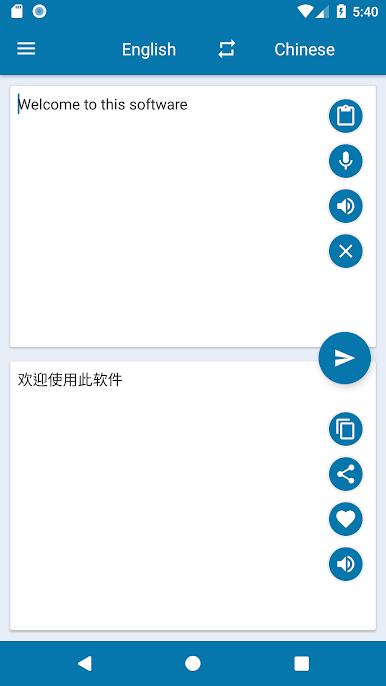
The main function:
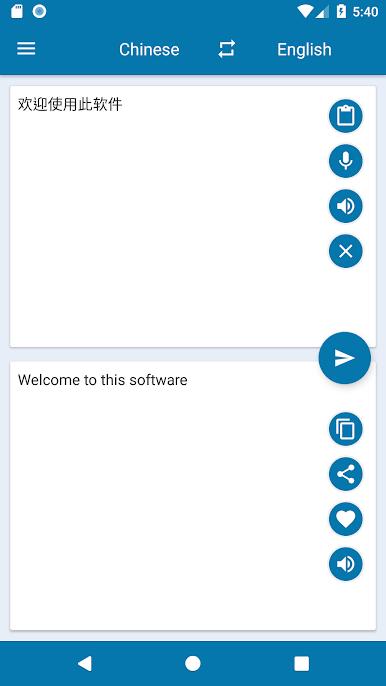
1. Chinese English Online Quick Translation
2. Provide online voice broadcast in Chinese and English
3. Support voice input
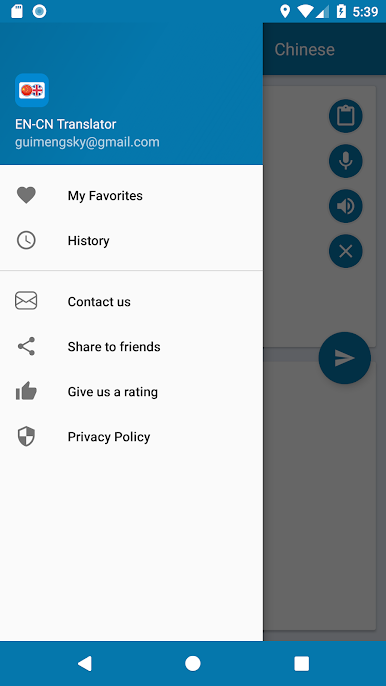
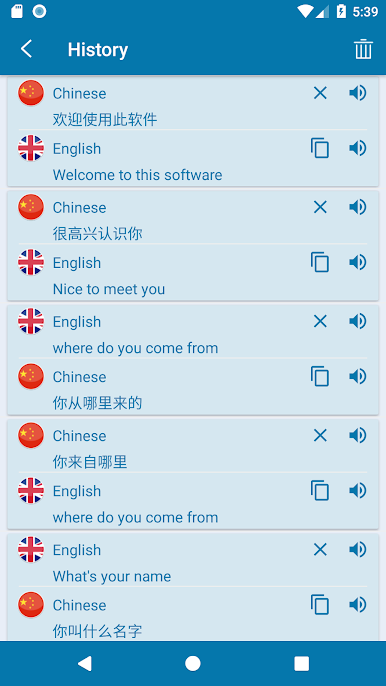
4. Automatically save history
5. Provide collection function
main feature:
1. Translation is fast and accurate
2. Easy and fast operation
3. The interface is simple and easy to use
In the process of use, if you encounter problems or suggestions, you can contact us by email or submit an evaluation at the same time in the market.
If you need translation software in other languages, you can also ask us. Every feedback from users is the source of our progress.
Thank you!
Gioca English Chinese Translation su PC. È facile iniziare.
-
Scarica e installa BlueStacks sul tuo PC
-
Completa l'accesso a Google per accedere al Play Store o eseguilo in un secondo momento
-
Cerca English Chinese Translation nella barra di ricerca nell'angolo in alto a destra
-
Fai clic per installare English Chinese Translation dai risultati della ricerca
-
Completa l'accesso a Google (se hai saltato il passaggio 2) per installare English Chinese Translation
-
Fai clic sull'icona English Chinese Translation nella schermata principale per iniziare a giocare

