

Shooty Monster - Battle.io
Jogue no PC com BlueStacks - A Plataforma de Jogos Android, confiada por mais de 500 milhões de jogadores.

Página modificada em: Oct 23, 2025
Play Shooty Monster - Battle.io on PC or Mac
Join millions to experience Shooty Monster – Battle.io, an exciting Action game from LQ-GAME. With BlueStacks App Player, you are always a step ahead of your opponent, ready to outplay them with faster gameplay and better control with the mouse and keyboard on your PC or Mac.
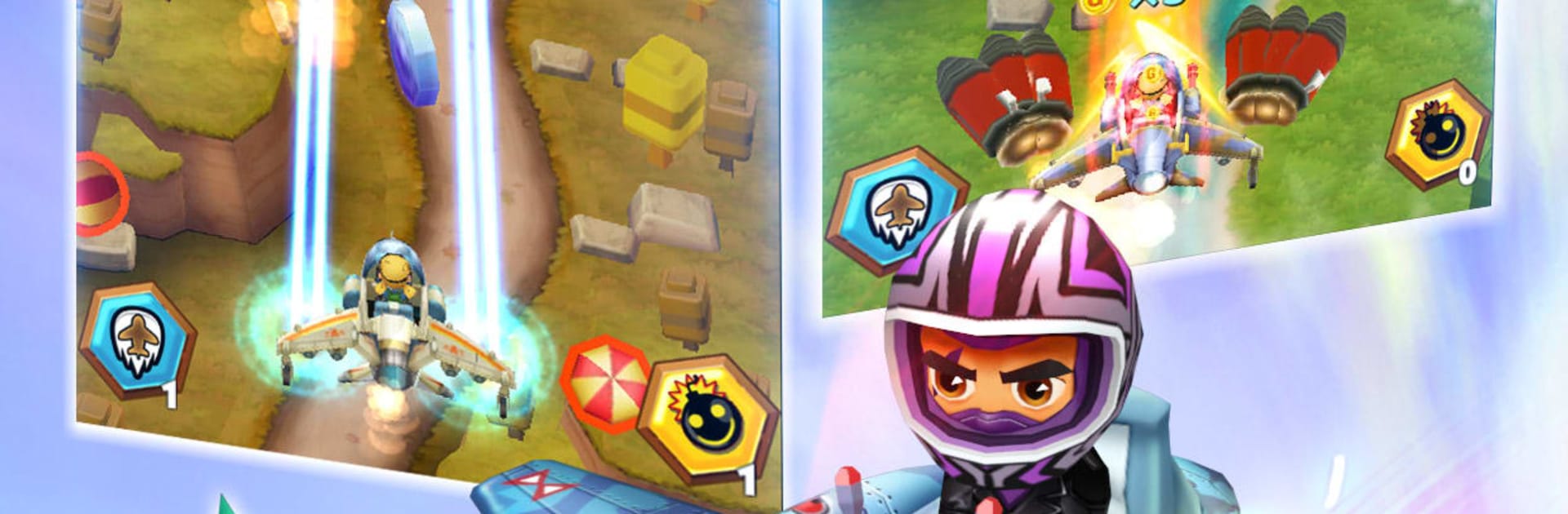
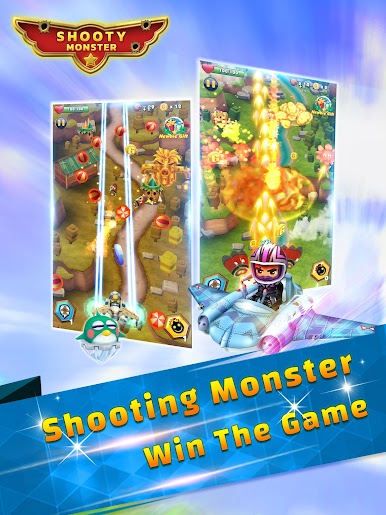
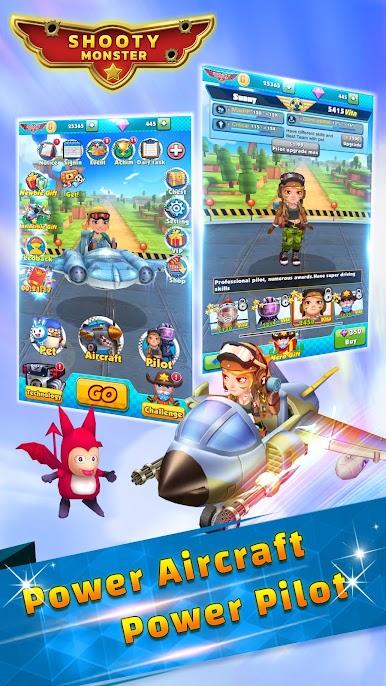
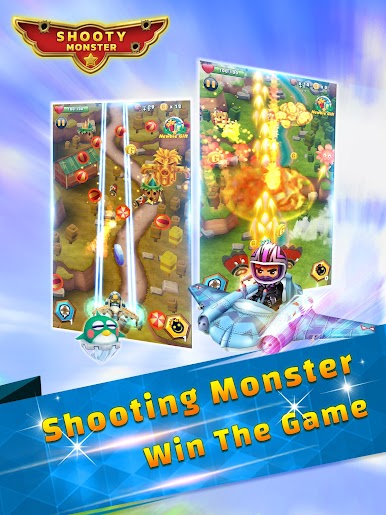
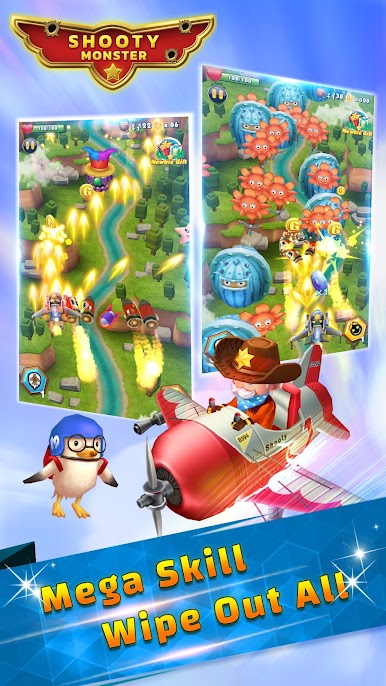
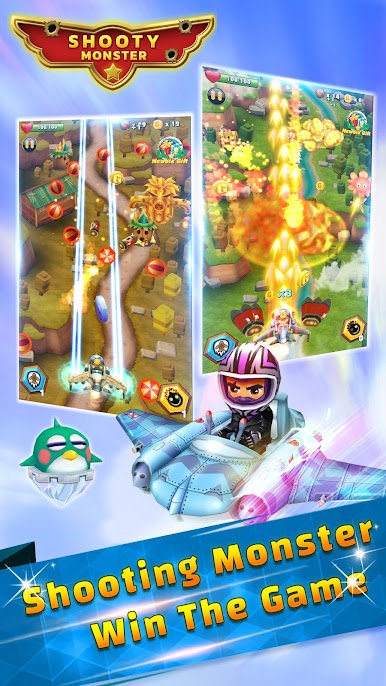
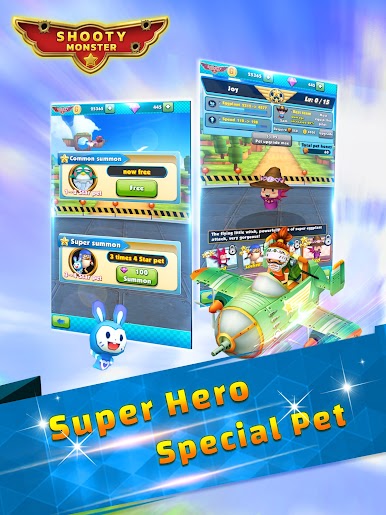
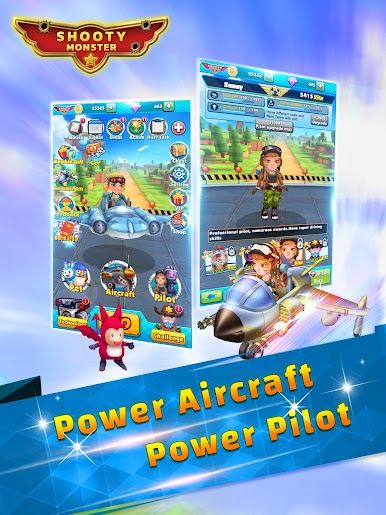
Shooty Monster – Battle.io is a bright, arcade shoot em up where a little aircraft threads through swarms of cartoon monsters and shiny bullets. It keeps the controls super simple, with auto fire doing the work while the player drags to dodge and taps a big special when the screen gets crowded. That special feels like a panic button, very flashy, very satisfying. Stages roll by fast and swap themes, so one minute it is a neon sky, the next it is some weird alien zone, and the monsters bring different attack patterns that are busy but not unfair. Bosses are chunky and loud, explosions splash color everywhere, and hits feel punchy without being too punishing.
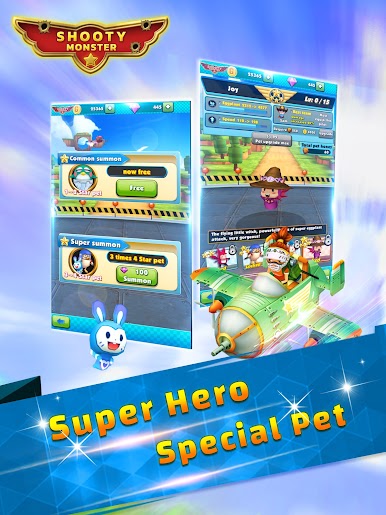
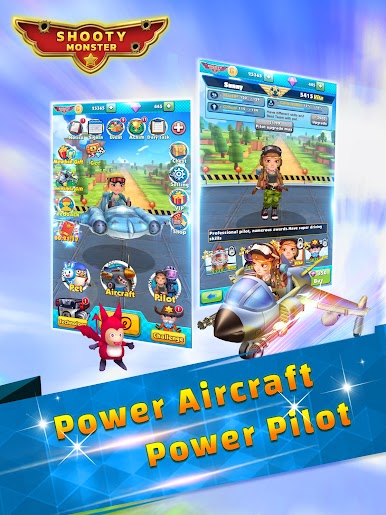
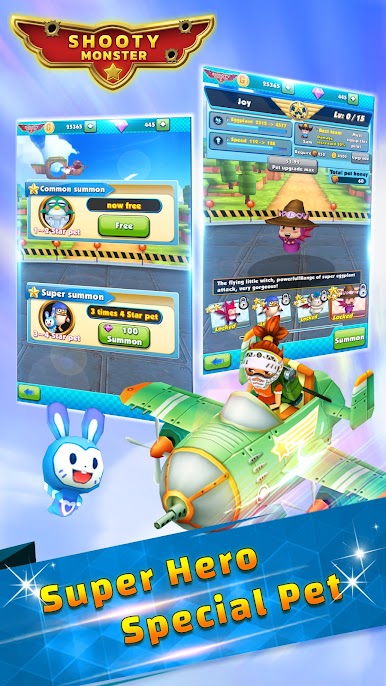
There is a lot to collect and upgrade. Different planes, pilots, and little pet drones each add quirks like extra missiles, beams, or shields, and a tech tree nudges stats upward between runs. The game throws out rewards constantly. Battle drops, sign-in gifts, daily tasks, events, and lucky chests keep the wallet filling, so progress never stalls even with short sessions. On PC with BlueStacks, mouse control is smooth, and mapping the big skill to a key makes weaving through bullets cleaner than a thumb swipe, just feels right. It is the sort of shooter that welcomes quick play, then surprises with how many toys and tweaks there are to chase, even if the wording is a bit cheesy here and there.
Start your journey now. Download the game on BlueStacks, invite your friends, and march on a new adventure.


Jogue Shooty Monster - Battle.io no PC. É fácil começar.
-
Baixe e instale o BlueStacks no seu PC
-
Conclua o login do Google para acessar a Play Store ou faça isso mais tarde
-
Procure por Shooty Monster - Battle.io na barra de pesquisa no canto superior direito
-
Clique para instalar Shooty Monster - Battle.io a partir dos resultados da pesquisa
-
Conclua o login do Google (caso você pulou a etapa 2) para instalar o Shooty Monster - Battle.io
-
Clique no ícone do Shooty Monster - Battle.io na tela inicial para começar a jogar

