


FlashInvaders
Spiele auf dem PC mit BlueStacks - der Android-Gaming-Plattform, der über 500 Millionen Spieler vertrauen.

Seite geändert am: Nov 13, 2025
Play FlashInvaders on PC or Mac
Bring your A-game to FlashInvaders, the Adventure game sensation from space Invaders. Give your gameplay the much-needed boost with precise game controls, high FPS graphics, and top-tier features on your PC or Mac with BlueStacks.
About the Game
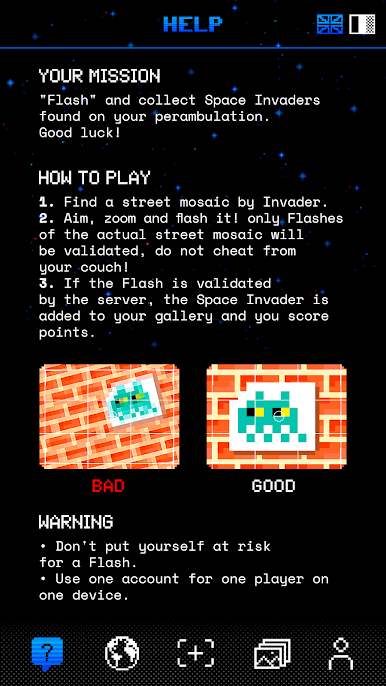
FlashInvaders turns city walks into an Adventure scavenger hunt. Spot those pixel-art mosaics on walls and corners, “flash” them with the in‑app camera, and rack up points as you go. It’s part exploration, part competition, and all about discovering urban art in the wild.
Game Features
- Worldwide hunt: Play anywhere. The app recognizes pieces across the globe, so your next flash could be around the corner or on your next trip.
- Snap to score: Line up the mosaic, take a photo, and, if it’s a match, the app validates it and adds points to your total.
- Personal gallery: Every approved flash lands in your gallery, letting you revisit all the mosaics you’ve found around the world.
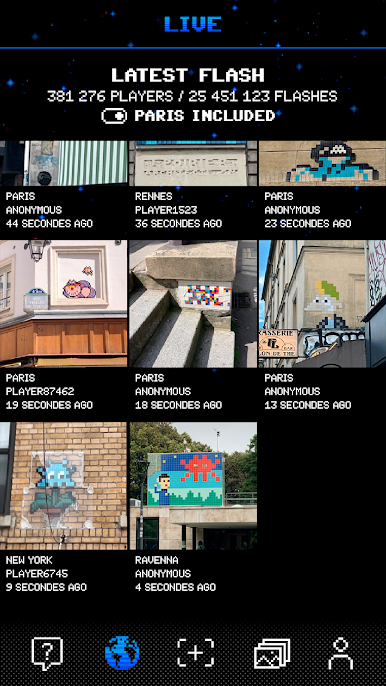
- Live activity feed: See flashes rolling in from other players in real time. Prefer a quieter feed? You can hide flashes made in Paris.
- Top 100 leaderboard: Check the ranking of the most dedicated flashers and see where you stand.
- Friends and followers: Follow friends, build your own followers list, and keep an eye on each other’s scores.
- Easy sharing: Post your latest finds to social networks right from the app.
- From space Invaders: Created by space Invaders, it’s tailored for fans of the street art project and curious explorers alike.
- PC-friendly check-ins: When you’re not out flashing, browse your gallery or track rankings comfortably on BlueStacks.
Start your journey now. Download the game on BlueStacks, invite your friends, and march on a new adventure.

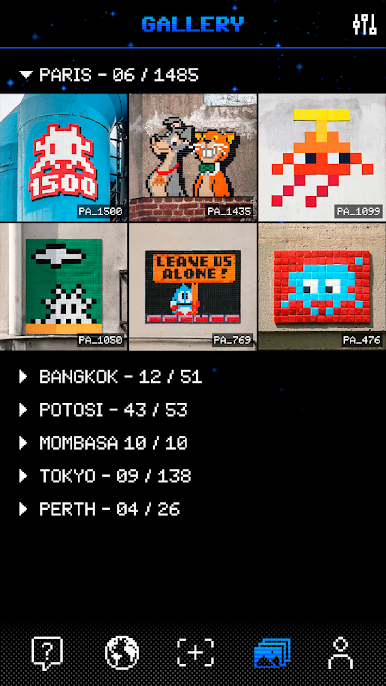
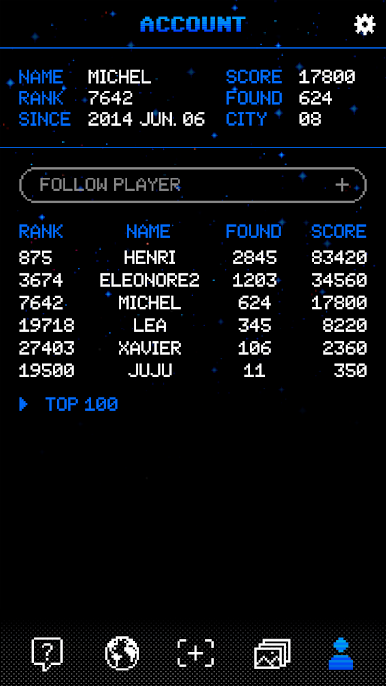
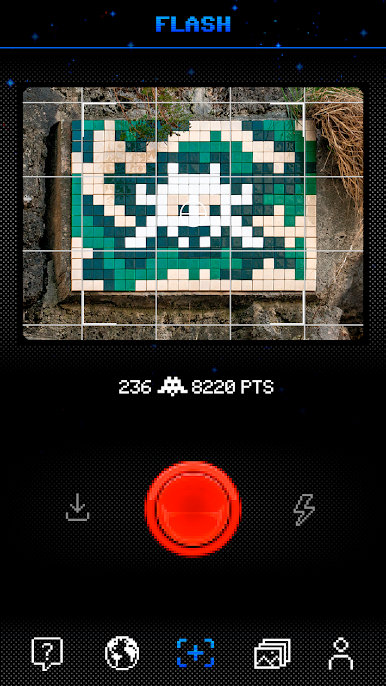
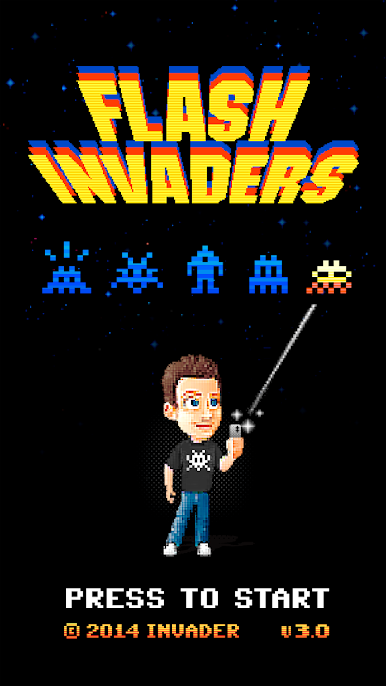
Spiele FlashInvaders auf dem PC. Der Einstieg ist einfach.
-
Lade BlueStacks herunter und installiere es auf deinem PC
-
Schließe die Google-Anmeldung ab, um auf den Play Store zuzugreifen, oder mache es später
-
Suche in der Suchleiste oben rechts nach FlashInvaders
-
Klicke hier, um FlashInvaders aus den Suchergebnissen zu installieren
-
Schließe die Google-Anmeldung ab (wenn du Schritt 2 übersprungen hast), um FlashInvaders zu installieren.
-
Klicke auf dem Startbildschirm auf das FlashInvaders Symbol, um mit dem Spielen zu beginnen

