


ABA Cards: Flashcards for Auti
BlueStacksを使ってPCでプレイ - 5憶以上のユーザーが愛用している高機能Androidゲーミングプラットフォーム

PCでABA Cards: Flashcards for Autiをプレイ
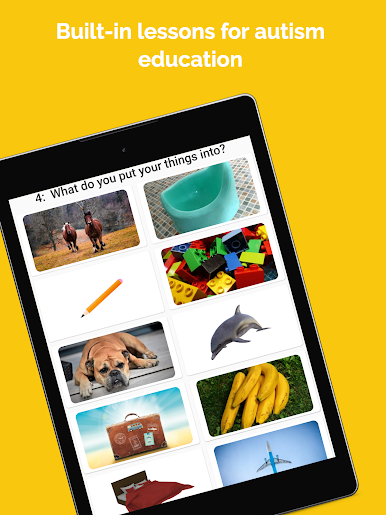
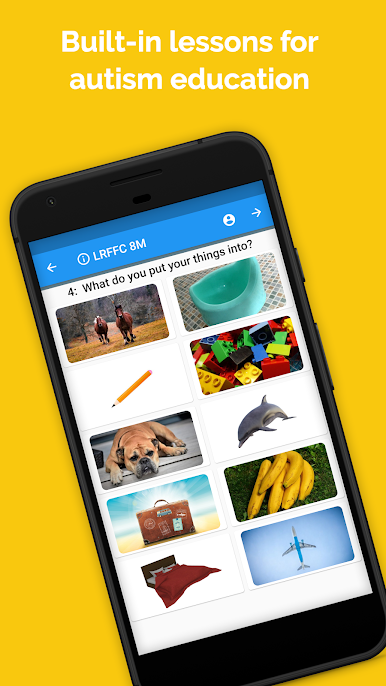
ABAカードは、フラッシュカードと視覚資料の準備に週5時間まで節約できるアプリです。そのため、生徒とその時間を過ごすことができます。
これは、応用行動分析(ABA)の分野で働くセラピストや、自閉症や関連障害を持つ学生と協力する他の専門家に最適です。これは、7つの異なるABAセンターのBCBAと共同で開発され、テストされました。
これらのフラッシュカードを印刷、ラミネート、再配置する必要はもうありません!
ほこりっぽい正方形の紙の山や山を保つ必要はありません!誰かがそれらを失ったり、引き裂いたり、噛んだりしても心配する必要はありません!
今、あなたはあなたのポケットにそれらのすべてのフラッシュカードを保管することができます!
特徴:
-応用行動分析(ABA)に基づく、自閉症療法への科学ベースのアプローチ
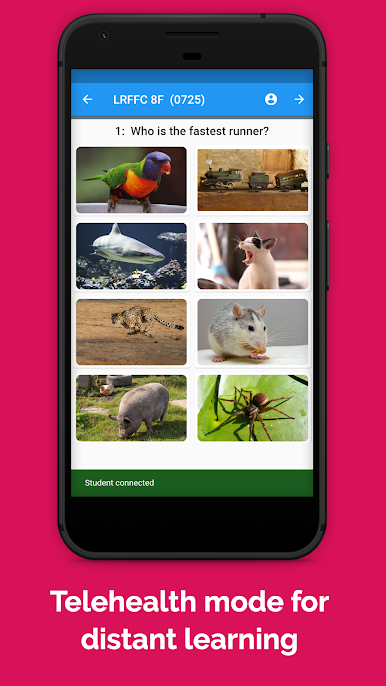
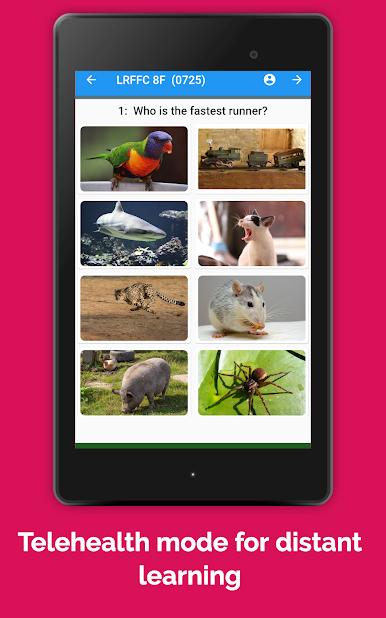
-遠隔学習のための遠隔医療モード
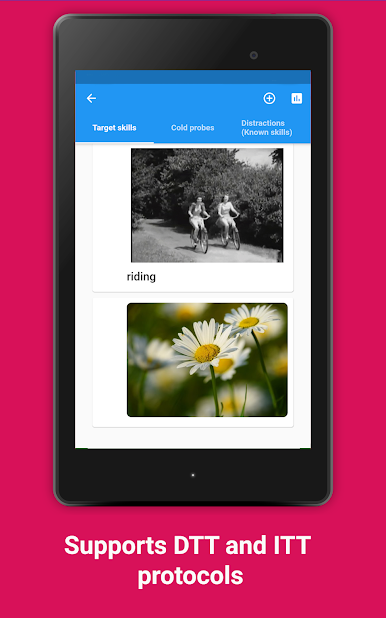
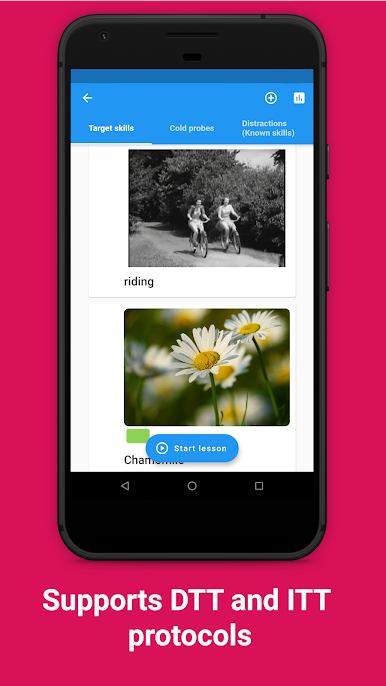
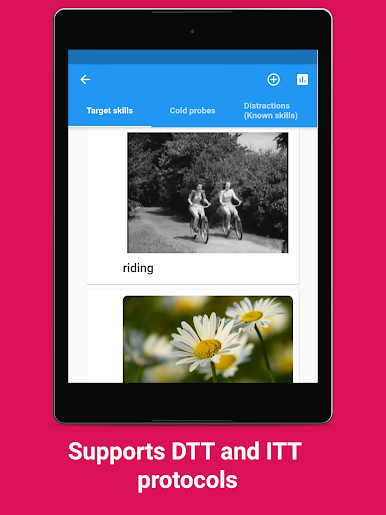
-DTTおよび集中的な教育セッションの実施に合わせて調整
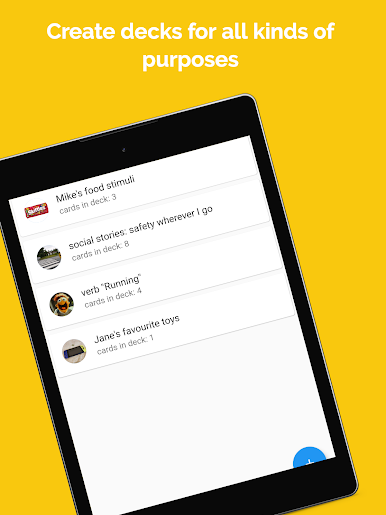
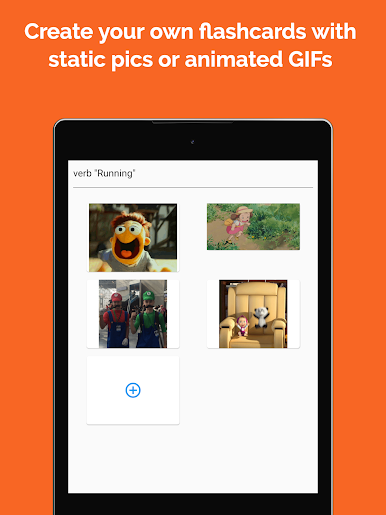
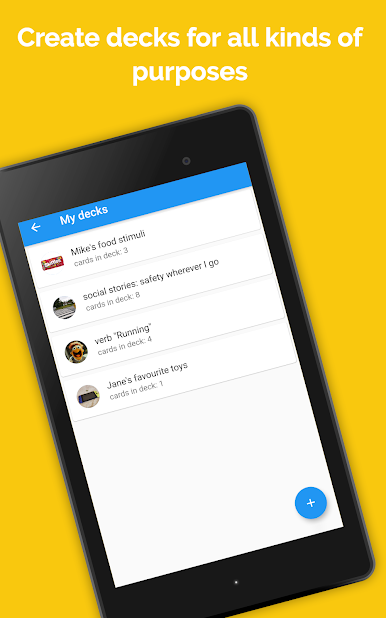
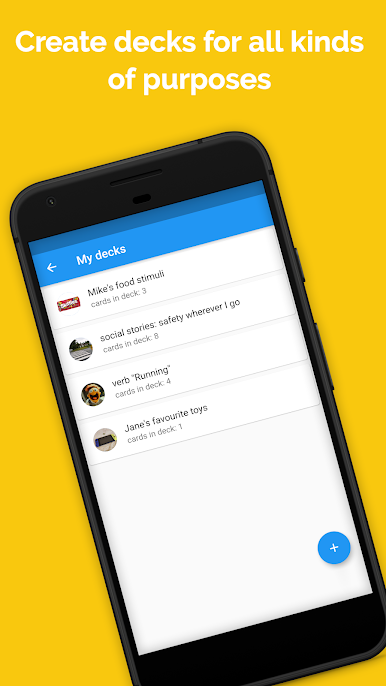
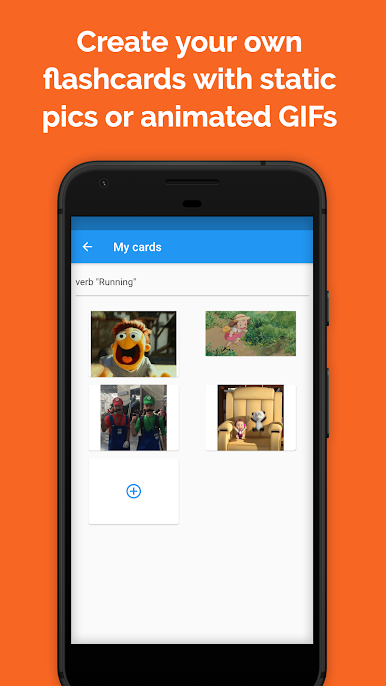
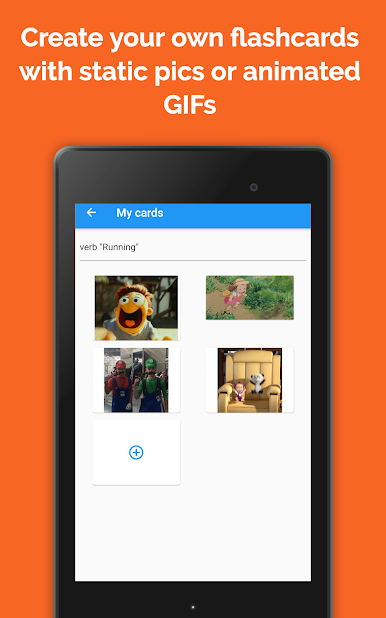
-組み込みの演習を使用するか、独自のフラッシュカードを作成します
-遠隔学習のための遠隔医療モード
-ウェブで写真やgifアニメーションを検索するか、ギャラリーの写真を使用します
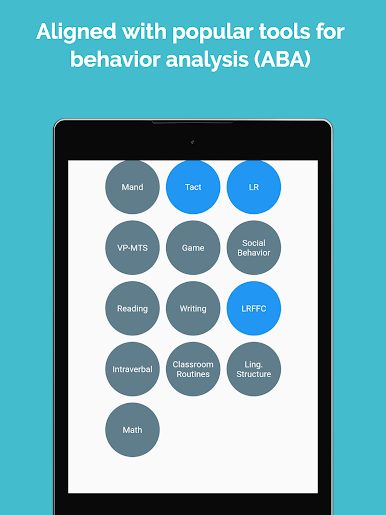
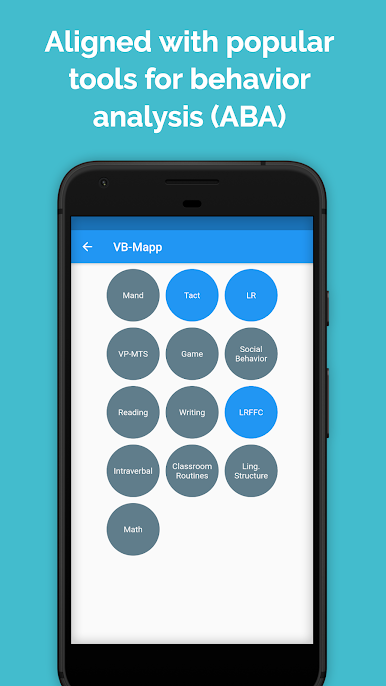
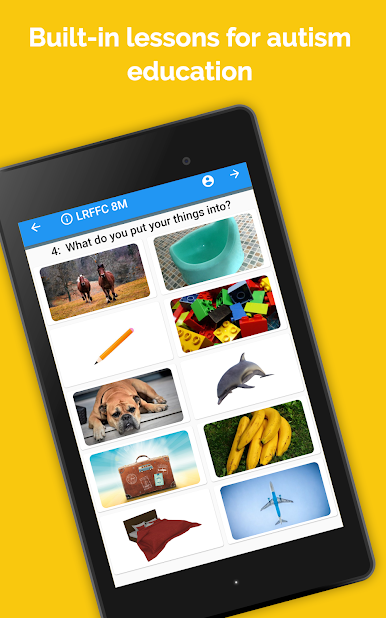
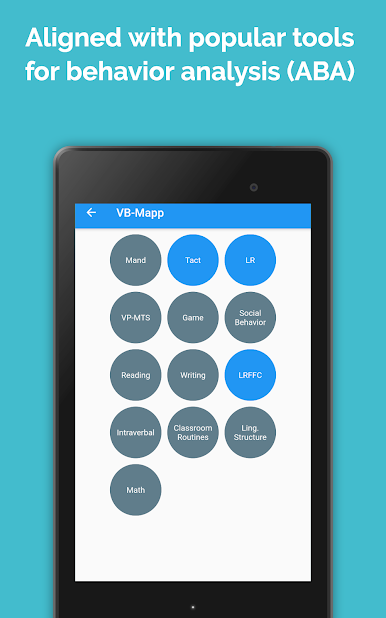
-VB-Mappプロトコルに基づく組み込みレッスン
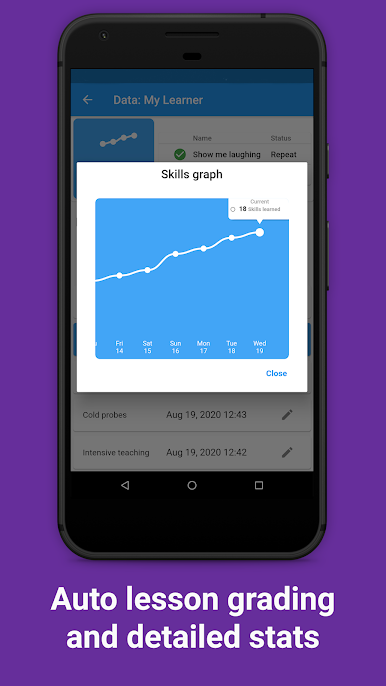
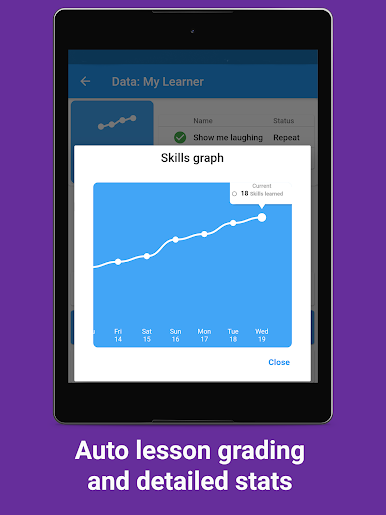
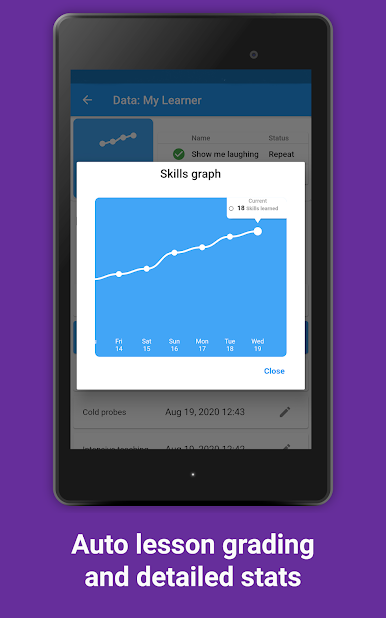
-自動採点とデータ収集
-複数の学生プロファイルをサポート
フィードバックや機能のリクエストはinfo@luden.ioまでお寄せください。
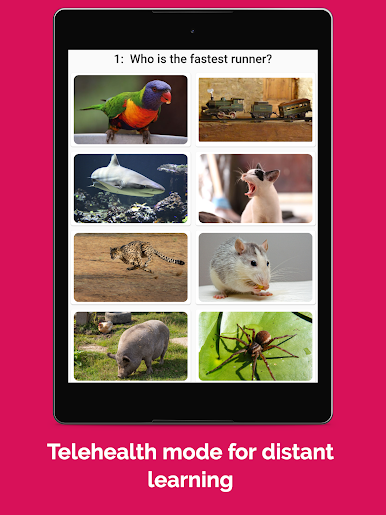
ABA Cards: Flashcards for AutiをPCでプレイ
-
BlueStacksをダウンロードしてPCにインストールします。
-
GoogleにサインインしてGoogle Play ストアにアクセスします。(こちらの操作は後で行っても問題ありません)
-
右上の検索バーにABA Cards: Flashcards for Autiを入力して検索します。
-
クリックして検索結果からABA Cards: Flashcards for Autiをインストールします。
-
Googleサインインを完了してABA Cards: Flashcards for Autiをインストールします。※手順2を飛ばしていた場合
-
ホーム画面にてABA Cards: Flashcards for Autiのアイコンをクリックしてアプリを起動します。

