


Lugg - Moving & Delivery
Play on PC with BlueStacks – the Android Gaming Platform, trusted by 500M+ gamers.

Page Modified on: Dec 7, 2025
Play Lugg - Moving & Delivery on PC
Why Lugg?
• User-friendly: Book a Lugg in minutes.
• Stress-free: Available within the hour.
• Fair Pricing: Get an upfront estimate. No surprises.
• Secure: Vetted Luggers, backed by a multi-million dollar insurance policy.
What can Lugg do?
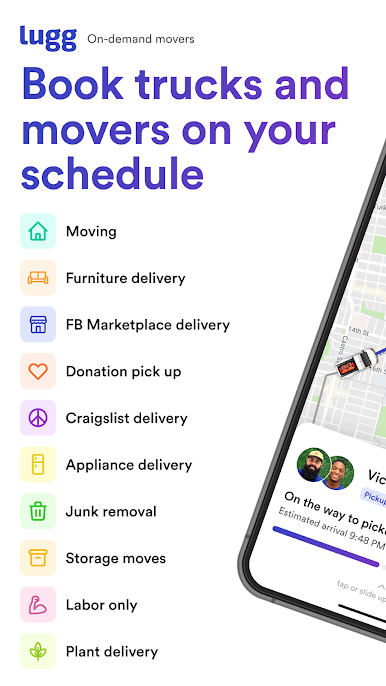
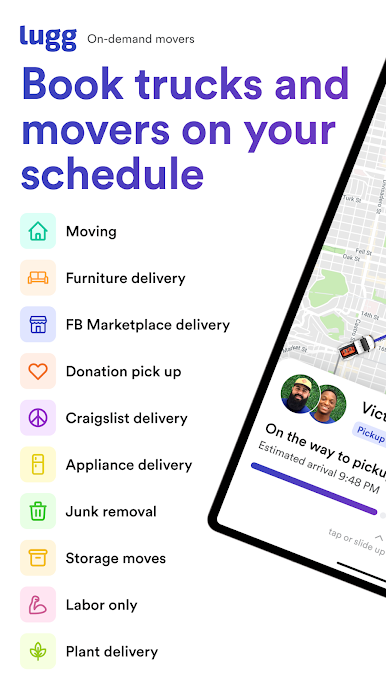
• Residential Moves: Relocation without the heavy lifting.
• Furniture Delivery: Get your new furniture delivered same day.
• Facebook Marketplace Pick-ups: Score deals without transportation worries.
• Storage Moves: Moving into storage pods or units without the sweat.
• Donation Drop-off: Dust-collecting items? Let us deliver them to charity.
• Junk Removal: Responsible removal and disposal.
• Small Business Moves: Swift assistance for office relocation.
• Labor assistance: Just the muscle for the heaviest lifts.
How it works: Anything moved in 3 easy steps.
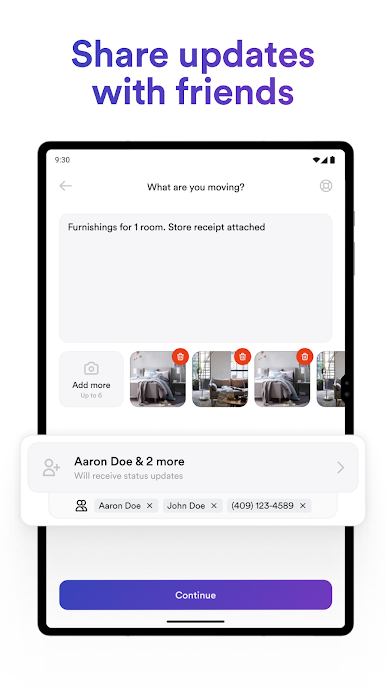
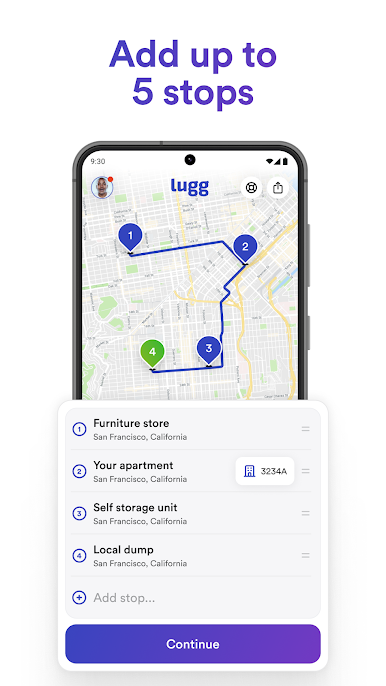
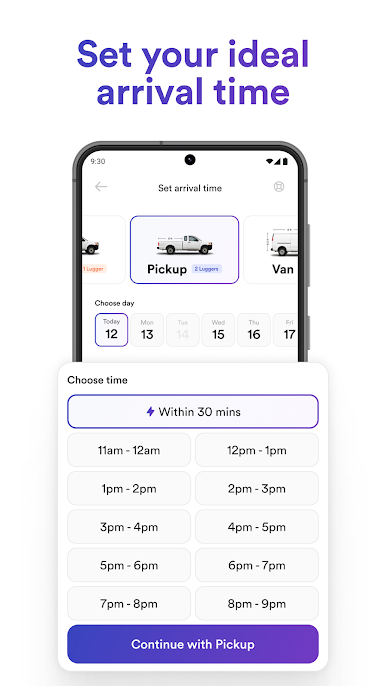
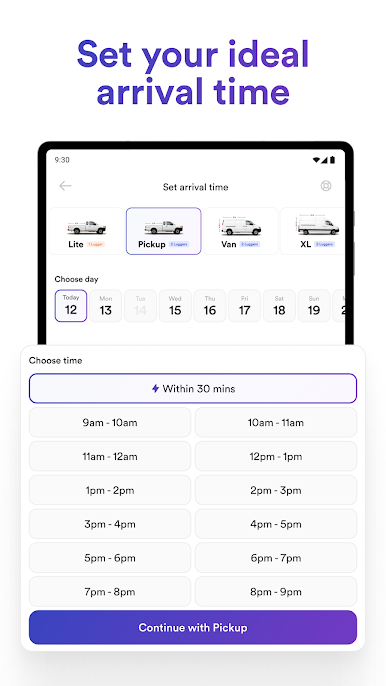
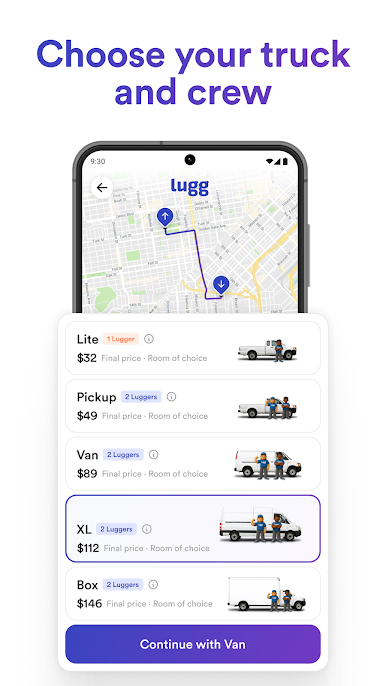
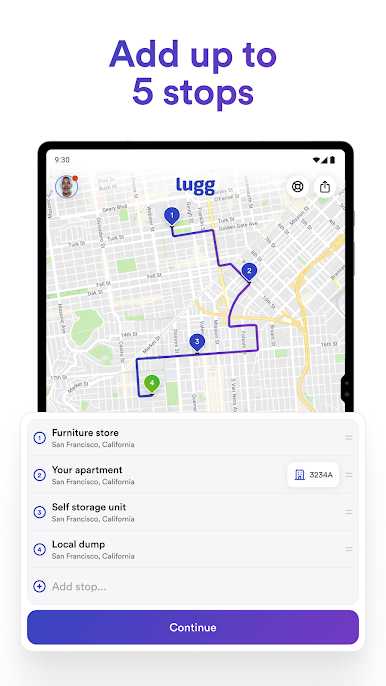
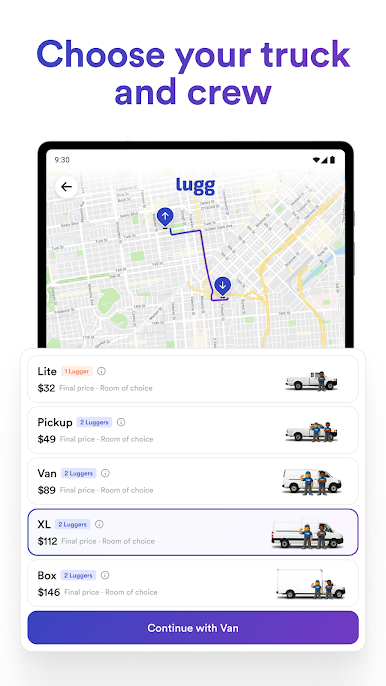
1. Book your Lugg: Set your pickup location and destination, select the vehicle that is right for you, and choose a time you would like us to arrive.
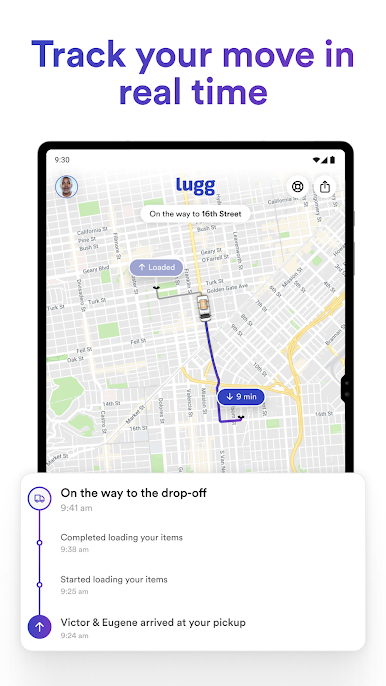
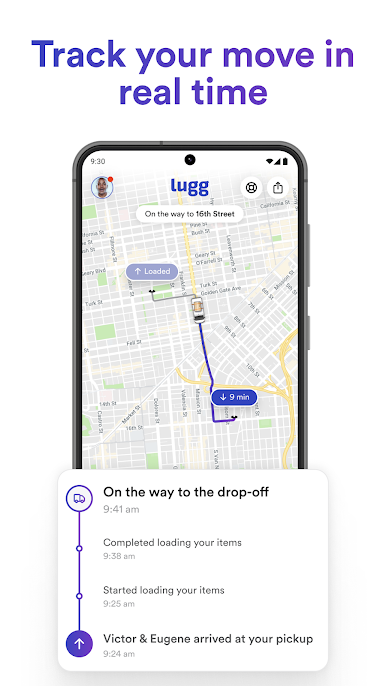
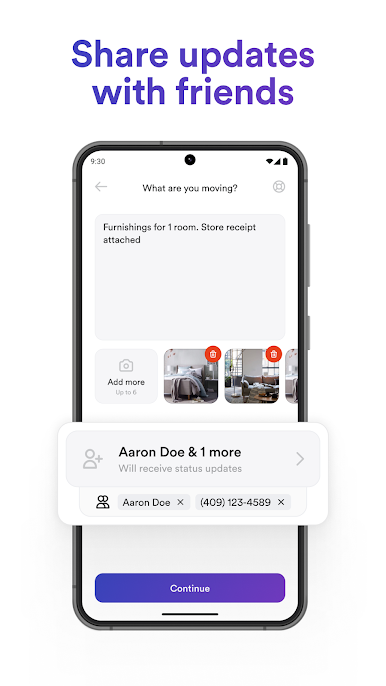
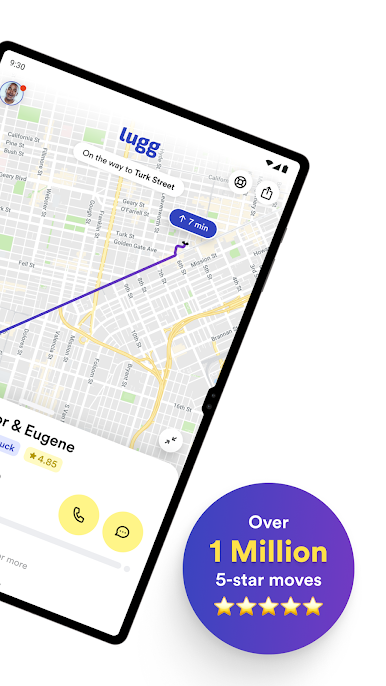
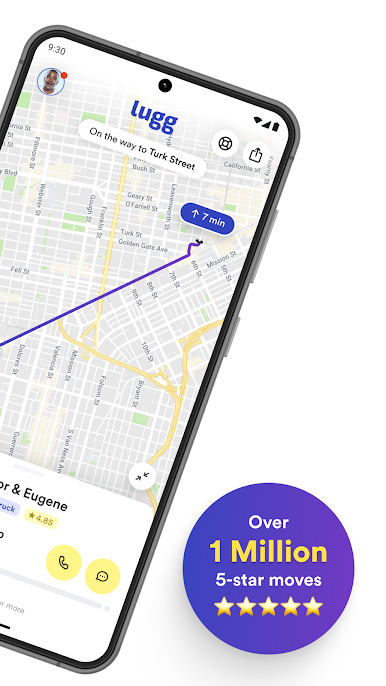
2. We'll take it from here: Your Luggers arrive to load your stuff and secure it safely. Track your crew in real time as they head from pickup to the destination.
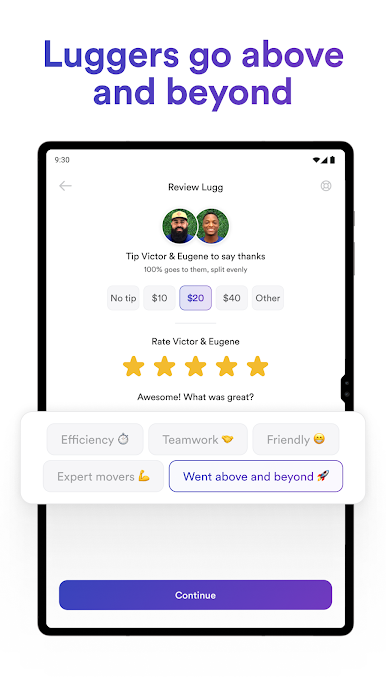
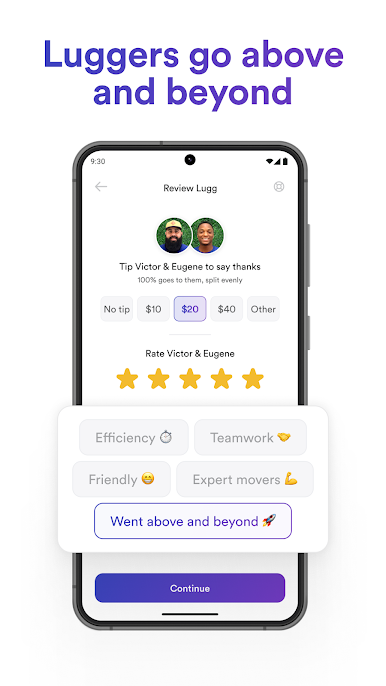
3. Rate & tip: We unload your items and place them right where you want them, no matter how many stairs or floors. Review your experience and have the option to tip your Luggers for a job well done.
Proudly serving over 7,500 zip codes including major cities like San Francisco, Los Angeles, Seattle, New York City, Boston, Miami, Chicago, Washington D.C., Phoenix, Atlanta, Dallas, Houston, Denver, Sacramento, Portland, Baltimore, Philadelphia, New Haven, and more.
Questions or comments? Email us at support@lugg.com.
Play Lugg - Moving & Delivery on PC. It’s easy to get started.
-
Download and install BlueStacks on your PC
-
Complete Google sign-in to access the Play Store, or do it later
-
Look for Lugg - Moving & Delivery in the search bar at the top right corner
-
Click to install Lugg - Moving & Delivery from the search results
-
Complete Google sign-in (if you skipped step 2) to install Lugg - Moving & Delivery
-
Click the Lugg - Moving & Delivery icon on the home screen to start playing

