


High Style Launcher 2024
Play on PC with BlueStacks – the Android Gaming Platform, trusted by 500M+ gamers.

Page Modified on: Sep 2, 2025
Play High Style Launcher 2024 on PC
Features:
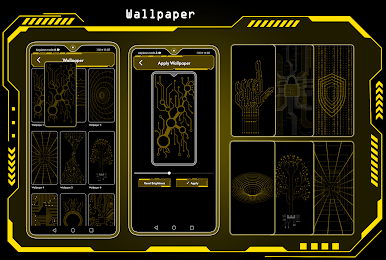
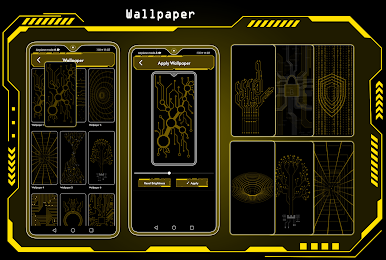
🌄 Dynamic Wallpapers:
Dive into the world of dynamic hi-tech wallpapers that adapt to your chosen theme. Adjust color transparency to your preference and even use images from your personal gallery to personalize your home screen.
⏰ Widget:
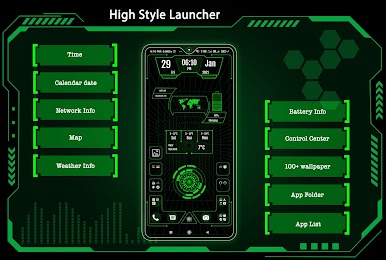
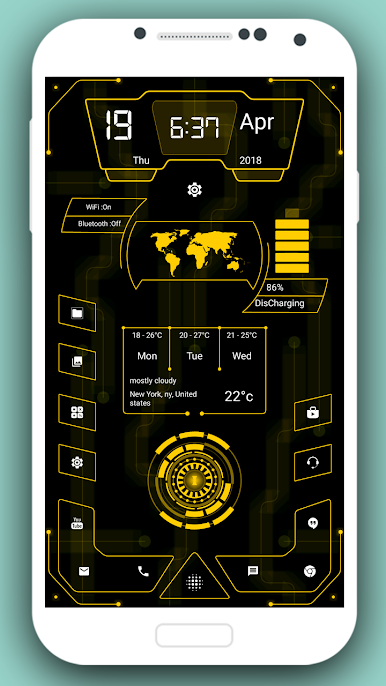
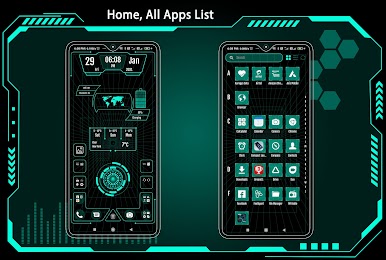
Explore a comprehensive collection of widgets, including Clock, Weather, Memory Analyzer, Music Player, Calendar, Map, and Battery Widgets. All the essential information is right at your fingertips.
🔒 AppLock:
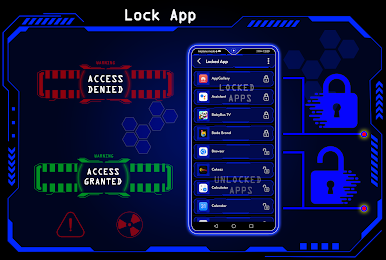
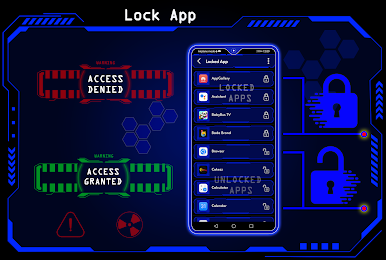
Secure your apps with ease using our built-in AppLock feature. No need for additional apps - for App lock feature.
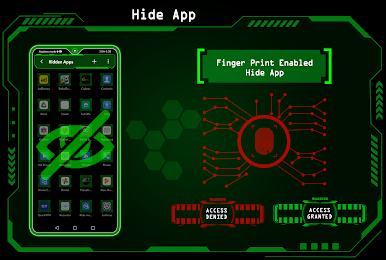
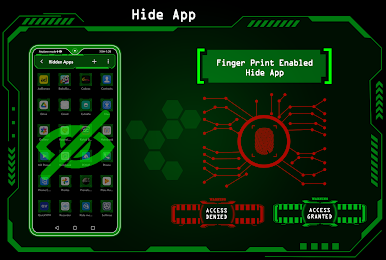
🙈 HideApps:
Keep your sensitive apps discreet with our fingerprint hide app feature. Effortlessly conceal apps from your main app list for enhanced privacy.
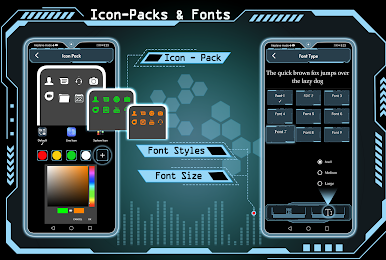
🎨 Icon Pack Delight:
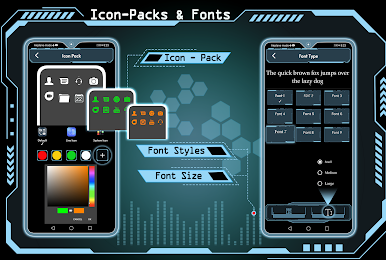
Indulge in our Icon Pack features, including an exclusive white icon pack that adapts to your chosen color. Plus, enjoy compatibility with third-party icon packs for even more personalization.
🎨 Theme Color Selection:
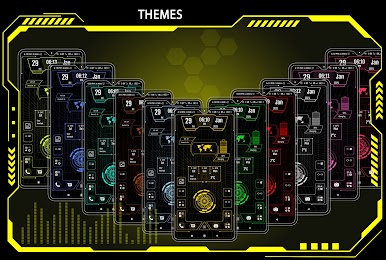
Immerse yourself in a world of color with millions of theme color options. Watch as your entire launcher transforms to exude a futuristic hitech vibe.
⌨️ Futuristic Keyboard:
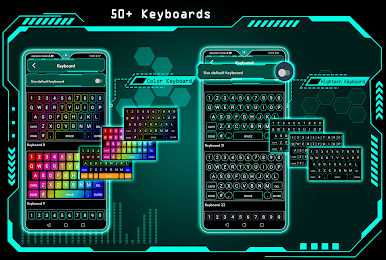
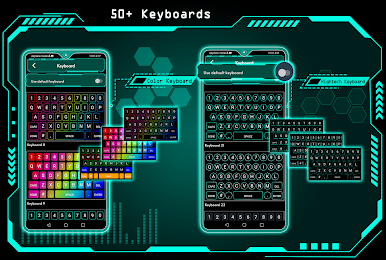
Choose from over 50 hi-tech keyboards that offer a futuristic typing experience within the launcher.
✋ Gesture Controls:
Master your device's navigation with intuitive gestures. Swipe, tap, and double-tap to execute various operations effortlessly.
📂 Organize with Folders:
Effortlessly manage your apps using our intuitive folder feature. Convert icons into folders and vice versa by simply long-pressing on them.
🎨 Personalize Your Device:
Transform your device by personalizing it to the fullest. Long-press to modify apps and create a truly tailored experience.
Download High Style Launcher 2024 today and experience the future of Android launchers!

Play High Style Launcher 2024 on PC. It’s easy to get started.
-
Download and install BlueStacks on your PC
-
Complete Google sign-in to access the Play Store, or do it later
-
Look for High Style Launcher 2024 in the search bar at the top right corner
-
Click to install High Style Launcher 2024 from the search results
-
Complete Google sign-in (if you skipped step 2) to install High Style Launcher 2024
-
Click the High Style Launcher 2024 icon on the home screen to start playing

