

Floating Apps (multitasking)
Spiele auf dem PC mit BlueStacks - der Android-Gaming-Plattform, der über 500 Millionen Spieler vertrauen.

Seite geändert am: Aug 18, 2025
Run Floating Apps (multitasking) on PC or Mac
Get freedom from your phone’s obvious limitations. Use Floating Apps (multitasking), made by LWi s.r.o., a Productivity app on your PC or Mac with BlueStacks, and level up your experience.
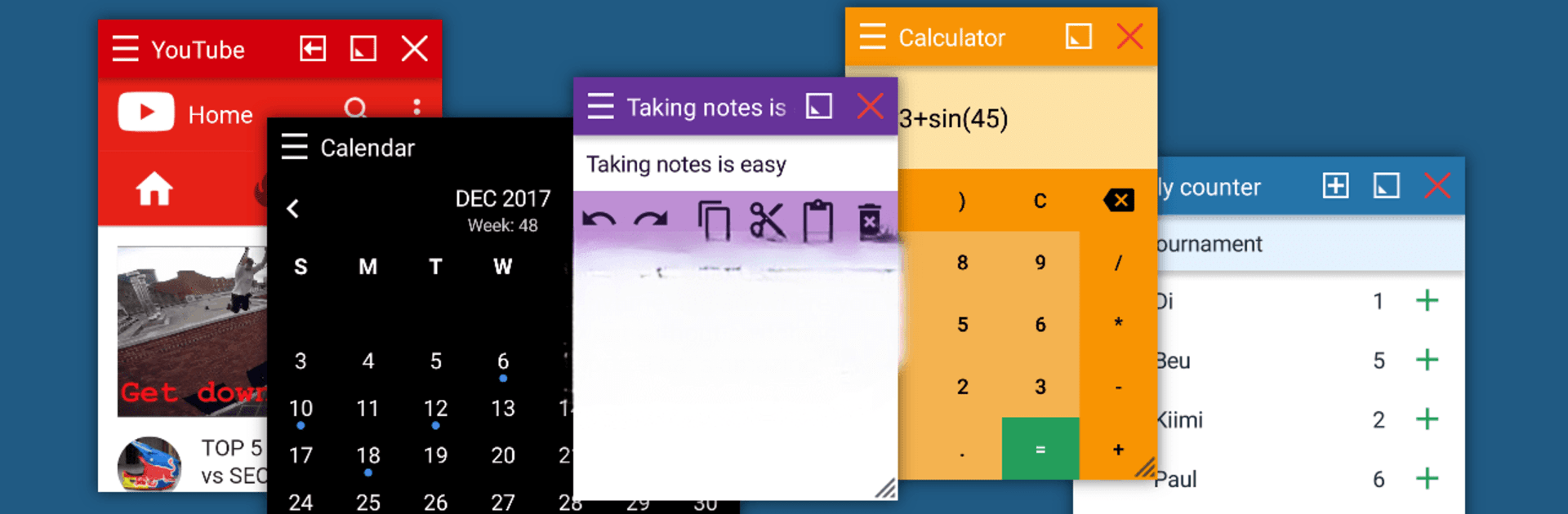
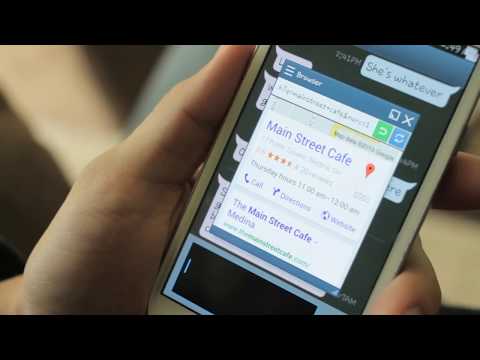
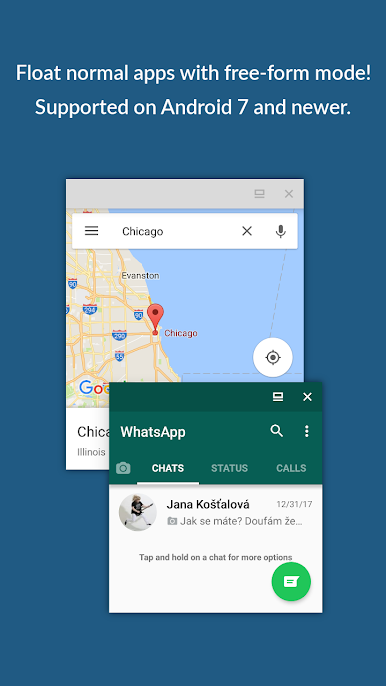
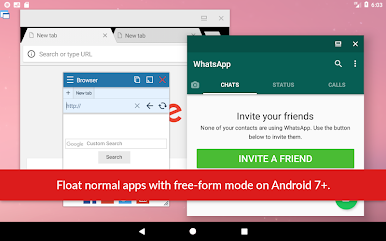
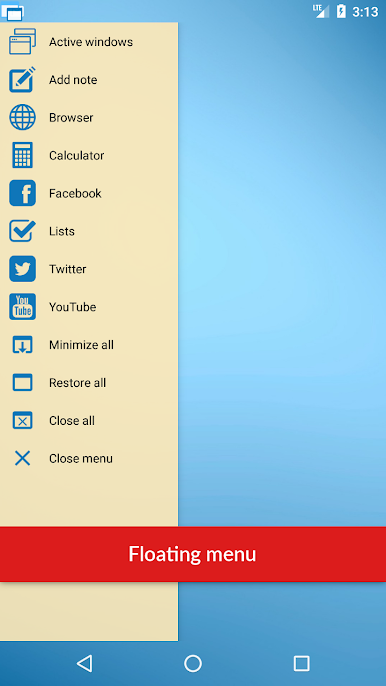
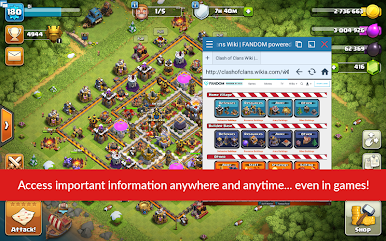
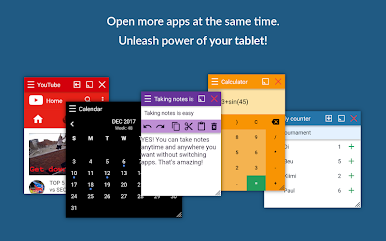
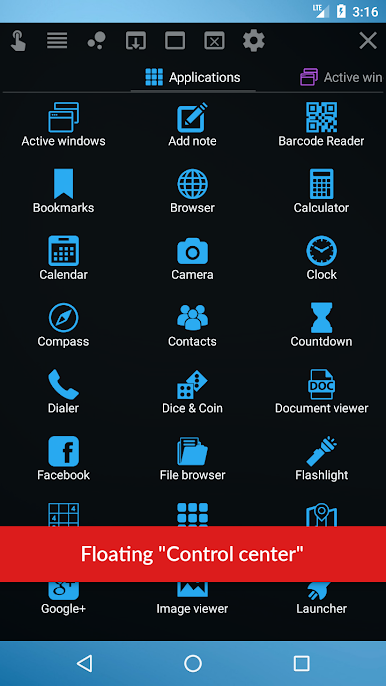
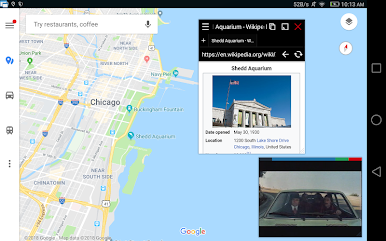
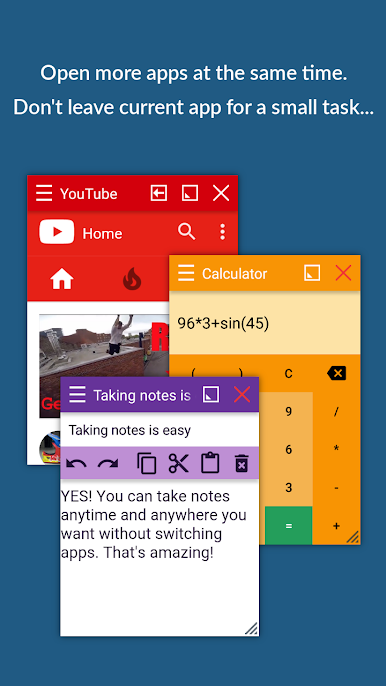
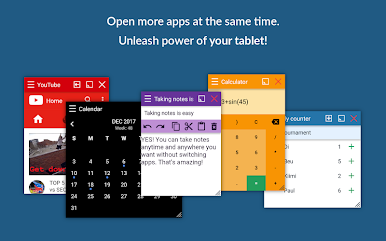
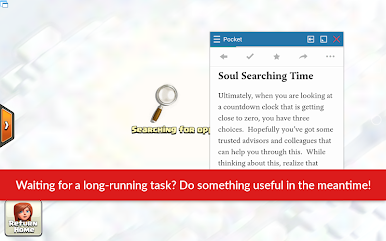
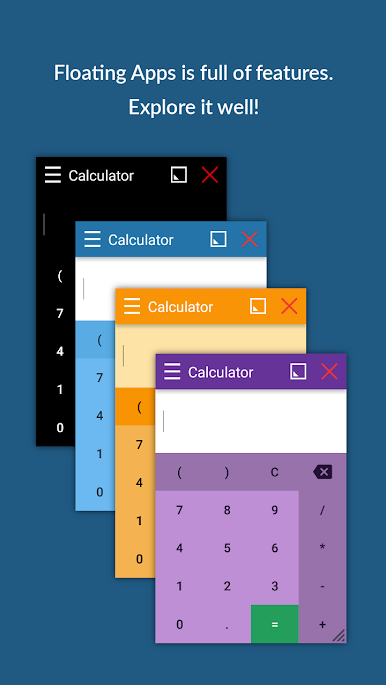
Floating Apps is one of those tools that makes multitasking on Android feel a lot more like using a real computer. Imagine being able to open all those little things—like a calculator, note pad, browser, or even a tiny calendar—on top of whatever else you’re doing, without ever leaving your main app. It’s almost like having mini-phone or PC windows that you can move around wherever you want, right on your screen. What stands out is just how many floating apps it comes with out of the box. It goes way beyond a calculator or notes app; it’s got a full collection—PDF reader, file manager, Facebook, music player, even maps, and a bunch more. People who always have a million things to juggle will especially notice how easy it is to compare files side-by-side or jot something down during a chat.
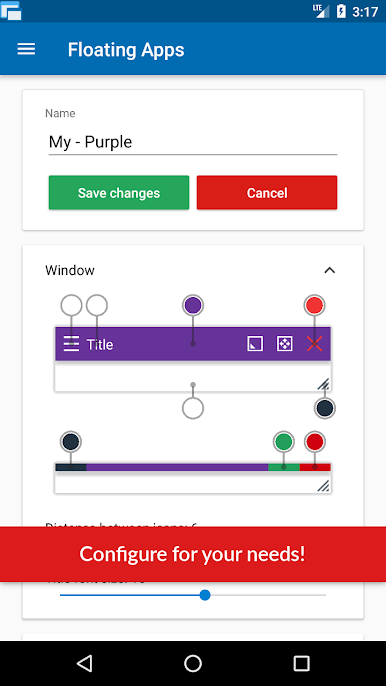
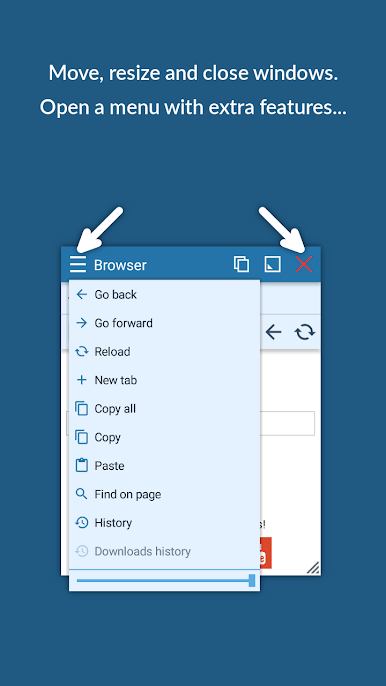
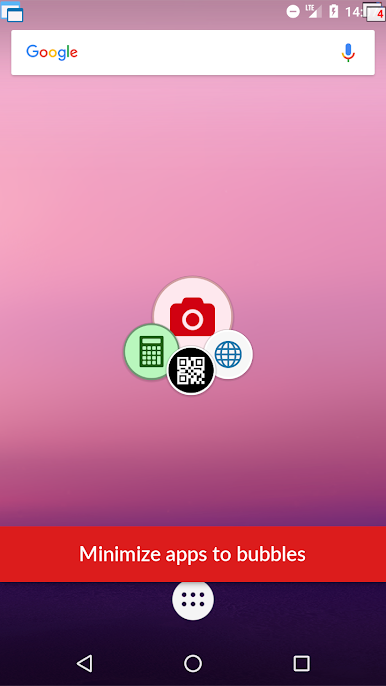
On PC, especially if you’re running it with BlueStacks, the feeling is extra smooth, sort of bridging the gap between the typical phone experience and how folks work on a laptop or desktop. It’s super easy to move and resize these floating windows. They stay on top of whatever you’re doing, so checking stuff or cross-referencing between apps doesn’t turn into a tap-fest. There’s also this little quick launch icon that sits wherever you want it, which just makes launching apps faster than hunting through menus. One low-key feature is turning homescreen widgets or even web links into their own floating apps, so if there’s something specific you need, you can set it up yourself without much hassle. It’s not just about cramming a bunch of stuff on the screen—it’s more about picking the tools you actually want right at your fingertips, in whatever layout makes sense for you.
Big screen. Bigger performance. Use BlueStacks on your PC or Mac to run your favorite apps.
Spiele Floating Apps (multitasking) auf dem PC. Der Einstieg ist einfach.
-
Lade BlueStacks herunter und installiere es auf deinem PC
-
Schließe die Google-Anmeldung ab, um auf den Play Store zuzugreifen, oder mache es später
-
Suche in der Suchleiste oben rechts nach Floating Apps (multitasking)
-
Klicke hier, um Floating Apps (multitasking) aus den Suchergebnissen zu installieren
-
Schließe die Google-Anmeldung ab (wenn du Schritt 2 übersprungen hast), um Floating Apps (multitasking) zu installieren.
-
Klicke auf dem Startbildschirm auf das Floating Apps (multitasking) Symbol, um mit dem Spielen zu beginnen

