


Kalendarz pracy zmianowej
Graj na PC z BlueStacks – Platforma gamingowa Android, która uzyskała zaufanie ponad 500 milionów graczy!

Strona zmodyfikowana w dniu: Dec 11, 2025
Play Shift Work Calendar on PC
Fed up of trying to work out what shift you will be working when asked about a future date?
Wouldn't it be nice to have an App close at hand to tell you!
Shift Work Calendar can be used to plan and organise your life around your work commitments.
Keep track of your life with this Shift Work Calendar, designed to make planning easier for people who work shifts.
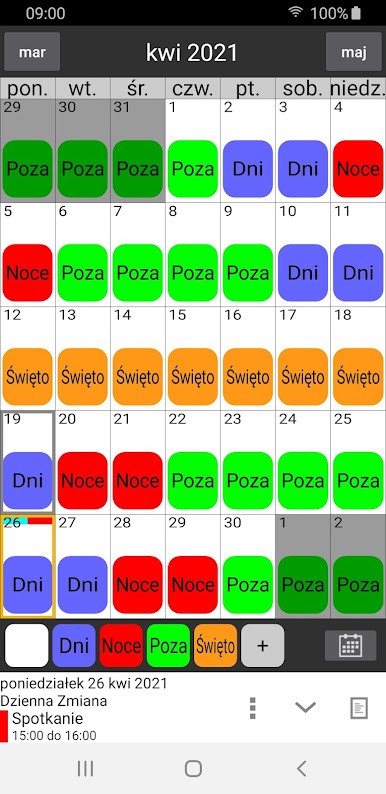
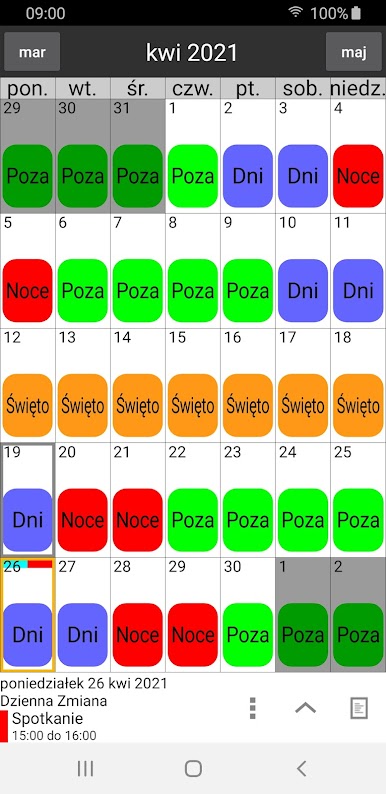
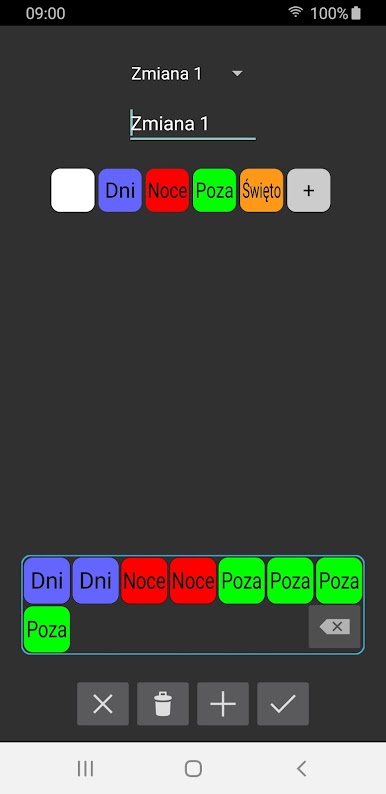
Shift Work Calendar allows you to easily build different shift patterns by choosing your own colours and names which can be speedily added to the calendar and visible at a quick glance.
Features:
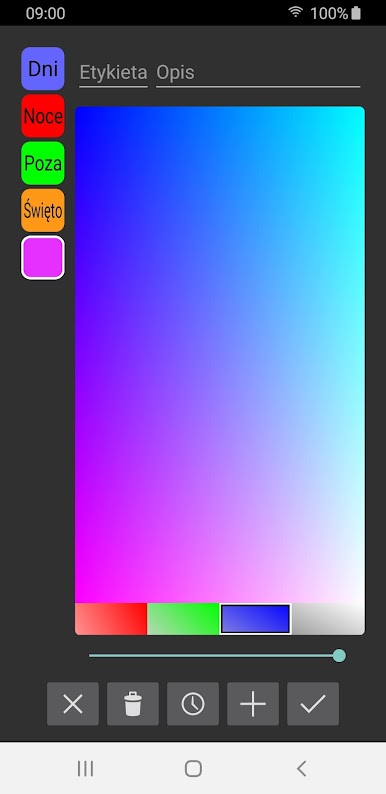
Custom labels can be created with unique colours and names.
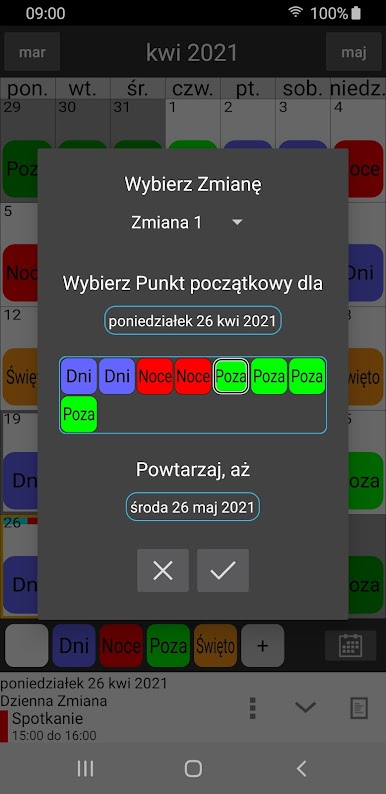
Custom shift patterns can be created.
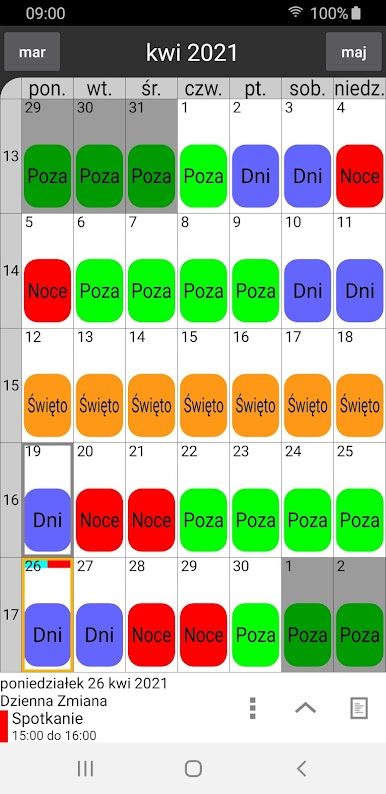
Shift patterns can be quickly added to the calendar automatically repeating for years if required.
Pay days can be quickly added to the calendar.
Calendar Colours can be changed for a personalised appearance.
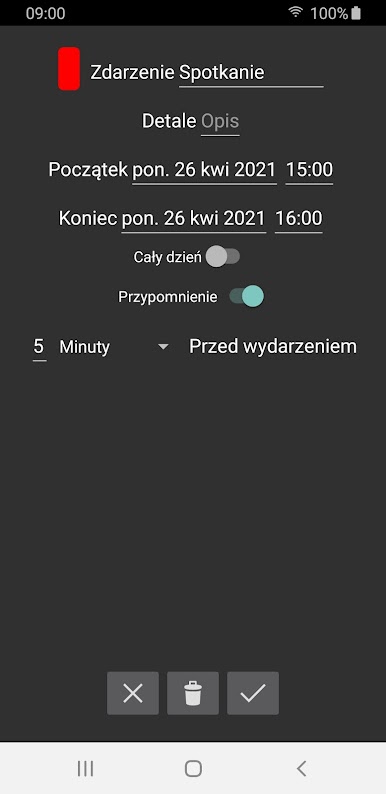
Events can be added to the calendar to show appointments, meetings etc.
Events can have a notification / alarm reminder.
Calendars can be stored in the cloud for easy transfer between your devices.
Calendars can be shared with friends / family / colleagues using cloud share.
Multiple calendars can be stored.
A lock option can be enabled to stop accidental changes of the calendar.
Undo button allows mistakes to be rectified when adding labels to the calendar.
Search device option to easily import calendar files.
Pro Features:
Remove adverts.
Compare 2 calendars at the same time and find matching days.
Times can be added to labels to calculate hours worked.
Hours can be adjusted by date to calculate extra / lower hours.
Alarms based on shift pattern.
Send Shift Pattern by email.
Home screen Widget.
Email support@shifts.tech for support. Feedback and suggestions are most welcome.

Zagraj w Kalendarz pracy zmianowej na PC. To takie proste.
-
Pobierz i zainstaluj BlueStacks na PC
-
Zakończ pomyślnie ustawienie Google, aby otrzymać dostęp do sklepu Play, albo zrób to później.
-
Wyszukaj Kalendarz pracy zmianowej w pasku wyszukiwania w prawym górnym rogu.
-
Kliknij, aby zainstalować Kalendarz pracy zmianowej z wyników wyszukiwania
-
Ukończ pomyślnie rejestrację Google (jeśli krok 2 został pominięty) aby zainstalować Kalendarz pracy zmianowej
-
Klinij w ikonę Kalendarz pracy zmianowej na ekranie startowym, aby zacząć grę

